Best Cin7 Alternatives in 2026: 8 Inventory Tools Compared

- NetSuite suits growing companies that want inventory inside a full ERP system.
- Katana and inFlow suit small manufacturers and product businesses that want clear stock and production control.
- Zoho Inventory and Odoo suit budget-conscious teams that want broad features at approachable prices.
- Unleashed and Fishbowl suit established product companies with complex inventory and warehouse needs.
- Linnworks suits multichannel sellers who list on many marketplaces at once.
Quick comparison
| Product | Ideal for | Price from | Free version | |
|---|---|---|---|---|
 NetSuite | Inventory inside ERP | See website | Free trial | Visit |
 Katana | Small manufacturers | See website | See website | Visit |
 inFlow | Small product businesses | See website | See website | Visit |
 Zoho Inventory | Budget-friendly stock control | See website | Yes | Visit |
 Odoo | Modular business apps | See website | Yes | Visit |
 Unleashed | Complex inventory needs | See website | Free trial | Visit |
 Linnworks | Multichannel sellers | See website | See website | Visit |
 Fishbowl | Warehouse inventory | See website | See website | Visit |
The best Cin7 alternatives
Cin7 combines inventory, order, and warehouse management for product-based businesses. The platforms below cover similar ground, and they differ in size, scope, and price. Some are full ERP systems, some focus on manufacturing, and some focus on multichannel selling. The right pick depends on how you sell, how you make or source products, and how large your team is.
NetSuite
Ideal for: Inventory inside ERP
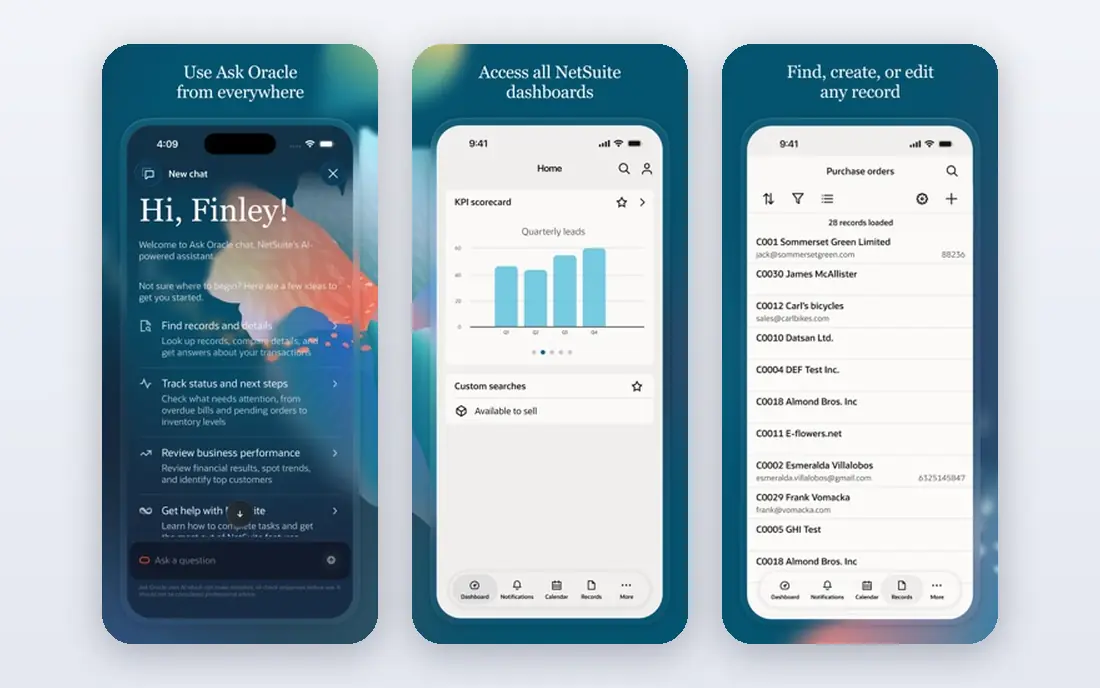
NetSuite, from Oracle, puts inventory management inside a full ERP, so stock, orders, finance, and customer records share one system. That unity helps growing companies that have outgrown separate tools, since reordering, fulfillment, and accounting stay in sync. Reporting covers margins, turnover, and demand across locations.
Implementation takes time and money, and the platform is more than small teams need. For companies planning serious growth, NetSuite is the most complete pick here.
- Inventory plus finance, orders, and CRM in one system
- Strong reporting
- Scales well
- Enterprise pricing and implementation
- Complexity for small teams
Katana
Ideal for: Small manufacturers
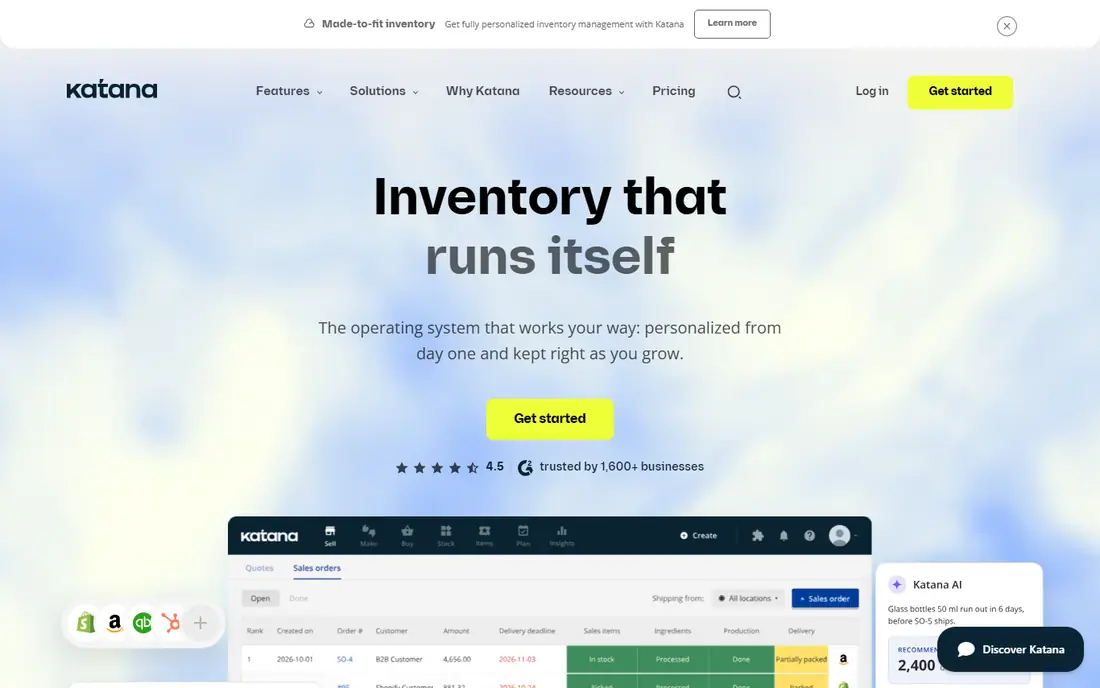
Katana is built for small manufacturers that make products from raw materials. It shows raw stock, work in progress, and finished goods in one view, and production planning links sales orders to material needs. Integrations with Shopify, WooCommerce, and accounting tools cover the sales side.
Pure retailers may find manufacturing features unnecessary, and advanced planning sits on higher plans. For makers who need to see what they can build and what materials they lack, Katana is a strong pick.
- Clear manufacturing and stock views
- Easy production planning
- Good integrations
- Less depth for pure retail
- Advanced features need higher plans
inFlow
Ideal for: Small product businesses
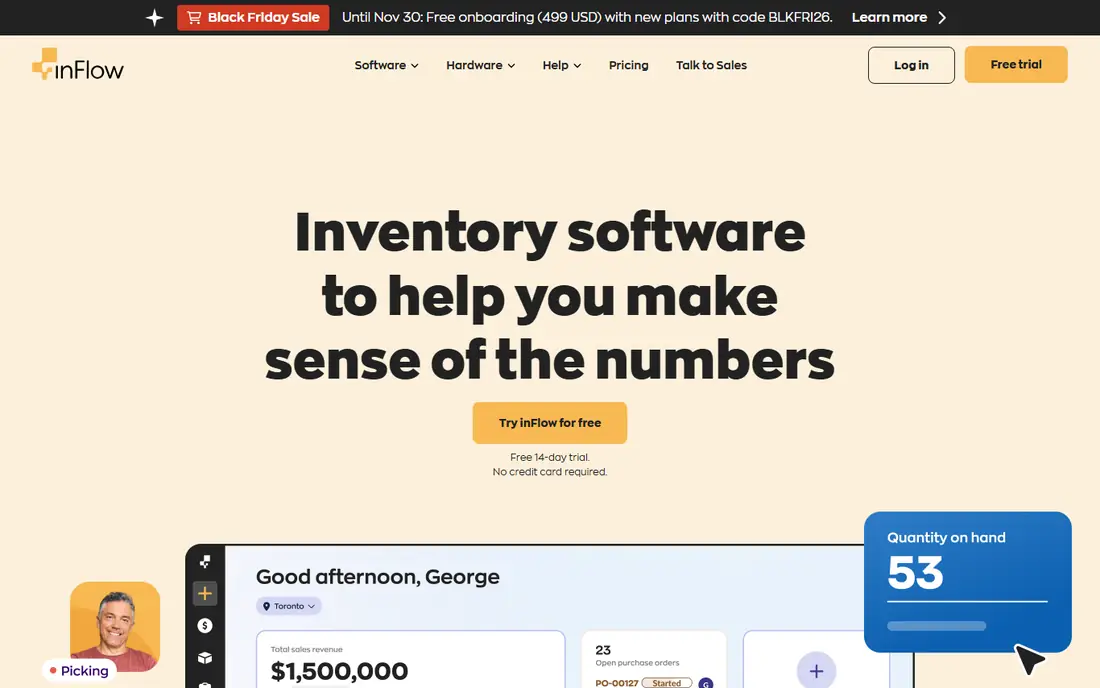
inFlow suits small product businesses that want inventory, orders, and purchasing without ERP complexity. Barcode scanning, stock alerts, and simple assembly tools cover daily operations, and the interface is easy for small teams to learn. Pricing is approachable for startups.
Larger warehouses and complex manufacturing need more depth than inFlow offers. For small businesses moving off spreadsheets, inFlow is a practical first system.
- Simple inventory and order tools
- Barcode support
- Approachable pricing
- Less depth for large warehouses
- Fewer advanced manufacturing features
Zoho Inventory
Ideal for: Budget-friendly stock control
Zoho Inventory offers order management, stock tracking, and warehouse features at prices that suit small and mid-size businesses. It works well inside the Zoho ecosystem, sharing customers and items with Zoho Books, CRM, and Commerce. Multi-warehouse support and shipping integrations cover common selling needs.
Support response varies, and the most advanced features need higher plans. For teams already using Zoho apps, or for budget-conscious sellers, Zoho Inventory is good value.
- Good value
- Order and warehouse features
- Integrates with Zoho apps
- Support response varies
- Advanced features need higher plans
Odoo
Ideal for: Modular business apps
Odoo is a suite of business apps where inventory is one module among many, including sales, purchasing, manufacturing, and accounting. Teams can start with inventory and add modules as they grow, and an open-source edition suits teams with technical help. The modular design keeps costs tied to what you actually use.
Setup and customization take effort, and module quality varies. For teams that want one flexible system they can shape over time, Odoo is a strong option.
- Modular apps from inventory to accounting
- Open-source option
- Flexible
- Setup and customization take effort
- Quality varies by module
Unleashed
Ideal for: Complex inventory needs
Unleashed focuses on inventory accuracy for product companies, with batch and serial tracking, landed cost handling, and multi-warehouse support. Integrations with Xero, QuickBooks, and major sales channels keep stock, orders, and accounts aligned. The system suits businesses where exact stock numbers matter, such as food, supplements, and parts.
Pricing is subscription-based, and parts of the interface feel dated. For established product companies that need precise stock control, Unleashed is a reliable pick.
- Strong inventory accuracy
- Batch and serial tracking
- Good accounting links
- Subscription pricing
- Interface feels dated in places
Linnworks
Ideal for: Multichannel sellers
Linnworks centralizes stock and orders for sellers listing on Amazon, eBay, Shopify, and other channels, so a sale on one channel updates stock everywhere. Order automation rules route orders to warehouses and shipping services, which cuts manual work for high-volume sellers. Reporting shows channel performance side by side.
The learning curve is real, and pricing scales with order volume. For multichannel sellers whose main problem is keeping stock accurate everywhere, Linnworks is a strong fit.
- Central stock across marketplaces
- Order automation
- Shipping integrations
- Learning curve
- Pricing scales with order volume
Fishbowl
Ideal for: Warehouse inventory
Fishbowl offers deep warehouse and manufacturing inventory features, including barcoding, cycle counts, and work orders, with a long-standing QuickBooks integration. It suits product companies with real warehouse operations that need control over bins, lots, and assemblies. The feature set is broad for its price band.
Desktop roots show in parts of the interface, and implementation takes time. For warehouse-centered businesses, especially QuickBooks users, Fishbowl is a proven choice.
- Deep warehouse features
- Manufacturing support
- QuickBooks integration
- Desktop roots show in the interface
- Implementation takes time
How we picked these
We compared official feature pages, pricing, integrations, and public reviews for each platform, and we checked that each product is actively offered in October 2026. We favored tools with real inventory depth, not simple stock lists, and we kept a mix of ERP systems, manufacturing tools, and multichannel platforms. We left out point-of-sale-only tools and tools that have shut down.
How to choose an inventory platform
Inventory mistakes cost money in stockouts and overstock, so test with your real products and channels.
Match the tool to how you sell
A maker needs production and material tracking, a multichannel seller needs channel stock sync, and a wholesaler needs batch tracking and pricing tiers. List your top five daily workflows and test each one in the trial, since a tool that looks complete can still miss your most common task.
Check integrations before data migration
Confirm that the platform connects to your sales channels, accounting software, and shipping carriers, and that stock syncs in both directions. A missing integration means manual updates, which is where errors creep in. Test a full order cycle, from sale to shipment to invoice, during the trial.
Plan the stock count and import
A new system is only as good as its starting data, so plan a physical stock count before migration and clean up duplicate items and old SKUs. Check how the tool handles opening stock, landed costs, and historical orders, since those details decide whether reports are trustworthy from day one.
SKU setup is the foundation of any inventory platform, and it pays to get it right before importing data. Define variants for size, color, and pack quantity as separate SKUs, and keep naming consistent across channels so reports match. Barcode rules deserve the same care, since duplicate or missing barcodes cause receiving errors that take weeks to untangle. Test the import with a small batch first, fix the mapping issues, and only then load the full catalog.
Multi-location stock adds a second layer of decisions. Decide which warehouse fulfills each channel by default, and set reorder points per location rather than one global number. Transfer workflows should record who moved stock and when, since untracked transfers create phantom shortages. Cycle counts, done on a rolling schedule, catch drift before it becomes a stockout. A platform that handles transfers cleanly saves more time than one with a longer feature list but clumsy stock moves.
Order routing and backorders test a platform under pressure. When stock runs low, the system should split orders, backorder the missing lines, and tell the customer promptly rather than holding the whole order silent. Partial shipment rules, pick lists, and packing slips should match how your warehouse actually works, not how a demo assumes it works. Returns need the same attention, with restock rules that put saleable items back into available stock without manual edits.
Accounting integration closes the loop. Sales, purchase orders, and stock adjustments should flow into the ledger without retyping, and tax rules should follow the channel and destination. Reports worth checking before purchase include stock valuation, sell-through by channel, and supplier lead time variance. Ask how historical data imports work and what happens to closed periods, since a clean cutover matters more than a fast one. A short trial with real orders reveals integration gaps that feature pages hide.
Frequently asked questions
What is Cin7?
Cin7 is an inventory, order, and warehouse management platform for product-based businesses. The tools here offer similar inventory control with different emphasis on manufacturing, ERP breadth, and multichannel selling.
Which Cin7 alternative is best for small businesses?
inFlow, Katana, and Zoho Inventory suit small businesses, since they offer clear stock control at approachable prices. Odoo also fits small teams that want to start with inventory and add modules later.
Which alternative is best for manufacturers?
Katana suits small manufacturers, while Fishbowl and Unleashed suit established manufacturers with warehouse operations. NetSuite suits larger manufacturers that want inventory inside a full ERP.
Do these tools integrate with Shopify and Amazon?
Most of them do, with Linnworks offering the deepest multichannel coverage. Check the integrations page for your exact channels, since depth varies, and test stock sync during the trial.
Can I migrate my inventory data from Cin7?
Yes, in most cases, through CSV imports or migration help from the vendor. Plan a stock count first, clean duplicate SKUs, and test the import with a small batch before moving everything.