Best Cinema HD Alternatives in 2026: 7 Legal Apps Compared

- Tubi and Pluto TV are our picks for free legal streaming, with large libraries of movies and shows at no monthly cost.
- Peacock and The Roku Channel suit viewers who want a mix of free content and affordable premium options.
- Netflix, Hulu, and Prime Video remain the strongest paid picks for originals, new releases, and broad libraries.
- This list covers only legal streaming services, so every option here pays creators and works on supported devices.
- Check device support and your internet plan before subscribing, since 4K streaming uses far more data than standard video.
Quick comparison
| Product | Ideal for | Price from | Free version | |
|---|---|---|---|---|
 Tubi | Free movies and TV | Free | Yes | Visit |
 Pluto TV | Free live channels and movies | Free | Yes | Visit |
 Peacock | Affordable NBCUniversal streaming | See website | Free trial | Visit |
 Netflix | Originals and broad library | See website | No | Visit |
 Hulu | TV shows and originals | See website | Free trial | Visit |
 Prime Video | Movies plus membership perks | See website | Free trial | Visit |
 The Roku Channel | Free and premium on Roku | Free | Yes | Visit |
The best Cinema HD alternatives
Cinema HD was known as an unofficial app for movies and shows, but unofficial apps carry legal, security, and reliability risks, and many stop working without warning. The options below are legal streaming services with real libraries, supported apps, and customer support. We compared official feature pages, app store listings, and public reviews, focusing on libraries, price, ads, device support, and value.
Tubi
Ideal for: Free movies and TV
Tubi is the best free starting point for former Cinema HD users. It offers a large library of movies and TV shows across genres, with no subscription and no credit card required. Apps cover phones, tablets, smart TVs, and streaming boxes, so most viewers can start watching in minutes.
The trade-off is ads and timing. Tubi is ad-supported, so movies include breaks, and the newest releases usually appear on paid services first. If you want a legal, free, and reliable way to watch a lot of content, Tubi is hard to beat.
- Large free library
- No subscription needed
- Works on most devices
- Ad-supported viewing
- Newest releases arrive later than paid services
Pluto TV
Ideal for: Free live channels and movies
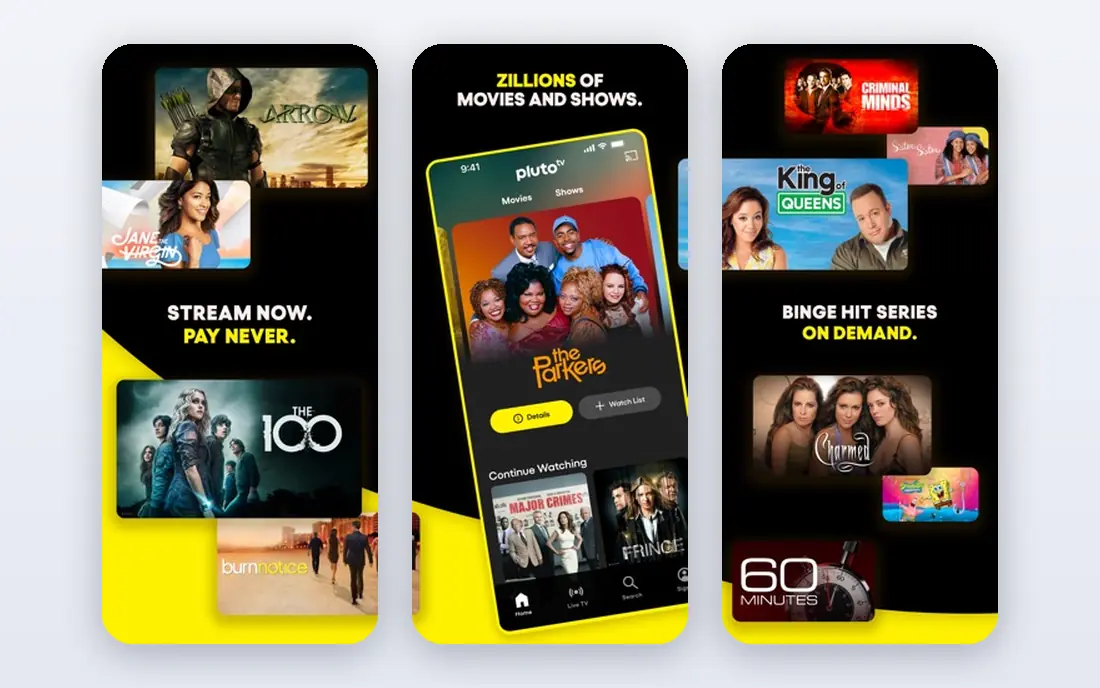
Pluto TV mixes live TV channels with on-demand movies and shows, all free. Viewers who miss channel surfing will enjoy themed channels for movies, news, sports, and classic TV, while on-demand sections cover films and series for planned watching. No account is needed to start, and apps cover most major devices.
Like Tubi, Pluto TV is ad-supported, and live channels follow a schedule rather than full on-demand control. For free, legal viewing with a TV-like feel, Pluto TV is an excellent companion to Tubi.
- Free live TV channels plus on-demand movies
- No account needed to start
- Broad device support
- Ad-supported
- Channel surfing replaces full on-demand control for live content
Peacock
Ideal for: Affordable NBCUniversal streaming
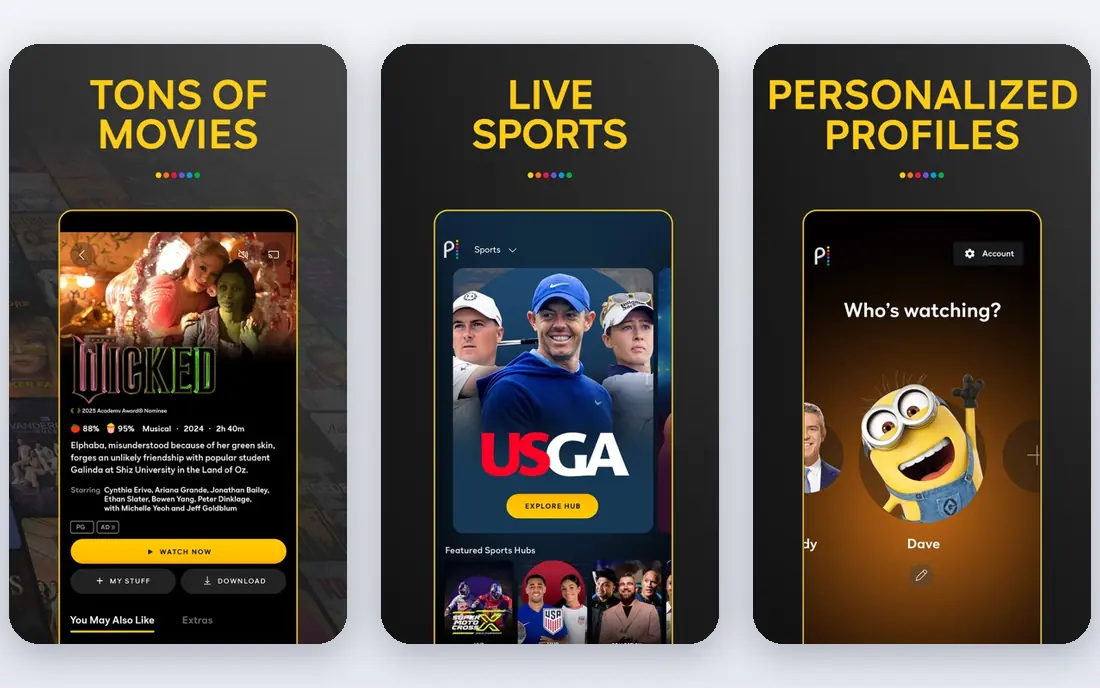
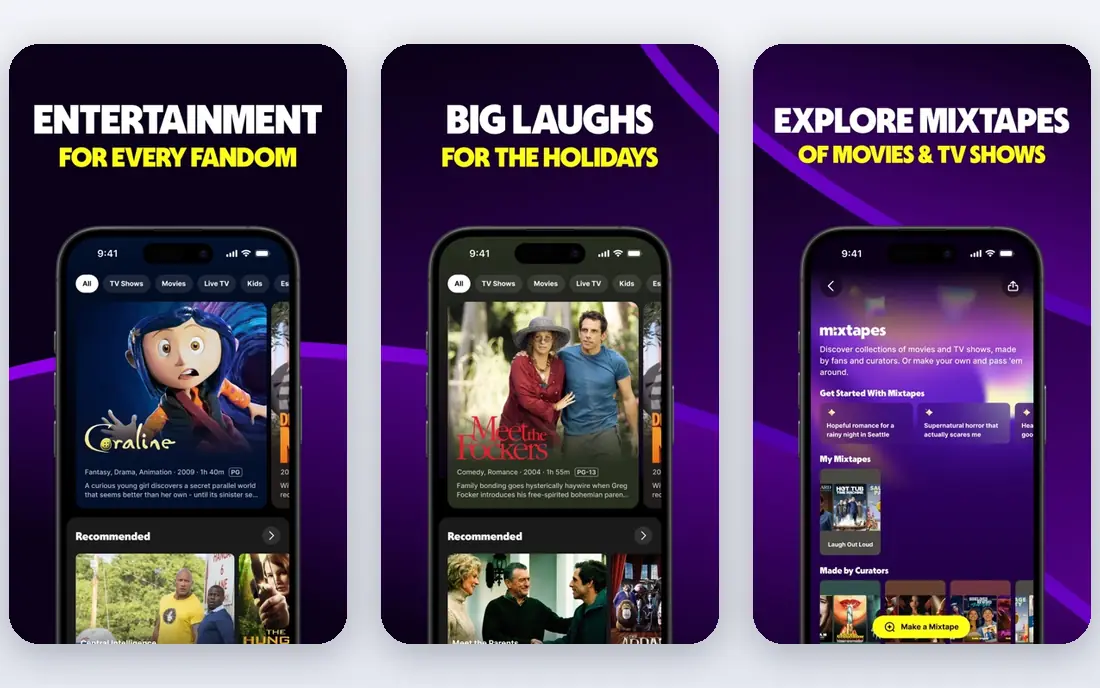
Peacock, from NBCUniversal, offers a mix of current TV, classic shows, movies, and live sports at a lower price than many premium rivals. Lower-priced tiers include ads, while higher tiers reduce or remove them and add more content. That structure suits viewers who want a real paid library without the highest monthly bill.
Content depth varies by tier, so check which shows and sports sit on the plan you intend to buy. For viewers who follow NBC shows, Bravo, or televised sports, Peacock delivers strong value for the price.
- NBCUniversal shows, movies, and sports
- Affordable tiers
- Live TV options
- Some content needs higher tiers
- Ads on lower-priced plans
Netflix
Ideal for: Originals and broad library
Netflix remains the benchmark paid streaming service for originals and breadth. Its catalog spans original series, films, documentaries, and licensed shows, with profiles, downloads, and apps on nearly every device. For households that watch daily and want the widest conversation around new releases, Netflix is still the default.
The catch is price and the lack of a free tier. Netflix costs more than most rivals here, and password and plan rules have tightened over time. If you watch often and value originals, the cost is easy to justify. If you watch rarely, start with the free options on this list.
- Largest original catalog
- Broad movie and show library
- Strong apps and profiles
- Highest prices among many rivals
- No free tier
Hulu
Ideal for: TV shows and originals
Hulu suits TV lovers, with next-day episodes from many networks, a growing originals catalog, and bundles that add live TV or other services. Its library balances current shows with films and documentaries, and profiles and watchlists keep households organized.
Base plans include ads, and live TV or premium add-ons raise the bill. Check the plan details for your must-watch shows, since licensing moves titles between services. For viewers who follow current TV closely, Hulu is one of the best paid picks here.
- Strong current TV lineup
- Originals and next-day episodes
- Bundle options
- Ads on base plans
- Some content needs add-ons or bundles
Prime Video
Ideal for: Movies plus membership perks
Prime Video offers a large library of movies, shows, and originals, and it comes included with an Amazon Prime membership, which also covers shipping and other perks. That bundle makes Prime Video strong value for households that already use Prime for shopping. Downloads, profiles, and broad device support round out the package.
The interface can feel cluttered, and some newer titles cost extra to rent or buy even with a subscription. Check whether the films you want are included or rental-only before judging the library. For Prime members, Prime Video is an easy and affordable streaming home.
- Large movie and show library
- Included with Prime membership
- Downloads and profiles
- Interface can feel cluttered
- Some titles cost extra to rent or buy
The Roku Channel
Ideal for: Free and premium on Roku
The Roku Channel offers free movies, shows, and live channels, plus optional premium subscriptions managed in one place. It works on the web and mobile as well as Roku devices, but the experience is smoothest on Roku hardware, where it sits front and center.
The free library rotates, so titles come and go, and premium channels cost extra. For Roku owners who want a free legal starting point with the option to add paid channels later, The Roku Channel is a practical pick.
- Free movies, shows, and live channels
- Premium subscriptions in one place
- Easy on Roku devices
- Best experience on Roku hardware
- Free library rotates over time
How we picked these
We compared official feature pages, app store listings, and public reviews, and we checked that the homepages listed here belong to the services named. We favored legal streaming services with real libraries, supported apps, and clear pricing, covering both free and paid options. We left out unofficial apps that stream content without licenses, since they carry legal and security risks, and we did not include Cinema HD itself, since this list is about legal replacements.
We also checked how each product fits different team sizes, since a tool built for enterprises can overwhelm a small team, while a tool built for solo users can stall a growing company. We favored products that scale sensibly, with tiers that add depth without forcing a painful migration later. Free and trial access mattered in our scoring, because a team should be able to test real work before paying. Products that hide core features behind sales calls scored lower than products that let buyers try the actual workflow first.
What to check before you subscribe
Start with what you actually watch. List your must-watch shows, sports, and movie types, then check which services carry them in your country, since libraries vary by region. A service with a huge catalog is poor value if it lacks the handful of titles you care about.
Next, test device support and streaming quality. Confirm apps exist for your TV, phone, and tablet, and check whether your internet plan handles HD or 4K viewing for your household size. Free services are worth testing first, since they cost nothing to try.
Finally, watch total cost. Add up every subscription you plan to keep, including any bundles or premium channels, and rotate services by month if your watchlist allows it. Pausing a service you are not using is the simplest way to keep streaming affordable.
Use the trial the way you would use the real thing. Pick one genuine project, run it from start to finish, and invite the colleagues who will use the tool every day. Watch for friction in the steps you repeat most, such as setup, daily entry, sharing, and reporting, since those moments decide whether a tool survives after the novelty fades. Keep notes on what slowed you down, what needed a workaround, and what you still could not do by the end of the trial. Then compare those notes across finalists instead of comparing marketing pages. A trial that ends with a finished piece of real work tells you far more than a trial spent clicking through demo data, and it gives your team a fair basis for the final choice.
Frequently asked questions
What is the best free Cinema HD alternative?
Tubi and Pluto TV are our picks for free legal streaming. Tubi suits on-demand movies and shows, while Pluto TV adds live channels for a TV-like experience. Both are ad-supported and work on most devices.
Are Cinema HD alternatives legal?
The services on this list are legal, licensed streaming services. Unofficial apps that offer licensed movies and shows without permission carry legal and security risks and often stop working. Stick to licensed services for reliable, safe viewing.
Which alternative has the most movies?
Netflix and Prime Video offer the broadest paid libraries, while Tubi offers one of the largest free libraries. The best choice depends on whether you want new releases, originals, or a deep back catalog, so compare libraries for your favorite genres.
Do I need a Roku device for The Roku Channel?
No, The Roku Channel also works on the web and mobile, but the experience is smoothest on Roku devices. Check device support on the official site before relying on it as your main service.
Can I download shows to watch offline?
Netflix, Hulu, Prime Video, and Peacock support downloads on mobile apps for many titles, subject to licensing limits. Free services such as Tubi and Pluto TV generally focus on streaming rather than downloads.
What happens to my data if I cancel?
That depends on the vendor, so read the terms and test an export before you commit. Good vendors let you export your core records in common formats and give you a grace period to download them after cancellation. Weaker vendors limit exports, charge for them, or delete data quickly, which can strand years of work. During your trial, export a sample of your own data and confirm it opens cleanly elsewhere. Keep a local backup of anything critical, and avoid building your whole operation around a tool that will not let your data leave.