Replacing Claude AI: 8 Alternatives Compared

- 1
 Google GeminiGoogle Workspace and long documentsVisit
- 2
 PoeNumerous models under one subscriptionVisit
- 3
 GrokLive news and X-linked answersVisit
- 4
 ChatGPTEveryday writing, coding, and researchVisit
- 5
 Microsoft CopilotWindows, Edge, and Microsoft 365 usersVisit
- This list starts with Google Gemini, which is built for Google Workspace and long documents.
- DeepSeek is the one to check for free coding, math, and reasoning.
- The main caution on Grok: premium levels start higher than most rivals.
- A free plan is offered by 8 of the 8 tools, including Google Gemini, Poe, Grok and ChatGPT.
Direct answer
Google Gemini is the first pick on this list for Google Workspace and long documents. Poe is better for numerous models under one subscription, and Grok is better for live news and X-linked answers. The remaining 5 options are covered below with prices and limits.
Quick comparison
| Product | Ideal for | Price from | Free version | |
|---|---|---|---|---|
| Google Gemini | Google Workspace and long documents | Free | Yes | Visit |
| Poe | Numerous models under one subscription | Free | Yes | Visit |
| Grok | Live news and X-linked answers | Free | Yes | Visit |
| ChatGPT | Everyday writing, coding, and research | Free | Yes | Visit |
| Microsoft Copilot | Windows, Edge, and Microsoft 365 users | Free | Yes | Visit |
 Meta AI | Free chat inside Meta apps | Free | Yes | Visit |
 Perplexity | Cited research and web answers | Free | Yes | Visit |
 DeepSeek | Free coding, math, and reasoning | Free | Yes | Visit |
Our 8 picks for Claude AI
If you are comparing Claude AI, this page covers 8 tools in one place: what each is best for, what it costs to start, whether it has a free plan, and the main limit to know about.
Google Gemini
Ideal for: Google Workspace and long documents
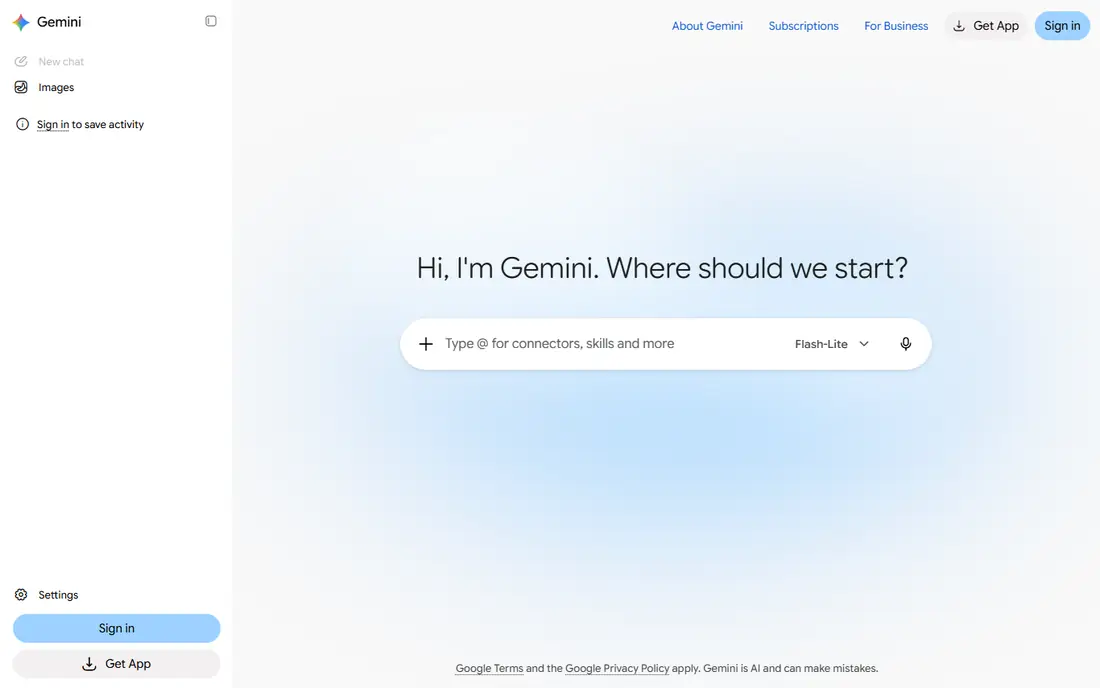
Pick Google Gemini if this describes you: Google Workspace and long documents. The free level handles everyday chat, whereas Google AI Plus is $4.99 a month and Google AI Pro is $19.99 a month in October 2026 sources, with Ultra levels higher. If you already pay for Google storage, Pro can feel like good value.
On top of that, the bundle is both a strength and a complication, since you pay for storage and other Google benefits beside the AI itself. If you only want chat, the free level or Plus may be enough, and you can upgrade when long documents or deep research become regular work. Pro layers on more solid models, bigger context, media generation, and storage, which helps with long documents and research. Starting cost for Google Gemini: Free. Free access exists with Google Gemini.
- Solid Google app integration
- Long context handling on premium plans
- Premium levels are bundled with storage and other Google benefits, which can confuse the AI-only cost
Poe
Ideal for: Numerous models under one subscription
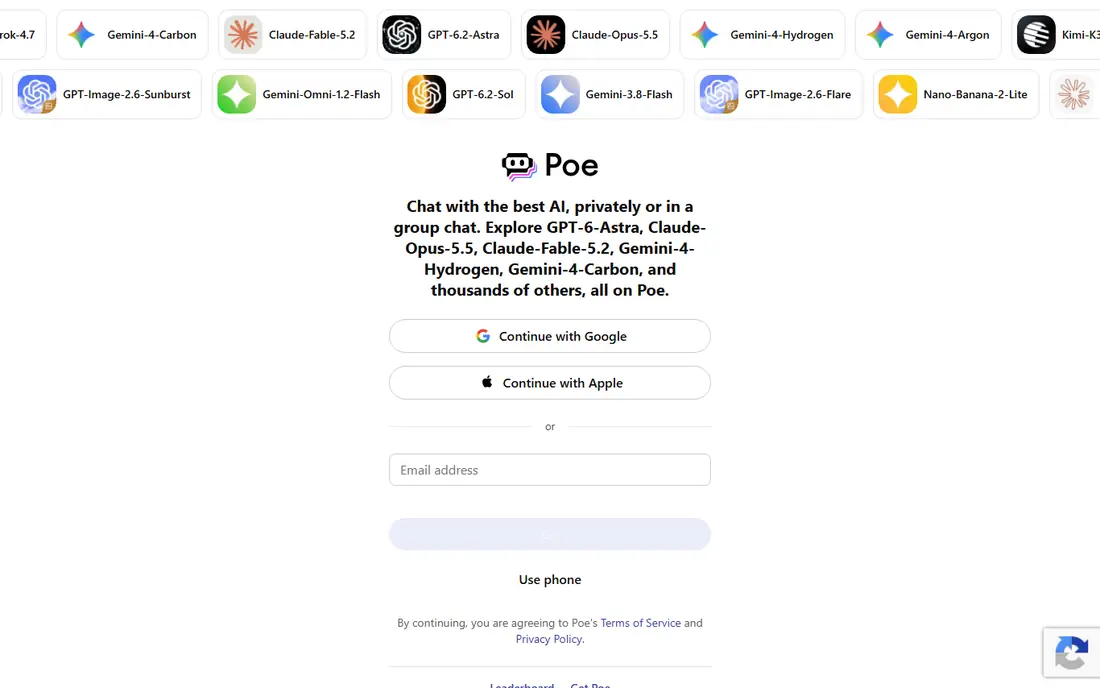
Poe targets numerous models under one subscription. Worth adding: if you already know you love one assistant, its native app will typically provide you more for the same price. In daily use, points are the catch, since bigger models burn points quicker than smaller ones.
Downsides: Usage is counted in points that burn at different rates per model.
The free allowance was cut sharply in March 2026 sources. As for the details, free supplies a small daily point allowance, whereas Starter is $4.99 a month for 10,000 points per day, Standard is $19.99 a month, and Power is $249.99 a month in recent sources. On cost, Poe starts like this: Free. Free access exists with Poe.
- Low Starter price
- Access to plenty of models and bots under one account
- Free daily allowance is small
Grok
Ideal for: Live news and X-linked answers
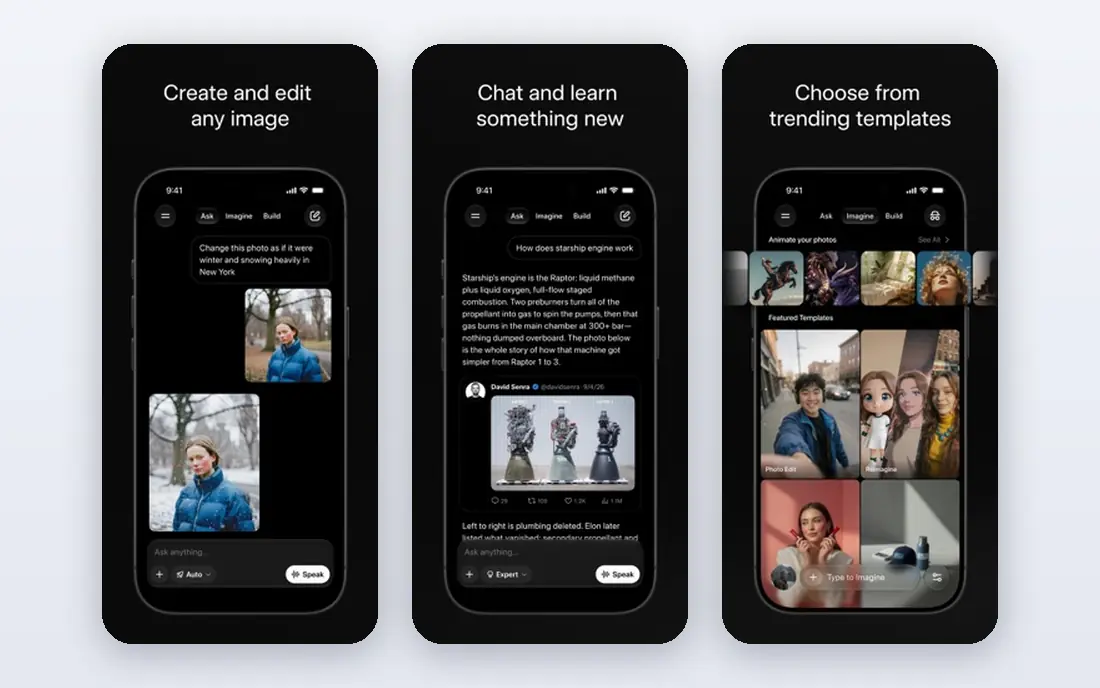
Grok was built for live news and X-linked answers. From a buyer's view, premium levels add higher limits, Expert search, image and video generation, and Grok Bot access on higher plans.
Free costs $0 with restricted chat and image generation, whereas SuperGrok Lite is $10 a month, SuperGrok is $30, SuperGrok Plus is $100, and SuperGrok Heavy is $300 in recent sources. Grok starts at: Free. Grok includes a free tier.
Downsides: Usage is drawn from a shared weekly allowance on premium plans.
- Free tier with live web and X search
- Voice mode and connectors
- Premium tiers start higher than most rivals
ChatGPT
Ideal for: Everyday writing, coding, and research
Choose ChatGPT for everyday writing, coding, and research. Free costs $0 with unlimited everyday text chats reported, whereas Go is $8 a month, Plus is $20 a month, and Pro opens from $100 a month.
Entry price for ChatGPT: Free. ChatGPT offers a free plan.
Where it is weaker: Free level limits uploads, image creation, voice, deep research.
- Large app and integration range
- Wide tool range including image generation, voice
- Ads may appear in some countries on free
Microsoft Copilot
Ideal for: Windows, Edge, and Microsoft 365 users
Microsoft Copilot is aimed squarely at Windows, Edge, and Microsoft 365 users. Microsoft Copilot is the natural pick if your work already happens in Windows, Edge, Word, Excel, and Outlook. If you do not use Office apps, ChatGPT or Gemini will provide a more straightforward assistant experience.
What Microsoft Copilot does well: mobile apps.
Copilot inside Office apps can draft, summarize, and rework documents without leaving your workflow. The change to note is that standalone Copilot Pro is reported as discontinued for new subscribers, so paying for Copilot now means buying a Microsoft 365 bundle. Beyond that, if you already pay for Microsoft 365, that bundle may be the best value. The starting price for Microsoft Copilot: Free. Microsoft Copilot offers a free plan.
- Free entry-level chat in Windows, Edge
- Voice and web search built in
- Standalone Copilot Pro is closed to new subscribers in recent sources, so premium AI now means a Microsoft 365 bundle
Meta AI
Ideal for: Free chat inside Meta apps
Where Meta AI fits: free chat inside Meta apps. Core chat is free, with web search, writing help, and image generation, and a standalone app is available at meta.ai. From a buyer's view, premium Meta One levels at $7.99 and $19.99 a month were reported as testing in selected regions, with higher limits for image and video creation.
For everyday questions and fast images, Meta AI is convenient since it is already where plenty of people chat. For deep research, long documents, or coding projects, ChatGPT, Gemini, or DeepSeek offer more depth. Entry price for Meta AI: Free. Meta AI includes a free tier.
Honest limits: premium Meta One levels were in testing in some regions in 2026 sources, so premium features may vary.
- Built into WhatsApp, Instagram, Facebook, Messenger
- Free with no subscription required for core chat
- Fewer deep research tools than rivals
Perplexity
Ideal for: Cited research and web answers
Perplexity serves cited research and web answers. Free provides unlimited Quick searches and about 5 Pro searches per day in recent sources, with citations on answers.
Points against: Pro is $20 per month for full research depth.
As for the details, Pro is $20 per month, or $200 a year, with model choice, file uploads, image generation, and deeper research, whereas Max is $200 a month for the highest limits. Beyond that, Perplexity fits best as a researcher beside a writing assistant, since its answers are built around web sources and follow-up threads. The starting price for Perplexity: Free. Free access exists with Perplexity.
- Model choice and deep research on Pro
- Unlimited Quick searches on free
- Free Pro searches are restricted to about 5 per day in recent sources
DeepSeek
Ideal for: Free coding, math, and reasoning
DeepSeek is built with free coding, math, and reasoning in mind. The API is billed separately by token for developers, but everyday chat users do not need it.
You get chat through the web and mobile apps at no cost, with reasoning, coding, and math help, plus built-in web search. DeepSeek cost at the entry level: Free. DeepSeek includes a free tier.
- Web search built in
- Capable for coding, math, reasoning
- Interface and app range are more straightforward than bigger rivals
Picking the right Claude AI
Coding and reasoning on a free budget suit DeepSeek. Also, live news fits Grok. Pick the job you do most, then the assistant that does that job best, instead of the one with the longest feature list.
On top of that, most tools here offer a free level, so run the same real tasks through two or three of them for a week. In practice, pay only when you hit a specific limit, for example deep research caps, upload limits, or model access. As for the details, some premium plans bundle storage, Office apps, or other benefits beside AI access.
That bundle can be decent value if you already use those apps, but it can also hide the true AI cost. Compare the AI-only value first, then count the bundle extras as a bonus, not as the reason to buy.
Selection criteria
Each tool was reviewed on what its vendor publishes: price, plan limits, core features and stated drawbacks. We did not run hands-on tests. Where a vendor does not publish a price, the entry says quote. Where a price depends on seats or billing term, the entry says so. Order on the page follows fit for the typical buyer first, then price transparency and free access. Your own requirements should decide the final pick.
What to confirm before you sign up
- Check the current price for Google Gemini, DeepSeek and the rest on each vendor page, since seats and billing terms change the total.
- Look at free plan limits closely: Google Gemini, Poe, Grok and others have one, and the caps decide whether it is usable for real work.
- Read the limits listed for Google Gemini first: premium levels are bundled with storage and other Google benefits, which can confuse the AI-only cost.
- Confirm minimum seats and billing terms with Google Gemini before you commit to an annual plan.
- Total up the real monthly cost of Meta AI, including add-ons, extra users and usage-based fees.
Frequently asked questions
Is Google Gemini the right pick for everyone comparing Claude AI?
No single tool suits every team. Google Gemini comes first because it fits Google Workspace and long documents, while Poe suits many models under one subscription and Grok suits real-time news and X-linked answers. Match the tool to your own size, budget and workflow before deciding.
How are the tools for Claude AI ordered?
The order follows typical fit for Claude AI, with Google Gemini first and DeepSeek last, then price clarity and free access. It is editorial judgement, not a score, so another team could rank the tools differently.
What are the best alternatives to Claude AI for coding?
The first pick on this list is Google Gemini, because it suits Google Workspace and long documents. Poe is better for numerous models under one subscription, and Grok for real-time news and X-linked answers. Check price and limits against your own needs before choosing.
Which options for Claude AI have a free plan?
On this list, 8 of 8 tools include a free plan, among them Google Gemini, Poe, Grok and ChatGPT. Caps on seats, usage or features are common, so test the free plan against your real workload.
Do these tools publish their prices?
Yes. Every tool from Google Gemini to DeepSeek shows a starting price, though seats, add-ons and billing terms still change the final cost.
What are the best claude ai alternatives for writing?
Google Gemini is the pick this page puts first, mainly for Google Workspace and long documents. If your situation differs, Poe suits numerous models under one subscription, and Grok suits live news and X-linked answers. Compare price and limits before you decide.