Best Claude Alternatives in 2026: 8 Tools Compared

- 1
 ChatGPTall-round chatbot useVisit
- 2
 Google GeminiGoogle app users and long documentsVisit
- 3
 Microsoft CopilotMicrosoft 365 households and officesVisit
- 4
 Perplexityresearch with cited sourcesVisit
- 5
 DeepSeekbudget coding, math, and reasoningVisit
- ChatGPT is the closest all-round replacement, with images, voice, and a lower-cost Go plan.
- Gemini is the cheapest paid entry point here and fits households already using Google apps.
- Perplexity is the best pick when answers need visible sources and current web information.
- DeepSeek and Meta AI cost nothing for basic chat, which makes them easy to try before paying.
Quick comparison
| Product | Ideal for | Price from | Free version | |
|---|---|---|---|---|
| ChatGPT | all-round chatbot use | $8 per month | Yes | Visit |
| Google Gemini | Google app users and long documents | $4.99 per month | Yes | Visit |
| Microsoft Copilot | Microsoft 365 households and offices | $19.99 per month | Yes | Visit |
| Perplexity | research with cited sources | $20 per month | Yes | Visit |
| DeepSeek | budget coding, math, and reasoning | Free | Yes | Visit |
 Mistral Le Chat | privacy-minded users in Europe and beyond | $14.99 per month | Yes | Visit |
 Meta AI | people already using WhatsApp, Instagram, or Facebook | Free | Yes | Visit |
 Grok | real-time topics and X users | $30 per month | Yes | Visit |
The best Claude alternatives
Claude is strong for long documents and careful reasoning, but it is not the only capable chatbot, and some rivals add images, video, or lower prices. We compared the leading alternatives on price, free tiers, and where each one does its best work.
ChatGPT
Ideal for: all-round chatbot use
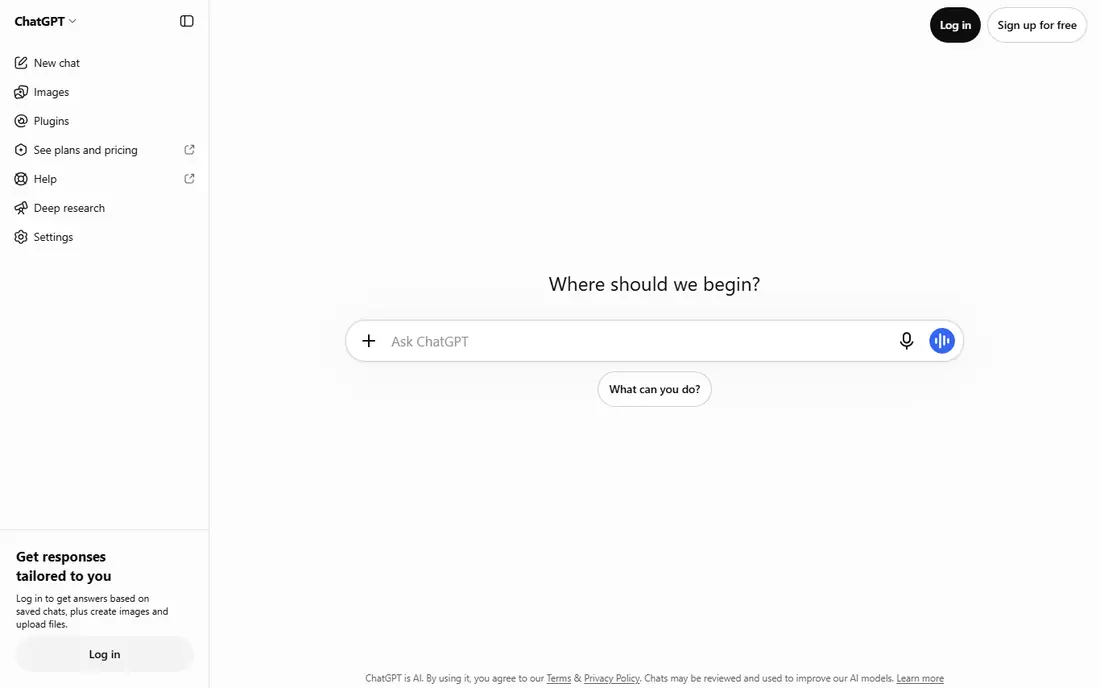
ChatGPT works best for all-round chatbot use. ChatGPT covers writing, brainstorming, image creation, and everyday coding in one place, with a large ecosystem of apps and integrations. Pricing starts at $8 per month, and a free plan is available. This is the option to look at first if that description matches your situation.
The lower-cost plan carries limits that heavy users may hit, and long pieces sometimes need editing for a consistent voice, so it suits general use more than specialist drafting. That trade-off matters most if you were hoping for a single tool that covers every situation without compromise. Compared with the other options here, ChatGPT stands out for all-round chatbot use, while asking you to accept that Weekly or usage limits on some plans. Weigh that honestly against your budget and your patience for setup before you commit.
- Image and voice features
- Broad app support
- Lower-cost Go plan
- Weekly or usage limits on some plans
- Writing can be generic
Google Gemini
Ideal for: Google app users and long documents
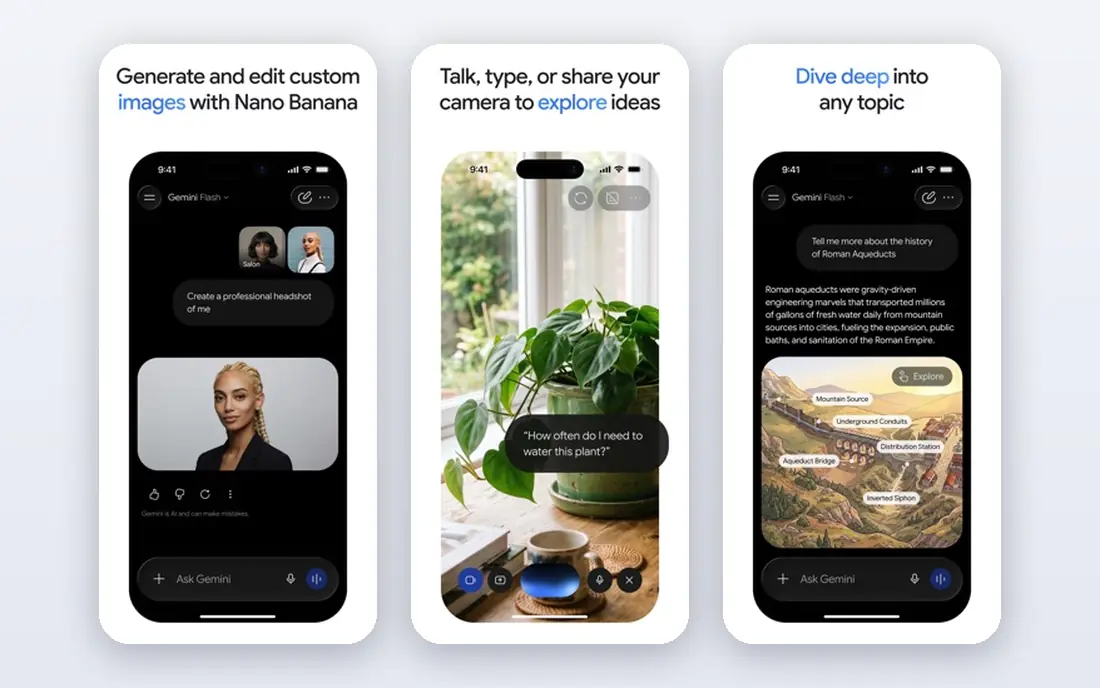
Google Gemini works best for Google app users and long documents. Gemini handles very long documents and works inside Gmail, Docs, and Drive, which saves copying text between apps. Pricing starts at $4.99 per month, and a free plan is available. Put this one near the top of your shortlist when the fit sounds right.
Its writing can lose structure on longer pieces, and the full value depends on using Google services, so it fits Google households best. That trade-off matters most if you were hoping for a single tool that covers every situation without compromise. Compared with the other options here, Google Gemini stands out for Google app users and long documents, while asking you to accept that Quality can vary on long structured writing. Weigh that honestly against your budget and your patience for setup before you commit.
- Low entry price
- Long context for big documents
- Google app integration
- Quality can vary on long structured writing
- Best value needs Google apps
Microsoft Copilot
Ideal for: Microsoft 365 households and offices
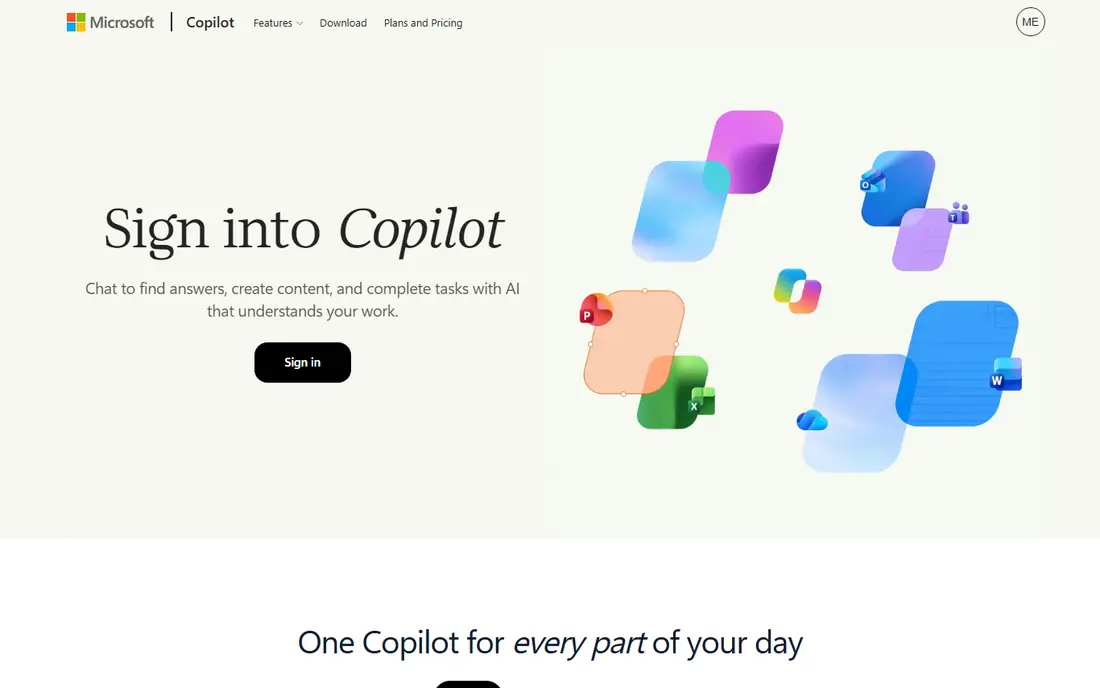
Microsoft Copilot works best for Microsoft 365 households and offices. Copilot drafts documents, summarizes meetings, and analyzes spreadsheets without leaving the Microsoft apps many offices already use. Pricing starts at $19.99 per month, and a free plan is available. This choice makes the most sense for readers who match the description above.
Outside Microsoft 365 the appeal drops sharply, and the bundled price is poor value if you do not need Office itself. That trade-off matters most if you were hoping for a single tool that covers every situation without compromise. Compared with the other options here, Microsoft Copilot stands out for Microsoft 365 households and offices, while asking you to accept that Much of the value needs a Microsoft 365 subscription. Weigh that honestly against your budget and your patience for setup before you commit.
- Works inside Word, Excel, and Outlook
- Meeting summaries
- Business controls
- Much of the value needs a Microsoft 365 subscription
- Weaker outside Office
Perplexity
Ideal for: research with cited sources
Perplexity works best for research with cited sources. Perplexity answers with sources you can check, which makes it strong for fact-finding, news, and unfamiliar topics. Pricing starts at $20 per month, and a free plan is available. Consider this option closely if you want the balance it offers.
It writes like a research assistant rather than an editor, so long-form pieces that need one sustained argument may need extra shaping. That trade-off matters most if you were hoping for a single tool that covers every situation without compromise. Compared with the other options here, Perplexity stands out for research with cited sources, while asking you to accept that Writing style suits research more than creative work. Weigh that honestly against your budget and your patience for setup before you commit.
- Live web search
- Visible citations
- Model switching on paid plans
- Writing style suits research more than creative work
- Long pieces can drift
DeepSeek
Ideal for: budget coding, math, and reasoning
DeepSeek works best for budget coding, math, and reasoning. DeepSeek gives strong reasoning and coding help at no charge for basic chat, which makes it easy to test before spending anything. Pricing starts at Free, and a free plan is available. This is a strong candidate when your priorities line up with its strengths.
It lacks the broad app ecosystem and media tools of larger rivals, so it fits users who mainly need text, code, and math. That trade-off matters most if you were hoping for a single tool that covers every situation without compromise. Compared with the other options here, DeepSeek stands out for budget coding, math, and reasoning, while asking you to accept that Smaller ecosystem of apps. Weigh that honestly against your budget and your patience for setup before you commit.
- Free core chat
- Strong reasoning and coding
- Low API costs
- Smaller ecosystem of apps
- Fewer built-in media features
Mistral Le Chat
Ideal for: privacy-minded users in Europe and beyond
Mistral Le Chat works best for privacy-minded users in Europe and beyond. Mistral offers a privacy-conscious alternative with capable models and coding help, built by a European team. Pricing starts at $14.99 per month, and a free plan is available. Keep this one in mind if the trade-offs below are acceptable to you.
Its app ecosystem is smaller than ChatGPT or Gemini, so check that the integrations you need are available before switching. That trade-off matters most if you were hoping for a single tool that covers every situation without compromise. Compared with the other options here, Mistral Le Chat stands out for privacy-minded users in Europe and beyond, while asking you to accept that Smaller community and fewer integrations than the biggest rivals. Weigh that honestly against your budget and your patience for setup before you commit.
- European company
- Open-weight models
- Agent-style coding features
- Smaller community and fewer integrations than the biggest rivals
Meta AI
Ideal for: people already using WhatsApp, Instagram, or Facebook
Meta AI works best for people already using WhatsApp, Instagram, or Facebook. Meta AI is already inside the apps many people open daily, so asking a question takes no new account or app. Pricing starts at Free, and a free plan is available. This option earns its place for the specific audience named above.
It is less focused on long documents and deep analysis, so power users may still want a second chatbot for serious work. That trade-off matters most if you were hoping for a single tool that covers every situation without compromise. Compared with the other options here, Meta AI stands out for people already using WhatsApp, Instagram, or Facebook, while asking you to accept that Less suited to long document work. Weigh that honestly against your budget and your patience for setup before you commit.
- Free
- Built into Meta apps
- Image generation
- Less suited to long document work
- Fewer pro controls
Grok
Ideal for: real-time topics and X users
Grok works best for real-time topics and X users. Grok draws on live conversation from X, which helps with fast-moving topics and current events. Pricing starts at $30 per month, and a free plan is available. Round out your shortlist with this option if its approach appeals to you.
The paid plans cost more than several rivals, and its strengths matter less if you do not follow real-time social discussion. That trade-off matters most if you were hoping for a single tool that covers every situation without compromise. Compared with the other options here, Grok stands out for real-time topics and X users, while asking you to accept that Paid tiers are pricier than some rivals. Weigh that honestly against your budget and your patience for setup before you commit.
- Real-time information from X
- Image and video features
- Strong personality
- Paid tiers are pricier than some rivals
- Quality varies by task
How we picked these
We compared official feature pages, pricing pages, app store listings, privacy policies, and public reviews for each option, and we kept only products that exist and work today and that truly fit the topic. We gave weight to clear pricing, a usable free or trial option where one is offered, and honest limits stated on the vendor site. We did not claim hands-on testing we did not do, and where a price could not be verified on the vendor site we wrote See website instead of guessing. Our pick for most people is usually the option that covers the core job well at a fair price, not the one with the longest feature list. That said, the right answer depends on your situation, so use the comparison table to narrow the list to two or three options, then check the current pricing page before you pay.
How to pick a Claude alternative
Start with the job, not the brand. For writing and document analysis, a careful long-context model matters most. For current events and fact-checking, live web search with citations matters more than raw writing skill.
Next, check the free tier honestly. Several options here are free for everyday chat, and a paid plan only makes sense if you hit limits often or need higher priority access.
Finally, think about where you already work. An assistant built into your email, documents, or office suite saves time every day, while a standalone chatbot may be stronger but requires copying text back and forth.
Frequently asked questions
What is the best Claude alternative?
ChatGPT is the closest all-round replacement, with similar pricing and added image and voice features. Gemini is cheaper and fits Google users, while Perplexity is better when answers need sources.
Is there a free Claude alternative?
Yes. DeepSeek and Meta AI offer free core chat, and ChatGPT, Gemini, Perplexity, and Mistral all have free tiers with limits. Free tiers are enough for casual use, though heavy users usually need a paid plan.
Which Claude alternative is best for coding?
DeepSeek and GitHub Copilot are strong for code, and ChatGPT and Gemini also handle everyday coding well. For work inside an editor, a coding-focused tool beats a general chatbot.
Does Gemini cost less than Claude?
Yes, at the entry level. Gemini lists an AI Plus plan from $4.99 per month, while Claude Pro is $20 per month, though the features included at each tier differ.
Can I use more than one AI chatbot?
Yes, and many people do. A common setup is one chatbot for writing, another for research with citations, and a free option for quick questions, since no single tool leads on every task.