Replacing Claude Cowork: 7 Alternatives Compared

- This list starts with Dust, which is built for agents on company knowledge.
- For the cheapest start, look at ChatGPT Work: $20/month.
- Lindy suits delegation from Slack.
- Check the limits for Manus before you commit: pricing sits on the vendor site.
- Free plans exist at 4 of 7 tools (OpenClaw, Perplexity Comet, OpenWork, ChatGPT Work).
Direct answer
For agents on company knowledge, Dust is where this list starts. OpenClaw is the stronger choice for open-source personal agent, while Perplexity Comet suits free agentic browser. All 7 tools are compared below on price, free plan and limits.
Quick comparison
| Product | Ideal for | Price from | Free version | |
|---|---|---|---|---|
 Dust | Agents on company knowledge | See website | Free trial | Visit |
 OpenClaw | Open-source personal agent | Free | Yes | Visit |
 Perplexity Comet | Free agentic browser | Free | Yes | Visit |
 Manus | Cloud research and decks | See website | Free trial | Visit |
 OpenWork | Open-source desktop agent | Free | Yes | Visit |
 ChatGPT Work | General-purpose agent work | $20/month | Yes | Visit |
 Lindy | Delegation from Slack | See website | Free trial | Visit |
The best Claude Cowork
If you are comparing Claude Cowork, this page covers 7 tools in one place: what each is best for, what it costs to start, whether it has a free plan, and the main limit to know about.
Dust
Ideal for: Agents on company knowledge

Dust serves agents on company knowledge. Dust builds agents on company knowledge, with shared pods that hold conversations, tasks, and files, and Slack integration for daily use.
Trade-offs to know: Smaller vendor than OpenAI or Microsoft.
Dust fits teams that want agents grounded in their own knowledge, with shared team spaces, and that will invest in keeping that knowledge current. Dust does not show a starting price in this comparison, so check the vendor site for current pricing. Free options: Free trial.
- Slack integration
- Shared pods with conversations, tasks, files
- Setup needs knowledge base curation
OpenClaw
Ideal for: Open-source personal agent
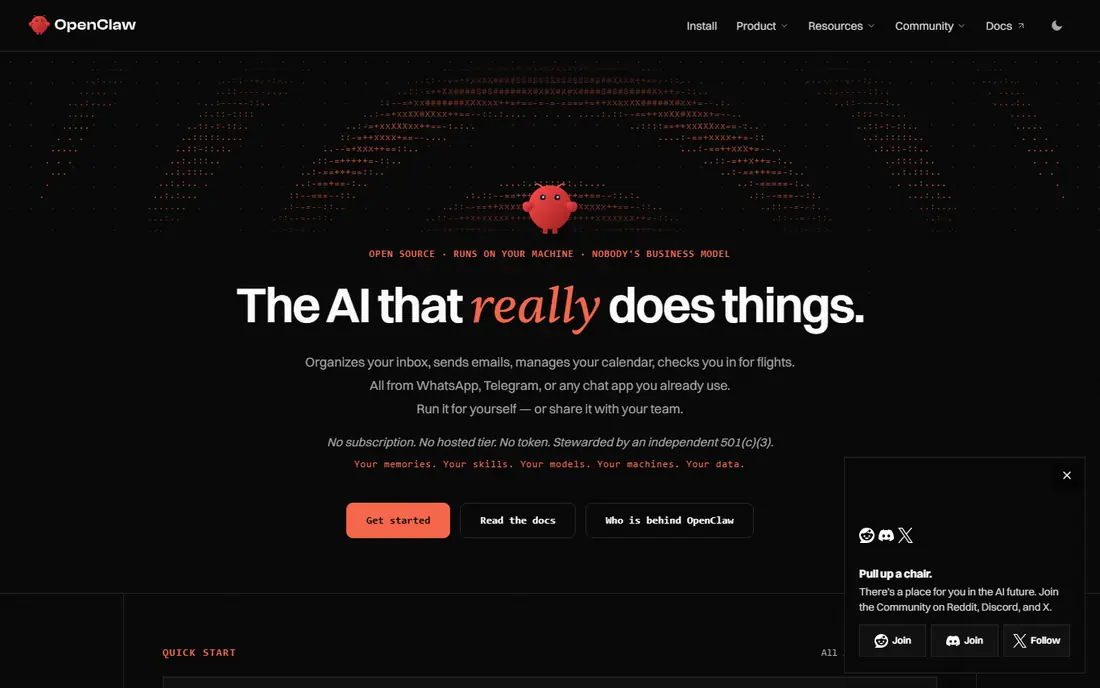
Where OpenClaw fits: open-source personal agent. OpenClaw is an open-source personal agent that runs on your own hardware, with full computer access and connections to dozens of messaging channels, from WhatsApp to iMessage.
You pay only for model API costs, and you can inspect every part of the system. That freedom includes responsibility: security, permissions, and safety are entirely yours to configure, and there is no vendor governance suite or support line. OpenClaw pricing: Free. A free plan is available with OpenClaw.
Points against: Setup is technical.
- Free and open source
- Dozens of messaging channels
- No vendor support or governance suite
Perplexity Comet
Ideal for: Free agentic browser
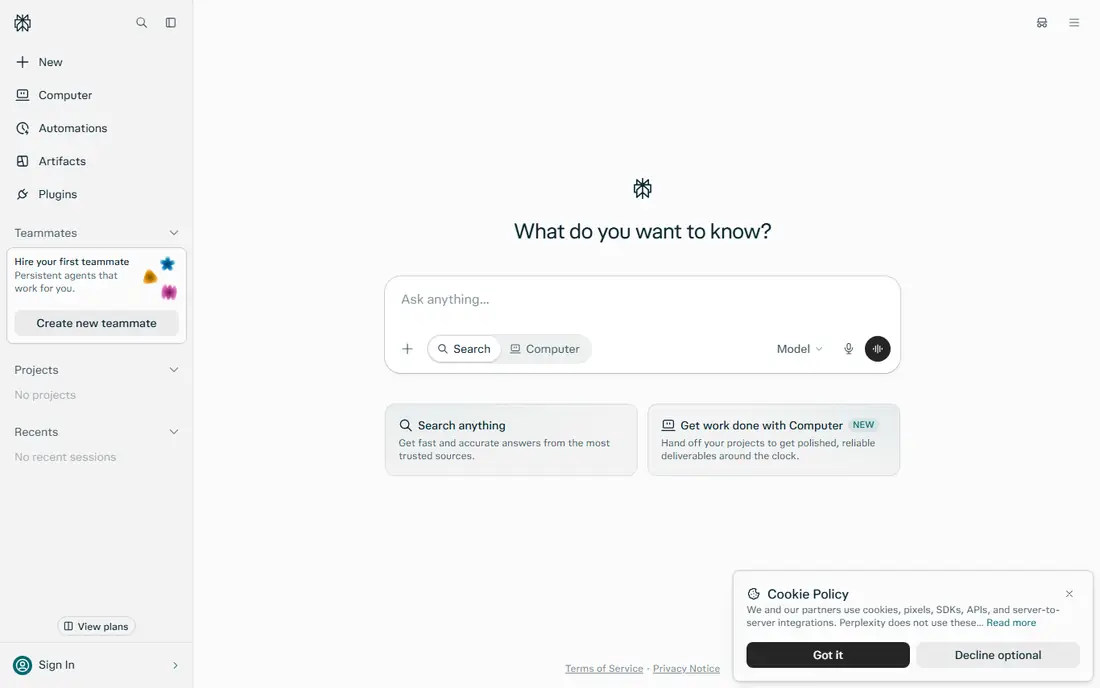
Perplexity Comet is designed for free agentic browser. The scope is the browser, not the operating system: Comet cannot reach local folders and applications the way Cowork's desktop app can, and its audit story is thinner than enterprise agents.
The main drawbacks: Not a full file-work agent.
Perplexity Comet is a free agentic browser that takes care of research, browsing, and file generation across desktop and mobile systems. What you pay to start with Perplexity Comet: Free. Free access exists with Perplexity Comet.
- Research, browsing
- Low barrier to entry
- Browser-scoped, no OS-level control
Manus
Ideal for: Cloud research and decks
Manus works best for cloud research and decks. That cloud execution fits teams that want work done without tying up a local machine.
Downsides: Pricing sits on the vendor site.
In practice, Manus fits teams producing research and presentation deliverables in the cloud, who are comfortable with a newer vendor and cloud-based execution. Pricing for Manus is not stated here, so ask the vendor for current figures. Free access: Free trial.
- Cloud computer and browser for research and deliverables
- Teammates can collaborate in one task
- Newer vendor with a shorter track record
OpenWork
Ideal for: Open-source desktop agent
OpenWork makes the most sense for open-source desktop agent. Its desktop focus fits individual and small-team knowledge work that begins from local files and folders.
Where it is weaker: Enterprise features are restricted.
As for the details, the community is smaller than OpenClaw's, setup is technical, and enterprise features for example centralized governance are restricted. Starting cost for OpenWork: Free. OpenWork has a free plan.
- Desktop app with shared skills and connectors
- Free and open source
- Setup is technical
ChatGPT Work
Ideal for: General-purpose agent work
In short, ChatGPT Work is for general-purpose agent work. ChatGPT Work is an agent mode inside ChatGPT that takes a goal and produces finished artifacts: documents, spreadsheets, presentations, and dashboards, with a plan mode that displays its approach before it acts. From a buyer's view, the trade is governance.
Downsides: Governance is lighter than Microsoft's or Google's.
Controls are lighter than Microsoft's tenant governance or Google's admin plane, and the quick release cadence means administrators track new toggles often. Agent features start at the $20 Plus level. ChatGPT Work pricing: $20/month. ChatGPT Work includes a free tier.
- Finished documents, spreadsheets, decks
- 1,400+ app connectors
- Quick release cadence means admins chase new controls
Lindy
Ideal for: Delegation from Slack
Think of Lindy for delegation from Slack. Lindy fits operations and sales teams that delegate repeatedly from chat and want templates over custom builds.
That chat-first design fits teams that already coordinate in Slack and want agents a message away. This comparison lists no price for Lindy; ask the vendor. Trial and free access: Free trial.
Honest limits: Slack-centered; Governance is lighter than enterprise suites.
What users get: Numerous prebuilt agent templates.
- Delegate from Slack channels and DMs
- Shared team memory
- Pricing varies by usage
Selection criteria
For each of the 7 tools we noted price, free plan or trial, fit for Claude Cowork and the main limit, using vendor pages and documentation. Where a price is missing, the vendor does not list one publicly or ties it to a quote. Always confirm before budgeting. Position on the page reflects fit for a typical buyer first, with price clarity and free access breaking ties. Treat it as a guide, not a ruling.
Before you commit
- Get a written quote from Dust, Manus and Lindy; the list shows no starting price for them.
- Check what the free option really includes: OpenClaw, Perplexity Comet, OpenWork and ChatGPT Work offer a free plan, and usage caps differ.
- Take the trial from Dust, Manus and Lindy and push a live task through it before you pay.
- Read the limits listed for Dust first: pricing sits on the vendor site.
- Test how quickly Lindy answers a pre-sales question; it hints at how support will feel later.
- Check how data leaves Perplexity Comet: formats, limits and whether exports are available on every plan.
Frequently asked questions
Do AI agents replace employees?
No. Agents manage repetitive, multi-step tasks and produce drafts and deliverables, but they need human review, particularly for external communication and consequential decisions. Treat them as support for skilled staff, not replacements.
Is Dust the right pick for everyone comparing Claude Cowork?
No single tool suits every team. Dust comes first because it fits agents on company knowledge, while OpenClaw suits open-source personal agent and Perplexity Comet suits free agentic browser. Match the tool to your own size, budget and workflow before deciding.
What is the cheapest option for Claude Cowork in this list?
On published monthly entry prices, ChatGPT Work is the lowest here at $20/month. Entry price is only part of the cost, because seats, add-ons and billing terms can change the total.
Which options for Claude Cowork have a free plan?
OpenClaw, Perplexity Comet, OpenWork and ChatGPT Work offer a free plan in this list. Free plans usually cap users, projects or features, so check the limits on the vendor page. Several others offer a trial instead.
How do I keep agent work secure?
Limit the folders and apps an agent can reach, need approval for external sends and publishes, and check where files travel during cloud execution.
How are the tools for Claude Cowork ordered?
The order follows typical fit for Claude Cowork, with Dust first and Lindy last, then price clarity and free access. It is editorial judgement, not a score, so another team could rank the tools differently.