Best ClockShark Alternatives in 2026: 8 Tools Compared

- 1
 QuickBooks TimeTime tracking for QuickBooks usersVisit
- 2
 DeputyScheduling and time tracking for shift teamsVisit
- 3
 HubstaffTime tracking with productivity insightVisit
- 4
 TimeeroGPS time tracking for field teamsVisit
- 5
 Buddy PunchSimple time clock for small teamsVisit
- Our pick for most people is QuickBooks Time, because it balances price, features and ease of use for the widest group of readers.
- Free plans are real here, but the limits matter: check what Deputy and Hubstaff actually include before you commit.
- Prices in this guide come from vendor pricing pages and current comparisons checked in October 2026, and they can change, so confirm the plan on the vendor site before you buy.
- The best choice depends on your budget, your experience level and how much support you want, not on which brand is most famous.
Quick comparison
| Product | Ideal for | Price from | Free version | |
|---|---|---|---|---|
| QuickBooks Time | Time tracking for QuickBooks users | See website | Free trial | Visit |
| Deputy | Scheduling and time tracking for shift teams | See website | Free trial | Visit |
| Hubstaff | Time tracking with productivity insight | See website | Free trial | Visit |
| Timeero | GPS time tracking for field teams | See website | Free trial | Visit |
| Buddy Punch | Simple time clock for small teams | See website | Free trial | Visit |
 Connecteam | All-in-one app for deskless teams | See website | Yes | Visit |
 Homebase | Scheduling and time tracking for hourly teams | See website | Yes | Visit |
 When I Work | Scheduling and time tracking for shift work | See website | Free trial | Visit |
The best ClockShark Alternatives in 2026
We compared official feature pages, pricing pages, app store listings, privacy policies and public reviews to build this list for clockshark alternatives. Every option below exists and works today, and each one earns its place for a different kind of reader.
QuickBooks Time
Ideal for: Time tracking for QuickBooks users
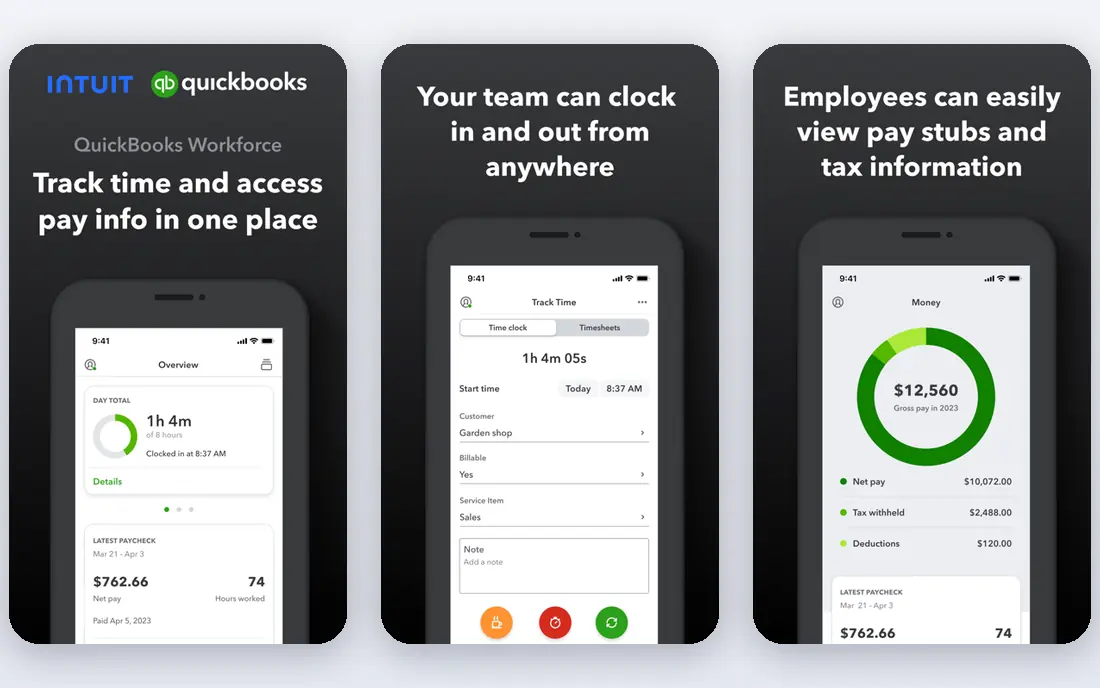
Here is the short version. QuickBooks Time suits firms already on QuickBooks, with time, payroll and scheduling linked. It fits readers who want time tracking for quickbooks users, and its published feature set matches that promise rather than trying to cover every possible use case at once. When we weighed it against the rest of this list, the balance of price, scope and support stood out for that group, and the public reviews we read pointed in the same direction for that use case. The price picture is see website, with a free plan status of free trial. Teams outside QuickBooks should compare Deputy or Hubstaff on price and features. Before you sign up, check the current plan limits on the official site, because caps on users, usage or features are where most buyers get surprised after the first month, and a plan that looks cheap can cost more once you add the seats or volume you actually need.
- GPS time tracking
- QuickBooks payroll links
- Scheduling
- Price is per user
- Best inside QuickBooks
Deputy
Ideal for: Scheduling and time tracking for shift teams
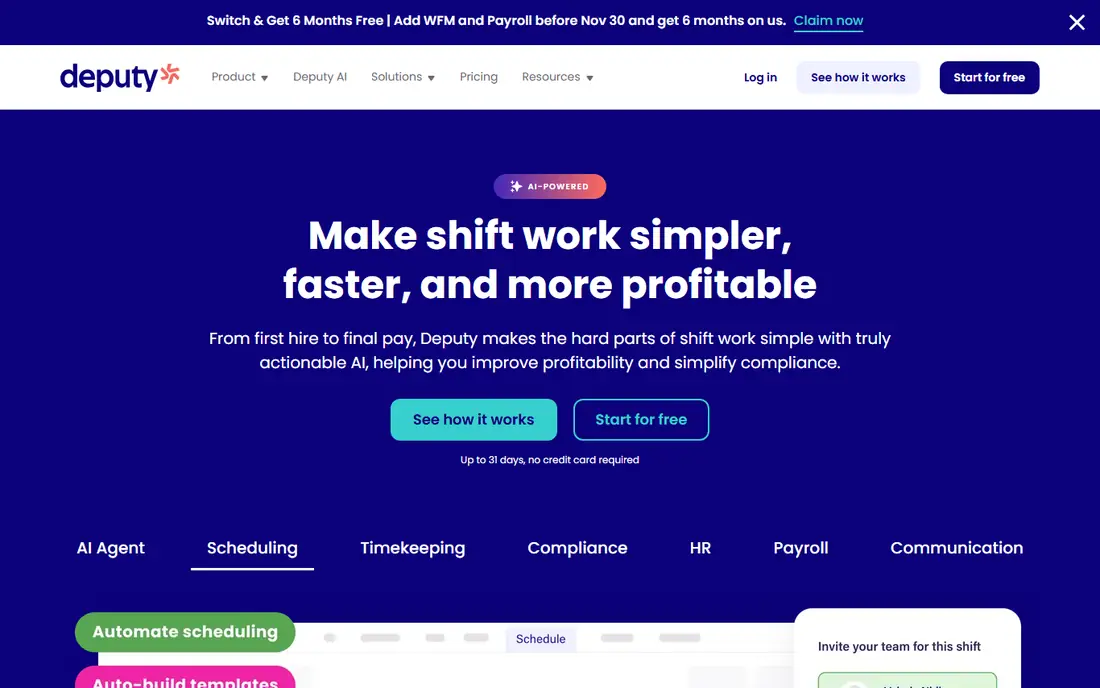
Start here if you want the safe default. Deputy suits shift teams that need scheduling and time tracking together. It fits readers who want scheduling and time tracking for shift teams, and its published feature set matches that promise rather than trying to cover every possible use case at once. When we weighed it against the rest of this list, the balance of price, scope and support stood out for that group, and the public reviews we read pointed in the same direction for that use case. The price picture is see website, with a free plan status of free trial. Construction-only GPS needs should be checked against Timeero or similar tools. Before you sign up, check the current plan limits on the official site, because caps on users, usage or features are where most buyers get surprised after the first month, and a plan that looks cheap can cost more once you add the seats or volume you actually need.
- Scheduling
- Time tracking
- Payroll links
- Price is per user
- GPS features vary by plan
Hubstaff
Ideal for: Time tracking with productivity insight
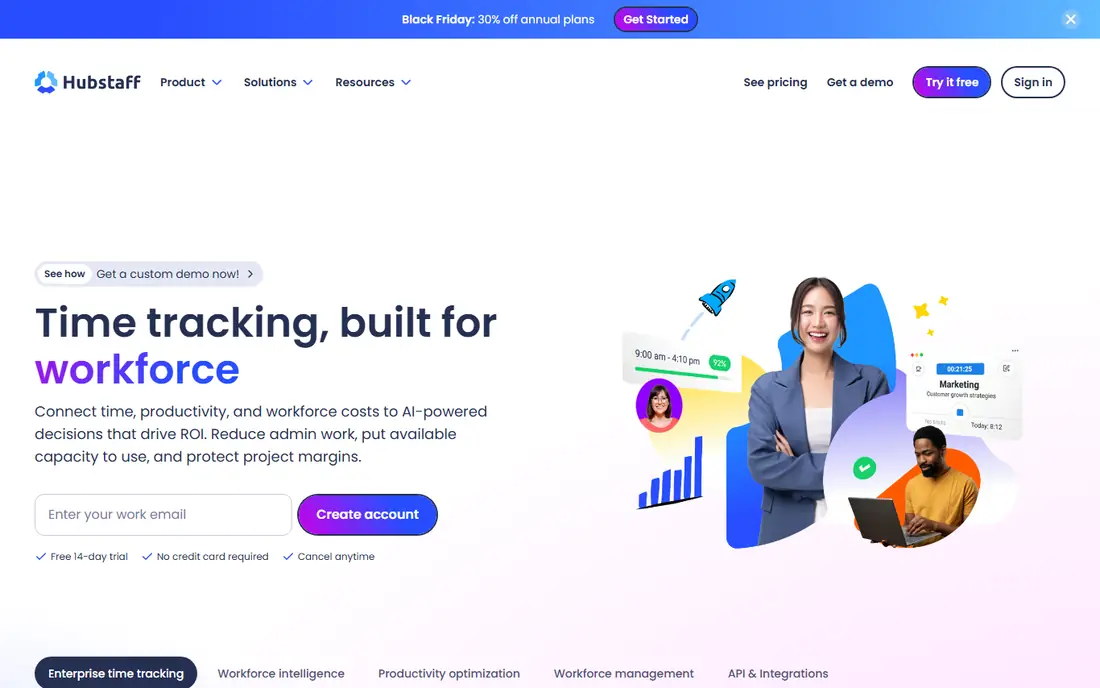
This one suits a specific kind of reader. Hubstaff suits remote and field teams that want time tracking plus productivity insight. It fits readers who want time tracking with productivity insight, and its published feature set matches that promise rather than trying to cover every possible use case at once. When we weighed it against the rest of this list, the balance of price, scope and support stood out for that group, and the public reviews we read pointed in the same direction for that use case. The price picture is see website, with a free plan status of free trial. Teams that dislike activity monitoring should check settings and staff consent before using it. Before you sign up, check the current plan limits on the official site, because caps on users, usage or features are where most buyers get surprised after the first month, and a plan that looks cheap can cost more once you add the seats or volume you actually need.
- Time tracking
- GPS
- Activity levels
- Activity monitoring divides opinion
- Price rises with features
Timeero
Ideal for: GPS time tracking for field teams
Consider this if the top picks do not fit. Timeero suits field teams that need GPS time tracking and mileage in one app. It fits readers who want gps time tracking for field teams, and its published feature set matches that promise rather than trying to cover every possible use case at once. When we weighed it against the rest of this list, the balance of price, scope and support stood out for that group, and the public reviews we read pointed in the same direction for that use case. The price picture is see website, with a free plan status of free trial. Teams that need deep scheduling should compare Deputy or Connecteam. Before you sign up, check the current plan limits on the official site, because caps on users, usage or features are where most buyers get surprised after the first month, and a plan that looks cheap can cost more once you add the seats or volume you actually need.
- GPS tracking
- Mileage
- Scheduling
- Narrower than Deputy
- Price is per user
Buddy Punch
Ideal for: Simple time clock for small teams
A strong option for a narrower need. Buddy Punch suits small teams that want a simple time clock without complexity. It fits readers who want simple time clock for small teams, and its published feature set matches that promise rather than trying to cover every possible use case at once. When we weighed it against the rest of this list, the balance of price, scope and support stood out for that group, and the public reviews we read pointed in the same direction for that use case. The price picture is see website, with a free plan status of free trial. Larger firms with complex scheduling may need Deputy or Hubstaff instead. Before you sign up, check the current plan limits on the official site, because caps on users, usage or features are where most buyers get surprised after the first month, and a plan that looks cheap can cost more once you add the seats or volume you actually need.
- Time clock
- Scheduling
- Payroll links
- Simpler reporting than larger tools
- Price is per user
Connecteam
Ideal for: All-in-one app for deskless teams
Worth a close look before you decide. Connecteam suits deskless teams that want time, scheduling, forms and training in one app. It fits readers who want all-in-one app for deskless teams, and its published feature set matches that promise rather than trying to cover every possible use case at once. When we weighed it against the rest of this list, the balance of price, scope and support stood out for that group, and the public reviews we read pointed in the same direction for that use case. The price picture is see website, with a free plan status of yes. Teams that only need time tracking may find the breadth more than necessary. Before you sign up, check the current plan limits on the official site, because caps on users, usage or features are where most buyers get surprised after the first month, and a plan that looks cheap can cost more once you add the seats or volume you actually need.
- Time clock
- Scheduling
- Forms and training
- Free tier limits features
- Breadth can overwhelm simple needs
Homebase
Ideal for: Scheduling and time tracking for hourly teams
This belongs on the shortlist for a reason. Homebase suits hourly teams in retail, food and services that need scheduling and time tracking. It fits readers who want scheduling and time tracking for hourly teams, and its published feature set matches that promise rather than trying to cover every possible use case at once. When we weighed it against the rest of this list, the balance of price, scope and support stood out for that group, and the public reviews we read pointed in the same direction for that use case. The price picture is see website, with a free plan status of yes. Construction field teams with GPS needs should check Timeero or QuickBooks Time first. Before you sign up, check the current plan limits on the official site, because caps on users, usage or features are where most buyers get surprised after the first month, and a plan that looks cheap can cost more once you add the seats or volume you actually need.
- Scheduling
- Time clock
- Hiring and payroll links
- Free tier limits features
- Best for hourly teams
When I Work
Ideal for: Scheduling and time tracking for shift work
Do not overlook this one. When I Work suits shift teams that need scheduling, time tracking and messaging together. It fits readers who want scheduling and time tracking for shift work, and its published feature set matches that promise rather than trying to cover every possible use case at once. When we weighed it against the rest of this list, the balance of price, scope and support stood out for that group, and the public reviews we read pointed in the same direction for that use case. The price picture is see website, with a free plan status of free trial. Field GPS-heavy teams should verify GPS depth before choosing it. Before you sign up, check the current plan limits on the official site, because caps on users, usage or features are where most buyers get surprised after the first month, and a plan that looks cheap can cost more once you add the seats or volume you actually need.
- Scheduling
- Time clock
- Team messaging
- Price is per user
- GPS features vary by plan
How we picked these
We started from official feature pages and pricing pages, then checked app store listings, privacy policies and public reviews to confirm each product still works and still fits the topic. Products that could not be verified, or that only partly matched the topic, were left out, even when they were well known. We favoured a mix of established leaders and strong smaller options, and we weighted price transparency, a usable free tier or trial, and honest limits more heavily than marketing claims. No product on this list paid for its place, and our pick for most people is the one we would suggest to a friend with ordinary needs and an ordinary budget.
How to choose time tracking software for field teams
Start with your workforce: field, shift or hourly, because each needs different scheduling and GPS depth. Check GPS and geofencing next, since field teams need location proof while office teams do not. Then check payroll links, because time data that does not flow into payroll creates manual work. Also check mobile usability on real phones, including offline use on site, and check whether activity monitoring is wanted or will harm trust. Trial the top two with a real crew for two weeks, including overtime and job costing, before a full rollout.
Frequently asked questions
What is the best ClockShark alternative?
QuickBooks Time suits QuickBooks firms, Deputy suits shift scheduling, and Timeero suits GPS field tracking. The right pick depends on workforce type and payroll system.
Is there a free ClockShark alternative?
Yes, Connecteam and Homebase offer free tiers, but each limits features. Paid plans add GPS depth, scheduling and payroll links.
Do these tools track GPS location?
QuickBooks Time, Hubstaff, Timeero and others offer GPS tracking, but depth varies by plan. Check geofencing and privacy settings before rollout.
Can time tracking link to payroll?
Yes, most link to payroll or accounting tools, with QuickBooks Time strongest for QuickBooks users. Check your payroll system specifically.
What about scheduling?
Deputy, Homebase and When I Work combine scheduling with time tracking, while Timeero and Buddy Punch focus more on the clock itself. Pick by scheduling need.