7 Alternatives to Cognito Forms, Compared on Price and Fit

- 1
 Zoho FormsTeams that already use Zoho CRM or another Zoho productVisit
- 2
 Gravity FormsWordPress sites that want forms stored in their own databaseVisit
- 3
 JotformTeams that want the closest feature match to Cognito FormsVisit
- 4
 FormstackRegulated teams that require forms, documents and signatures in one systemVisit
- 5
 WufooSmall teams that want a straightforward builder at a low monthly priceVisit
- Zoho Forms sits first on this list: teams that already use Zoho CRM or another Zoho product.
- For the cheapest start, look at Zoho Forms: $12 per month, or $10 per month billed annually, for Basic, checked.
- What to know about Zoho Forms first: free plan covers only 3 forms.
- Only 4 of the 7 tools have a free plan (Zoho Forms, Wufoo, Google Forms, Typeform), so check the caps.
- Typeform suits teams that want conversational forms with higher completion rates.
Direct answer
For teams that already use Zoho CRM or another Zoho product, Zoho Forms is where this list starts. Gravity Forms fits WordPress sites that want forms stored in their own database; Jotform fits teams that want the closest feature match to Cognito Forms. The other 4 tools in the list cover narrower or pricier cases.
Quick comparison
| Product | Ideal for | Price from | Free version | |
|---|---|---|---|---|
| Zoho Forms | Teams that already use Zoho CRM or another Zoho product | $12 per month, or $10 a month billed annually, for Basic, checked 16 Nov 2026 | Yes | Visit |
| Gravity Forms | WordPress sites that want forms stored in their own database | $59 a year for a Basic license, checked 16 Nov 2026 | No | Visit |
| Jotform | Teams that want the closest feature match to Cognito Forms | $39 a month, or $34 a month billed annually ($408 per year) for Bronze, checked 16 Nov 2026 | Starter plan, free, with 5 forms and 100 submissions a month | Visit |
| Formstack | Regulated teams that require forms, documents and signatures in one system | $99 per month, or $83 a month billed annually, for Forms, checked 16 Nov 2026 | Free trial (14 days) | Visit |
| Wufoo | Small teams that want a straightforward builder at a low monthly price | $16.25 a month billed yearly ($195 per year) for Starter, checked 16 Nov 2026 | Yes | Visit |
 Google Forms | Teams that want a free form builder with no entry limits | Free with a Google account, checked 16 Nov 2026 | Yes | Visit |
 Typeform | Teams that want conversational forms with higher completion rates | $39 per month, or $28 per month billed annually ($336 a year) for Basic, checked 16 Nov 2026 | Yes | Visit |
Cognito Forms profiles
If you are comparing Cognito Forms, this page covers 7 tools in one place: what each is best for, what it costs to start, whether it has a free plan, and the main limit to know about.
Zoho Forms
Ideal for: Teams that already use Zoho CRM or another Zoho product
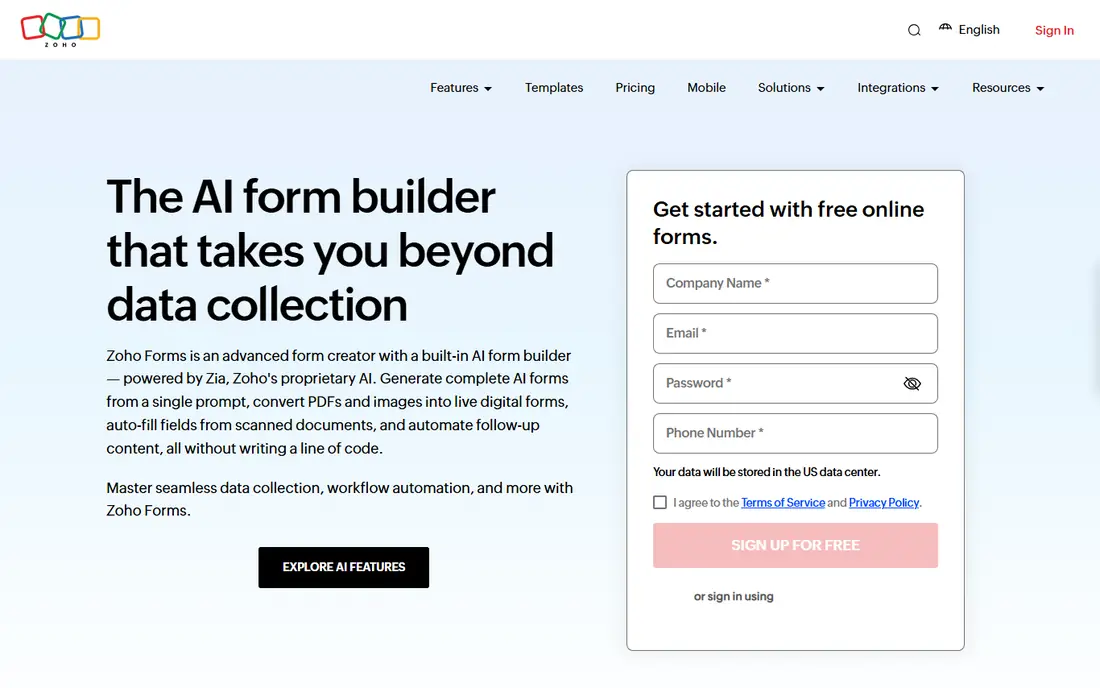
Zoho Forms serves teams that already use Zoho CRM or another Zoho product. The most solid reason to choose Zoho Forms is the ecosystem: it links natively to Zoho CRM, Zoho Desk, Zoho Analytics and more than 40 other Zoho products.
So a team already inside Zoho gets its form data in its CRM with no third party connector. For everyday use, for a team that values volume per dollar over design, Zoho Forms is hard to beat. On cost, Zoho Forms starts like this: $12 per month, or $10 per month billed annually, for Basic, checked. Zoho Forms has a free plan.
The main drawbacks: Free plan covers only 3 forms.
- 10,000 submissions for $10 per month billed yearly
- Cheapest premium volume here
- Interface feels dated next to Typeform or Paperform
Gravity Forms
Ideal for: WordPress sites that want forms stored in their own database
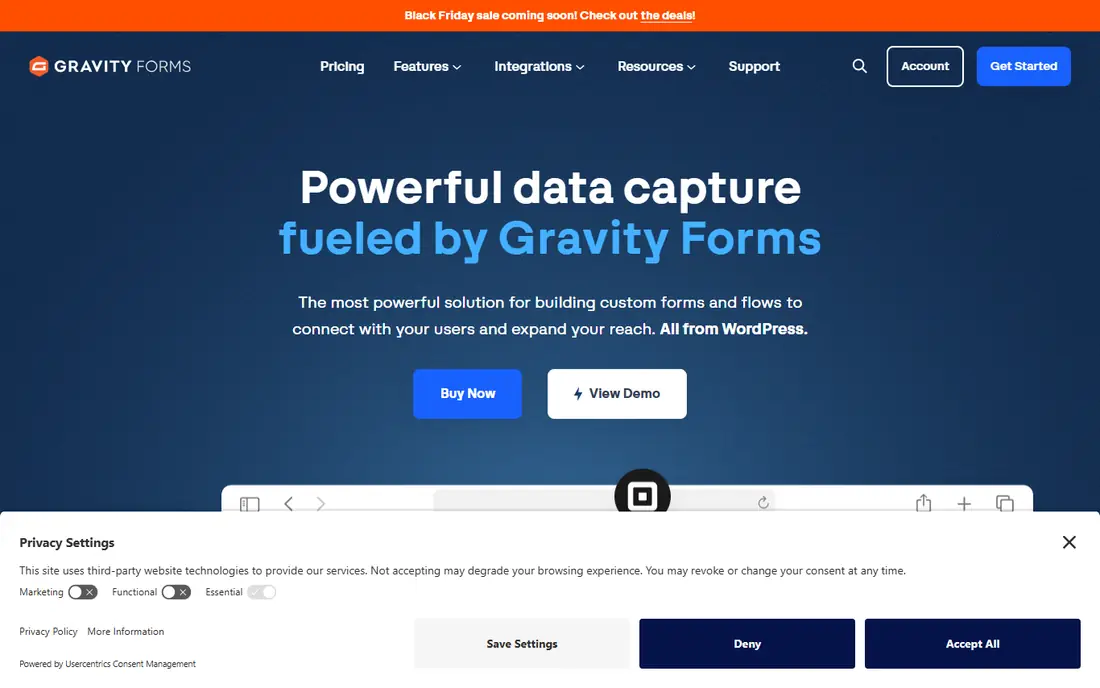
Gravity Forms works best for WordPress sites that want forms stored in their own database. A Basic license costs $59 per year for one site and comes with unlimited forms and unlimited entries, with no monthly submission cap to watch.
Where it is weaker: Payments and Zapier need Pro at $159 a year.
Elite, at $259 per year for unlimited sites, layers on every official add on, including User Registration, Surveys, Signature and Webhooks. Gravity Forms starts at: $59 per year for a Basic license, checked 16 Nov 2026. Gravity Forms has no free tier.
- More than 30 official add ons
- Unlimited forms and entries with no monthly cap
- WordPress only, with no hosted version
Jotform
Ideal for: Teams that want the closest feature match to Cognito Forms
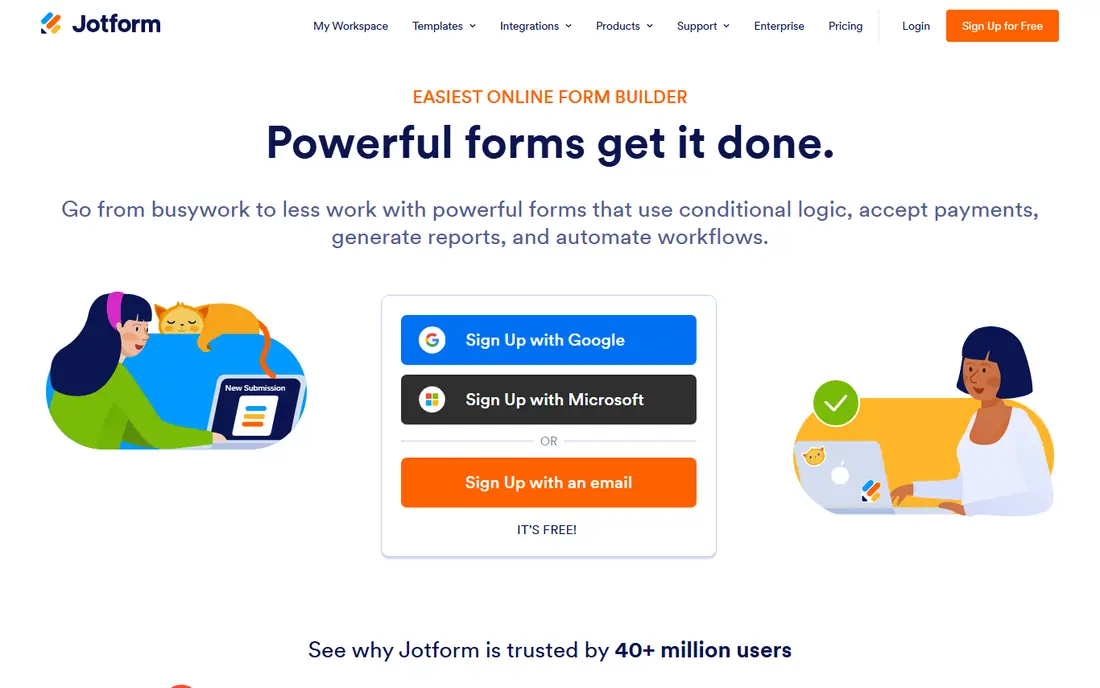
Jotform is designed for teams that want the closest feature match to Cognito Forms. Jotform is the most direct replacement for Cognito Forms. It spans the same ground, with a drag-and-drop builder, conditional logic, calculations, file uploads and payment collection through Stripe, PayPal and Square, and it does not add its own fee on top of the processor rate.
Where it is weaker: HIPAA features start on Gold at $99 a month billed yearly.
Gold, at $99 a month billed yearly, brings HIPAA features, which Cognito Forms reserves for Enterprise. Bronze, at $34 a month billed yearly, spans 25 forms and 1,000 submissions per month, which fits a small business running contact, order and feedback forms. Entry price for Jotform: $39 per month, or $34 per month billed annually. Free options: Starter plan, free, with 5 forms and 100 submissions a month.
- 10,000 plus templates
- Payment integrations with no system fee
- Bronze permits only one user
Formstack
Ideal for: Regulated teams that require forms, documents and signatures in one system
Formstack is built with regulated teams that require forms, documents and signatures in one system in mind. Formstack is the pick for a mid sized organization that needs more than a form.
Points against: Entry plan spans only one builder user and 25 forms.
Entry price for Formstack: $99 per month, or $83 per month billed annually, for Forms, checked. Free access: Free trial (14 days).
- Documents and eSignatures in Suite
- Solid compliance features and HIPAA choices
- No free plan
Wufoo
Ideal for: Small teams that want a straightforward builder at a low monthly price
For small teams that want a straightforward builder at a low monthly price, Wufoo is a natural candidate. The real concern is development: Wufoo has not shipped a notable product update since August 2020.
Drawbacks to consider: No new features since 2020.
So a buyer should assume the product they see today is the product they will still have in three years. Price to start with Wufoo: $16.25 per month billed annually. Wufoo offers a free plan.
- Straightforward builder with a short ramp-up time
- Cheapest premium entry here
- Starter caps forms at 10 and entries at 1,000 per month
Google Forms
Ideal for: Teams that want a free form builder with no entry limits
Google Forms is built with teams that want a free form builder with no entry limits in mind. A team that collects registrations, feedback or straightforward applications can run on Google Forms indefinitely and never pay a cent. From a buyer's view, Google Forms is the right pick when the form is a cost centre instead of a revenue tool.
It is the tool to compare every premium plan against before spending money. The builder is plain, with a small set of question types and limited branding, and it cannot take payments. So a team that sells through its forms needs a different tool. Google Forms is the free baseline for the entire category. The starting price for Google Forms: Free with a Google account, checked 16 Nov 2026. Google Forms has a free plan.
What to check first: No advanced logic beyond section branching.
- Responses land in Google Sheets automatically
- Very simple to share
- Restricted design control
Typeform
Ideal for: Teams that want conversational forms with higher completion rates
Choose Typeform for teams that want conversational forms with higher completion rates. Typeform takes a different approach to forms. Rather than showing every field on one page, it asks one question at a time, which feels like a conversation and typically lifts completion rates for surveys, quizzes and lead capture forms.
More specifically, entry-level, at $28 a month billed yearly, includes 100 responses per month, unlimited forms and one user, with payment questions and a brand logo. As for the details, the central limit is the response cap: it applies across the entire account, so a team that runs multiple widely used forms can hit the cap in the middle of a campaign. Price to start with Typeform: $39 per month, or $28 per month billed annually. Typeform has a free plan.
Points against: Free plan spans only 10 responses per month.
- One question at a time layout lifts completion rates
- Solid brand customization
- Response caps apply across the entire account, not per form
Where the options differ
Google Forms has no entry cap at all, so it handles a small team with no upgrade pressure. Beyond that, Jotform Starter and Cognito Forms Individual both cap at 100 submissions per month, so a team that runs one contact form and one event registration form can stay free on either. In practice, Zoho Forms Basic spans 10,000 submissions per month for $10 a month billed yearly, which is less than half the price of Cognito Forms Pro.
Worth adding: multiply the monthly price by 12, add any payment processing fee, and compare that total with the annual plan price.
Choosing Cognito Forms: what matters
Teams look for an alternative for three reasons. From a buyer's view, the first is the payment fee: Cognito Forms brings its own fee on top of the payment processor rate, 2 percent on Individual and 1 percent on Pro, which only disappears on Team.
What Cognito Forms costs
Some tools charge a month, some a year, and some per user. From a buyer's view, the table below uses the entry price each vendor publishes. For everyday use, Zoho Forms Basic at $10 a month billed yearly is the cheapest premium plan here for a team that needs volume, with 10,000 submissions per month.
How we built this list
Ainotely looked at what each vendor publishes: pricing, plan limits, feature coverage for Cognito Forms and stated drawbacks. No hands-on testing is claimed. Treat prices as a snapshot: vendors change plans often, so check the vendor site for the figure that applies today. Order on the page follows fit for the typical buyer first, then price transparency and free access. Your own requirements should decide the final pick.
What to check before you buy
- Prices are a starting point; Zoho Forms shows $12 per month, or $10 per month billed annually, for Basic, checked to start, so verify what your seat count would cost.
- Check what the free option really includes: Zoho Forms, Wufoo, Google Forms and Typeform offer a free plan, and usage caps differ.
- Run a trial of Formstack with real work before paying for a year; your own workflow is the best test.
- Read the limits listed for Zoho Forms first: free plan spans only 3 forms.
- Pick one real project and run it in Typeform first; a small pilot shows fit faster than a checklist.
- Confirm you can export your data from Google Forms, so leaving later does not mean losing records.
Frequently asked questions
Does Zoho Forms work without other Zoho products?
Entry-level costs $10 a month billed yearly and contains unlimited forms and 10,000 submissions per month. The deep integration with Zoho CRM is a bonus for teams already inside the Zoho ecosystem, not a requirement.
How are the Cognito Forms ordered?
Zoho Forms sits first and Typeform last because the order follows typical fit for Cognito Forms, then price clarity and free access. It is a judgement call, so read each profile for fit and limits.
Which Cognito Forms alternative is a good match for WordPress?
The first pick on this list is Zoho Forms, because it suits teams that already use Zoho CRM or another Zoho product. Gravity Forms is better for WordPress sites that want forms stored in their own database, and Jotform for teams that want the closest feature match to Cognito Forms. Check price and limits against your own needs before choosing.
Which Cognito Forms have a free plan?
Zoho Forms, Wufoo, Google Forms and Typeform offer a free plan in this list. Free plans usually cap users, projects or features, so check the limits on the vendor page. One other tool offers a trial instead.
Can I try these tools before paying?
Often, yes. Zoho Forms, Wufoo, Google Forms and Typeform have a free plan and Formstack offers a free trial. Use your own data and a real task during the test, and check what the free tier or trial limits before you rely on it.
Do these tools publish their prices?
Yes. Every tool from Zoho Forms to Typeform shows a starting price, though seats, add-ons and billing terms still change the final cost.