Best Company Name Cleaning Tools in 2026: 8 Tools Compared

- 1
 OpenRefineFree spreadsheet cleanupVisit
- 2
 MelissaAddress and name verificationVisit
- 3
 Experian Data QualityEnterprise CRM hygieneVisit
- 4
 Informatica Cloud Data QualityEnterprise data teamsVisit
- 5
 Talend Data QualityData integration teamsVisit
- Standardizing suffixes like Inc, LLC, and Ltd is the first step, and every tool here does it differently.
- Fuzzy matching matters more than exact matching, because real data is full of typos and abbreviations.
- Tools built for spreadsheets suit one-off cleanup jobs, while database tools suit ongoing CRM hygiene.
Quick comparison
| Product | Ideal for | Price from | Free version | |
|---|---|---|---|---|
| OpenRefine | Free spreadsheet cleanup | Free | Yes | Visit |
| Melissa | Address and name verification | See website | Free trial | Visit |
| Experian Data Quality | Enterprise CRM hygiene | See website | No | Visit |
| Informatica Cloud Data Quality | Enterprise data teams | See website | Free trial | Visit |
| Talend Data Quality | Data integration teams | See website | Free trial | Visit |
 WinPure Clean and Match | Small business list cleanup | See website | Free trial | Visit |
 Data Ladder DataMatch Enterprise | Deduplication projects | See website | Free trial | Visit |
 ZoomInfo | Enriching company records | See website | Free trial | Visit |
The best company name cleaning tools
Messy company names are a quiet source of bad data. One customer appears as IBM, I.B.M., and International Business Machines, and suddenly reports, duplicates, and mail merges all go wrong. The tools below clean, standardize, and match company names in spreadsheets and customer databases, and we compared them on matching quality, ease of use, and how they handle large lists.
OpenRefine
Ideal for: Free spreadsheet cleanup
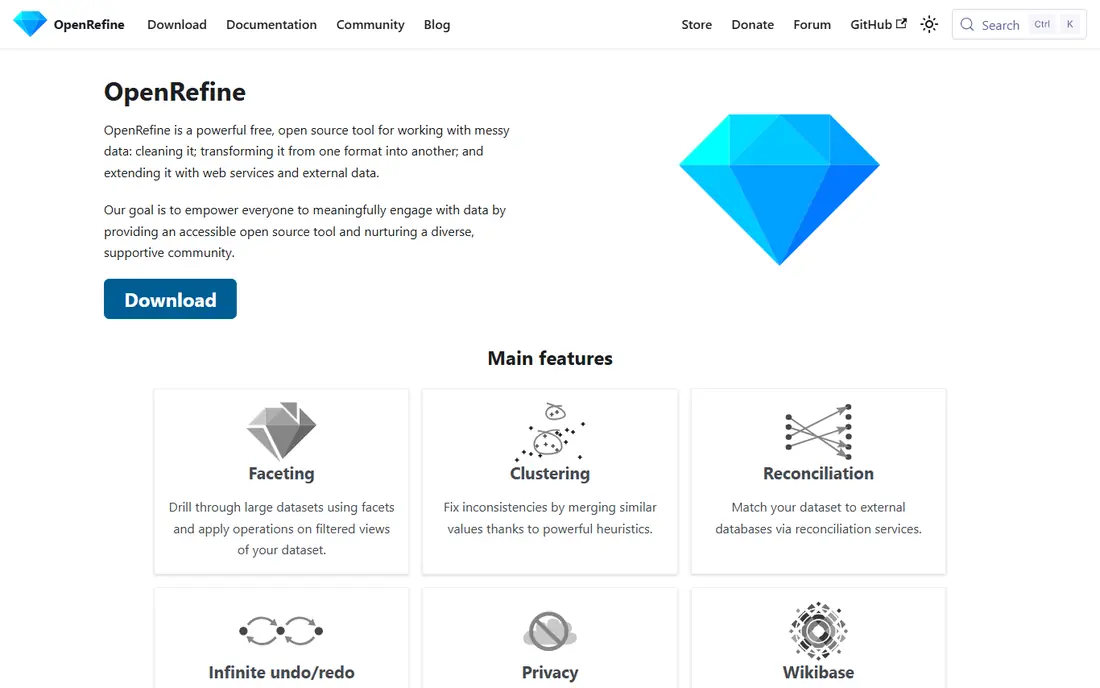
OpenRefine is our pick for most people with a single messy list and no budget. Its clustering feature groups name variants like IBM and I.B.M. so you can merge them in bulk, and it costs nothing.
What stands out is clustering that finds name variants in a spreadsheet quickly and for free The honest catch is it needs some learning, and it will not verify names against a live company database Prices and plan details change, so confirm the current offer on the vendor site before you commit.
If you only clean lists a few times a year, start here before paying for anything.
- Free and open source
- Strong clustering finds name variants
- Works on local files without a subscription
- Learning curve is real
- No built in company database
- Best for one-off projects
Melissa
Ideal for: Address and name verification
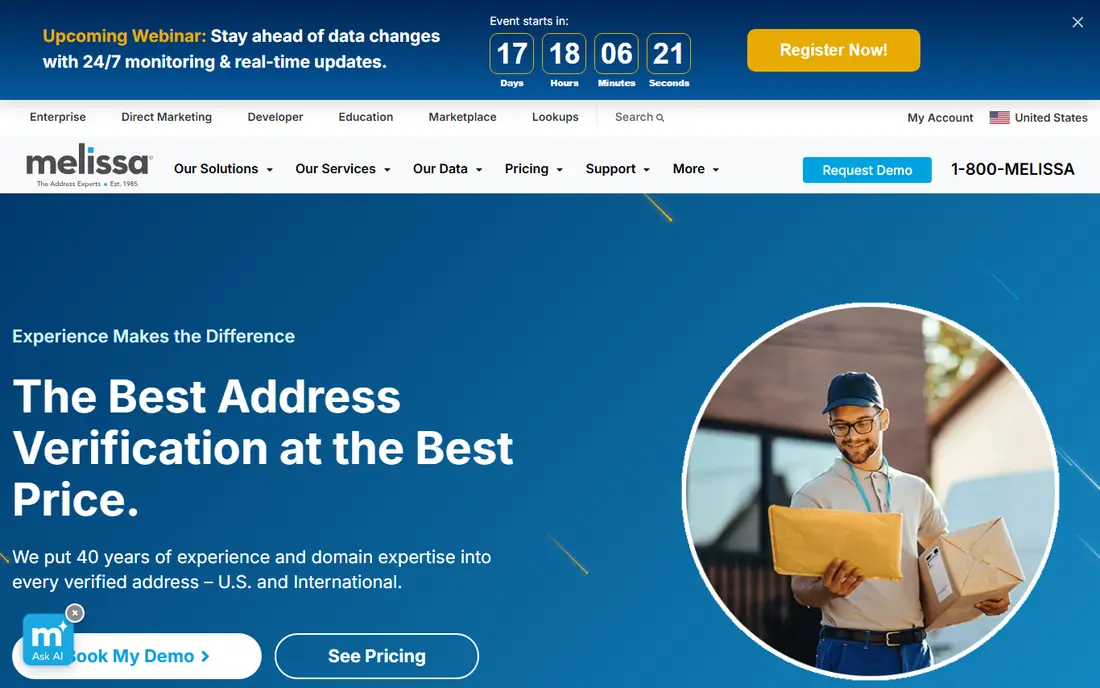
Melissa suits teams that need verified company data, not just tidier text. Its services check names and addresses against reference data, which helps when duplicates come from different spellings and formats.
What stands out is verification against reference data, not just text tidying The honest catch is pricing is not always published, and setup is heavier than a simple tool Before buying, confirm pricing and plan limits on the vendor site, since published details can change.
Choose Melissa when accuracy against outside data matters more than a quick tidy.
- Name and address verification services
- Global data coverage
- APIs for ongoing checks
- Pricing is quote based for larger use
- Setup takes more effort than a spreadsheet tool
Experian Data Quality
Ideal for: Enterprise CRM hygiene
Experian Data Quality is built for large companies whose CRM holds millions of records. Its matching and enrichment can standardize names at scale, but small teams will find the sales process and price hard to justify.
What stands out is large scale cleansing and enrichment inside enterprise CRMs The honest catch is it is priced and sold for enterprises, not small one-off jobs Check the vendor site for the latest pricing, since plans, tiers, and terms change over time.
Use it when your CRM is large and dirty enough that manual cleanup is no longer realistic.
- Data cleansing and enrichment for large CRMs
- Matching and deduplication
- Enterprise support
- Enterprise pricing and sales process
- Overkill for small lists
Informatica Cloud Data Quality
Ideal for: Enterprise data teams
Informatica is a full data quality platform, so company name cleaning is one job inside a much bigger system. Teams that already use Informatica for data work get name standardization as part of that platform.
What stands out is a full data quality platform with profiling and matching rules The honest catch is it is complex and quote priced, which puts it out of reach for small teams For current pricing, check the vendor site before deciding, since plans and prices change over time.
Pick it if your company already runs Informatica or needs data quality across many systems.
- Data quality rules and profiling
- Cloud platform
- Strong matching for enterprise data
- Complex platform
- Pricing by quote
- Needs data team skills
Talend Data Quality
Ideal for: Data integration teams
Talend fits teams that move data between systems and want cleaning built into those flows. Its data quality tools profile and standardize names as data moves, which suits ongoing hygiene better than one-off fixes.
What stands out is cleaning built into data integration flows The honest catch is it feels technical and works best as part of Talend, not as a standalone tool Prices and plan details change, so confirm the current offer on the vendor site before you commit.
Choose Talend when name cleaning must happen automatically as data moves between systems.
- Data profiling and cleansing inside integration jobs
- Open source roots
- Matching components
- Interface feels technical
- Best inside Talend workflows rather than alone
WinPure Clean and Match
Ideal for: Small business list cleanup
WinPure is a practical middle option for small businesses with messy customer lists. Its fuzzy matching finds duplicates that exact matching misses, and its interface is simpler than enterprise platforms.
What stands out is fuzzy matching and dedup in a tool a small team can actually use The honest catch is it cleans your own data but does not verify names against an outside company database Before buying, confirm pricing and plan limits on the vendor site, since published details can change.
For a small business list, WinPure gives strong matching without enterprise cost or complexity.
- Deduplication and fuzzy matching for spreadsheets and databases
- Simple interface
- One-time purchase options
- Smaller vendor with less name recognition
- No live company verification database
Data Ladder DataMatch Enterprise
Ideal for: Deduplication projects
Data Ladder focuses on matching, and that focus shows in its tunable rules. Teams that need to merge lists from several sources can set match thresholds and review pairs before merging, which keeps control in human hands.
What stands out is tunable fuzzy matching for merging lists from several sources The honest catch is setup takes effort, and pricing is not fully published Check the vendor site for the latest pricing, since plans, tiers, and terms change over time.
Use it when merging two or more lists is the job, not just tidying one list.
- Fuzzy matching engine
- Handles large files
- Matching rules you can tune
- Desktop feel and setup effort
- Pricing by quote for enterprise use
ZoomInfo
Ideal for: Enriching company records
ZoomInfo is different from pure cleaning tools because it matches your names against its own company database. That helps when your list has vague or outdated names, though its price puts it in the sales and marketing budget, not the cleanup budget.
What stands out is matching messy names against a large live company database The honest catch is pricing is high for small teams, and coverage varies for smaller firms For current pricing, check the vendor site before deciding, since plans and prices change over time.
Pick ZoomInfo when you also want enriched company details, not only cleaner names.
- Large company database for enrichment
- Helps standardize names against real company records
- CRM integrations
- Expensive for small teams
- Enrichment quality varies by company size and region
How we picked these
We compared official feature pages, pricing pages, app store listings, privacy policies, and public reviews for each option, and we kept only options that exist and work in October 2026 and that truly fit this topic. We favored options with clear pricing, a track record we could check, and honest limits we could state plainly. Where a price or plan could not be confirmed from the vendor itself, we wrote See website rather than guessing.
We also weighed who each option suits best, since the right choice for a large team is often the wrong choice for a small one. That is why the list below mixes well-known leaders with smaller options that do one thing well.
Where prices were not published, we said so rather than estimating. A vendor that hides pricing is not automatically a bad choice, but buyers should ask for a written quote before comparing it with a vendor that publishes prices openly.
Finally, we checked that every website listed is the product's own official homepage and that it loads. A product with a broken or mismatched homepage was not kept on the list, since readers should be able to reach the real vendor from this article without guessing.
How to clean company names without making things worse
First, back up your list before any bulk change. Cleaning tools merge and overwrite, and a bad rule can damage good records. Keep the original file so you can undo a merge.
Next, standardize in stages: suffixes first, then case and punctuation, then abbreviations, and only then fuzzy matching. Each stage is easier to check than one giant automated pass, and errors are easier to spot.
Finally, review matches above a threshold by hand, especially for large customers. A false merge between two different companies costs more than a missed duplicate, so keep a human in the loop for high value records.
Before you sign, run a small paid trial with real work rather than a demo. A trial shows support speed, data quality, and how the tool handles your edge cases, which sales calls rarely reveal. Set a clear pass mark before the trial starts, such as accuracy, turnaround, or time saved, and judge the trial against that mark. If a vendor resists a trial, treat that as useful information about how the relationship will work later.
A last check is support quality after purchase. Ask how support works, what hours it covers, and how fast typical issues are resolved. A vendor with slow support can turn a small problem into a lost week, while a responsive vendor keeps work moving. That difference rarely appears in pricing pages, so ask current users or read recent reviews before signing.
Frequently asked questions
What is company name cleaning?
It is the work of standardizing company names in a database so each real company appears once, in one form. That means fixing suffixes, abbreviations, case, punctuation, and typos.
What is the best first step?
Back up your data, then standardize suffixes and punctuation. That alone removes a large share of duplicates before any fuzzy matching is needed.
Should I use fuzzy matching?
Yes, but with review. Fuzzy matching catches typos and variants that exact matching misses, yet it can also merge different companies. Review matches for important accounts by hand.
How often should I clean company names?
Clean a list before any major campaign or report, and set up ongoing rules if new records arrive daily. One-off cleanup decays fast when new messy data keeps entering.
Do I need a company database to clean names?
Not always. Spreadsheet and matching tools clean your own data well. A company database helps when names are vague, outdated, or missing details you need to fill in.