Best Companycam Alternatives in 2026: 8 Options Compared

- JobProgress and JobNimbus are the closest matches, combining job tracking with photo documentation for roofing and contracting teams.
- AccuLynx suits roofing contractors that want estimating, ordering and job management in one system.
- Roofr, Hover and EagleView help with measurements and estimates, though they solve a narrower job than a full job platform.
- ServiceTitan and Procore fit larger operations that need dispatch, invoicing and project management at scale.
Quick comparison
| Product | Ideal for | Price from | Free version | |
|---|---|---|---|---|
 JobProgress | contractor job management | See website | Free trial | Visit |
 JobNimbus | roofing and contractor CRM | See website | Free trial | Visit |
 AccuLynx | roofing business management | See website | Free trial | Visit |
 Roofr | roof measurements and proposals | See website | Free trial | Visit |
 Hover | 3D home measurements | See website | Free trial | Visit |
 EagleView | aerial imagery and measurements | See website | See website | Visit |
 ServiceTitan | service business management | See website | Free trial | Visit |
 Procore | construction project management | See website | Free trial | Visit |
The best Companycam Alternatives
Here are our picks for the best companycam alternatives, covering a mix of well-known leaders and strong smaller options. We compared official feature pages, pricing pages, app-store listings, privacy policies and public reviews to build this list.
JobProgress
Ideal for: contractor job management
JobProgress combines job management with photo documentation, which is exactly the CompanyCam use case for many contractors. Jobs carry photos, notes, estimates and invoices, so the office and the crew see the same record. Roofing and remodelling teams get features built for their workflow rather than generic project tools.
Pricing is quoted rather than listed, so you need a sales conversation to get a firm figure. The full feature set also takes time to learn. For contractors that want job tracking and photos in one system, JobProgress is a leading alternative.
Bottom line: JobProgress suits contractor job management best. Its strongest point is job tracking with photos, while the main drawback to weigh is pricing is quoted. Check the current pricing page before deciding, since plans and limits change.
- Job tracking with photos
- Estimating and invoicing
- Good for roofing and remodelling
- Pricing is quoted
- Learning curve for full feature set
JobNimbus
Ideal for: roofing and contractor CRM
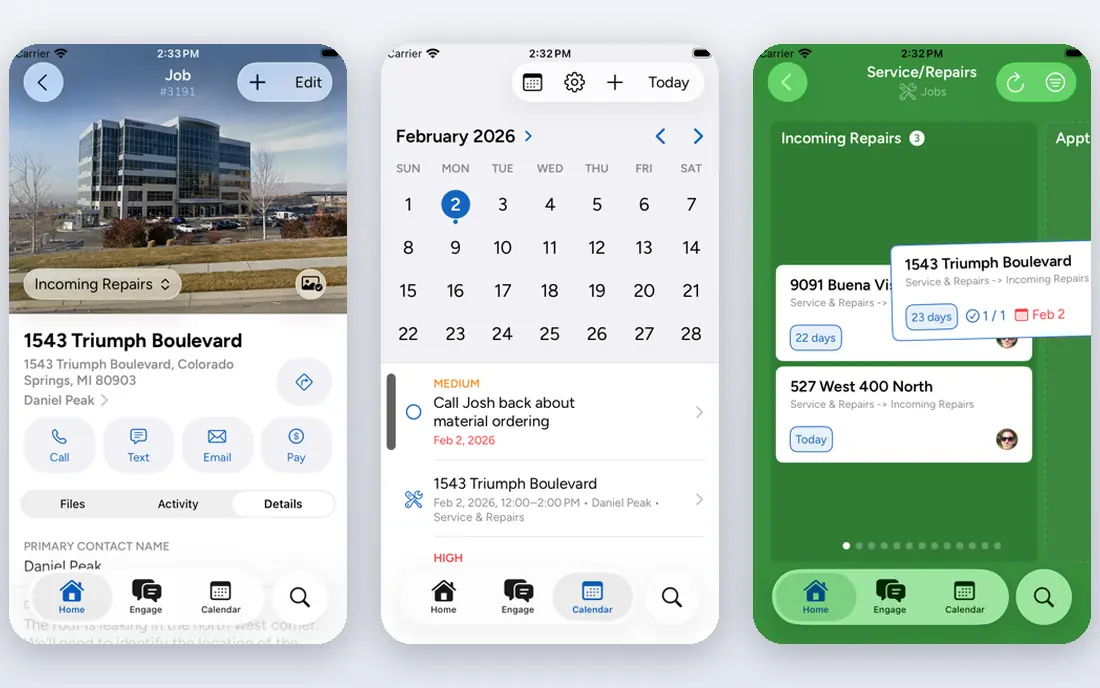
JobNimbus is a CRM and job tracking platform built for roofing and contracting, with photo documentation attached to each job. It tracks leads, jobs, invoices and communications, and integrates with suppliers and estimating tools. That breadth suits contractors that want one system from lead to payment.
The interface packs in a lot, which can feel busy for new users, and some advanced features sit on higher tiers. For a growing contracting business that needs CRM and job management together, JobNimbus is a strong pick.
Bottom line: JobNimbus suits roofing and contractor CRM best. Its strongest point is cRM plus job tracking, while the main drawback to weigh is interface can feel busy. Check the current pricing page before deciding, since plans and limits change.
- CRM plus job tracking
- Photo documentation
- Integrations with suppliers
- Interface can feel busy
- Advanced features need higher tiers
AccuLynx
Ideal for: roofing business management
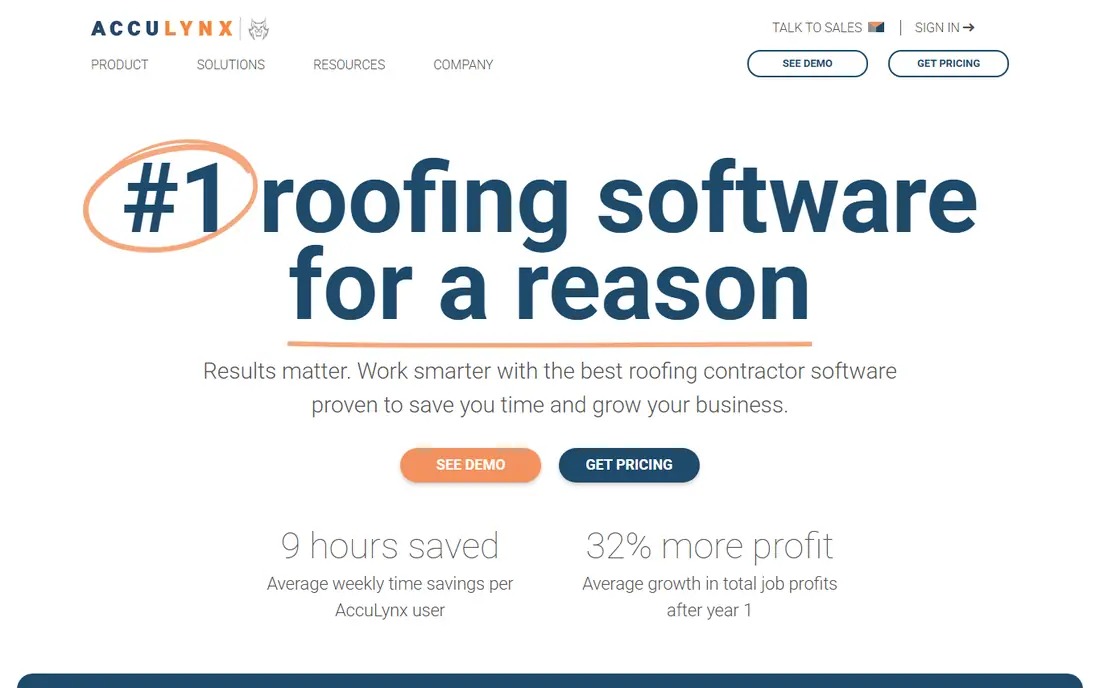
AccuLynx is built specifically for roofing contractors, and that focus shows. It handles estimating, material ordering, job tracking and customer communication in one place, with aerial measurements to support estimates. Roofing teams get a workflow that matches how they actually work.
That specialisation means other trades will find it less suitable, and pricing is quoted. For a roofing business that wants an all-in-one system, AccuLynx is one of the most complete options available.
Bottom line: AccuLynx suits roofing business management best. Its strongest point is roofing-specific estimating and ordering, while the main drawback to weigh is roofing focus means less fit for other trades. Check the current pricing page before deciding, since plans and limits change.
- Roofing-specific estimating and ordering
- Job tracking
- Aerial measurements
- Roofing focus means less fit for other trades
- Pricing is quoted
Roofr
Ideal for: roof measurements and proposals
Roofr provides aerial roof measurements and polished proposals, which help contractors quote faster and look professional. Measurements arrive quickly, proposals can be sent from the platform, and integrations connect it to job management tools. It solves the estimating step well.
It is not a full job management platform, so most teams pair it with a CRM or job tool. Measurement reports carry their own cost. For contractors that want faster, more professional estimates, Roofr is a useful addition.
Bottom line: Roofr suits roof measurements and proposals best. Its strongest point is fast aerial measurements, while the main drawback to weigh is narrower scope than a full job platform. Check the current pricing page before deciding, since plans and limits change.
- Fast aerial measurements
- Professional proposals
- Good integrations
- Narrower scope than a full job platform
- Measurement costs apply
Hover
Ideal for: 3D home measurements
Hover turns smartphone photos of a home into a 3D model with measurements, which contractors use for roofing, siding and exterior estimates. The model gives accurate dimensions without climbing on the roof, and reports can be shared with customers and suppliers.
Costs are per project, which adds up for high-volume teams, and the focus is exterior work. For contractors that need accurate exterior measurements with minimal site time, Hover is a clever and practical tool.
Bottom line: Hover suits 3D home measurements best. Its strongest point is 3D models from phone photos, while the main drawback to weigh is per-project costs. Check the current pricing page before deciding, since plans and limits change.
- 3D models from phone photos
- Measurements for exterior projects
- Shareable reports
- Per-project costs
- Best for exterior and roofing work
EagleView
Ideal for: aerial imagery and measurements
EagleView provides aerial imagery and measurement reports used widely in roofing and insurance. Its reports are detailed and trusted by insurers, which helps when documentation matters for a claim. Contractors use it to measure roofs and plan jobs without a site visit.
Reports carry a per-order cost, and EagleView does not manage jobs or customers. It works best alongside a job platform. For measurement and documentation quality, EagleView is a well-established choice.
Bottom line: EagleView suits aerial imagery and measurements best. Its strongest point is high-quality aerial imagery, while the main drawback to weigh is reports are priced per order. Check the current pricing page before deciding, since plans and limits change.
- High-quality aerial imagery
- Detailed measurement reports
- Insurance use
- Reports are priced per order
- Not a job management tool
ServiceTitan
Ideal for: service business management
ServiceTitan is a full business platform for home service companies, covering dispatch, scheduling, invoicing, CRM and marketing. Its mobile app keeps field teams connected to the office, and the breadth suits larger operations with many technicians. Photo documentation fits into the job record alongside invoices and notes.
Pricing is quoted and can be substantial, and implementation takes time for a larger team. Small crews may find it more than they need. For a growing service business that wants one system for operations, ServiceTitan is a major option.
Bottom line: ServiceTitan suits service business management best. Its strongest point is dispatch, invoicing and CRM together, while the main drawback to weigh is pricing is quoted and can be high. Check the current pricing page before deciding, since plans and limits change.
- Dispatch, invoicing and CRM together
- Strong for trades businesses
- Mobile app
- Pricing is quoted and can be high
- Setup takes time
Procore
Ideal for: construction project management
Procore is a construction management platform that handles documents, photos, drawings, RFIs and project communication for larger jobs. Photos attach to project records with location and context, which helps teams, owners and subcontractors stay aligned. Its mobile app is well suited to site work.
It is built for construction projects rather than small service jobs, and pricing is quoted for the project volume. Small contractors will find it excessive. For larger construction work where photo documentation must sit inside a full project record, Procore is a leading platform.
Bottom line: Procore suits construction project management best. Its strongest point is full construction project platform, while the main drawback to weigh is built for larger projects. Check the current pricing page before deciding, since plans and limits change.
- Full construction project platform
- Document and photo management
- Strong mobile app
- Built for larger projects
- Pricing is quoted
How we picked these
We started from the original product and what people use it for, then compared official feature pages, pricing pages, app-store listings, privacy policies and public reviews for each candidate. We kept only products that exist, work in October 2026 and genuinely fit the topic, and we left out products that were discontinued, unrelated or too thin to recommend.
We weighed fit for the topic first, then price and free options, ease of setup and the honest downsides that show up in reviews and documentation. Prices are given as listed on the vendor's own site where we could verify them, and we wrote See website where a price was quoted, unclear or likely to change by plan.
We also left out products that no longer exist, that have been folded into a different product, or that only partly fit the topic. A longer list would have been easier to write, but a list padded with poor fits helps nobody choose, so we kept the list to products we can genuinely recommend for this use.
How to choose a contractor photo and job tool
Start with the job your team does every day. A roofing crew needs photo documentation tied to a job, while a service business needs dispatch and invoicing. The best tool is the one that matches the daily workflow, not the one with the longest feature list.
Next, check how photos are organised. Photos should attach to a job or address automatically, be easy to find months later, and be shareable with customers or insurers without manual sorting. A tool that dumps photos into a general gallery will cost your team time on every job.
Finally, test the mobile app on a real job. Contractors work on site, often with gloves and poor signal, so the app must be fast, simple and able to work offline. A trial on two or three real jobs will tell you more than a demo ever can.
Test with your own data, not sample data. A tool can look excellent on demo content and still struggle with your volume, formats or edge cases, so load a realistic slice of your own work during the trial. Pay attention to speed, error messages and how easy it is to fix a mistake.
Think about who else must use it. A tool chosen by one person often fails when the wider team finds it confusing or slow, so invite two or three colleagues to try the shortlist and note where they get stuck. Their feedback is worth more than any feature checklist.
Frequently asked questions
What is the best CompanyCam alternative?
JobProgress and JobNimbus are the closest all-round replacements, with job tracking and photo documentation together. AccuLynx is a strong pick for roofing contractors that also need estimating.
Can I just use a photo app instead?
A general photo app stores pictures, but it does not tie them to jobs, customers and addresses the way contractor tools do. That link is what saves time when a customer or insurer asks for proof months later.
Do these tools work offline?
Most contractor apps offer some offline ability, but the details vary. Check whether photos taken without signal upload automatically later, since that matters on rural job sites.
Which tool is best for roofing?
AccuLynx and JobNimbus both have strong roofing features, including estimating and supplier ordering. Roofr is a good addition for measurements, and it pairs with several job platforms.
How much do contractor tools cost?
Most charge per user per month, with prices rising for estimating and accounting features. Ask for a quote based on your crew size, since per-user pricing adds up quickly for larger teams.
Can I try these options before paying?
Yes, in most cases. Nearly every option on this list offers a free tier or a free trial, and we note that in the comparison table and in each product block. Use the trial for real work rather than a quick look, and check the renewal price before the trial ends so there are no surprises.