Best Confluence Alternatives in 2026: 8 Tools Compared

- Notion is the best all-round alternative, combining docs, databases, and projects in one workspace.
- Slab suits teams that want a clean, focused internal wiki without extra project tools.
- Nuclino is best for small teams wanting a fast, minimal wiki.
- BookStack and Wiki.js suit teams that want a free self-hosted wiki.
Quick comparison
| Product | Ideal for | Price from | Free version | |
|---|---|---|---|---|
 Notion | teams wanting a wiki that also runs projects | $10 per member per month | Yes | Visit |
 Slab | teams wanting a simple clean wiki | $6.67 per user per month | Yes | Visit |
 Nuclino | small teams wanting a fast minimal wiki | $6 per user per month | Yes | Visit |
 Slite | small teams wanting AI-verified docs | $10 per user per month | Free trial | Visit |
 ClickUp | teams wanting docs inside project management | $7 per user per month | Yes | Visit |
 Coda | teams with many viewers and few editors | $10 per Doc Maker per month | Yes | Visit |
 BookStack | self-hosters wanting a free structured wiki | Free | Yes | Visit |
 Guru | enterprises needing governed knowledge for AI | See website | No | Visit |
The best Confluence alternatives
Teams leave Confluence for simpler editors, better search, lower prices, or docs that also run projects. Alternatives range from all-in-one workspaces like Notion to focused wikis like Slab and Nuclino, and self-hosted options for teams that want full control.
Notion
Ideal for: teams wanting a wiki that also runs projects
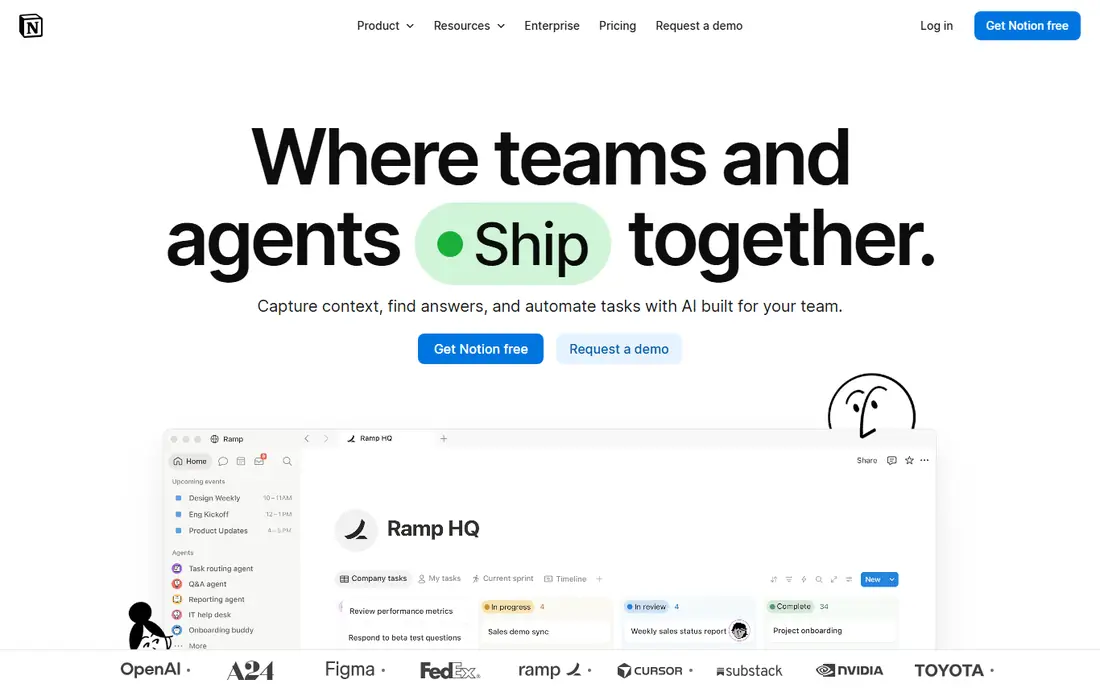
Notion works best for teams wanting a wiki that also runs projects. Notion combines docs, databases, and projects in one workspace, so a wiki can also track work without a second tool. Pricing starts at $10 per member per month, and a free plan is available. This is the option to look at first if that description matches your situation.
Structure is up to each team, so wikis can drift without governance, and full AI features require the Business tier. That trade-off matters most if you were hoping for a single tool that covers every situation without compromise. Compared with the other options here, Notion stands out for teams wanting a wiki that also runs projects, while asking you to accept that Structure drifts without governance. Weigh that honestly against your budget and your patience for setup before you commit.
- Docs, databases, and projects
- AI features
- Large template library
- Structure drifts without governance
- Full AI needs Business tier
Slab
Ideal for: teams wanting a simple clean wiki
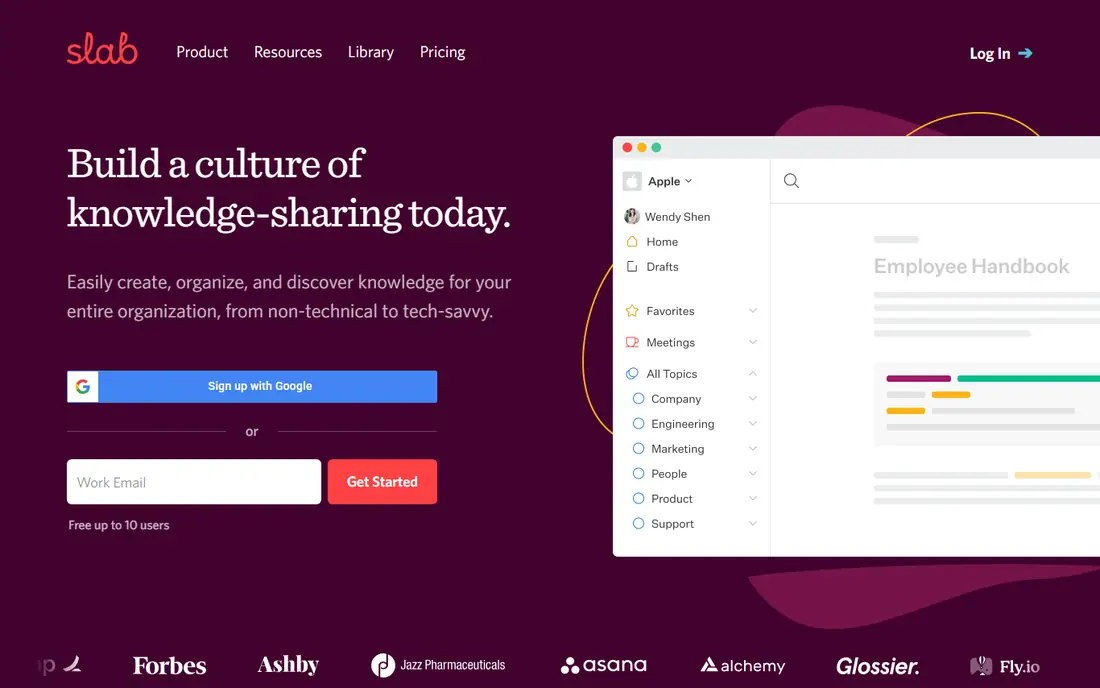
Slab works best for teams wanting a simple clean wiki. Slab is a clean, focused wiki with fast search and a simple editor that teams adopt quickly. Pricing starts at $6.67 per user per month, and a free plan is available. Put this one near the top of your shortlist when the fit sounds right.
AI Ask requires the Business tier, and project features are fewer than Notion, so it suits pure documentation best. That trade-off matters most if you were hoping for a single tool that covers every situation without compromise. Compared with the other options here, Slab stands out for teams wanting a simple clean wiki, while asking you to accept that AI Ask needs Business tier. Weigh that honestly against your budget and your patience for setup before you commit.
- Clean focused wiki
- Fast search
- Free up to 10 users
- AI Ask needs Business tier
- Fewer project features
Nuclino
Ideal for: small teams wanting a fast minimal wiki
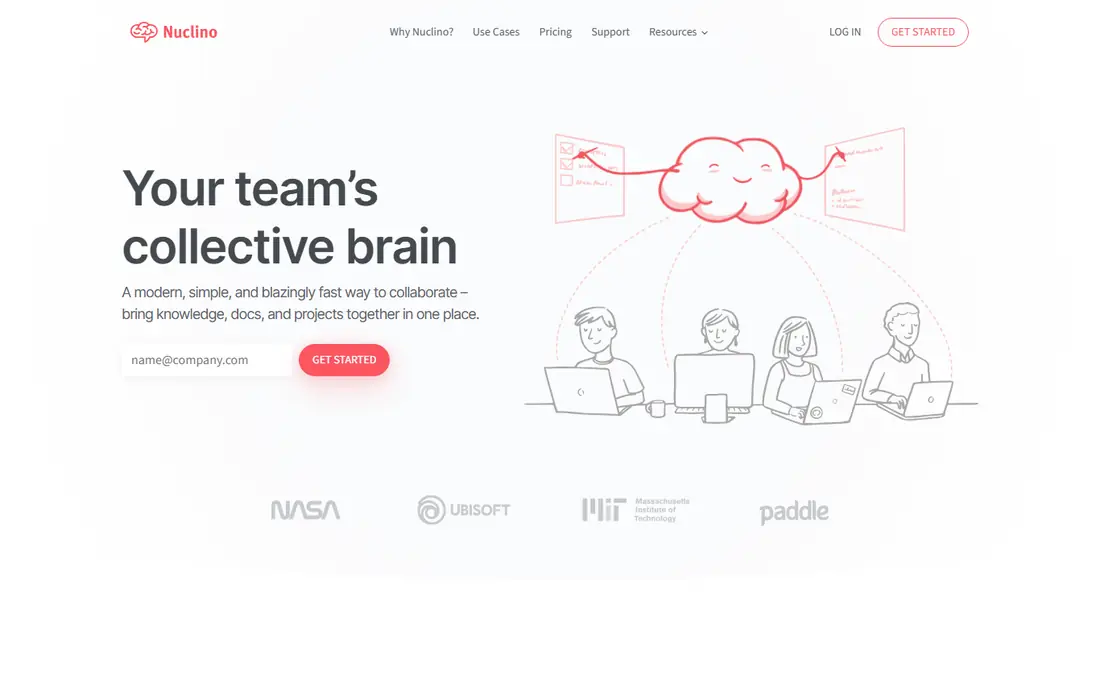
Nuclino works best for small teams wanting a fast minimal wiki. Nuclino is the fastest, most minimal wiki here, with a clean interface that small teams learn in minutes. Pricing starts at $6 per user per month, and a free plan is available. This choice makes the most sense for readers who match the description above.
Advanced features are limited, and Sidekick AI requires the Business tier, so larger teams may need more. That trade-off matters most if you were hoping for a single tool that covers every situation without compromise. Compared with the other options here, Nuclino stands out for small teams wanting a fast minimal wiki, while asking you to accept that Limited advanced features. Weigh that honestly against your budget and your patience for setup before you commit.
- Very fast
- Minimal interface
- Free up to 50 items
- Limited advanced features
- Sidekick AI needs Business
Slite
Ideal for: small teams wanting AI-verified docs
Slite works best for small teams wanting AI-verified docs. Slite focuses on keeping docs accurate, with AI answers drawn from your knowledge base and verification workflows. Pricing starts at $10 per user per month, and a free trial is available. Consider this option closely if you want the balance it offers.
There is no free plan, only a 14-day trial, so test search and AI answers before paying. That trade-off matters most if you were hoping for a single tool that covers every situation without compromise. Compared with the other options here, Slite stands out for small teams wanting AI-verified docs, while asking you to accept that No free plan. Weigh that honestly against your budget and your patience for setup before you commit.
- AI-verified docs
- Ask AI answers
- Clean editor
- No free plan
- 14-day trial only
ClickUp
Ideal for: teams wanting docs inside project management
ClickUp works best for teams wanting docs inside project management. ClickUp puts docs inside project workspaces, so tasks and documentation stay linked without switching tools. Pricing starts at $7 per user per month, and a free plan is available. This is a strong candidate when your priorities line up with its strengths.
Docs are weaker than dedicated wikis, and the platform complexity grows as teams add features. That trade-off matters most if you were hoping for a single tool that covers every situation without compromise. Compared with the other options here, ClickUp stands out for teams wanting docs inside project management, while asking you to accept that Docs are weaker than dedicated wikis. Weigh that honestly against your budget and your patience for setup before you commit.
- Docs inside project workspaces
- Tasks and docs linked
- Free tier
- Docs are weaker than dedicated wikis
- Complexity grows
Coda
Ideal for: teams with many viewers and few editors
Coda works best for teams with many viewers and few editors. Coda turns docs into apps with tables and automations, and pricing by Doc Maker suits teams with many viewers. Pricing starts at $10 per Doc Maker per month, and a free plan is available. Keep this one in mind if the trade-offs below are acceptable to you.
Jira integration costs extra, and formulas take time to learn, so simple wikis may prefer Slab or Nuclino. That trade-off matters most if you were hoping for a single tool that covers every situation without compromise. Compared with the other options here, Coda stands out for teams with many viewers and few editors, while asking you to accept that Jira integration costs extra. Weigh that honestly against your budget and your patience for setup before you commit.
- Doc-based apps
- Tables and automations
- Viewer-friendly pricing
- Jira integration costs extra
- Learning curve for formulas
BookStack
Ideal for: self-hosters wanting a free structured wiki
BookStack works best for self-hosters wanting a free structured wiki. BookStack is a free open-source wiki with a simple books, chapters, and pages structure that teams learn quickly. Pricing starts at Free, and a free plan is available. This option earns its place for the specific audience named above.
You host and maintain it yourself, and integrations are fewer than cloud wikis, so allow time for upkeep. That trade-off matters most if you were hoping for a single tool that covers every situation without compromise. Compared with the other options here, BookStack stands out for self-hosters wanting a free structured wiki, while asking you to accept that You host and maintain it. Weigh that honestly against your budget and your patience for setup before you commit.
- Free open source
- Simple structure
- Books, chapters, pages
- You host and maintain it
- Fewer integrations
Guru
Ideal for: enterprises needing governed knowledge for AI
Guru works best for enterprises needing governed knowledge for AI. Guru delivers verified answers inside the tools teams already use, with governance and AI knowledge agents for enterprises. Pricing starts at See website, and there is no free plan. Round out your shortlist with this option if its approach appeals to you.
Pricing is custom and enterprise-focused, with no free plan, so small teams should choose a simpler wiki. That trade-off matters most if you were hoping for a single tool that covers every situation without compromise. Compared with the other options here, Guru stands out for enterprises needing governed knowledge for AI, while asking you to accept that Custom pricing. Weigh that honestly against your budget and your patience for setup before you commit.
- Verified answers inside tools
- Knowledge agents
- Governance
- Custom pricing
- No free plan
- Enterprise focus
How we picked these
We compared official feature pages, pricing pages, app store listings, privacy policies, and public reviews for each option, and we kept only products that exist and work today and that truly fit the topic. We gave weight to clear pricing, a usable free or trial option where one is offered, and honest limits stated on the vendor site. We did not claim hands-on testing we did not do, and where a price could not be verified on the vendor site we wrote See website instead of guessing. Our pick for most people is usually the option that covers the core job well at a fair price, not the one with the longest feature list. That said, the right answer depends on your situation, so use the comparison table to narrow the list to two or three options, then check the current pricing page before you pay.
How to choose a Confluence alternative
Start with the job. A pure wiki suits Slab or Nuclino, a wiki plus projects suits Notion or ClickUp, and governed enterprise knowledge suits Guru.
Next, count who pays. Some tools charge per user, others per editor or Doc Maker, and the same 20-person team can cost very different amounts.
Finally, test search and migration. Import a real set of pages, check search quality, and confirm the editor feels good for daily writers, since a wiki nobody enjoys writing in will go stale.
Frequently asked questions
What are the best Confluence alternatives?
Notion is best all-round, Slab is best for a focused wiki, Nuclino is best for small teams, and BookStack is best free self-hosted. The right pick depends on team size and needs.
Is Notion better than Confluence?
Notion is more flexible and easier for docs plus projects, while Confluence suits large Jira teams with structured wikis. Teams leaving Confluence often want Notion simplicity.
What is the cheapest Confluence alternative?
BookStack and Wiki.js are free self-hosted options, while Nuclino starts at $6 per user a month and Slab at $6.67. Notion and ClickUp both offer free tiers.
Can I migrate from Confluence to Notion?
Yes, Notion and most rivals offer import tools for Confluence pages, though formatting and permissions may need cleanup after import.
Which Confluence alternative is best for small teams?
Nuclino and Slab suit small teams best, with low prices and simple editors. Notion suits small teams that also want project tracking.