Best Conservative Alternatives to Google in 2026: 8 Search Engines Compared

- 1
 Brave SearchIndependent private searchVisit
- 2
 DuckDuckGoPrivate search plus browserVisit
- 3
 StartpageGoogle results with privacyVisit
- 4
 MojeekFully independent indexVisit
- 5
 EcosiaSearch that plants treesVisit
- Brave Search and DuckDuckGo are the easiest Google replacements, with their own indexes and strong privacy.
- Startpage gives Google-quality results through a privacy layer, for users who like Google results without Google tracking.
- Mojeek and SearXNG appeal to users who want fully independent or self-hosted search.
- Ecosia and Qwant add a European focus, with Ecosia funding tree planting from ad revenue.
- Yahoo Search suits users who want a familiar portal-style search experience outside Google.
Quick comparison
| Product | Ideal for | Price from | Free version | |
|---|---|---|---|---|
| Brave Search | Independent private search | Free | Yes | Visit |
| DuckDuckGo | Private search plus browser | Free | Yes | Visit |
| Startpage | Google results with privacy | Free | Yes | Visit |
| Mojeek | Fully independent index | Free | Yes | Visit |
| Ecosia | Search that plants trees | Free | Yes | Visit |
 Qwant | European private search | Free | Yes | Visit |
 Yahoo Search | Familiar portal search | Free | Yes | Visit |
 SearXNG | Self-hosted search | Free | Yes | Visit |
The best conservative alternatives to Google
Many people look for a search engine outside Google for reasons that include privacy, a wish for independent results, or a preference for a smaller provider. The engines below all work without a Google account, and they differ in how they build results, how they handle privacy, and what extras they offer. This list covers general-purpose search engines, not political news sites, so you can judge each one on its search quality and privacy practices.
Brave Search
Ideal for: Independent private search

Brave Search is built by the Brave browser team and uses its own index rather than borrowing Google or Bing results. That independence matters if you want results that are not shaped by another company's ranking. Privacy is strong by default, with no personal profiles built from your searches.
The index is still growing, so very rare or local queries may return thinner results than Google. A paid plan adds AI answers and removes ads. For users who want an independent, private search engine, Brave Search is our pick for most people.
- Own independent index
- No tracking profiles
- Clean results page with answers and discussions
- Index is still smaller than Google for rare queries
- Some features need a Brave account
DuckDuckGo
Ideal for: Private search plus browser
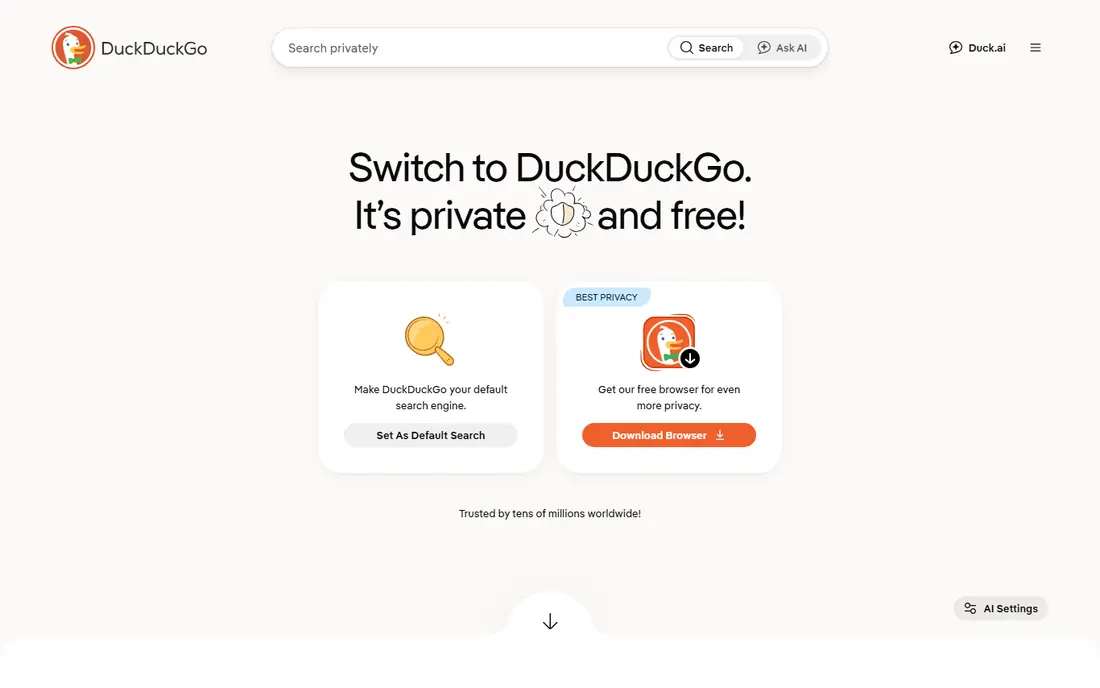
DuckDuckGo is the best-known private search engine. It does not track your searches or build a profile of you, and it offers instant answers, maps, and handy bang shortcuts that send a query straight to a chosen site. Its browser and mobile apps extend the same privacy approach beyond search.
Results come from a mix of its own crawler and partners, so it is not fully independent in the way Brave or Mojeek are. For most users that trade-off is invisible, and DuckDuckGo remains the easiest private switch from Google.
- No search tracking
- Instant answers and bang shortcuts
- Browser and mobile apps available
- Results draw on partner indexes
- AI features are optional extras
Startpage
Ideal for: Google results with privacy
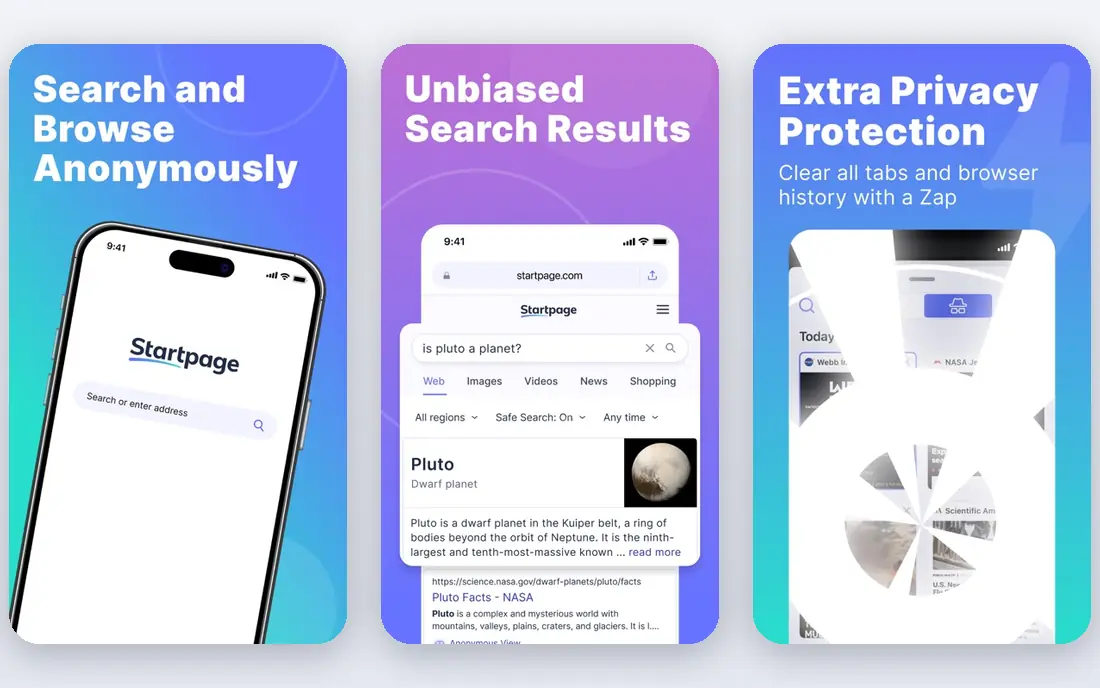
Startpage is the right pick if you like Google results but not Google tracking. It fetches Google results for you, strips identifying information, and shows them without a profile. An anonymous view lets you open result pages through a proxy, so the destination site does not see your address either.
The obvious limit is dependence: results still originate with Google, so anyone who wants full independence should pick Brave or Mojeek. If result quality matters most and privacy is the goal, Startpage is a strong compromise.
- Google-quality results without Google tracking
- Anonymous view for opening pages
- Simple interface
- Results still come from Google behind the scenes
- Fewer extra features than rivals
Mojeek
Ideal for: Fully independent index
Mojeek is a small British search engine that crawls the web itself and builds its own index, with no tracking and no personalization. That makes it one of the few truly independent options here. Its team is open about how it works, which appeals to users who value transparency.
The index is much smaller than Google, so obscure topics, local businesses, and very recent news may be harder to find. For general queries and for users who prize independence above all, Mojeek is a principled choice.
- Own crawler and index with no tracking
- No personalization bubble
- Transparent about methods
- Smaller index means thinner results for niche queries
- Fewer features than big engines
Ecosia
Ideal for: Search that plants trees
Ecosia is a search engine with a clear extra mission: it uses ad revenue to fund tree planting projects and publishes monthly financial reports on the work. Search itself is privacy-friendly, with no personal profiles built from queries, and the interface is simple enough for any user.
Results come from partners rather than its own index, so it is not an independent engine in the Brave sense. For users who want a private, easy search engine that also supports an environmental cause, Ecosia is a pleasant pick.
- Ad revenue funds tree planting
- Privacy-friendly with no personal profiles
- Simple to use
- Results draw on partner indexes
- Tree claims need trust in published reports
Qwant
Ideal for: European private search
Qwant is a French search engine that promises no tracking, no profiling, and no filter bubble. It offers familiar tabs for web, news, images, and video, plus a junior version for children. Its European base appeals to users who prefer a provider outside the large United States platforms.
Some results come from partners, and coverage outside Europe can be thinner. For users who want a European private search engine with a full tab set, Qwant is a good option.
- European company with privacy focus
- No tracking or profiling
- News, images, and video tabs
- Results partly draw on partners
- Smaller presence outside Europe
Yahoo Search
Ideal for: Familiar portal search
Yahoo Search is the least private option here, but it is a real alternative for users who simply want to stop using Google. It offers solid general results plus the familiar Yahoo portal, with news, mail, sports, and finance a click away. No Google account is needed.
Privacy is the trade-off: Yahoo collects more data than Brave, DuckDuckGo, or Mojeek, and ads are visible throughout. If your main goal is leaving Google rather than maximizing privacy, Yahoo Search is an easy, familiar switch.
- Familiar portal with news, mail, and finance links
- Solid general results
- No Google account needed
- Privacy practices are weaker than dedicated private engines
- Ads are prominent
SearXNG
Ideal for: Self-hosted search
SearXNG is different from the rest of this list because it is software, not a single service. You can run your own instance, which queries many search engines and combines the results, with no tracking and no central profile. Public instances exist for users who do not want to host their own.
Running your own instance takes technical skill, and public instances vary in speed and reliability. For technical users who want full control over their search, SearXNG is the most flexible option here.
- Free open-source software you can host yourself
- Aggregates many engines
- No tracking by design
- Needs technical skill to host
- Public instances vary in quality and uptime
How we picked these
We compared official feature pages, privacy policies, app listings, and public reviews for each engine, and we checked that each product is actively offered in October 2026. We favored general-purpose search engines that work without a Google account, and we kept a mix of independent, privacy-focused, and familiar options. We left out news aggregators and single-topic sites that do not provide general web search.
What to check before you switch
Search habits are personal, so test an engine with your real queries before committing.
Result quality
Run your typical searches, including local businesses, news, and niche topics, on each engine for a few days. An engine that handles your common queries well matters more than one that wins on rare tests.
Privacy reality
Read the privacy policy, not just the marketing. Check what data is stored, how long it is kept, and whether results come from the engine itself or from partners, since that affects both privacy and independence.
Browser and device setup
Set your chosen engine as the default in your browser and on your phone, and check that maps, images, and video search meet your needs. Most engines here offer browser extensions or apps that make the switch simple.
Search quality is personal, so run the same set of everyday queries across two or three engines before switching defaults. Compare result relevance, local results, news coverage, and image results, since engines differ more on these than on basic web search. Check the default settings in your browser on each device, because mobile and desktop defaults are set separately and can drift after updates. If you use search shortcuts or bang-style commands, confirm the new engine supports them. A short side-by-side trial gives a clearer answer than any feature list about which engine fits your habits.
Frequently asked questions
What is the best private alternative to Google?
Brave Search and DuckDuckGo are the best private picks for most users. Brave Search uses its own index, while DuckDuckGo offers a broader feature set with its browser and apps. Both avoid tracking and personal profiles.
Can I get Google results without using Google?
Yes, Startpage shows Google results through a privacy layer, so Google does not see your searches directly. It is a good compromise if you like Google result quality but want to avoid Google tracking.
Which search engine does not track me at all?
Brave Search, DuckDuckGo, Mojeek, and SearXNG all avoid tracking and personal profiles. Yahoo Search collects more data than the private engines here, so pick a dedicated private engine if tracking is your main concern.
Is there a conservative search engine?
There is no single search engine defined by a political view, and results vary by query on every engine. Users who want an independent or private engine often pick Brave Search, DuckDuckGo, or Mojeek, and you can judge each one by its results and privacy practices.
Can I host my own search engine?
Yes, SearXNG is free open-source software you can run on your own server. It aggregates results from many engines and gives you full control, though it needs technical skill to set up and maintain.