Best Content Snare Alternatives in 2026: 8 Tools Compared

- 1
 GatherContentAgencies collecting website content from clientsVisit
- 2
 FileRequest ProSimple file and content collection pagesVisit
- 3
 JotformForms for collecting content and filesVisit
- 4
 TypeformConversational forms for client intakeVisit
- 5
 AirtableFlexible content tracking and collectionVisit
- Our pick for most people is GatherContent, because it balances price, features and ease of use for the widest group of readers.
- Free plans are real here, but the limits matter: check what FileRequest Pro and Jotform actually include before you commit.
- Prices in this guide come from vendor pricing pages and current comparisons checked in October 2026, and they can change, so confirm the plan on the vendor site before you buy.
- The best choice depends on your budget, your experience level and how much support you want, not on which brand is most famous.
Quick comparison
| Product | Ideal for | Price from | Free version | |
|---|---|---|---|---|
| GatherContent | Agencies collecting website content from clients | See website | Free trial | Visit |
| FileRequest Pro | Simple file and content collection pages | See website | Free trial | Visit |
| Jotform | Forms for collecting content and files | See website | Yes | Visit |
| Typeform | Conversational forms for client intake | See website | Yes | Visit |
| Airtable | Flexible content tracking and collection | See website | Yes | Visit |
 Notion | Docs, wikis and client content hubs | See website | Yes | Visit |
 Monday Work Management | Project and content request tracking | See website | Free trial | Visit |
 Google Forms | Free simple content collection | Free | Yes | Visit |
The best Content Snare Alternatives in 2026
We compared official feature pages, pricing pages, app store listings, privacy policies and public reviews to build this list for content snare alternatives. Every option below exists and works today, and each one earns its place for a different kind of reader.
GatherContent
Ideal for: Agencies collecting website content from clients
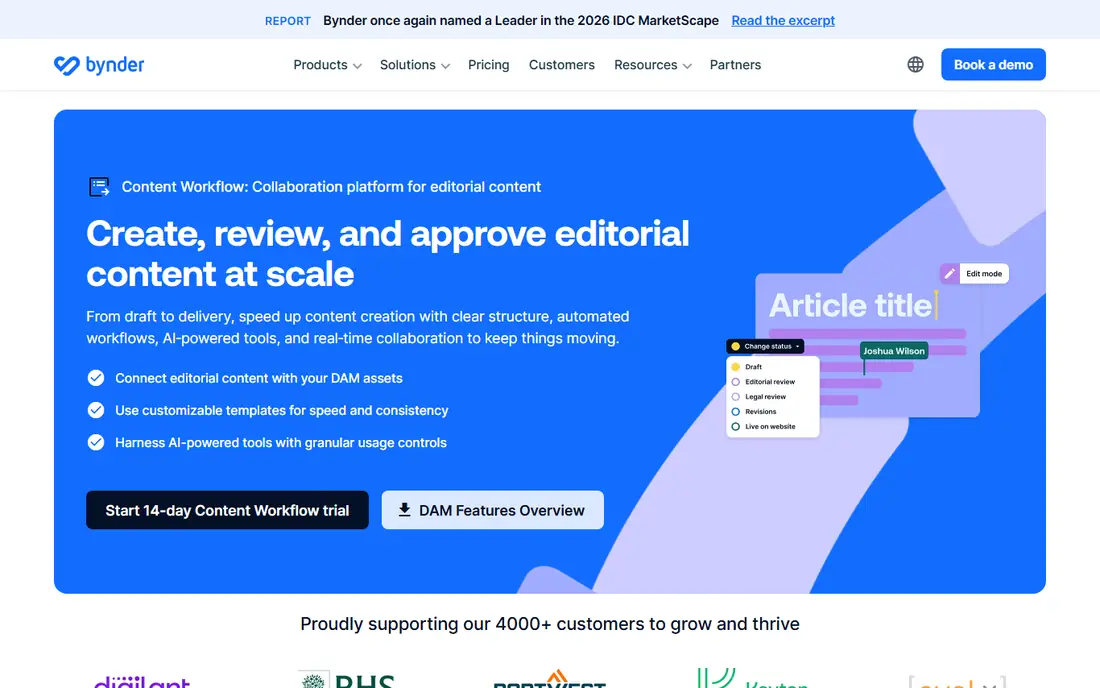
Here is the short version. GatherContent is the closest like-for-like replacement, built for agencies that chase copy, images and approvals from clients. It fits readers who want agencies collecting website content from clients, and its published feature set matches that promise rather than trying to cover every possible use case at once. When we weighed it against the rest of this list, the balance of price, scope and support stood out for that group, and the public reviews we read pointed in the same direction for that use case. The price picture is see website, with a free plan status of free trial. Small teams with simple needs may find it more structured than necessary, so trial it on one client project first. Before you sign up, check the current plan limits on the official site, because caps on users, usage or features are where most buyers get surprised after the first month, and a plan that looks cheap can cost more once you add the seats or volume you actually need.
- Structured content requests
- Approval workflows
- Templates
- Price is quoted for many plans
- Best for website projects
FileRequest Pro
Ideal for: Simple file and content collection pages

Start here if you want the safe default. FileRequest Pro suits teams that mainly need files and answers through a clean branded page, without a heavy platform. It fits readers who want simple file and content collection pages, and its published feature set matches that promise rather than trying to cover every possible use case at once. When we weighed it against the rest of this list, the balance of price, scope and support stood out for that group, and the public reviews we read pointed in the same direction for that use case. The price picture is see website, with a free plan status of free trial. Agencies that need structured website content and approvals should look at GatherContent instead. Before you sign up, check the current plan limits on the official site, because caps on users, usage or features are where most buyers get surprised after the first month, and a plan that looks cheap can cost more once you add the seats or volume you actually need.
- Branded request pages
- File uploads
- Reminders
- Simpler than full content platforms
- Fewer approval workflows
Jotform
Ideal for: Forms for collecting content and files
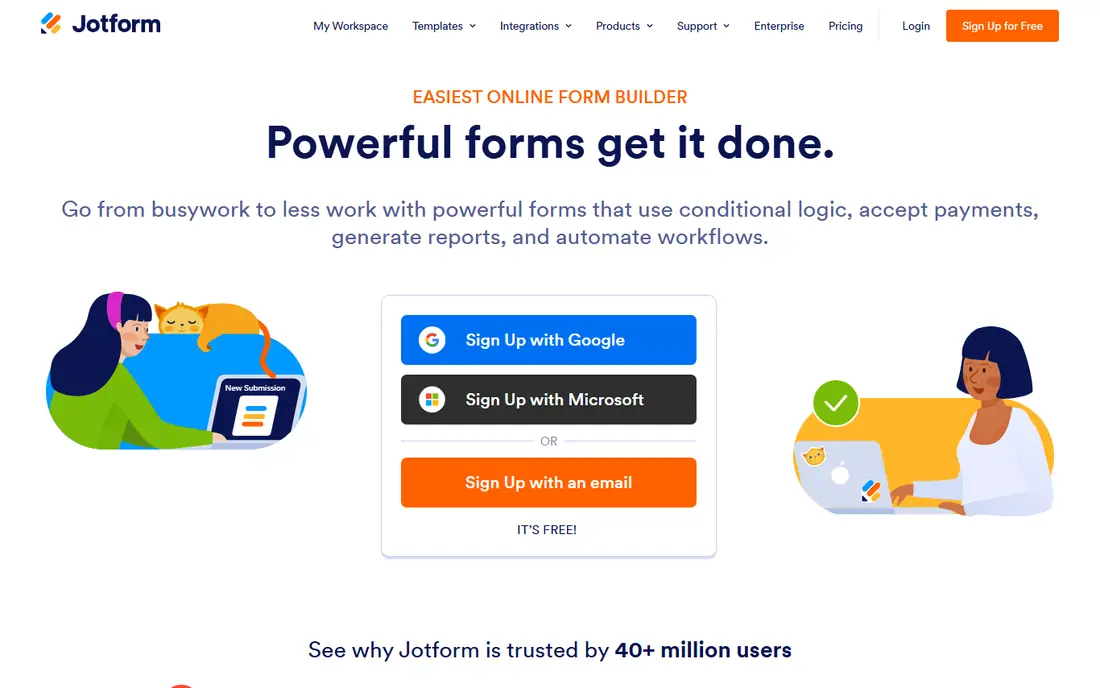
This one suits a specific kind of reader. Jotform is a flexible low-cost way to collect content, files and approvals through forms you build yourself. It fits readers who want forms for collecting content and files, and its published feature set matches that promise rather than trying to cover every possible use case at once. When we weighed it against the rest of this list, the balance of price, scope and support stood out for that group, and the public reviews we read pointed in the same direction for that use case. The price picture is see website, with a free plan status of yes. You will need to design the structure yourself, so it suits teams happy to build their own request flow. Before you sign up, check the current plan limits on the official site, because caps on users, usage or features are where most buyers get surprised after the first month, and a plan that looks cheap can cost more once you add the seats or volume you actually need.
- Drag-and-drop forms
- File uploads
- Payment and approval options
- Form-first design
- Content structure needs manual setup
Typeform
Ideal for: Conversational forms for client intake
Consider this if the top picks do not fit. Typeform makes client intake feel less like paperwork, which can improve response rates for short requests. It fits readers who want conversational forms for client intake, and its published feature set matches that promise rather than trying to cover every possible use case at once. When we weighed it against the rest of this list, the balance of price, scope and support stood out for that group, and the public reviews we read pointed in the same direction for that use case. The price picture is see website, with a free plan status of yes. Large website content sets with many pages and files are better handled in GatherContent or Airtable. Before you sign up, check the current plan limits on the official site, because caps on users, usage or features are where most buyers get surprised after the first month, and a plan that looks cheap can cost more once you add the seats or volume you actually need.
- Conversational forms
- Logic and branching
- Integrations
- Free tier limits responses
- Less suited to large content sets
Airtable
Ideal for: Flexible content tracking and collection
A strong option for a narrower need. Airtable gives teams a flexible base for tracking content requests, files and status in views that suit each person. It fits readers who want flexible content tracking and collection, and its published feature set matches that promise rather than trying to cover every possible use case at once. When we weighed it against the rest of this list, the balance of price, scope and support stood out for that group, and the public reviews we read pointed in the same direction for that use case. The price picture is see website, with a free plan status of yes. The flexibility is also the work: someone must design the base and keep it tidy, or it drifts into a spreadsheet mess. Before you sign up, check the current plan limits on the official site, because caps on users, usage or features are where most buyers get surprised after the first month, and a plan that looks cheap can cost more once you add the seats or volume you actually need.
- Tables, forms and views
- Automations
- Integrations
- Needs setup to match a purpose-built tool
- Price rises with seats
Notion
Ideal for: Docs, wikis and client content hubs
Worth a close look before you decide. Notion suits teams that already live in docs and want content requests inside a shared workspace. It fits readers who want docs, wikis and client content hubs, and its published feature set matches that promise rather than trying to cover every possible use case at once. When we weighed it against the rest of this list, the balance of price, scope and support stood out for that group, and the public reviews we read pointed in the same direction for that use case. The price picture is see website, with a free plan status of yes. Client experience depends on how well you set up permissions and pages, so test the client view before you send it out. Before you sign up, check the current plan limits on the official site, because caps on users, usage or features are where most buyers get surprised after the first month, and a plan that looks cheap can cost more once you add the seats or volume you actually need.
- Docs and databases
- Sharing and comments
- Templates
- Client-facing polish varies
- Permissions need care
Monday Work Management
Ideal for: Project and content request tracking
This belongs on the shortlist for a reason. Monday Work Management tracks content requests as work items, with automations and forms that keep chasing visible. It fits readers who want project and content request tracking, and its published feature set matches that promise rather than trying to cover every possible use case at once. When we weighed it against the rest of this list, the balance of price, scope and support stood out for that group, and the public reviews we read pointed in the same direction for that use case. The price picture is see website, with a free plan status of free trial. It is a general work tool, so content-specific structure must be built, but teams that already use it gain a lot. Before you sign up, check the current plan limits on the official site, because caps on users, usage or features are where most buyers get surprised after the first month, and a plan that looks cheap can cost more once you add the seats or volume you actually need.
- Boards and automations
- Forms
- Client collaboration
- Price rises with seats
- Setup time for tailored boards
Google Forms
Ideal for: Free simple content collection
Do not overlook this one. Google Forms is the free fallback for simple requests, and it works when budget is zero and needs are basic. It fits readers who want free simple content collection, and its published feature set matches that promise rather than trying to cover every possible use case at once. When we weighed it against the rest of this list, the balance of price, scope and support stood out for that group, and the public reviews we read pointed in the same direction for that use case. The price picture is free, with a free plan status of yes. For structured website content with approvals and reminders, it will feel thin fast, so treat it as a stopgap. Before you sign up, check the current plan limits on the official site, because caps on users, usage or features are where most buyers get surprised after the first month, and a plan that looks cheap can cost more once you add the seats or volume you actually need.
- Free forms
- File uploads
- Spreadsheet results
- Very basic structure
- No client portal or approvals
How we picked these
We started from official feature pages and pricing pages, then checked app store listings, privacy policies and public reviews to confirm each product still works and still fits the topic. Products that could not be verified, or that only partly matched the topic, were left out, even when they were well known. We favoured a mix of established leaders and strong smaller options, and we weighted price transparency, a usable free tier or trial, and honest limits more heavily than marketing claims. No product on this list paid for its place, and our pick for most people is the one we would suggest to a friend with ordinary needs and an ordinary budget.
What to check before you replace Content Snare
Start with what you collect: files, copy, images or approvals, and how structured it must be. A form tool works for short intake, while a purpose-built content platform works for a whole website. Check reminders and chasing next, since the real cost of content collection is follow-up, not the form itself. Then test the client experience yourself, because clients abandon confusing portals. Check file size limits, branding, and whether content flows into your website or project tool without copying. Price per seat matters for agencies with many clients, so compare at your real client count.
Frequently asked questions
What is the best Content Snare alternative?
GatherContent is the closest replacement for agencies, Jotform is the best low-cost flexible option, and Airtable suits teams that want a custom tracking base. The right pick depends on how structured your content is.
Is there a free Content Snare alternative?
Yes, Google Forms, Jotform and Notion offer free tiers, but each limits structure, responses or polish. For agency work, a paid content platform usually pays for itself in saved chasing.
Do clients need an account to submit content?
It depends: form tools usually do not require a client account, while workspace tools may need sharing setup. Test the client view before you send a request to a real client.
Can these tools handle website content?
GatherContent is built for website content, while Airtable and Notion can be shaped for it. Form tools handle intake, but large page-by-page content sets need a structured platform.
What about reminders and approvals?
GatherContent and Monday Work Management handle reminders and approvals best. Form tools need manual chasing unless you add automations.