Best Contentcal Alternatives in 2026: 8 Options Compared

- Hootsuite and Sprout Social are the most complete options, with deep analytics and team workflows that suit larger marketing teams.
- Buffer and Later are simpler and cheaper, and both suit small teams that mainly need reliable scheduling and a visual calendar.
- Planable stands out for approval workflows, which makes it a good fit for agencies that send content to clients for sign-off.
- SocialPilot and Sendible give agencies multi-client management at a lower price than the enterprise tools on this list.
Quick comparison
| Product | Ideal for | Price from | Free version | |
|---|---|---|---|---|
 Hootsuite | full social media management | See website | Free trial | Visit |
 Buffer | simple scheduling for small teams | See website | Yes | Visit |
 Sprout Social | analytics and team collaboration | See website | Free trial | Visit |
 Later | visual planning and creators | See website | Yes | Visit |
 Planable | client approvals and collaboration | See website | Free trial | Visit |
 SocialPilot | affordable agency scheduling | See website | Free trial | Visit |
 Agorapulse | inbox and community management | See website | Free trial | Visit |
 Sendible | agencies managing many clients | See website | Free trial | Visit |
The best Contentcal Alternatives
Here are our picks for the best contentcal alternatives, covering a mix of well-known leaders and strong smaller options. We compared official feature pages, pricing pages, app-store listings, privacy policies and public reviews to build this list.
Hootsuite
Ideal for: full social media management
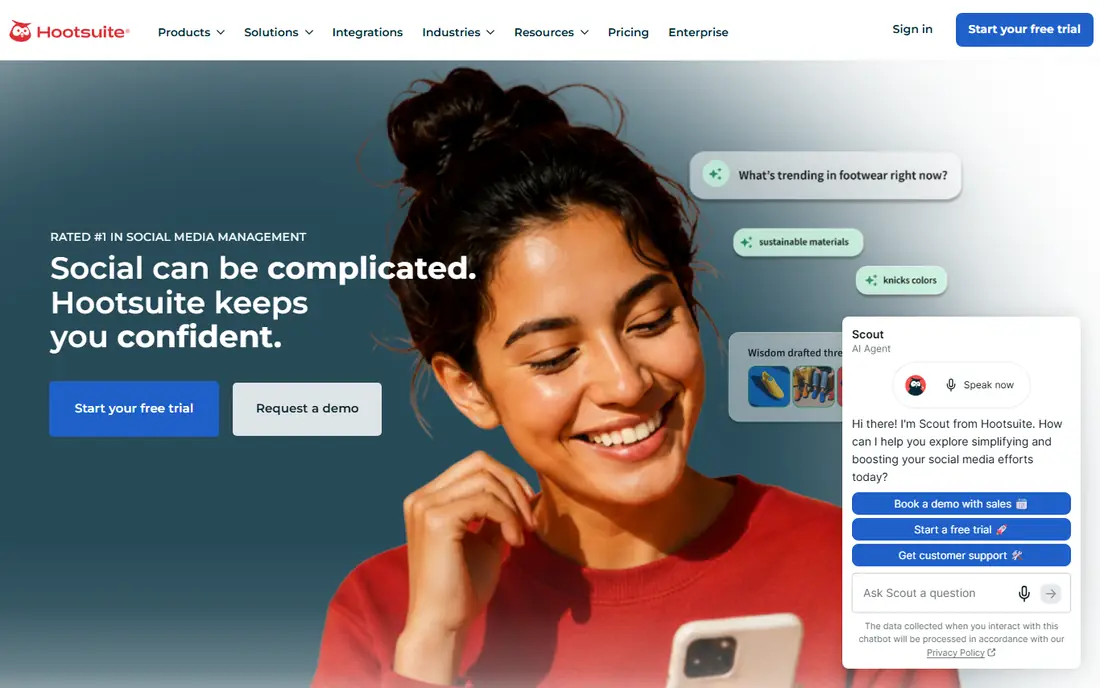
Hootsuite is the established all-rounder in this group. It schedules across the major networks, tracks mentions and messages in shared inboxes, and produces reports that managers can actually read. For a marketing team that runs several channels and needs one place to plan, publish and measure, it covers the bases without much fuss.
The price reflects that breadth, and smaller teams may find they pay for listening and reporting features they rarely open. The interface packs a lot in, so new users should allow a week to learn it properly. If you need one tool for a busy team, Hootsuite remains a safe, capable choice.
Bottom line: Hootsuite suits full social media management best. Its strongest point is very broad network support, while the main drawback to weigh is higher price than simpler schedulers. Check the current pricing page before deciding, since plans and limits change.
- Very broad network support
- Strong analytics
- Team workflows and approvals
- Higher price than simpler schedulers
- Some features need higher tiers
Buffer
Ideal for: simple scheduling for small teams
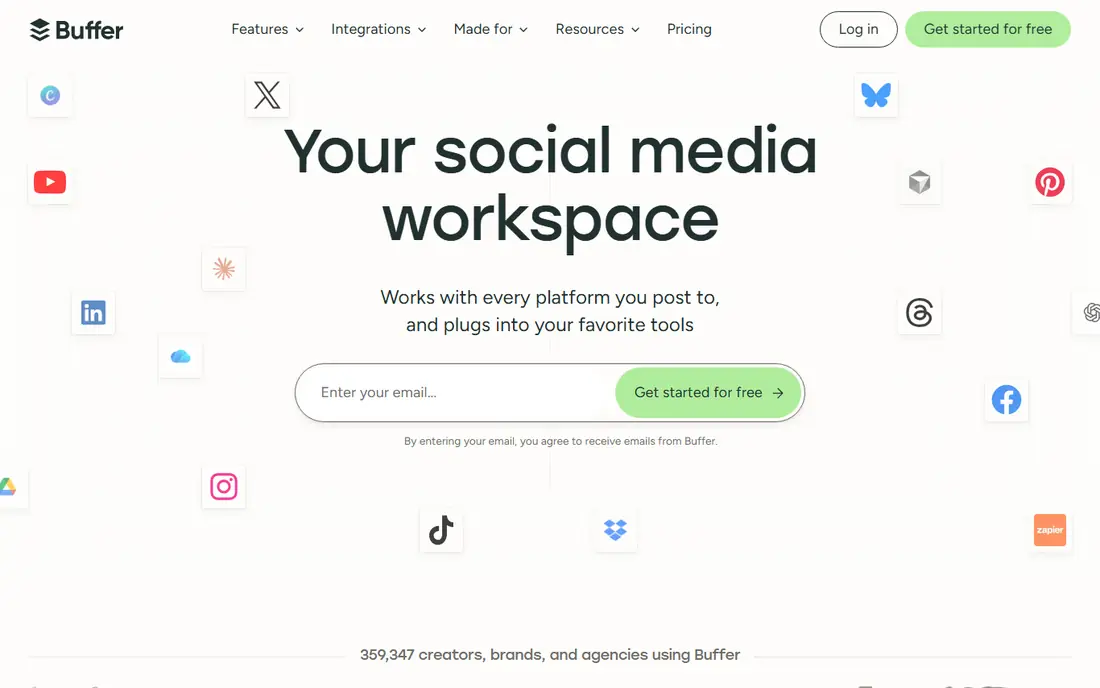
Buffer keeps social scheduling simple, which is exactly why small teams like it. You connect channels, queue posts and check a clear calendar, without wading through enterprise features. The interface is one of the clearest here, and new team members can learn it in an afternoon.
The trade-off is depth. Analytics are solid for basic reporting but thinner than Sprout Social or Hootsuite, and social listening is limited. For a team whose main need is reliable publishing and a tidy calendar, that simplicity is a strength rather than a weakness, and the price stays reasonable.
Bottom line: Buffer suits simple scheduling for small teams best. Its strongest point is clean interface, while the main drawback to weigh is analytics and engagement tools are lighter than enterprise rivals. Check the current pricing page before deciding, since plans and limits change.
- Clean interface
- Easy scheduling
- Affordable entry plans
- Analytics and engagement tools are lighter than enterprise rivals
Sprout Social
Ideal for: analytics and team collaboration
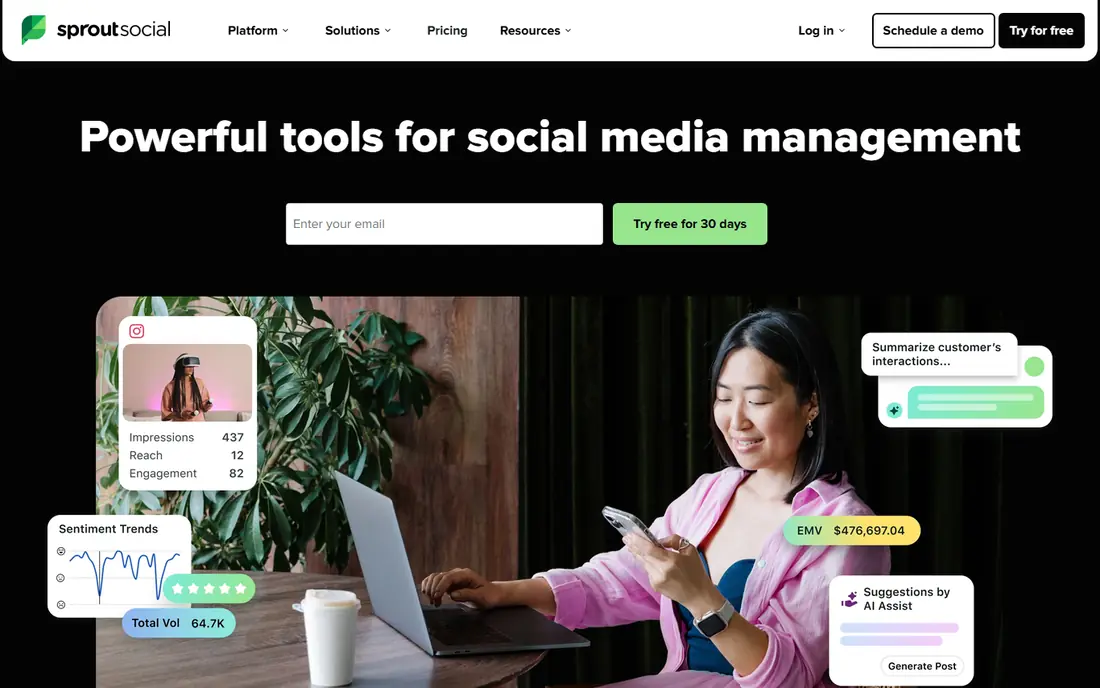
Sprout Social suits teams that report on social performance as seriously as they publish. Its reports are polished, its shared inbox keeps replies organised, and approval workflows let managers review content before it goes live. For agencies and in-house teams that present results to clients or leadership, that reporting quality matters.
Pricing sits at the premium end, and the cheapest plan still costs more than Buffer or Later. Small teams with basic scheduling needs will not use enough of it to justify the bill. For teams where reporting and collaboration are daily work, Sprout Social earns its price.
Bottom line: Sprout Social suits analytics and team collaboration best. Its strongest point is excellent reporting, while the main drawback to weigh is premium pricing. Check the current pricing page before deciding, since plans and limits change.
- Excellent reporting
- Shared inbox
- Strong approval workflows
- Premium pricing
- Can be more than small teams need
Later
Ideal for: visual planning and creators
Later started as a visual Instagram planner, and that heritage still shows in its calendar. Dragging posts into place, previewing a feed and planning reels and TikTok videos all feel natural here. Creators and small brands that plan visually will find it faster than a list-based scheduler.
Approval workflows and multi-client management are thinner than in Planable or Sendible, so agencies may feel the limits. The free plan covers basic scheduling for one user, which makes it easy to try. If visual planning is your priority, Later is the pick.
Bottom line: Later suits visual planning and creators best. Its strongest point is strong visual calendar, while the main drawback to weigh is weaker team approval features than agency tools. Check the current pricing page before deciding, since plans and limits change.
- Strong visual calendar
- Good for Instagram and TikTok
- Link-in-bio tool
- Weaker team approval features than agency tools
Planable
Ideal for: client approvals and collaboration
Planable is built for the approval step that slows many teams down. Content can be shared with clients through a preview link, comments sit next to the post, and approval states are visible at a glance. That removes the email chains and screenshots that usually surround sign-off.
Analytics and social listening are lighter than in Hootsuite or Sprout Social, so teams that need deep reporting may pair it with another tool. For agencies and marketing teams where client approval is the bottleneck, Planable solves the exact problem and is easy to justify.
Bottom line: Planable suits client approvals and collaboration best. Its strongest point is approval workflows built in, while the main drawback to weigh is fewer analytics and listening features than larger suites. Check the current pricing page before deciding, since plans and limits change.
- Approval workflows built in
- Client preview links
- Clear calendar views
- Fewer analytics and listening features than larger suites
Agorapulse
Ideal for: inbox and community management
Agorapulse balances publishing with community management, which suits teams that spend as much time replying as posting. The shared inbox gathers comments and messages across networks, assignments keep replies from being missed, and reports cover the metrics most managers ask for.
Pricing rises as you add team members and profiles, so larger teams should price the full setup before committing. Social listening is more limited than in dedicated tools. For teams where replying well matters as much as publishing, Agorapulse is a strong middle option.
Bottom line: Agorapulse suits inbox and community management best. Its strongest point is strong shared inbox, while the main drawback to weigh is price climbs with team size. Check the current pricing page before deciding, since plans and limits change.
- Strong shared inbox
- Useful reporting
- Good scheduling
- Price climbs with team size
- Listening features are limited
Sendible
Ideal for: agencies managing many clients
Sendible is built for agencies that juggle many clients, with client dashboards, bulk publishing and approval options in one place. Reports can be branded for clients, which saves agencies from building reports by hand. The feature set is broad for the price, which is why small agencies keep choosing it.
New users face a learning curve, since the dashboard packs in a lot of options, and the design feels older than Buffer or Later. Once learned, it handles agency volume well. If you manage many clients and want branded reporting without an enterprise bill, Sendible is worth a trial.
Bottom line: Sendible suits agencies managing many clients best. Its strongest point is client dashboards, while the main drawback to weigh is learning curve for new users. Check the current pricing page before deciding, since plans and limits change.
- Client dashboards
- Bulk publishing
- Good value for agencies
- Learning curve for new users
- Design feels dated
How we picked these
We started from the original product and what people use it for, then compared official feature pages, pricing pages, app-store listings, privacy policies and public reviews for each candidate. We kept only products that exist, work in October 2026 and genuinely fit the topic, and we left out products that were discontinued, unrelated or too thin to recommend.
We weighed fit for the topic first, then price and free options, ease of setup and the honest downsides that show up in reviews and documentation. Prices are given as listed on the vendor's own site where we could verify them, and we wrote See website where a price was quoted, unclear or likely to change by plan.
We also left out products that no longer exist, that have been folded into a different product, or that only partly fit the topic. A longer list would have been easier to write, but a list padded with poor fits helps nobody choose, so we kept the list to products we can genuinely recommend for this use.
How to choose a social media planner
Start with the channels you actually publish to. Every tool here covers the major networks, but support for newer formats, stories and reels varies. Check the specific formats you use, because a planner that cannot schedule a reel or a carousel will slow your team down no matter how good its calendar looks.
Next, look at how approvals work. If clients or managers must sign off content, you need clear approval states, comments and a shareable preview link. If you publish alone, that feature adds cost without benefit, and a simpler scheduler will serve you better.
Finally, test the mobile app. Social planning often happens away from a desk, and a weak app means missed posts and awkward workarounds. Run a real week of content through a trial before paying, and check the analytics views match the reports you actually send.
Test with your own data, not sample data. A tool can look excellent on demo content and still struggle with your volume, formats or edge cases, so load a realistic slice of your own work during the trial. Pay attention to speed, error messages and how easy it is to fix a mistake.
Think about who else must use it. A tool chosen by one person often fails when the wider team finds it confusing or slow, so invite two or three colleagues to try the shortlist and note where they get stuck. Their feedback is worth more than any feature checklist.
Frequently asked questions
What replaced ContentCal?
ContentCal was acquired and its standalone product was wound down, so users moved to tools like Hootsuite, Buffer and Planable. The right replacement depends on whether you need agency approvals, deep analytics or simple scheduling.
What is the best free ContentCal alternative?
Buffer and Later both offer free plans with limited scheduling, which suit a single user managing a few profiles. SocialPilot and Planable also offer trials, but their ongoing plans are paid. Check current limits on each site, since free tiers change.
Which tool is best for agencies?
Planable is built around client approvals, while Sendible and SocialPilot are built around managing many client accounts at a lower price. Sprout Social and Hootsuite suit larger agencies that also need reporting and listening features.
Can I plan content visually?
Yes. Later and Planable both offer visual calendars and drag-and-drop planning, and Buffer has a visual calendar view too. If visual planning matters most, Later is the strongest pick on this list.
Do these tools post automatically?
Most of them publish directly to the major networks, though some formats still need a mobile reminder step on certain networks. Check the tool's help pages for the exact formats you use before committing.
Can I try these options before paying?
Yes, in most cases. Nearly every option on this list offers a free tier or a free trial, and we note that in the comparison table and in each product block. Use the trial for real work rather than a quick look, and check the renewal price before the trial ends so there are no surprises.
SocialPilot
Ideal for: affordable agency scheduling
SocialPilot is aimed squarely at agencies and small teams that manage many accounts on a budget. Bulk scheduling, client management and a shared calendar cover the daily work, and the price per account stays lower than the enterprise tools. It is a practical choice when the budget matters as much as the feature list.
The interface is workmanlike rather than beautiful, and analytics will not impress a client the way Sprout Social reports can. If your team values value and volume over polish, SocialPilot delivers the core job well and leaves money for other tools.
Bottom line: SocialPilot suits affordable agency scheduling best. Its strongest point is good value for multiple accounts, while the main drawback to weigh is interface is functional rather than polished. Check the current pricing page before deciding, since plans and limits change.