Replacing Contractbook: 7 Alternatives Compared

- This list starts with Oneflow, which is built for European sales, HR, and legal teams that want digital contracts that act as data.
- Before buying Concord, weigh this: high entry price at $499 a month, and additional users cost $49 to $89 a month depending on the plan, so the total rises quick as more people join.
- ContractWorks fits legal and operations teams that want a straightforward, searchable contract repository.
- Free plans exist at 2 of 7 tools (Oneflow, PandaDoc).
- DocuSign is the lowest-priced starter here at $10 per month, Personal, billed annually.
Direct answer
This list puts Oneflow first for European sales, HR, and legal teams. Juro is the stronger choice for in-house legal teams that want AI-led drafting, review, and signing, while GetAccept suits B2B sales teams that want digital sales rooms. Prices, free plans and limits for all 7 tools follow.
Quick comparison
| Product | Ideal for | Price from | Free version | |
|---|---|---|---|---|
 Oneflow | European sales, HR, and legal teams | $292 a month, Business, billed yearly, 5 users included; Enterprise by quote | Yes | Visit |
 Juro | In-house legal teams that want AI-led drafting, review, and signing | Quote | No | Visit |
 GetAccept | B2B sales teams that want digital sales rooms | $25 per user a month, eSign; Professional $49 per user per month with a 5-user minimum; Enterprise by quote | No | Visit |
 Concord | Small and midsize businesses | $499 a month, Essentials, billed annually, 5 users included | Free trial (14 days) | Visit |
 PandaDoc | Sales teams that send proposals | $19 per user a month, Starter, billed yearly; Business $49 per user a month, billed annually | Yes | Visit |
 DocuSign | Teams that want a widely recognised e-signature tool | $10 a month, Personal, billed annually; Standard $25 per user per month; Business Pro $40 per user per month, all billed yearly | Free trial (30 days) | Visit |
 ContractWorks | Legal and operations teams that want a straightforward | Quote | Free trial (14 days) | Visit |
Contractbook, one by one
Choosing Contractbook usually comes down to price, fit and limits. This Ainotely guide sets 7 tools side by side on those three points, with the facts kept short and checkable.
Oneflow
Ideal for: European sales, HR, and legal teams
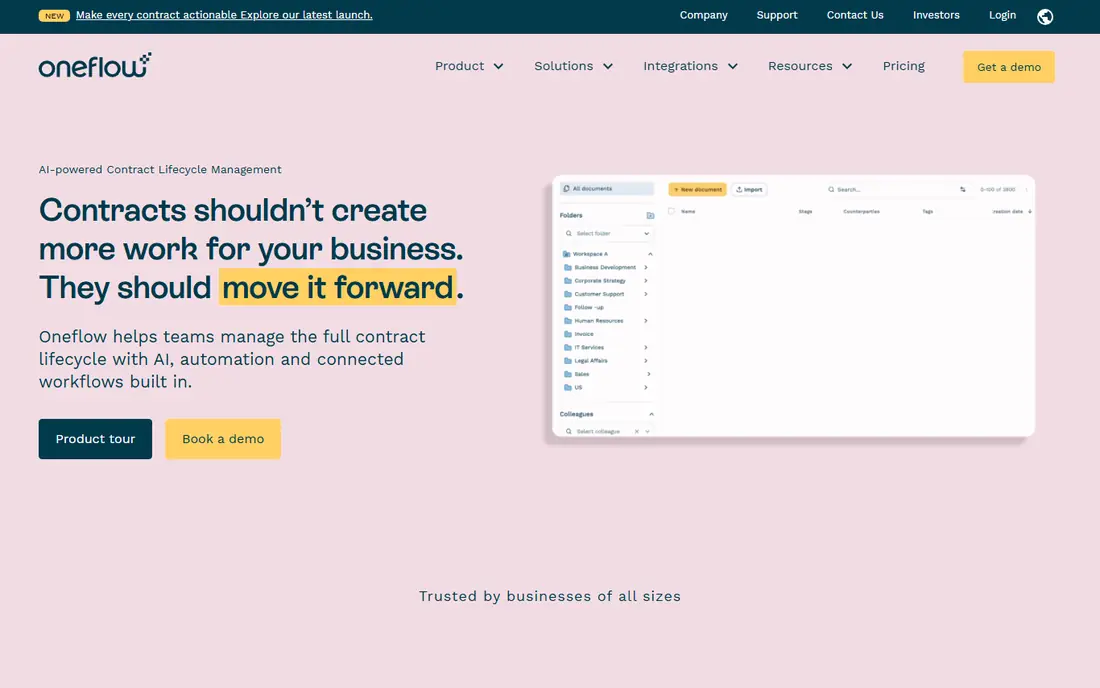
Oneflow targets European sales, HR, and legal teams that want digital contracts that act as data. The product supports GDPR and eIDAS compliance, and data stays in the EU, which matters for European buyers.
The main drawbacks: AI review and portfolio insights sit on the Enterprise plan, so Business buyers do not get the full AI set.
Oneflow pricing: $292 per month, Business, billed annually, 5 users included. Oneflow includes a free tier.
- Capable automation and CRM links
- GDPR and eIDAS compliance with data kept in the EU
- Annual billing only with no monthly choice
Juro
Ideal for: In-house legal teams that want AI-led drafting, review, and signing
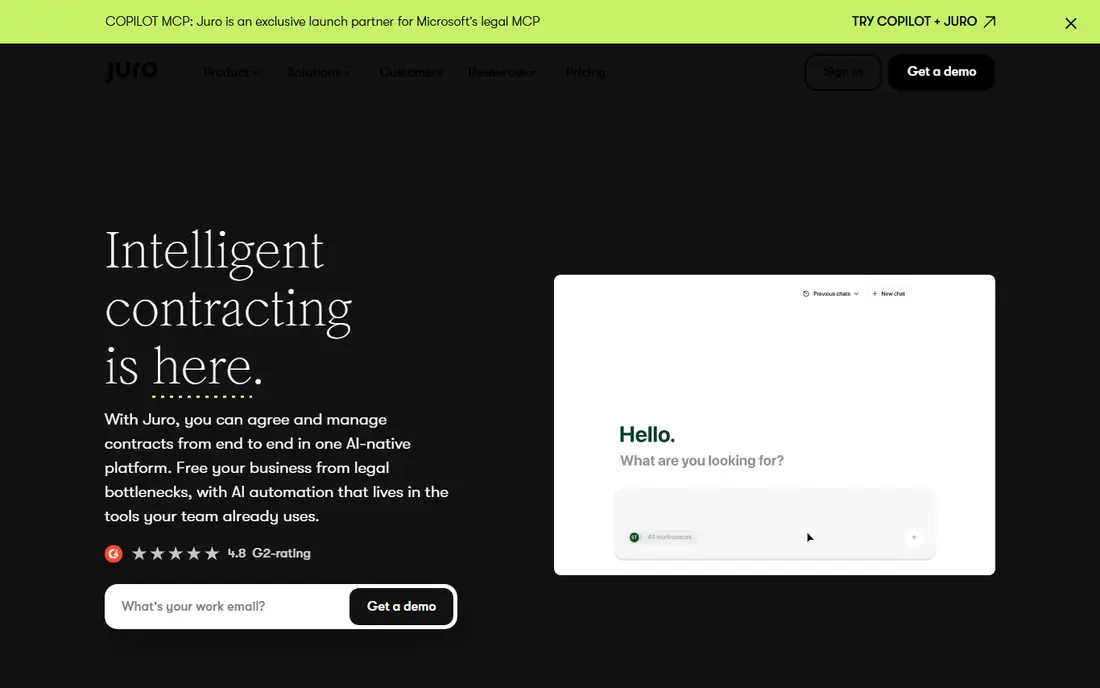
Juro is built with in-house legal teams that want AI-led drafting, review, and signing in mind. Its Operator AI can answer questions about your contracts in plain language and cite the source text, which helps non-lawyers find terms without asking legal each time.
Worth adding: plans bundle unlimited users, templates, and workflows, and pricing is based on contract volume and integration needs instead of seats. There is no list price for Juro, so a quote is the way in. Juro has no free plan.
- AI-native system with unlimited users, templates
- Workflows on every plan
- No published price and no free trial, so you must go through a sales process and request a quote before you can judge the cost
GetAccept
Ideal for: B2B sales teams that want digital sales rooms
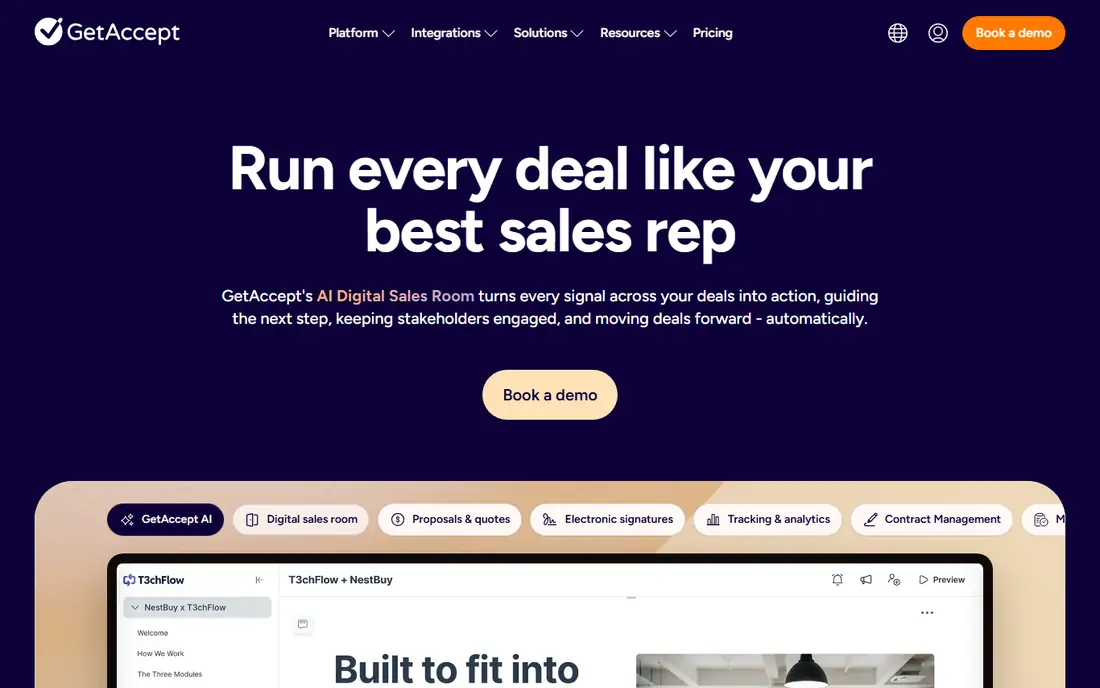
GetAccept serves B2B sales teams that want digital sales rooms, proposals, and signing in one place. You can share a proposal in a branded room, track which stakeholders open it, add a mutual action plan, and collect a signature without leaving the system.
Limits to weigh: Professional requires a minimum of five users and is billed yearly, so a small team that wants deal rooms faces a minimum spend of $245 a month.
The AI editor helps reps build business cases and personalised content from real sales conversations. GetAccept is a digital sales room system designed for B2B sales teams. What you pay to start with GetAccept: $25 per user per month, eSign. GetAccept has no permanent free option.
Where it shines: video messaging.
- Digital sales rooms with mutual action plans
- Capable CRM integrations on Professional
- Enterprise features for example SSO need a quote
Concord
Ideal for: Small and midsize businesses
Choose Concord for small and midsize businesses that want published pricing and a full contract lifecycle. Business teams can build contracts from legal-approved templates, whereas legal keeps control of the clause library and approval steps.
Watch-outs: additional users cost $49 to $89 per month based on the plan, so the total rises quick as more people join.
Its AI Copilot extracts key terms, flags deadlines, and answers questions about your contracts, which helps teams that do not route every contract through legal. Starting cost for Concord: $499 per month, Essentials, billed annually, 5 users included. On free options: Free trial (14 days). Where Concord stands out: AI Copilot with extraction and deadline alerts.
- Published prices
- Free viewers and guests
- High entry price at $499 a month
PandaDoc
Ideal for: Sales teams that send proposals
PandaDoc targets sales teams that send proposals, quotes, and contracts from one tool. You can build a proposal, add pricing tables, send it for signature, and track when the buyer opens it, all in one document flow.
The free plan lets a single user test the signing flow with five documents a month. As for the details, the editor is straightforward to use, and the template library spans typical sales and service agreements. PandaDoc starts at: $19 per user per month, Starter, billed annually. PandaDoc offers a free plan.
What to check first: CRM integrations, approval workflows.
- Strong templates and tracking
- CRM integrations on Business
- Deal rooms need the Business plan at $49 per user a month, so the entry plan is restricted for larger sales teams
DocuSign
Ideal for: Teams that want a widely recognised e-signature tool
Where DocuSign fits: teams that want a widely recognised e-signature tool with a large signer base. Business Pro layers on automation and advanced features for teams that send numerous agreements.
Reasons to shortlist it: Familiar signing experience for most recipients.
The product handles sending, signing, tracking, and storage, with commenting, shared templates, and delivery through the apps signers already use. DocuSign starts at: $10 per month, Personal, billed annually. As for free access: Free trial (30 days).
- Wide integrations and a large template library
- Solid audit trails and compliance
- Envelope limits apply, with Personal restricted to 5 envelopes a month and Standard and Business Pro restricted to 100 envelopes per user a year on annual billing, so high-volume teams pay more or need a higher plan
ContractWorks
Ideal for: Legal and operations teams that want a straightforward
ContractWorks serves legal and operations teams that want a straightforward, searchable contract repository. You can upload agreements, including scanned PDFs, and the AI tagging pulls out the agreement type, parties, dates, and renewal terms.
In practice, alerts warn you before renewals and notice windows pass, and custom reporting helps finance and procurement find the terms they need. ContractWorks does not publish a starting price; ask for a quote. On free options: Free trial (14 days).
What users get: quick setup with drag-and-drop upload. The main drawbacks: the vendor lists plan packages by document count and signature licences without a dollar figure, so you cannot compare cost without a quote.
- Built-in eSignature
- Key-date alerts
- No published price
How to choose Contractbook
Contractbook is a contract management and e-signature product aimed at small and midsize firms. It handles contract creation from templates, electronic signing, storage in a searchable repository, and reminders for renewals and deadlines. Worth adding: Contractbook is now part of Penneo, which brings it under a bigger European signing and compliance group.
Some teams outgrow Contractbook when contract volume rises and they need AI review, clause libraries, or CRM automation.
How much to budget for Contractbook
Oneflow Business opens at $292 a month billed yearly with five users included. The cheapest list price is not always the cheapest total cost. More specifically, a per-user price grows with every new seat, whereas a flat team price can be less expensive once multiple people touch contracts.
As for the details, ask each vendor for the full annual total, including additional users, additional signature licences, and any add-on for AI or integrations.
Choosing Contractbook: what matters
List the three tasks your team repeats most, for example drafting from templates, getting approvals, or chasing renewals. For everyday use, a sales team should weight proposals, tracking, and CRM links most heavily. An operations team should weight reminders, reporting, and integrations with the tools it already uses.
From a buyer's view, run a short trial with real contracts, not sample files. Check the audit trail and the reminder settings.
How we built this list
The comparison looks at four things: starting price, free access, how well the feature set matches Contractbook, and the main limit of each tool. Prices and plan limits come from vendor pages and can change, so confirm them on the vendor site before you buy. Order on the page follows fit for the typical buyer first, then price transparency and free access. Your own requirements should decide the final pick.
Pre-purchase checklist
- Get a written quote from Juro and ContractWorks; the list shows no starting price for them.
- Check what the free option really includes: Oneflow and PandaDoc offer a free plan, and usage caps differ.
- Take the trial from Concord, DocuSign and ContractWorks and push a live task through it before you pay.
- Before choosing Oneflow, weigh its main limit: annual billing only with no monthly choice, and AI review and portfolio insights sit on the Enterprise plan, so Business buyers do not get the full AI set.
- Price PandaDoc for your actual team size; headline prices rarely include add-ons or overage.
- Find out what support Concord includes on your plan, and whether onboarding help costs extra.
Frequently asked questions
Can I try these tools before paying?
Often, yes. Oneflow and PandaDoc have a free plan and Concord, DocuSign and ContractWorks offer a free trial. Use your own data and a real task during the test, and check what the free tier or trial limits before you rely on it.
Is Oneflow the right pick for everyone comparing Contractbook?
No single tool suits every team. Oneflow comes first because it fits European sales, HR, and legal teams that want digital contracts that act as data, while Juro suits in-house legal teams that want AI-led drafting, review, and signing and GetAccept suits B2B sales teams that want digital sales rooms, proposals, and signing in one place. Match the tool to your own size, budget and workflow before deciding.
Can I migrate my contracts from Contractbook to another tool?
Yes, you can move your signed contracts by exporting the signed PDFs and keeping the audit data for each agreement. Worth adding: move templates and approval steps first, send new contracts from the new tool, and keep older contracts in Contractbook until they expire or renew.
Which options for Contractbook have a free plan?
Oneflow and PandaDoc offer a free plan in this list. Free plans usually cap users, projects or features, so check the limits on the vendor page. Several others offer a trial instead.
Do these tools publish their prices?
Not all of them. Juro and ContractWorks publish no starting price, so expect a quote request for those. The rest, Oneflow included, show a starting price, though seats and billing terms still change the final cost.