Best Cresta Alternatives in 2026: 7 AI Contact Center Tools Compared

- Observe.AI and Balto lead for real-time agent coaching during live calls.
- CallMiner and Level AI suit teams that need deep post-call conversation analytics.
- Chorus analyzes sales calls to surface coaching moments and deal risks.
- Enthu.AI and Invoca suit smaller teams and call tracking needs at lower complexity.
- Check integration with your existing phone system before shortlisting any vendor.
Quick comparison
| Product | Ideal for | Price from | Free version | |
|---|---|---|---|---|
 Observe.AI | Contact center QA and coaching | See website | No | Visit |
 Balto | Real-time agent guidance | See website | No | Visit |
 Chorus | Sales call analysis and coaching | See website | No | Visit |
 CallMiner | Conversation analytics | See website | No | Visit |
 Level AI | AI QA and analytics | See website | Free trial | Visit |
 Enthu.AI | Call monitoring for small teams | See website | Free trial | Visit |
 Invoca | Call tracking and attribution | See website | No | Visit |
The best Cresta alternatives
Cresta uses AI to coach contact center agents in real time, score conversations, and surface insights for managers. The tools below cover similar ground, from live guidance to post-call analytics. We compared official feature pages, pricing pages, and public product documentation.
Observe.AI
Ideal for: Contact center QA and coaching
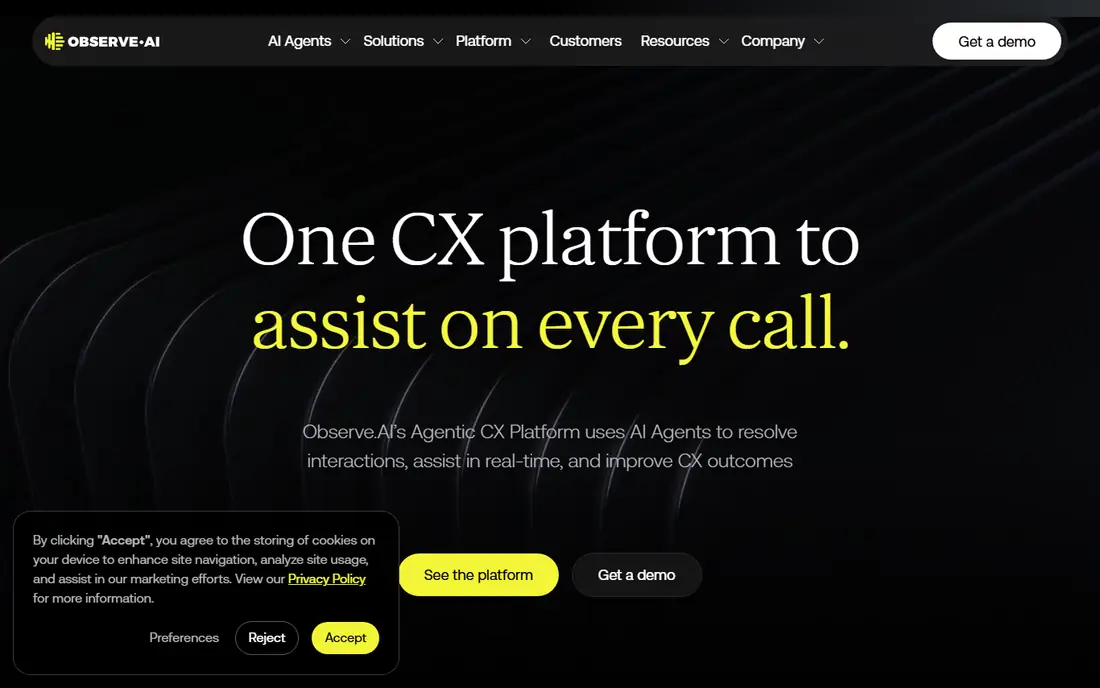
Observe.AI analyzes customer conversations across voice and chat, automates quality scoring, and gives coaches evidence-based moments to review. Managers can build coaching plans around real calls rather than random samples, which makes feedback more specific. Its integrations with common contact center systems help teams adopt it without replacing their phone stack.
Smaller teams may find the platform more than they need, and pricing is typically quoted. For mid-size and large contact centers that want QA plus coaching in one system, Observe.AI is a strong Cresta alternative. Our pick for teams that want analytics and coaching together is Observe.AI.
- AI conversation intelligence with QA automation
- Coaching workflows for managers
- Strong integrations with major contact center platforms
- Enterprise focus can mean higher pricing for small teams
- Setup needs time to tune models
Balto
Ideal for: Real-time agent guidance
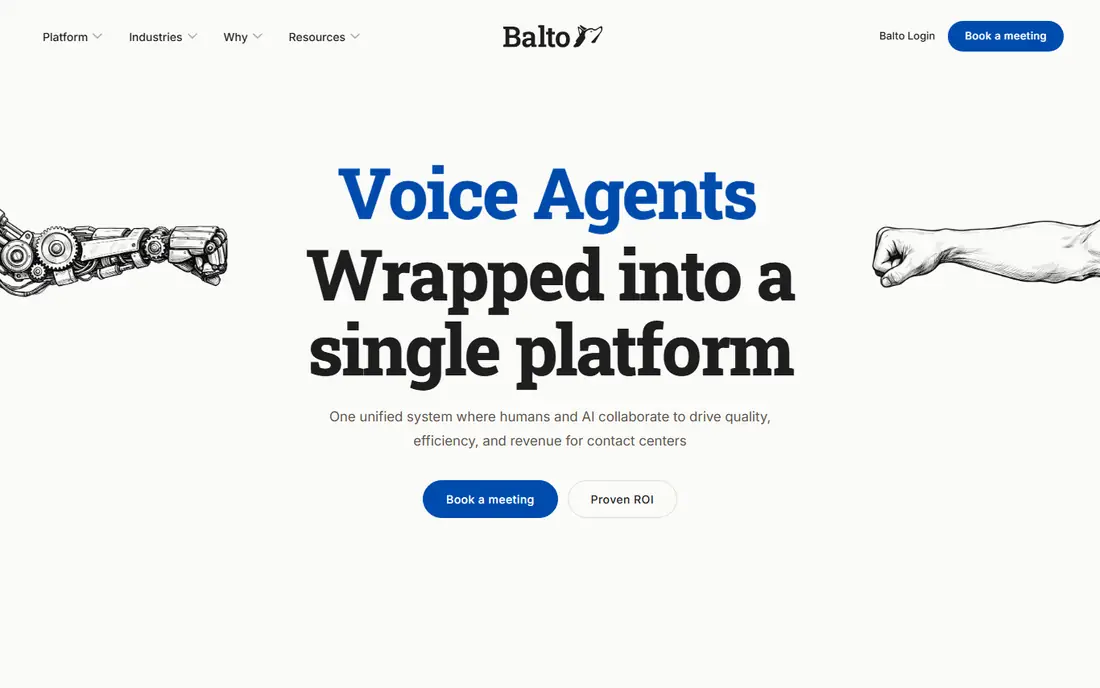
Balto listens to live calls and prompts agents with next steps, compliance reminders, and talk-track suggestions as the conversation unfolds. That live guidance suits sales and support teams where consistent messaging matters, and managers get alerts when calls drift off track. Playbooks can be updated centrally, so a policy change reaches every agent at once.
Teams that work mostly in chat or email will get less value, since Balto centers on voice. For voice-heavy contact centers that want agents guided in the moment, Balto is one of the closest matches to Cresta. Test it on your highest-volume call types first.
- Live prompts and checklists during calls
- Dynamic playbooks for agents
- Real-time manager alerts
- Call-focused, with less depth in chat analytics
- Pricing is quoted per deployment
Chorus
Ideal for: Sales call analysis and coaching
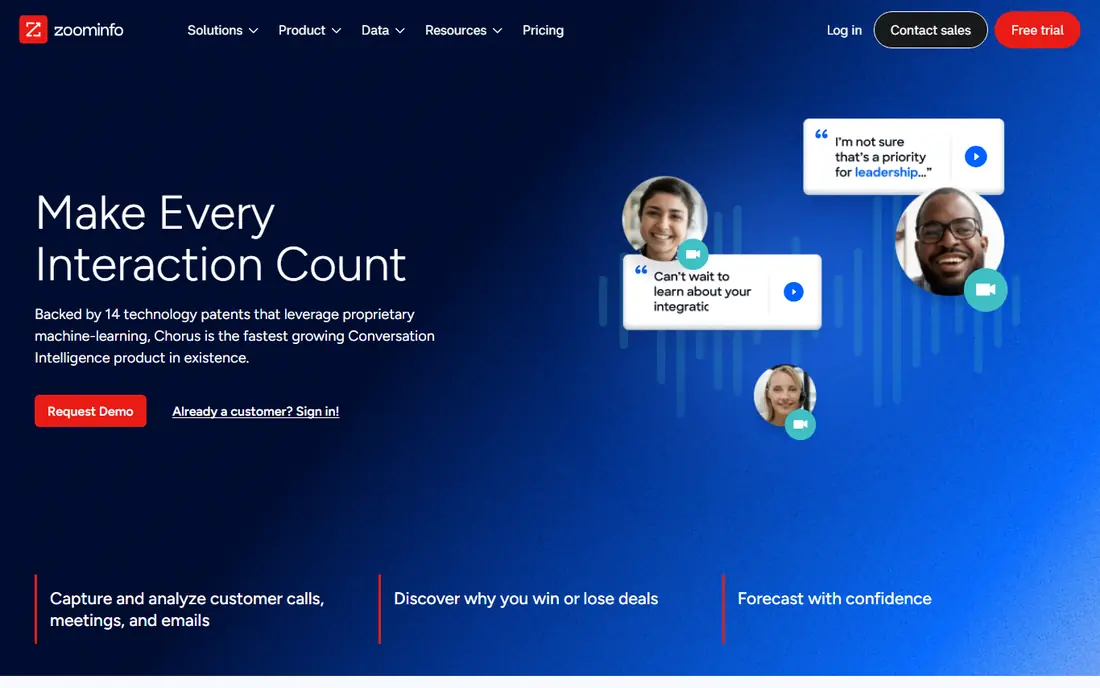
Chorus, part of ZoomInfo, records and analyzes sales calls, surfacing talk patterns, competitor mentions, and moments where deals stall. Managers can review key clips, coach reps on real conversations, and track which behaviors link to won deals. That post-call insight suits sales teams that want coaching grounded in evidence.
It is less suited to support centers that need live agent guidance during calls, where Balto fits better. For a sales organization that wants to learn from every call, Chorus is a strong pick. Trial it on your highest-volume sales call type first.
- AI analysis of sales calls with coaching moments
- Deal risk signals for managers
- Integrations with CRMs and video tools
- Sales focus means less general support coverage
- Pricing is quoted
CallMiner
Ideal for: Conversation analytics
CallMiner analyzes interactions across voice, chat, and other channels, categorizing topics, sentiment, and compliance risk at scale. Teams use it to spot rising complaints, audit calls automatically, and feed insights back into training. Its redaction and security features suit regulated industries that handle sensitive calls.
The platform can feel heavy for a small support team, and implementation takes planning. For large organizations that need analytics depth and audit trails, CallMiner is a proven choice. Shortlist it when post-call insight matters more than live prompts.
- Deep speech and interaction analytics across channels
- Automated scoring and redaction
- Large enterprise customer base
- Complex setup for small teams
- Pricing is quoted and enterprise oriented
Level AI
Ideal for: AI QA and analytics
Level AI combines automated quality scoring with conversation analytics, letting managers review every interaction rather than a small sample. Custom scorecards mean teams can score against their own standards, and dashboards show trends by agent, team, or topic. Deployment is generally quicker than with legacy analytics suites.
It may lack the scale of the biggest enterprise vendors, but for mid-size teams that want modern AI QA without a long project, Level AI is appealing. Ask for a trial on your own call recordings to judge scoring accuracy.
- AI auto-QA with customizable scorecards
- Conversation analytics dashboards
- Faster deployment than many enterprise suites
- Smaller vendor than the largest rivals
- Some advanced features sit on higher tiers
Enthu.AI
Ideal for: Call monitoring for small teams
Enthu.AI gives smaller sales and support teams call monitoring, transcription, and QA without enterprise complexity. Managers can review calls, track agent performance, and spot coaching moments from one dashboard. Its pricing and setup suit teams that want value quickly.
Large contact centers with complex routing may outgrow it, and its real-time coaching is thinner than Balto or Cresta. For a small team taking its first step into conversation intelligence, Enthu.AI is a practical, lower-cost starting point.
- Call tracking, transcription, and QA for smaller teams
- Simpler setup and pricing
- Agent performance dashboards
- Less depth for large enterprise contact centers
- Fewer advanced AI coaching features
Invoca
Ideal for: Call tracking and attribution
Invoca connects phone calls to the marketing campaigns that drove them, then uses AI to classify call outcomes and intent. Revenue teams can see which ads lead to real conversations and sales, not just clicks. CRM integrations push call data into sales workflows, which helps follow-up.
It is not primarily an agent coaching tool, so teams that need live guidance should look at Balto or Observe.AI instead. For businesses where phone calls drive revenue and attribution matters, Invoca fills a gap other tools miss. It is the best pick here for marketing-led call insight.
- Call tracking tied to marketing campaigns
- AI conversation insights for revenue teams
- Strong CRM integrations
- Marketing attribution focus rather than agent coaching
- Pricing is quoted
How we picked these
We compared official feature pages, pricing pages, and public documentation, looking for real-time coaching, conversation analytics, QA automation, or call tracking features that match Cresta. We favored vendors that are actively maintained and work in October 2026, and we mixed enterprise suites with smaller-team tools. We did not claim hands-on testing, and we note that pricing is usually quoted, so request current figures from each vendor.
We also weighed practical details that matter after signup. That included how easy each product is to set up, whether support answers promptly, and whether pricing stays clear as usage grows. We read user complaints as well as praise, since repeated complaints about billing, onboarding, or missing features often signal a real weakness. Where a product had a known limitation, we said so in its write-up rather than smoothing it over. Our goal was a shortlist that a reader can trust for cresta alternatives, not a list of every vendor in the market. Readers with unusual needs should still test their top two choices, since fit depends on budget, team size, and the features used every day.
What to check before you buy
Start with your phone system. Confirm each vendor integrates with your contact center platform, CRM, and recording setup, since a tool that cannot access your calls cannot help. Then decide whether you need live coaching, post-call analytics, or both, because vendors differ sharply on that split.
Next, run a pilot on real calls. Check transcription accuracy for your accents, products, and jargon, and test how scorecards match your quality standards. Review data security too: ask where recordings are stored, how long they are kept, and what redaction options exist. A pilot with one team will surface problems before a company-wide rollout.
Testing your shortlist before you commit
A short trial answers questions that no comparison table can settle. Sign up for your top two choices, run a real task from your own work, and watch how long it takes and where you get stuck. For cresta alternatives, that real task might be a weekly workflow you repeat, a report you need every month, or a setup step your team must repeat for new members. If a tool slows that task down, it will cost time every week, no matter how good its feature list looks.
Pay attention to support during the trial as well. Send a question through the normal support channel and note how long a useful answer takes. Check billing clarity too: confirm what the trial includes, when it ends, and what the first paid invoice will actually show. A tool that is hard to cancel, or that hides fees until checkout, deserves caution.
Finally, ask who else on your team must use the tool. A product that only one person likes will stall, while a product the whole team adopts will pay for itself. Gather quick feedback from the people who will use it daily, compare their notes with your own, and then choose. That small amount of trial discipline prevents most bad purchases, and it costs far less than switching tools again in six months.
Budgeting the full cost, not just the headline price
Headline prices rarely tell the full story. Add up per-user fees, add-on charges, implementation help, and any training your team needs, then compare that total across your shortlist. A cheaper plan that needs three paid add-ons can end up costing more than a fuller plan from a rival. Check renewal terms as well, since introductory discounts often expire after the first term and the second year price is the one you will actually live with.
Think about exit costs too. Before you commit, confirm how your data exports, whether your content or history moves cleanly, and what happens if you pause or cancel. A tool with clean exports gives you freedom later, while a tool that locks data in makes switching painful. Choosing with the full cost and the exit path in mind keeps your cresta alternatives decision sound for the long term, not just for the first month.
Frequently asked questions
What does Cresta do?
Cresta provides AI agent assist, real-time coaching, and conversation intelligence for contact centers. Alternatives on this list cover the same areas, with different strengths in live guidance, QA, and analytics.
Which Cresta alternative is best for real-time coaching?
Balto focuses most on live, in-call guidance. Observe.AI and Chorus support coaching workflows, built more around reviewed conversations than live prompts.
Do these tools replace my contact center software?
No, most sit beside your existing phone system and CRM, analyzing calls or guiding agents within them. Confirm integration with your current stack before buying.
How is pricing set for these tools?
Most vendors quote pricing based on agent seats, call volume, and features. Request a quote for your team size, and ask what is included in each tier.
Are AI call tools safe for customer privacy?
Reputable vendors offer redaction, access controls, and data retention settings. Review each privacy and security page, and confirm compliance needs for your industry before rollout.