CRM Software With the Best Reporting Tools in 2026: 7 Tools Compared

- 1
 SalesforceDeep customizable reportingVisit
- 2
 HubSpotDashboards across sales and marketingVisit
- 3
 Zoho CRMValue reporting for growing teamsVisit
- 4
 FreshsalesAI-assisted sales reportsVisit
- 5
 PipedrivePipeline and forecasting reportsVisit
- The best CRM reporting tools show pipeline, forecasts, rep activity, and win rates in real time, with drill-down to the deals behind each number.
- Salesforce and HubSpot suit teams that want deep, customizable reports and dashboards across sales, marketing, and service.
- Zoho CRM, Freshsales, and Pipedrive suit small and midsize teams that want strong reports without enterprise admin.
- Insightly and Close suit teams that want pipeline plus project or outreach reporting in one place.
- Our pick for most teams is a CRM whose reports update automatically from logged activity, so managers trust the numbers.
Quick comparison
| Product | Ideal for | Price from | Free version | |
|---|---|---|---|---|
| Salesforce | Deep customizable reporting | See website | Free trial | Visit |
| HubSpot | Dashboards across sales and marketing | See website | Yes | Visit |
| Zoho CRM | Value reporting for growing teams | See website | Yes | Visit |
| Freshsales | AI-assisted sales reports | See website | Free trial | Visit |
| Pipedrive | Pipeline and forecasting reports | See website | Free trial | Visit |
 Insightly | Pipeline and project reporting | See website | Free trial | Visit |
 Close | Outreach and pipeline reporting | See website | Free trial | Visit |
The best CRM software with reporting tools
CRM reporting turns a list of deals into decisions: which pipeline is real, which reps need help, which sources convert, and what next quarter looks like. The best tools make those answers visible on dashboards, let managers drill into deals, and update automatically as reps log calls, emails, and meetings. A CRM whose reports need manual spreadsheet exports will not stay current.
We compared official product pages for CRM software used in the US, looking at dashboards, forecasting, custom reports, activity tracking, and pricing. The list below covers enterprise, midmarket, and small team CRMs, so readers can compare reporting depth against cost and admin effort.
Salesforce
Ideal for: Deep customizable reporting
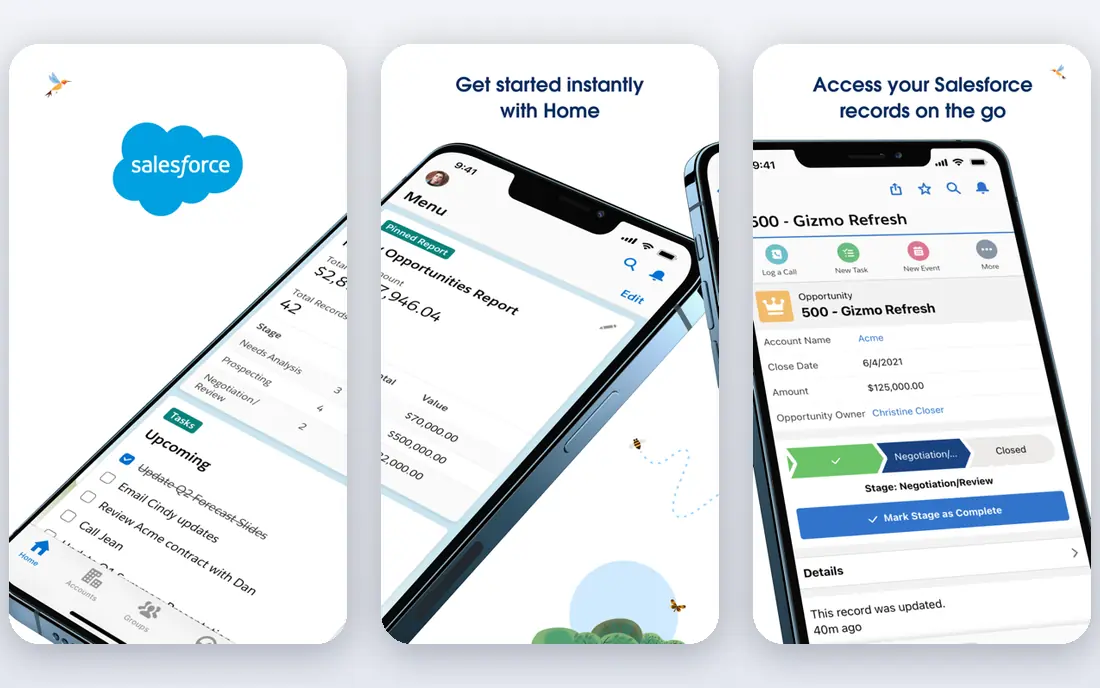
Salesforce is the most established enterprise CRM, and its reporting strength comes from depth: custom reports, dashboards, forecasting, and analytics that span sales, service, and marketing data in one platform. Managers can build views by rep, region, product, or stage, drill into deals, and share dashboards with leadership without exporting to spreadsheets. That depth suits companies with complex pipelines and formal forecasting.
The trade-off is complexity and cost. Salesforce pricing is by edition and user, and reporting setup benefits from admin skill, especially for custom objects and forecasting hierarchies. Small teams should compare HubSpot or Zoho first. For enterprises that need reporting they can shape to any process, Salesforce remains the benchmark.
- Deepest custom reports and dashboards
- Forecasting across teams and products
- Broad app ecosystem
- Pricing and admin complexity
- Reporting depth needs setup
- Smaller teams may find it heavy
HubSpot
Ideal for: Dashboards across sales and marketing
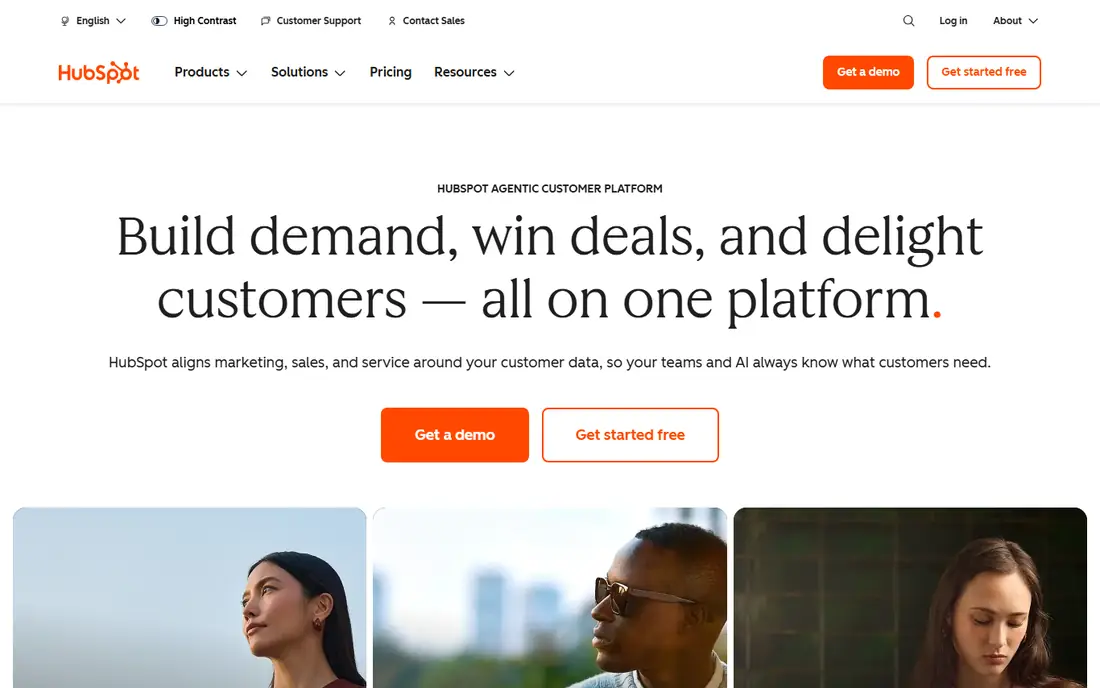
HubSpot offers a free CRM with dashboards and reporting that span marketing, sales, and service, so teams can see leads, deals, tickets, and campaigns in one place. Its report builder lets managers create pipeline, activity, and conversion reports without code, and higher tiers add custom reports, forecasting, and cross-object reporting. That breadth suits growing teams that want marketing and sales numbers together.
The catch is tiering. The richest reporting, forecasting, and custom objects sit on paid hubs, and costs grow with contacts and seats. Teams should check which reports their plan includes. For teams that want usable dashboards fast, HubSpot is a strong pick.
- Free CRM with dashboards
- Marketing, sales, and service reporting in one hub
- Easy report builder
- Advanced reporting needs higher tiers
- Costs rise with hubs and contacts
- Deep customization needs admin
Zoho CRM
Ideal for: Value reporting for growing teams
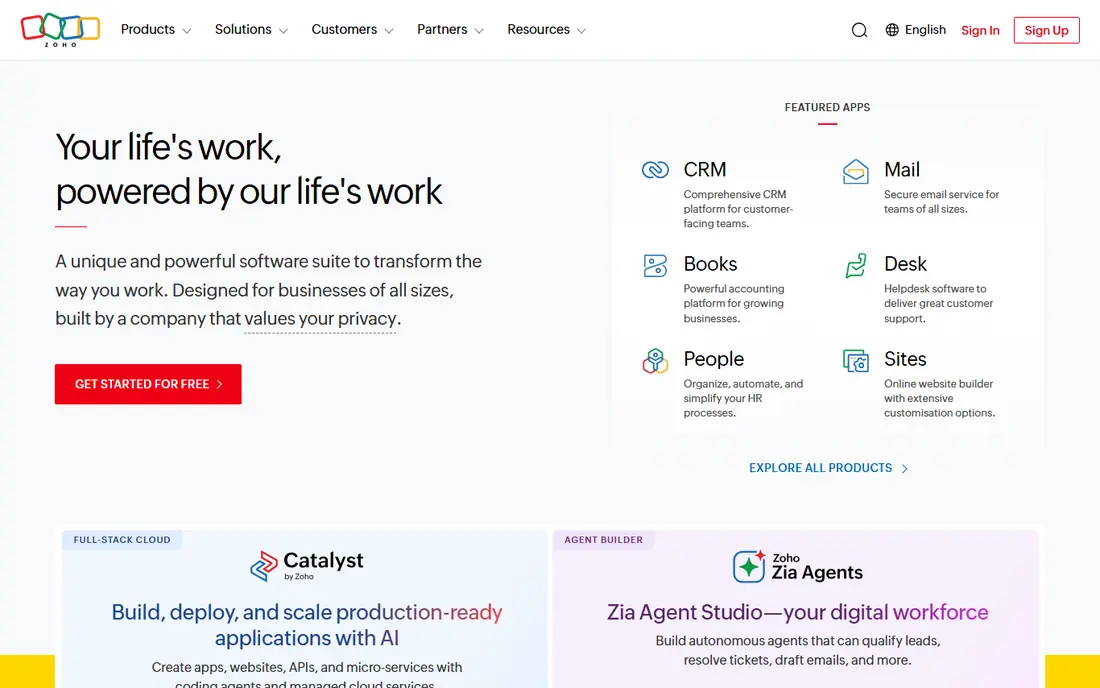
Zoho CRM offers dashboards, sales forecasting, and custom reporting at a value price, with a free plan for small teams. Its reporting covers pipeline by stage, rep performance, lead sources, and activity, and it integrates with Zoho Books, Campaigns, and other Zoho apps for a fuller business view. Automation and workflow rules help keep data current, which keeps reports honest.
The trade-off is polish and tiering. Zoho's interface is functional rather than flashy, and the most advanced analytics sit on higher plans. Teams whose accountants or partners prefer Salesforce or HubSpot may face a learning curve. For value-minded teams that want solid CRM reporting, Zoho CRM is a smart choice.
- Free plan and good value
- Dashboards, forecasts, and custom reports
- Fits well with other Zoho apps
- Interface takes learning
- Advanced analytics need higher plans
- Support scope varies by plan
Freshsales
Ideal for: AI-assisted sales reports
Freshsales, from Freshworks, is a sales CRM with AI-assisted insights, pipeline management, and reporting that helps teams spot deals at risk and forecast revenue. Its reporting covers pipeline health, rep activity, and deal progress, with AI features that surface next steps and priorities. For teams already using Freshdesk or other Freshworks products, shared data makes cross-team reporting easier.
The catch is tiering and depth. The richest AI and custom reporting features sit on higher plans, and very large enterprises may still prefer Salesforce for custom objects. Buyers should confirm which reports and AI features their plan includes. For midsize sales teams that want clear, AI-assisted reporting, Freshsales is a strong pick.
- AI-assisted insights and forecasting
- Clear pipeline reports
- Freshworks ecosystem for support and marketing
- Advanced reporting needs higher plans
- Smaller ecosystem than Salesforce
- Customization limits on lower tiers
Pipedrive
Ideal for: Pipeline and forecasting reports
Pipedrive is a sales CRM built around pipeline visibility, and its reporting reflects that focus: real-time sales reports, forecasting, goal-setting, team monitoring, and advanced sales metrics that help managers make fast decisions. Its homepage stresses diving into funnel details with AI suggestions and instant access to data for predictable revenue. For sales-led teams, that pipeline-first reporting is exactly what managers check each week.
The trade-off is breadth. Pipedrive's marketing and service reporting is thinner than HubSpot or Salesforce, so teams that need full-funnel marketing analytics should pair it with other tools. Advanced insights also sit on higher plans. For sales teams that live on pipeline and forecast reports, Pipedrive is an excellent pick.
- Real-time sales reports and forecasting
- Goal-setting and team monitoring
- Clear visual pipeline reports
- Marketing reporting is thinner than HubSpot
- Advanced insights need higher plans
- Enterprise customization limits
Insightly
Ideal for: Pipeline and project reporting
Insightly CRM centralizes pipeline data, lead status, contact history, emails, calls, and deals in one place, with workflow automation and integrations that keep records current. Its strength for reporting is breadth beyond sales: project management, support ticketing, and marketing automation modules let managers report on delivery and service alongside pipeline, which suits firms that sell projects, not only products.
The catch is plan scope. Marketing automation and advanced features sit in separate modules or higher plans, and reporting depth varies. Teams should confirm which dashboards and exports their plan includes. For firms that want pipeline plus project reporting together, Insightly is a strong choice.
- Single source of truth for pipeline data
- Project and ticket reporting alongside CRM
- Many integrations
- Reporting depth varies by plan
- Marketing automation is a separate module
- Smaller ecosystem than Salesforce
Close
Ideal for: Outreach and pipeline reporting
Close is a CRM built for sales teams that sell by phone, email, and SMS, with calling, email, SMS, automation, and AI built in so every conversation becomes part of the record. That built-in activity capture makes reporting more reliable, since managers can see calls, texts, emails, pipeline movement, and AI-assisted insights without relying on reps to log activity manually. Its homepage also highlights AI agents and an assistant that answer questions from CRM data.
The trade-off is enterprise breadth. Close suits outbound and inside sales teams best, while large enterprises with complex custom objects may prefer Salesforce. Marketing analytics are also thinner than HubSpot. For outbound teams that want trustworthy activity and pipeline reporting, Close is a strong pick.
- Built-in calling, email, and SMS with activity logging
- Pipeline and AI-assisted reporting
- Fast for outbound teams
- Less suited for complex enterprise customization
- Marketing reporting thinner than HubSpot
- Pricing by seat
How we picked these
We compared official product pages for CRM software used in the US, looking at dashboards, forecasting, custom reports, activity tracking, and pricing. We favored CRMs whose reports update from logged activity and support drill-down to deals, and we kept a range from free and value CRMs to enterprise platforms. We also favored tools with current homepages and active development in 2026.
We did not test these tools on live sales data, and we did not review private contracts. Pricing, trial terms, and reporting features can change, so check the vendor site and trial each CRM with your own pipeline before buying.
What to check before you choose
Start with the five reports managers actually use each week: pipeline by stage, forecast, win rate, rep activity, and lead source conversion. Build or preview each report in a trial with your own stages and fields, and check whether numbers drill down to deals. A report that looks good but cannot show its underlying deals will not survive a pipeline review.
Next, check data capture. Reports are only as good as logged activity, so test how calls, emails, and meetings flow into the CRM, and whether reps must log them manually. CRMs with built-in calling and email capture, such as Close, or strong integrations, such as HubSpot and Salesforce, usually produce cleaner reports.
Finally, check forecasting and permissions. Confirm how forecasts roll up by team and period, who can edit stages and values, and whether reports export cleanly for leadership or board use. Also confirm seat and plan limits, since reporting features often gate behind higher tiers.
Frequently asked questions
What makes CRM reporting tools good?
Good CRM reporting shows pipeline, forecasts, activity, and conversion in real time, drills down to deals, and updates automatically from logged activity. Custom filters, dashboards, and exports matter as much as chart style.
Which CRM has the best reporting for small teams?
HubSpot, Zoho CRM, and Pipedrive offer strong reporting for small teams, with free or low-cost starts and clear dashboards. Salesforce suits larger teams that need deeper customization and formal forecasting.
Can CRM reports forecast revenue?
Most CRMs on this list offer forecasting, but depth varies: Salesforce, HubSpot, Zoho CRM, Freshsales, and Pipedrive all support forecasts, while accuracy depends on stage discipline and data quality. Test forecasting with your own stages before relying on it.
How do I keep CRM reports accurate?
Keep stages simple, require key fields at stage changes, automate activity capture where possible, and review pipeline weekly. Reports decay when reps skip logging or stages mean different things to different reps.
Should reporting decide my CRM choice?
Reporting should weigh heavily, but not alone. Also check pipeline fit, integrations, mobile use, and admin effort, since a CRM with great reports that reps avoid will still produce poor data.