Best Database Software with Development Tools in 2026: 8 Tools Compared

- 1
 PostgreSQLDevelopers who want a free open source databaseVisit
- 2
 MySQLDevelopers who want a widely used open databaseVisit
- 3
 MongoDBDevelopers who want a flexible document databaseVisit
- 4
 SupabaseDevelopers who want a Postgres backend quicklyVisit
- 5
 FirebaseMobile and web developers who want a Google backendVisit
- PostgreSQL stands out for developers who want a free open source database, which makes it a strong starting point for that need.
- MySQL stands out for developers who want a widely used open database, which makes it a strong starting point for that need.
- MongoDB stands out for developers who want a flexible document database, which makes it a strong starting point for that need.
- Supabase stands out for developers who want a postgres backend quickly, which makes it a strong starting point for that need.
- Prices and free plans vary widely across this list, so check the vendor pricing page for your team size or usage before you commit.
Quick comparison
| Product | Ideal for | Price from | Free version | |
|---|---|---|---|---|
| PostgreSQL | Developers who want a free open source database | Free | Yes | Visit |
| MySQL | Developers who want a widely used open database | Free | Yes | Visit |
| MongoDB | Developers who want a flexible document database | See website | Yes | Visit |
| Supabase | Developers who want a Postgres backend quickly | See website | Yes | Visit |
| Firebase | Mobile and web developers who want a Google backend | See website | Yes | Visit |
 PlanetScale | Teams that want MySQL with branching workflows | See website | Yes | Visit |
 Snowflake | Data teams that need a cloud data warehouse | See website | No | Visit |
 Oracle Database | Enterprises that need a full database platform | See website | No | Visit |
The best database software with development tools
We compared official feature pages, pricing pages, app store listings, privacy policies, and public reviews for this roundup. The products below cover different budgets and needs, so the best choice depends on how you will actually use it day to day. Our pick for most people is PostgreSQL, because it covers the core need well, but read the full list before you decide, since a smaller or cheaper option may fit your situation better.
PostgreSQL
Ideal for: Developers who want a free open source database
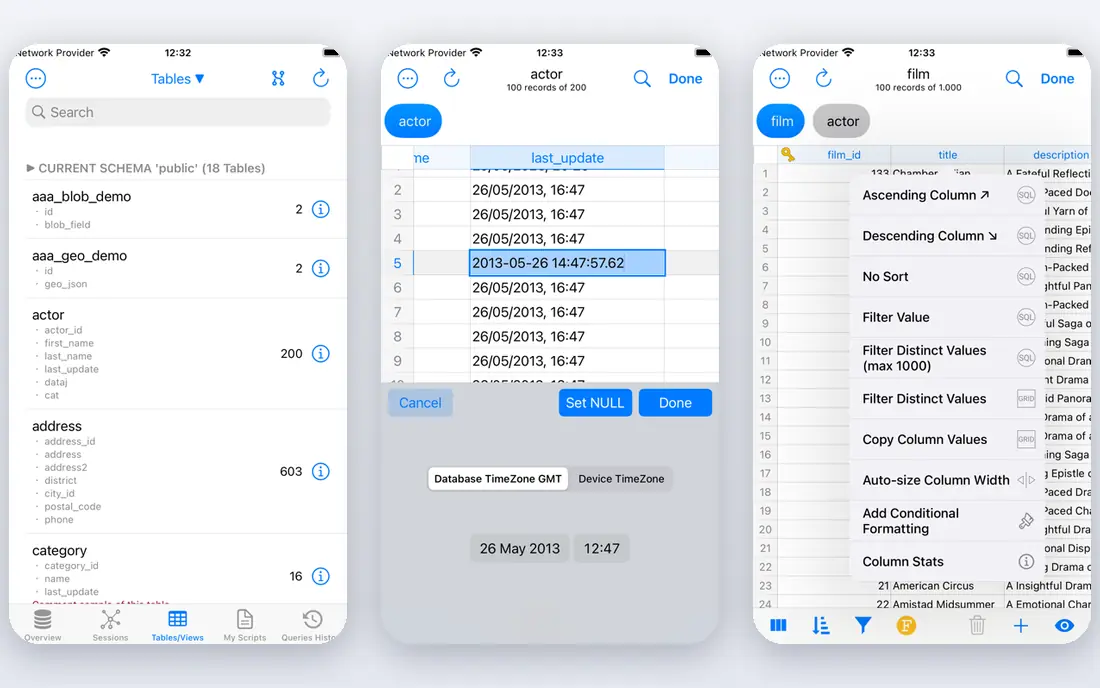
PostgreSQL is a free open source database with strong SQL support and extensions for many use cases. It suits developers who want a powerful database without license costs.
When we compared PostgreSQL with the rest of this list, its strengths were clear: free and open source; strong sql support; extensions On the other side, buyers should weigh this catch: needs hosting and management; support is community based unless paid That trade off matters most if you plan to use the product every day, so check the pricing page and the free plan terms, and trial it with real work before you commit. For many buyers, PostgreSQL earns its place here because it handles the core job well, even though no product on this list is perfect for every need.
- Free and open source
- Strong SQL support
- Extensions
- Needs hosting and management
- Support is community based unless paid
MySQL
Ideal for: Developers who want a widely used open database
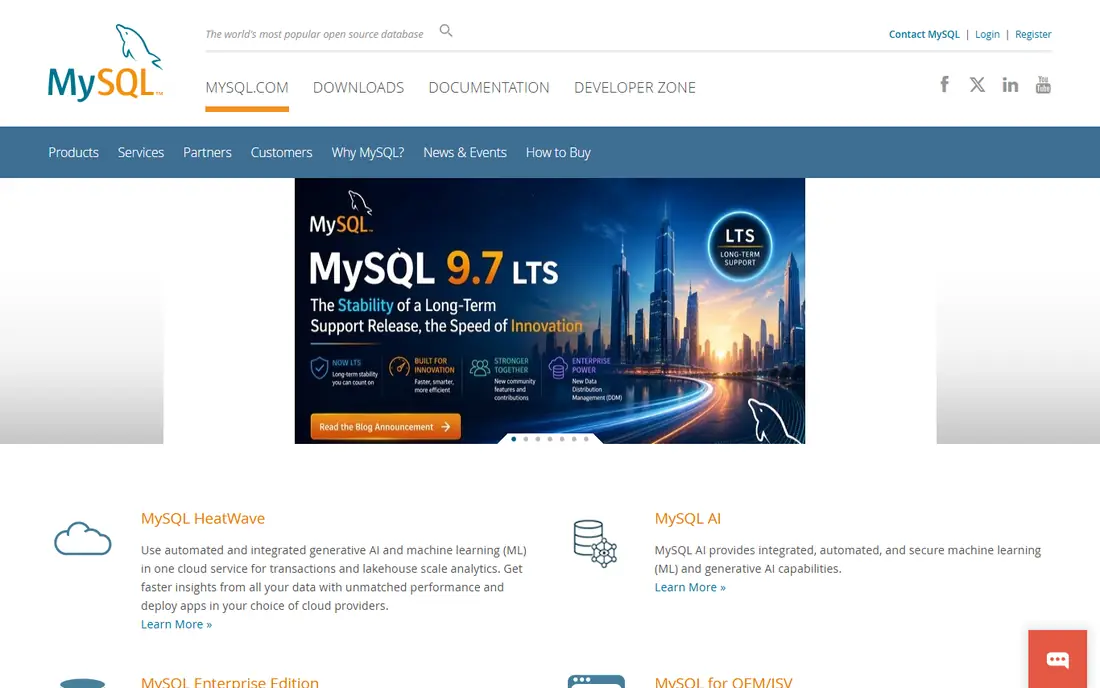
MySQL is a widely used open source database for web apps and services. It fits developers who want broad tool support and hosting choice.
When we compared MySQL with the rest of this list, its strengths were clear: widely used; free community edition; many tools and hosting options On the other side, buyers should weigh this catch: advanced enterprise features need paid editions; oracle ownership concerns some users That trade off matters most if you plan to use the product every day, so check the pricing page and the free plan terms, and trial it with real work before you commit. For many buyers, MySQL earns its place here because it handles the core job well, even though no product on this list is perfect for every need.
- Widely used
- Free community edition
- Many tools and hosting options
- Advanced enterprise features need paid editions
- Oracle ownership concerns some users
MongoDB
Ideal for: Developers who want a flexible document database
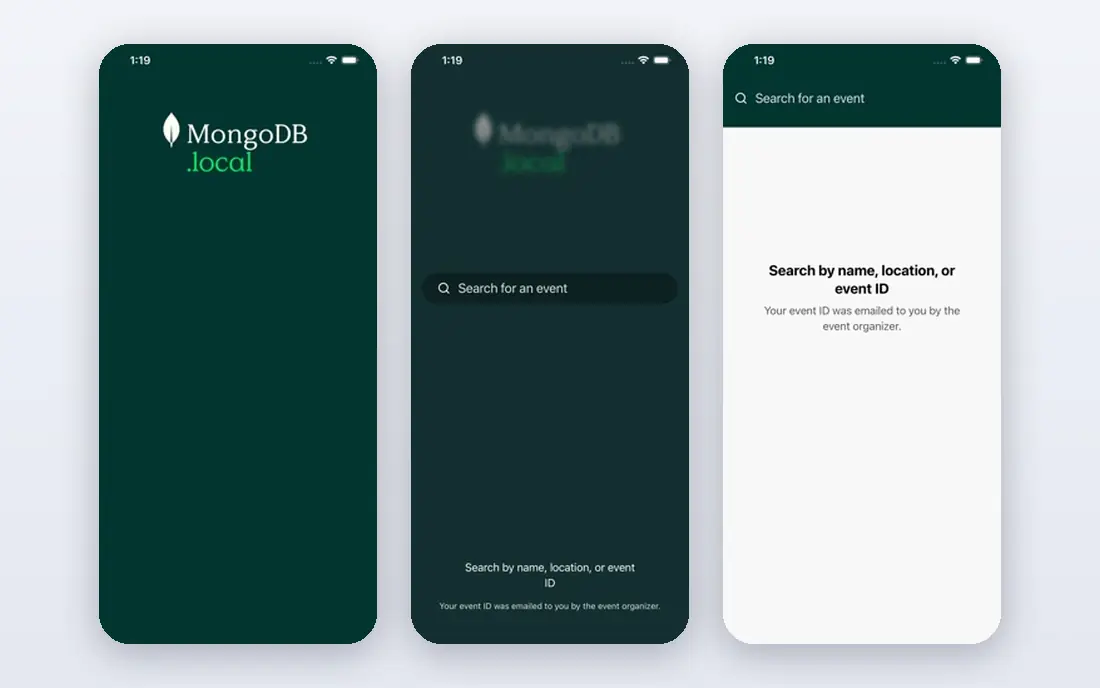
MongoDB stores data as documents, which suits apps with flexible or changing data shapes. It fits developers building apps where data structure changes often.
When we compared MongoDB with the rest of this list, its strengths were clear: document model for flexible data; atlas cloud service; developer tools On the other side, buyers should weigh this catch: query patterns differ from sql; costs scale with use That trade off matters most if you plan to use the product every day, so check the pricing page and the free plan terms, and trial it with real work before you commit. For many buyers, MongoDB earns its place here because it handles the core job well, even though no product on this list is perfect for every need.
- Document model for flexible data
- Atlas cloud service
- Developer tools
- Query patterns differ from SQL
- Costs scale with use
Supabase
Ideal for: Developers who want a Postgres backend quickly
Supabase builds a backend on Postgres with auth, storage, and instant APIs. It suits developers who want to ship an app backend quickly without managing servers.
When we compared Supabase with the rest of this list, its strengths were clear: postgres with auth, storage, and apis; generous free tier; open source On the other side, buyers should weigh this catch: free tier limits apply; newer than traditional databases That trade off matters most if you plan to use the product every day, so check the pricing page and the free plan terms, and trial it with real work before you commit. For many buyers, Supabase earns its place here because it handles the core job well, even though no product on this list is perfect for every need.
- Postgres with auth, storage, and APIs
- Generous free tier
- Open source
- Free tier limits apply
- Newer than traditional databases
Firebase
Ideal for: Mobile and web developers who want a Google backend
Firebase, from Google, offers realtime and document databases plus auth and hosting for apps. It fits mobile and web developers who want a managed Google backend.
When we compared Firebase with the rest of this list, its strengths were clear: realtime database and firestore; auth; hosting; google scale On the other side, buyers should weigh this catch: vendor lock in risk; costs scale with reads and writes That trade off matters most if you plan to use the product every day, so check the pricing page and the free plan terms, and trial it with real work before you commit. For many buyers, Firebase earns its place here because it handles the core job well, even though no product on this list is perfect for every need.
- Realtime database and Firestore
- Auth
- Hosting
- Google scale
- Vendor lock in risk
- Costs scale with reads and writes
PlanetScale
Ideal for: Teams that want MySQL with branching workflows
PlanetScale offers MySQL with branching, so developers can test schema changes like code branches. It suits teams that want modern developer workflows on MySQL.
When we compared PlanetScale with the rest of this list, its strengths were clear: mysql with database branching; serverless scaling; developer tools On the other side, buyers should weigh this catch: mysql focus only; pricing scales with use That trade off matters most if you plan to use the product every day, so check the pricing page and the free plan terms, and trial it with real work before you commit. For many buyers, PlanetScale earns its place here because it handles the core job well, even though no product on this list is perfect for every need.
- MySQL with database branching
- Serverless scaling
- Developer tools
- MySQL focus only
- Pricing scales with use
Snowflake
Ideal for: Data teams that need a cloud data warehouse
Snowflake is a cloud data warehouse for analytics, with scalable compute and data sharing. It fits data teams that analyze large data sets, not apps needing fast transactions.
When we compared Snowflake with the rest of this list, its strengths were clear: cloud data warehouse; scalable compute; data sharing On the other side, buyers should weigh this catch: costs need careful control; not a transactional app database That trade off matters most if you plan to use the product every day, so check the pricing page and the free plan terms, and trial it with real work before you commit. For many buyers, Snowflake earns its place here because it handles the core job well, even though no product on this list is perfect for every need.
- Cloud data warehouse
- Scalable compute
- Data sharing
- Costs need careful control
- Not a transactional app database
Oracle Database
Ideal for: Enterprises that need a full database platform
Oracle Database is an enterprise database platform with high availability and security features. It suits large enterprises with complex database needs and DBA teams.
When we compared Oracle Database with the rest of this list, its strengths were clear: full enterprise database features; high availability; security tools On the other side, buyers should weigh this catch: licensing is complex and costly; needs dba skill That trade off matters most if you plan to use the product every day, so check the pricing page and the free plan terms, and trial it with real work before you commit. For many buyers, Oracle Database earns its place here because it handles the core job well, even though no product on this list is perfect for every need.
- Full enterprise database features
- High availability
- Security tools
- Licensing is complex and costly
- Needs DBA skill
How we picked these
We started with products and services that exist and work in October 2026 and truly fit the topic, then we compared their official feature pages, pricing pages, app store listings, privacy policies, and public reviews. We looked for a mix of well known leaders and strong smaller options, and we favored products with clear pricing, clear privacy practices, and honest limits. We did not claim hands-on testing that did not happen, and where a price could not be verified from the vendor site, we wrote See website rather than guessing a number.
How to choose database software
Prototype with your real data shape and queries, not just sample data. Check hosting, backup, scaling, and security options, plus the tools your team already knows. Compare total cost at your expected scale, since a cheap start can become costly as data grows. Choose a database your team can operate well, since operational skill matters as much as features. Before you pay, list your must have features, your budget, and the tools the new product must work with. A short trial with real tasks will tell you more than a feature list alone, and it will show whether support replies quickly when something goes wrong. Check contract length, renewal terms, and how easy it is to export your data or cancel, since those details matter long after the first month.
Frequently asked questions
What is the best database for developers?
The best database depends on data shape, scale, and team skill, so Postgres suits many apps, while document databases suit flexible data.
Should I use SQL or NoSQL?
SQL suits structured data and complex queries, while NoSQL suits flexible data and fast scaling, so match the choice to your app data.
What is a managed database?
A managed database is hosted and maintained by a provider, which handles backups, updates, and scaling for a fee.
Do I need a database branch workflow?
Branching helps teams test schema changes safely, but small projects may not need it if changes are simple.
How do I choose a database for a new app?
Start with data shape, query needs, team experience, and hosting cost, then prototype with real data before committing.