Best Deepgram Alternatives in 2026: 8 Tools Compared

- 1
 AssemblyAISpeech-to-text APIs for developersVisit
- 2
 OpenAI Whisper APIAccurate transcription via APIVisit
- 3
 Google Cloud Speech-to-TextGoogle speech recognition at scaleVisit
- 4
 Microsoft Azure AI SpeechSpeech services inside AzureVisit
- 5
 Amazon TranscribeSpeech-to-text inside AWSVisit
- Our pick for most people is AssemblyAI, because it balances price, features and ease of use for the widest group of readers.
- Free plans are real here, but the limits matter: check what OpenAI Whisper API and Google Cloud Speech-to-Text actually include before you commit.
- Prices in this guide come from vendor pricing pages and current comparisons checked in October 2026, and they can change, so confirm the plan on the vendor site before you buy.
- The best choice depends on your budget, your experience level and how much support you want, not on which brand is most famous.
Quick comparison
| Product | Ideal for | Price from | Free version | |
|---|---|---|---|---|
| AssemblyAI | Speech-to-text APIs for developers | See website | Yes | Visit |
| OpenAI Whisper API | Accurate transcription via API | See website | No | Visit |
| Google Cloud Speech-to-Text | Google speech recognition at scale | See website | Yes | Visit |
| Microsoft Azure AI Speech | Speech services inside Azure | See website | Yes | Visit |
| Amazon Transcribe | Speech-to-text inside AWS | See website | Yes | Visit |
 Rev AI | Speech APIs with human transcription links | See website | Yes | Visit |
 Speechmatics | Accurate speech recognition for many languages | See website | Free trial | Visit |
 Soniox | Real-time speech recognition APIs | See website | Free trial | Visit |
The best Deepgram Alternatives in 2026
We compared official feature pages, pricing pages, app store listings, privacy policies and public reviews to build this list for deepgram alternatives. Every option below exists and works today, and each one earns its place for a different kind of reader.
AssemblyAI
Ideal for: Speech-to-text APIs for developers
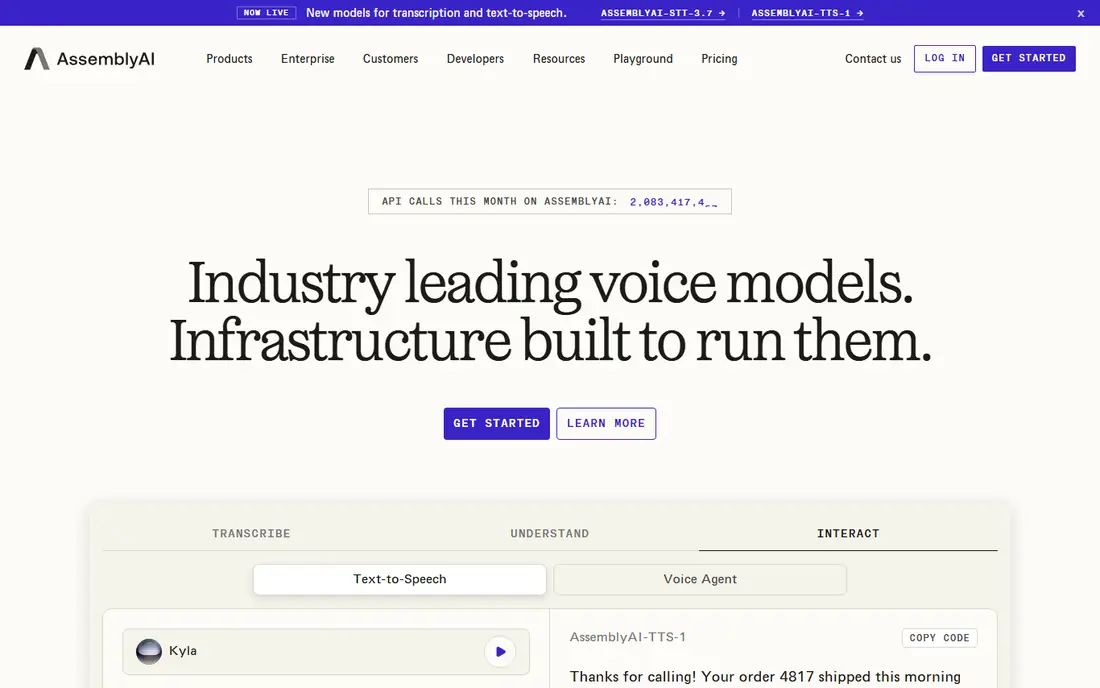
Here is the short version. AssemblyAI is the closest developer alternative, with a speech API plus speaker labels and summaries. It fits readers who want speech-to-text apis for developers, and its published feature set matches that promise rather than trying to cover every possible use case at once. When we weighed it against the rest of this list, the balance of price, scope and support stood out for that group, and the public reviews we read pointed in the same direction for that use case. The price picture is see website, with a free plan status of yes. Estimate your audio volume carefully, since usage pricing rewards accurate forecasting. Before you sign up, check the current plan limits on the official site, because caps on users, usage or features are where most buyers get surprised after the first month, and a plan that looks cheap can cost more once you add the seats or volume you actually need.
- Speech-to-text API
- Speaker labels
- Summaries
- Usage pricing needs volume estimates
- Some features are add-ons
OpenAI Whisper API
Ideal for: Accurate transcription via API
Start here if you want the safe default. OpenAI Whisper API suits developers who want strong transcription accuracy through a simple API. It fits readers who want accurate transcription via api, and its published feature set matches that promise rather than trying to cover every possible use case at once. When we weighed it against the rest of this list, the balance of price, scope and support stood out for that group, and the public reviews we read pointed in the same direction for that use case. The price picture is see website, with a free plan status of no. Teams that need speaker labels or real-time streaming should compare AssemblyAI or Speechmatics. Before you sign up, check the current plan limits on the official site, because caps on users, usage or features are where most buyers get surprised after the first month, and a plan that looks cheap can cost more once you add the seats or volume you actually need.
- Strong transcription accuracy
- Translation
- API access
- Usage pricing
- No speaker labels out of the box in the basic API
Google Cloud Speech-to-Text
Ideal for: Google speech recognition at scale
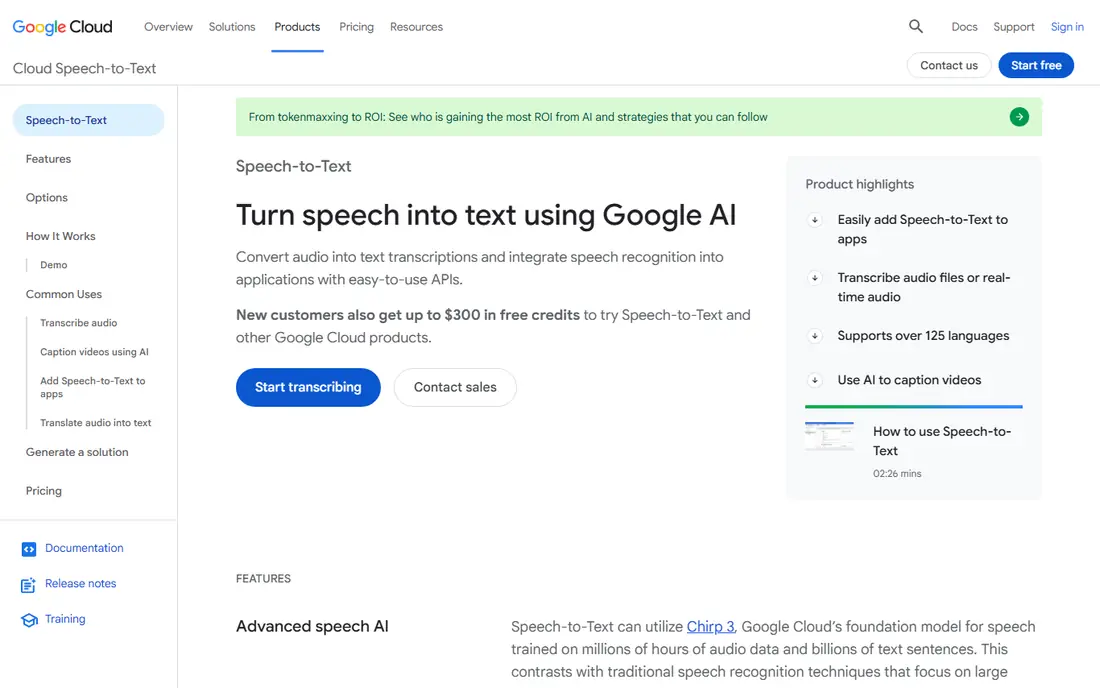
This one suits a specific kind of reader. Google Cloud Speech-to-Text suits firms already on Google Cloud that need streaming and many languages. It fits readers who want google speech recognition at scale, and its published feature set matches that promise rather than trying to cover every possible use case at once. When we weighed it against the rest of this list, the balance of price, scope and support stood out for that group, and the public reviews we read pointed in the same direction for that use case. The price picture is see website, with a free plan status of yes. Smaller teams may find the setup heavier than AssemblyAI or Rev AI. Before you sign up, check the current plan limits on the official site, because caps on users, usage or features are where most buyers get surprised after the first month, and a plan that looks cheap can cost more once you add the seats or volume you actually need.
- Google speech models
- Streaming
- Many languages
- Google Cloud setup is heavier
- Pricing varies by model
Microsoft Azure AI Speech
Ideal for: Speech services inside Azure
Consider this if the top picks do not fit. Microsoft Azure AI Speech suits Azure firms that need speech plus custom models. It fits readers who want speech services inside azure, and its published feature set matches that promise rather than trying to cover every possible use case at once. When we weighed it against the rest of this list, the balance of price, scope and support stood out for that group, and the public reviews we read pointed in the same direction for that use case. The price picture is see website, with a free plan status of yes. Teams outside Azure should compare Google or AssemblyAI on price and setup. Before you sign up, check the current plan limits on the official site, because caps on users, usage or features are where most buyers get surprised after the first month, and a plan that looks cheap can cost more once you add the seats or volume you actually need.
- Speech-to-text
- Real-time
- Custom models
- Best inside Azure
- Setup needs cloud experience
Amazon Transcribe
Ideal for: Speech-to-text inside AWS
A strong option for a narrower need. Amazon Transcribe suits AWS firms that need transcription close to their existing storage and pipelines. It fits readers who want speech-to-text inside aws, and its published feature set matches that promise rather than trying to cover every possible use case at once. When we weighed it against the rest of this list, the balance of price, scope and support stood out for that group, and the public reviews we read pointed in the same direction for that use case. The price picture is see website, with a free plan status of yes. Teams outside AWS may prefer a standalone API with simpler pricing. Before you sign up, check the current plan limits on the official site, because caps on users, usage or features are where most buyers get surprised after the first month, and a plan that looks cheap can cost more once you add the seats or volume you actually need.
- Speech-to-text
- Streaming
- Custom vocabularies
- Best inside AWS
- Pricing varies by feature
Rev AI
Ideal for: Speech APIs with human transcription links
Worth a close look before you decide. Rev AI suits teams that want an API plus a human transcription fallback for important audio. It fits readers who want speech apis with human transcription links, and its published feature set matches that promise rather than trying to cover every possible use case at once. When we weighed it against the rest of this list, the balance of price, scope and support stood out for that group, and the public reviews we read pointed in the same direction for that use case. The price picture is see website, with a free plan status of yes. Budget carefully if you use human transcription often, since it costs far more than automated output. Before you sign up, check the current plan limits on the official site, because caps on users, usage or features are where most buyers get surprised after the first month, and a plan that looks cheap can cost more once you add the seats or volume you actually need.
- Speech-to-text API
- Captions
- Human transcription option
- Usage pricing
- Human transcription costs extra
Speechmatics
Ideal for: Accurate speech recognition for many languages
This belongs on the shortlist for a reason. Speechmatics suits firms that need strong accuracy across many languages and real-time use. It fits readers who want accurate speech recognition for many languages, and its published feature set matches that promise rather than trying to cover every possible use case at once. When we weighed it against the rest of this list, the balance of price, scope and support stood out for that group, and the public reviews we read pointed in the same direction for that use case. The price picture is see website, with a free plan status of free trial. Cloud-native teams may prefer Google or Azure for ecosystem fit, but accuracy-focused teams should trial Speechmatics. Before you sign up, check the current plan limits on the official site, because caps on users, usage or features are where most buyers get surprised after the first month, and a plan that looks cheap can cost more once you add the seats or volume you actually need.
- Speech-to-text
- Real-time
- Many languages
- Pricing is quoted for many plans
- Smaller brand than cloud rivals
Soniox
Ideal for: Real-time speech recognition APIs
Do not overlook this one. Soniox suits developers who need real-time transcription with speaker labels. It fits readers who want real-time speech recognition apis, and its published feature set matches that promise rather than trying to cover every possible use case at once. When we weighed it against the rest of this list, the balance of price, scope and support stood out for that group, and the public reviews we read pointed in the same direction for that use case. The price picture is see website, with a free plan status of free trial. Teams that need a large ecosystem and support network may prefer AssemblyAI or a cloud provider. Before you sign up, check the current plan limits on the official site, because caps on users, usage or features are where most buyers get surprised after the first month, and a plan that looks cheap can cost more once you add the seats or volume you actually need.
- Real-time transcription
- Speaker labels
- Translation
- Smaller ecosystem than major cloud providers
- Pricing varies
How we picked these
We started from official feature pages and pricing pages, then checked app store listings, privacy policies and public reviews to confirm each product still works and still fits the topic. Products that could not be verified, or that only partly matched the topic, were left out, even when they were well known. We favoured a mix of established leaders and strong smaller options, and we weighted price transparency, a usable free tier or trial, and honest limits more heavily than marketing claims. No product on this list paid for its place, and our pick for most people is the one we would suggest to a friend with ordinary needs and an ordinary budget.
How to choose a speech-to-text API without surprise bills
Start with your audio: live or recorded, language mix, speaker count and noise level, because those decide accuracy more than brand. Check real-time needs next, since streaming APIs and batch APIs price and behave differently. Then check accuracy on your own audio, including accents and technical terms, rather than trusting benchmark claims. Also model usage pricing at your real volume, including retries and failed calls, and check data handling, retention and custom vocabulary support. Trial the top two on the same recordings and compare transcripts side by side before you commit.
Frequently asked questions
What is the best Deepgram alternative?
AssemblyAI is the closest developer alternative, Google and Azure suit cloud-native firms, and OpenAI Whisper API suits accuracy-focused projects. The right pick depends on your stack and volume.
Is there a free Deepgram alternative?
Yes, AssemblyAI, Google, Azure, Amazon and Rev AI offer free tiers or credits, but each limits volume. Check the free allowance against your monthly audio hours.
What about speaker labels?
AssemblyAI, Soniox and Speechmatics handle speaker labels well, while basic Whisper API output needs extra work for diarization. Check this if multi-speaker calls matter.
Do these APIs work in real time?
Google, Azure, Speechmatics and Soniox support real-time streaming, while others focus on batch transcription. Confirm latency and streaming support for live use.
How is speech API pricing charged?
Mostly by audio minute or hour, with add-ons for features like summaries. Model your real volume, including retries, before comparing headline rates.