Best Deployhq Alternatives in 2026: 8 Options Compared

- Buddy and DeployBot are the closest like-for-like swaps, with simple automated deployments from Git repositories.
- Netlify and Vercel suit teams that deploy websites and front-end apps and want previews for every change.
- Render and Platform.sh suit teams that want hosting plus deployment in one place, without managing servers.
- Octopus Deploy and GitHub Actions fit larger teams with complex release pipelines and approval steps.
Quick comparison
| Product | Ideal for | Price from | Free version | |
|---|---|---|---|---|
 Buddy | simple visual deployments | See website | Free trial | Visit |
 DeployBot | straightforward Git deployments | See website | Free trial | Visit |
 Netlify | website hosting and deployment | See website | Yes | Visit |
 Vercel | front-end deployment and hosting | See website | Yes | Visit |
 Render | hosting plus deployment | See website | Yes | Visit |
 Platform.sh | managed application hosting | See website | Free trial | Visit |
 Octopus Deploy | complex release pipelines | See website | Free trial | Visit |
 GitHub Actions | CI and deployment from GitHub | See website | Yes | Visit |
The best Deployhq Alternatives
Here are our picks for the best deployhq alternatives, covering a mix of well-known leaders and strong smaller options. We compared official feature pages, pricing pages, app-store listings, privacy policies and public reviews to build this list.
Buddy
Ideal for: simple visual deployments
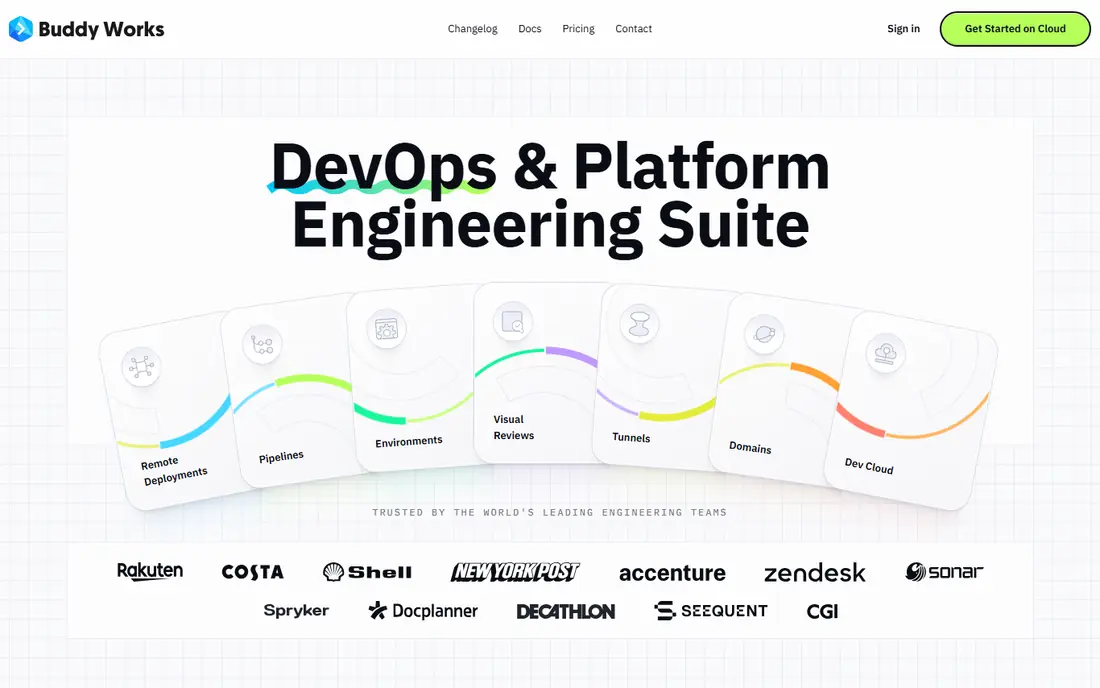
Buddy is a visual deployment tool that feels close to DeployHQ in spirit. You connect a Git repository, build a pipeline from actions, and deploy to servers or cloud services with a clear visual flow. The interface makes pipelines easy to read, which helps when a new team member needs to understand how releases work.
Pricing is based on projects and parallelism, so a team with many projects should check the full cost. Very complex enterprise pipelines may need a more specialised tool. For teams that want deployments that are easy to build and easy to follow, Buddy is an excellent pick.
Bottom line: Buddy suits simple visual deployments best. Its strongest point is visual pipeline builder, while the main drawback to weigh is pricing rises with projects. Check the current pricing page before deciding, since plans and limits change.
- Visual pipeline builder
- Fast setup
- Broad deployment targets
- Pricing rises with projects
- Advanced features need higher tiers
DeployBot
Ideal for: straightforward Git deployments
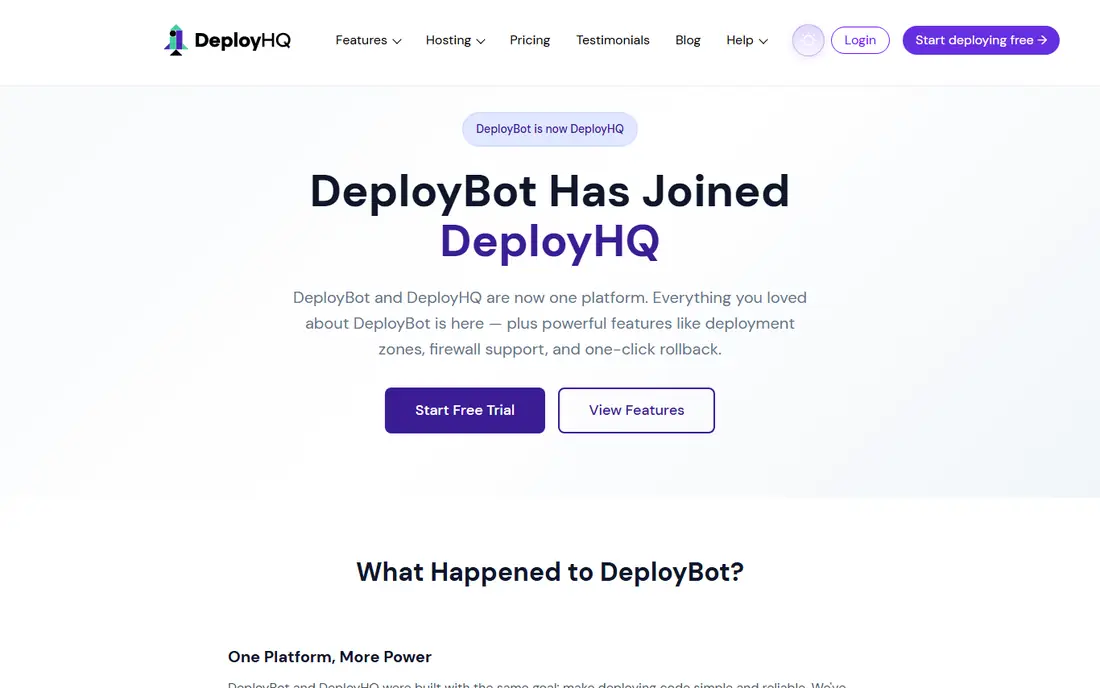
DeployBot does one job well: it watches your Git repository and deploys changes to your servers, either automatically or by hand. It supports multiple environments, lets you roll back to an earlier release, and keeps the setup process short. Teams that liked DeployHQ for its simplicity will feel at home.
It is not a full CI platform, so teams that need heavy testing and build steps may pair it with another tool. The interface is functional rather than modern. For straightforward deployments without fuss, DeployBot is a solid, affordable choice.
Bottom line: DeployBot suits straightforward Git deployments best. Its strongest point is simple setup, while the main drawback to weigh is fewer CI features than larger platforms. Check the current pricing page before deciding, since plans and limits change.
- Simple setup
- Manual and automatic deploys
- Rollback support
- Fewer CI features than larger platforms
- Interface is basic
Netlify
Ideal for: website hosting and deployment

Netlify combines hosting with deployment for websites, and its workflow is hard to beat for front-end teams. Every pull request gets a preview link, deploys happen from Git automatically, and rollbacks take a click. For marketing sites, docs and web apps, that workflow removes a lot of manual steps.
It is less suited to complex back-end services, though serverless functions cover many needs. Free tier build minutes are limited, and larger teams will need a paid plan. For website deployment, Netlify is one of the simplest and most reliable options available.
Bottom line: Netlify suits website hosting and deployment best. Its strongest point is instant previews for every change, while the main drawback to weigh is best for websites rather than complex back-end apps. Check the current pricing page before deciding, since plans and limits change.
- Instant previews for every change
- Free tier
- Simple Git workflow
- Best for websites rather than complex back-end apps
- Build minutes limited on free tier
Vercel
Ideal for: front-end deployment and hosting
Vercel is built for front-end teams, with a Git-based workflow, preview deployments and fast hosting around the world. It works especially well with modern JavaScript frameworks, and the developer experience is polished. Teams that deploy web apps frequently will appreciate how little stands between a commit and a live preview.
Usage-based pricing means a popular site can cost more than expected, so watch bandwidth and function usage. Complex back-end workloads belong elsewhere. For front-end deployment, Vercel is a top-tier choice.
Bottom line: Vercel suits front-end deployment and hosting best. Its strongest point is excellent preview workflow, while the main drawback to weigh is costs rise with usage. Check the current pricing page before deciding, since plans and limits change.
- Excellent preview workflow
- Fast global hosting
- Strong framework support
- Costs rise with usage
- Back-end workloads are limited
Render
Ideal for: hosting plus deployment
Render combines hosting and deployment in one platform, covering web services, background workers, databases and static sites. You connect a repository, define the service, and Render builds and runs it, with automatic deploys on every push. That simplicity appeals to small teams that do not want to manage servers.
The ecosystem is smaller than a major cloud provider, and the region list is shorter. Very large or specialised workloads may need a bigger platform. For small teams that want hosting and deployment together without server work, Render is a strong value pick.
Bottom line: Render suits hosting plus deployment best. Its strongest point is hosts web services, databases and jobs, while the main drawback to weigh is smaller ecosystem than larger clouds. Check the current pricing page before deciding, since plans and limits change.
- Hosts web services, databases and jobs
- Simple pricing
- Free tier
- Smaller ecosystem than larger clouds
- Fewer regions than major providers
Platform.sh
Ideal for: managed application hosting
Platform.sh is a managed hosting platform with deployment built in, and its preview environments are a standout feature. Every branch gets a full copy of the application, including data, which makes testing changes far safer. Agencies that build client sites value that workflow highly.
Pricing is higher than simple hosting, and advanced configuration takes learning. Small personal projects will find cheaper options. For professional teams that need safe previews and managed infrastructure, Platform.sh is a capable platform.
Bottom line: Platform.sh suits managed application hosting best. Its strongest point is preview environments for every branch, while the main drawback to weigh is pricing can be high for small projects. Check the current pricing page before deciding, since plans and limits change.
- Preview environments for every branch
- Managed infrastructure
- Good for agencies
- Pricing can be high for small projects
- Learning curve for advanced features
Octopus Deploy
Ideal for: complex release pipelines
Octopus Deploy is built for teams with serious release processes. It manages environments, approvals, variables and deployment targets across servers and clouds, with a clear audit trail of every release. Teams that deploy to many environments with sign-off steps will find it well suited.
Setup takes longer than a simple deploy tool, and pricing reflects its professional focus. Small teams with one server will find it excessive. For organisations where releases need control and traceability, Octopus Deploy is a leading choice.
Bottom line: Octopus Deploy suits complex release pipelines best. Its strongest point is strong release management, while the main drawback to weigh is setup takes time. Check the current pricing page before deciding, since plans and limits change.
- Strong release management
- Approvals and environments
- Broad target support
- Setup takes time
- Pricing aimed at professional teams
GitHub Actions
Ideal for: CI and deployment from GitHub
GitHub Actions lets teams build, test and deploy directly from GitHub, using workflows written in YAML and a large library of ready-made actions. For teams already on GitHub, it removes the need for a separate CI service, and deployment actions cover most servers and clouds.
Workflows are configured in files rather than a visual builder, which suits developers but not everyone. Private repository minutes are billed beyond the free allowance. For GitHub-based teams that want deployment close to their code, GitHub Actions is a natural, powerful option.
Bottom line: GitHub Actions suits CI and deployment from GitHub best. Its strongest point is built into GitHub, while the main drawback to weigh is configuration uses YAML files. Check the current pricing page before deciding, since plans and limits change.
- Built into GitHub
- Huge action library
- Flexible workflows
- Configuration uses YAML files
- Costs rise with private repo minutes
How we picked these
We started from the original product and what people use it for, then compared official feature pages, pricing pages, app-store listings, privacy policies and public reviews for each candidate. We kept only products that exist, work in October 2026 and genuinely fit the topic, and we left out products that were discontinued, unrelated or too thin to recommend.
We weighed fit for the topic first, then price and free options, ease of setup and the honest downsides that show up in reviews and documentation. Prices are given as listed on the vendor's own site where we could verify them, and we wrote See website where a price was quoted, unclear or likely to change by plan.
We also left out products that no longer exist, that have been folded into a different product, or that only partly fit the topic. A longer list would have been easier to write, but a list padded with poor fits helps nobody choose, so we kept the list to products we can genuinely recommend for this use.
How to choose a deployment tool
Start with what you deploy. A static website needs a different tool from a multi-service application with databases and background jobs. The simplest tool that handles your stack is usually the right one, since deployment tools add cost and complexity quickly.
Next, check the pipeline features you rely on. Rollbacks, preview environments, approval steps and notifications all sound minor until a bad deploy needs reversing at short notice. Make sure the tool you pick handles the failure case well, not just the happy path.
Finally, count the real cost. Some tools charge per project, some per user and some per build minute. A tool that looks cheap for one project can become expensive across a team, so price the full setup and test a real deploy during the trial.
Check the renewal price, not just the first bill. Introductory discounts, per-user charges and usage limits can change the cost sharply in year two, so ask for the standard price and model it at your expected team size. A tool that stays affordable as you grow is worth more than a cheap first month.
Read the fine print on limits. Free tiers and entry plans often cap users, projects, storage or monthly usage, and those caps decide whether a plan works in practice. Confirm the limits that matter to you in writing before you commit to a paid plan.
Frequently asked questions
What is the best DeployHQ alternative?
Buddy and DeployBot are the closest matches for simple automated deployments from Git. If you deploy websites, Netlify or Vercel may be simpler still, since they add hosting to the deployment step.
Can I deploy for free?
Netlify, Vercel and Render all offer free tiers that suit personal projects and small sites. GitHub Actions also includes free minutes for public repositories and a monthly allowance for private ones.
Do I need a separate hosting provider?
It depends on the tool. Netlify, Vercel, Render and Platform.sh include hosting, while Buddy, DeployBot and Octopus Deploy deploy to servers or clouds you already run.
What is the difference between deployment and CI?
Continuous integration builds and tests code, while deployment moves a tested build to a server. Many tools do both, but some deployment tools expect your code to arrive already built and tested.
How do rollbacks work?
Most tools here keep previous releases and let you redeploy an earlier version, though the steps differ. Check that the rollback process is quick and tested before you rely on it for a production service.
Can I try these options before paying?
Yes, in most cases. Nearly every option on this list offers a free tier or a free trial, and we note that in the comparison table and in each product block. Use the trial for real work rather than a quick look, and check the renewal price before the trial ends so there are no surprises.