Best Detectify Alternatives in 2026: 8 Options Compared

- 1
 Intrudercontinuous cloud scanningVisit
- 2
 Probelyweb app scanning for developersVisit
- 3
 Pentest-Toolsonline pentest toolkitVisit
- 4
 Acunetixdeep web vulnerability scanningVisit
- 5
 Qualys Web App Scanningenterprise web scanningVisit
- Intruder and Probely are the most accessible cloud scanners, with continuous scanning and clear reports.
- Acunetix and Invicti offer deep web application scanning for teams that need thorough coverage.
- Pentest-Tools and Qualys cover specialised and enterprise scanning needs respectively.
- Tenable and Burp Suite suit teams that want web scanning inside a broader security toolkit or a manual testing workflow.
Quick comparison
| Product | Ideal for | Price from | Free version | |
|---|---|---|---|---|
| Intruder | continuous cloud scanning | See website | Free trial | Visit |
| Probely | web app scanning for developers | See website | Free trial | Visit |
| Pentest-Tools | online pentest toolkit | See website | Free trial | Visit |
| Acunetix | deep web vulnerability scanning | See website | Free trial | Visit |
| Qualys Web App Scanning | enterprise web scanning | See website | Free trial | Visit |
 Tenable Web App Scanning | web scanning in Tenable platform | See website | Free trial | Visit |
 Invicti | automated web security scanning | See website | Free trial | Visit |
 Burp Suite Professional | manual and automated web testing | See website | Free trial | Visit |
The best Detectify Alternatives
Here are our picks for the best detectify alternatives, covering a mix of well-known leaders and strong smaller options. We compared official feature pages, pricing pages, app-store listings, privacy policies and public reviews to build this list.
Intruder
Ideal for: continuous cloud scanning
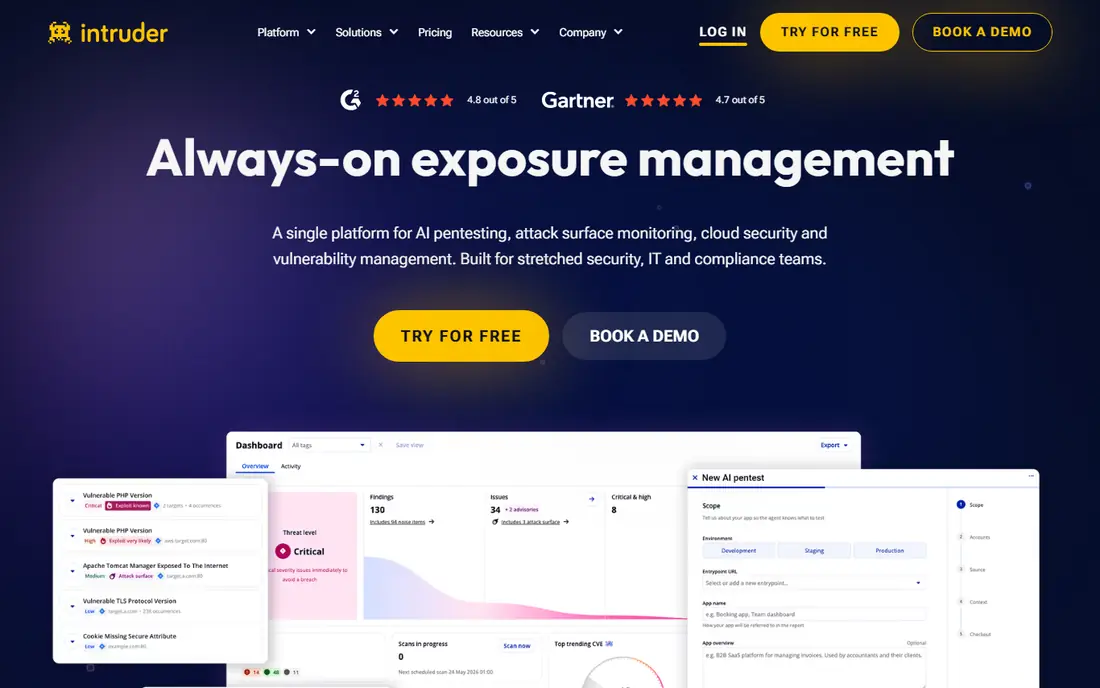
Intruder is a cloud-based vulnerability scanner that continuously checks websites, servers and cloud systems, with clear reports that developers can act on. Setup is quick, and the interface prioritises findings so teams fix the important issues first.
Scanning depth for complex web applications is less than Acunetix, and pricing is per target. For accessible continuous scanning, Intruder is a strong Detectify alternative.
Bottom line: Intruder suits continuous cloud scanning best. Its strongest point is continuous scanning, while the main drawback to weigh is depth less than Acunetix for complex apps. Check the current pricing page before deciding, since plans and limits change.
- Continuous scanning
- Clear reports
- Easy setup
- Depth less than Acunetix for complex apps
- Pricing per target
Probely
Ideal for: web app scanning for developers
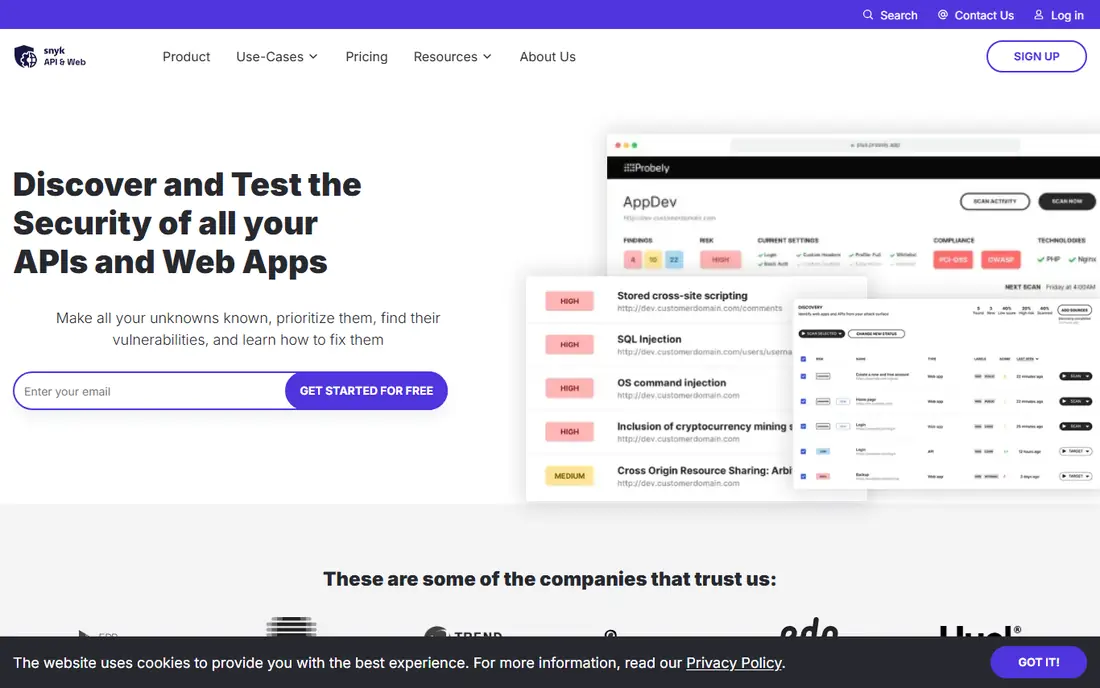
Probely is a web application scanner built for developers, with clear findings, API scanning and continuous monitoring. Its reports explain issues in developer terms with fix guidance, which helps teams remediate faster. Integrations with ticketing tools keep findings visible.
It is a smaller vendor than Tenable or Qualys, and enterprise features are thinner. For developer-friendly web scanning, Probely is an excellent pick.
Bottom line: Probely suits web app scanning for developers best. Its strongest point is developer-friendly reports, while the main drawback to weigh is smaller vendor than Tenable. Check the current pricing page before deciding, since plans and limits change.
- Developer-friendly reports
- API scanning
- Continuous monitoring
- Smaller vendor than Tenable
- Enterprise features are thinner
Pentest-Tools
Ideal for: online pentest toolkit
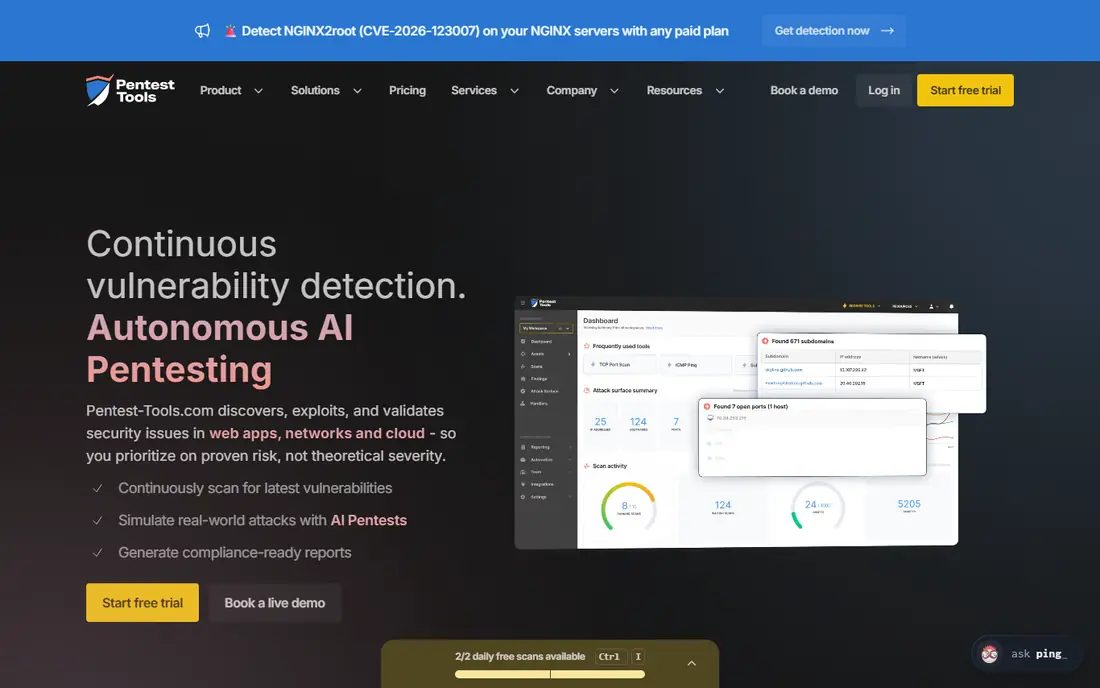
Pentest-Tools offers an online toolkit for penetration testing, including web vulnerability scanning alongside network and reconnaissance tools. It suits security professionals and small teams that want on-demand testing without a full platform subscription.
The toolkit model differs from continuous scanning platforms, and reporting is simpler. For flexible, on-demand security testing, Pentest-Tools is a useful option.
Bottom line: Pentest-Tools suits online pentest toolkit best. Its strongest point is broad toolkit beyond web scanning, while the main drawback to weigh is toolkit model differs from continuous platforms. Check the current pricing page before deciding, since plans and limits change.
- Broad toolkit beyond web scanning
- Easy online use
- Affordable
- Toolkit model differs from continuous platforms
- Reporting is simpler
Acunetix
Ideal for: deep web vulnerability scanning
Acunetix, part of Invicti, is a web vulnerability scanner known for deep coverage of complex applications, including JavaScript-heavy sites and APIs. Its scanning engine finds a wide range of vulnerabilities, and reporting supports compliance and remediation workflows.
Pricing is quoted for larger deployments, and setup benefits from tuning. For thorough web application scanning, Acunetix is a leading choice.
Bottom line: Acunetix suits deep web vulnerability scanning best. Its strongest point is deep scanning coverage, while the main drawback to weigh is pricing is quoted for larger use. Check the current pricing page before deciding, since plans and limits change.
- Deep scanning coverage
- Good for complex apps
- Strong reporting
- Pricing is quoted for larger use
- Setup needs tuning
Qualys Web App Scanning
Ideal for: enterprise web scanning
Qualys Web Application Scanning sits inside the wider Qualys cloud platform, offering web scanning alongside vulnerability and compliance tools. Large organisations value its asset coverage, reporting and integration with existing Qualys deployments.
The interface is dense, and pricing is module based. For enterprises already using Qualys, its web scanning is a natural addition.
Bottom line: Qualys Web App Scanning suits enterprise web scanning best. Its strongest point is enterprise platform, while the main drawback to weigh is interface is dense. Check the current pricing page before deciding, since plans and limits change.
- Enterprise platform
- Broad asset coverage
- Compliance reporting
- Interface is dense
- Pricing is module based
Tenable Web App Scanning
Ideal for: web scanning in Tenable platform
Tenable Web App Scanning brings web application checks into the Tenable exposure platform, alongside infrastructure and cloud scanning. Teams that already use Tenable get web coverage in the same console, with prioritisation based on exploitability.
Web-specific depth is less than dedicated scanners like Acunetix. For teams standardising on Tenable, its web scanning is a convenient addition.
Bottom line: Tenable Web App Scanning suits web scanning in Tenable platform best. Its strongest point is part of a broad exposure platform, while the main drawback to weigh is web depth less than dedicated scanners. Check the current pricing page before deciding, since plans and limits change.
- Part of a broad exposure platform
- Good prioritisation
- Large research base
- Web depth less than dedicated scanners
- Pricing by assets
Invicti
Ideal for: automated web security scanning
Invicti offers automated web security scanning with proof-based verification, which confirms many vulnerabilities by safely exploiting them, reducing false positives. That accuracy helps developers trust findings and fix faster, and coverage includes complex applications and APIs.
Pricing is enterprise level, and setup takes tuning for best results. For accurate, deep web scanning, Invicti is a top-tier choice.
Bottom line: Invicti suits automated web security scanning best. Its strongest point is proof-based scanning reduces false positives, while the main drawback to weigh is enterprise pricing. Check the current pricing page before deciding, since plans and limits change.
- Proof-based scanning reduces false positives
- Deep coverage
- Good integrations
- Enterprise pricing
- Setup takes tuning
Burp Suite Professional
Ideal for: manual and automated web testing
Burp Suite Professional is the industry-standard toolkit for manual web security testing, with automated scanning alongside interception, repeater and intruder tools. Security professionals use it to find issues that automated scanners miss, especially logic flaws.
It needs security expertise and is not a hands-off continuous scanner for non-specialists. For teams with security testers, Burp Suite is an essential tool.
Bottom line: Burp Suite Professional suits manual and automated web testing best. Its strongest point is industry-standard manual testing tools, while the main drawback to weigh is needs security expertise. Check the current pricing page before deciding, since plans and limits change.
- Industry-standard manual testing tools
- Automated scanning included
- Needs security expertise
- Not a hands-off continuous scanner
How we picked these
We started from the original product and what people use it for, then compared official feature pages, pricing pages, app-store listings, privacy policies and public reviews for each candidate. We kept only products that exist, work in October 2026 and genuinely fit the topic, and we left out products that were discontinued, unrelated or too thin to recommend.
We weighed fit for the topic first, then price and free options, ease of setup and the honest downsides that show up in reviews and documentation. Prices are given as listed on the vendor's own site where we could verify them, and we wrote See website where a price was quoted, unclear or likely to change by plan.
We also left out products that no longer exist, that have been folded into a different product, or that only partly fit the topic. A longer list would have been easier to write, but a list padded with poor fits helps nobody choose, so we kept the list to products we can genuinely recommend for this use.
How to choose a web security scanner
Start with the applications you need to scan. Public websites, authenticated applications and APIs each need different scanner capabilities, and a tool that cannot log in to your app will miss much of its surface. Test authenticated scanning during a trial.
Next, check false positives. A scanner that reports many issues that turn out to be harmless will waste developer time and erode trust. Look for clear evidence with each finding, so developers can verify and fix quickly.
Finally, check remediation workflow. Findings should flow into your ticketing system with severity ratings and fix guidance, and rescans should confirm fixes. A scanner without a good workflow becomes another unread report.
Run a real trial before you pay. Sign up for the free tier or trial, connect it to a real project, and test the exact tasks you do every week rather than the demo workflow. Check how long setup takes, how clear the reporting is and how quickly support replies, since those details decide whether a tool survives past the first month.
Plan the switch, not just the signup. Export your data from the old tool, check what imports cleanly and what must be rebuilt by hand, and keep the old system running until the new one has handled real work. A short overlap period avoids lost data and gives your team time to learn the new workflow.
Frequently asked questions
What is Detectify used for?
Detectify is a web application security scanner that continuously checks websites and web applications for vulnerabilities, using automated scanning plus crowdsourced security research. It helps teams find issues before attackers do.
What is the best Detectify alternative?
Intruder and Probely are the closest accessible alternatives, while Acunetix and Invicti offer deeper scanning. Tenable suits teams that want web scanning inside a wider vulnerability platform.
Can scanners replace penetration testing?
No. Automated scanners find known vulnerability patterns efficiently, but human penetration testers find logic flaws and chained issues that scanners miss. Most teams use both, with scanners for continuous coverage and testers for depth.
Do scanners work on authenticated apps?
Most tools here support authenticated scanning, though setup varies. Check that the scanner can log in to your application and crawl protected areas before buying, since unauthenticated scans miss a lot.
How often should I scan?
Continuous or weekly scanning suits most web applications, with extra scans after major releases. Detectify-style continuous scanning catches new vulnerabilities as they appear, rather than only at audit time.
Can I try these options before paying?
Yes, in most cases. Nearly every option on this list offers a free tier or a free trial, and we note that in the comparison table and in each product block. Use the trial for real work rather than a quick look, and check the renewal price before the trial ends so there are no surprises.