Best DirecTV Alternatives in 2026: 7 Live TV Services Compared

- 1
 YouTube TVBroad live TV replacementVisit
- 2
 Hulu + Live TVLive TV plus on-demandVisit
- 3
 Sling TVBudget live TVVisit
- 4
 FuboSports-heavy live TVVisit
- 5
 PhiloEntertainment without sportsVisit
- YouTube TV suits most cord-cutters with broad channels, sports, and unlimited DVR.
- Hulu + Live TV suits viewers who also want a large on-demand library.
- Sling TV suits budget viewers who want a smaller, flexible channel bundle.
- Fubo suits sports fans who want wide sports coverage.
- Philo and Frndly TV suit entertainment viewers who can skip sports and news.
Quick comparison
| Product | Ideal for | Price from | Free version | |
|---|---|---|---|---|
| YouTube TV | Broad live TV replacement | See website | Free trial | Visit |
| Hulu + Live TV | Live TV plus on-demand | See website | Free trial | Visit |
| Sling TV | Budget live TV | See website | No | Visit |
| Fubo | Sports-heavy live TV | See website | Free trial | Visit |
| Philo | Entertainment without sports | See website | Free trial | Visit |
 Pluto TV | Free live and on-demand TV | Free | Yes | Visit |
 Frndly TV | Family-friendly budget TV | See website | Free trial | Visit |
The best DirecTV alternatives
DirecTV offers satellite and streaming TV with broad channels and sports. The streaming services below replace it without a dish or long contract in most cases. We compared official pricing pages, channel lineups, and public support documentation. Prices and channels change, so check each service site for your area.
YouTube TV
Ideal for: Broad live TV replacement
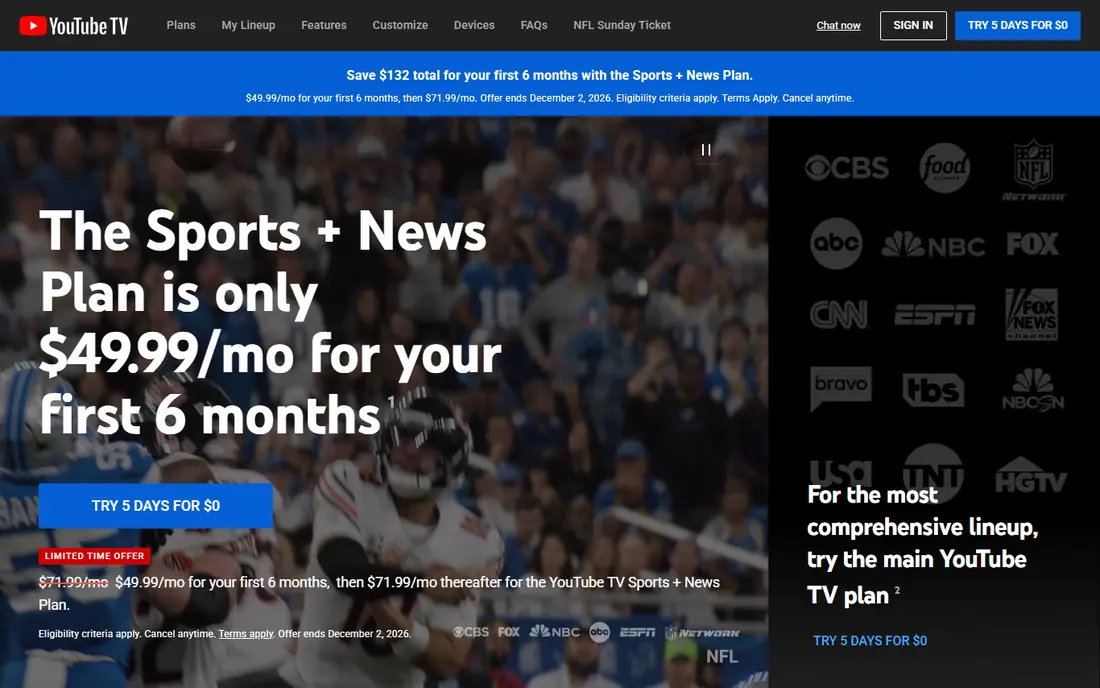
YouTube TV is the closest all-round replacement for DirecTV for most households. It includes major broadcast networks, cable channels, and sports in many areas, with unlimited cloud DVR that keeps recordings for months. The interface is simple, and it works on most TVs, phones, and streaming devices.
The price is now closer to cable than early cord-cutting deals, and some regional sports channels are absent. Even so, for a household that wants one service to replace cable, YouTube TV is our pick for most viewers. Confirm local channel availability for your ZIP code before subscribing.
- Broad channel lineup with local stations in many areas
- Unlimited DVR storage
- Up to three simultaneous streams
- Price has risen over time
- Some regional sports networks are missing
Hulu + Live TV
Ideal for: Live TV plus on-demand
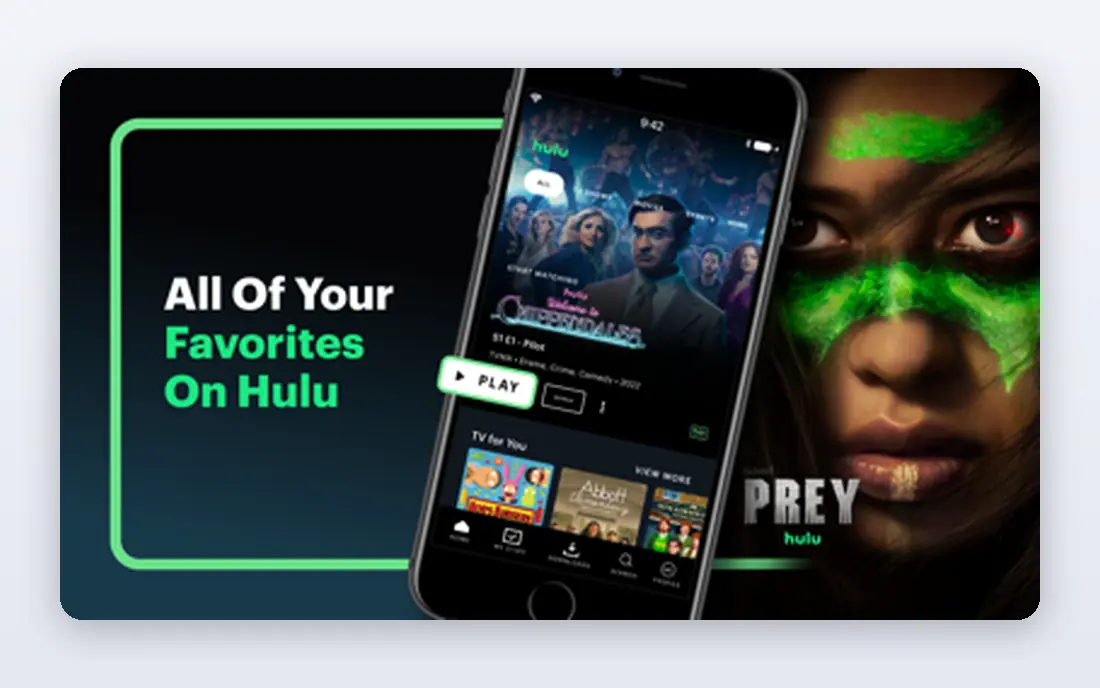
Hulu + Live TV pairs live channels with Hulu's on-demand shows and movies, which gives households more to watch without a second subscription. Some plans bundle Disney+ and ESPN+, which adds value for families and sports fans. DVR and multiple streams are included on current plans, with upgrades available.
The app can feel busy, and the total price is high compared with budget services. For viewers who already watch Hulu on-demand content, the combined plan makes sense. It is our pick for households that want live TV and streaming library in one bill.
- Live TV beside a large on-demand library
- Bundles with Disney+ and ESPN+ on some plans
- DVR included
- Interface can feel crowded
- Price sits at the higher end
Sling TV
Ideal for: Budget live TV
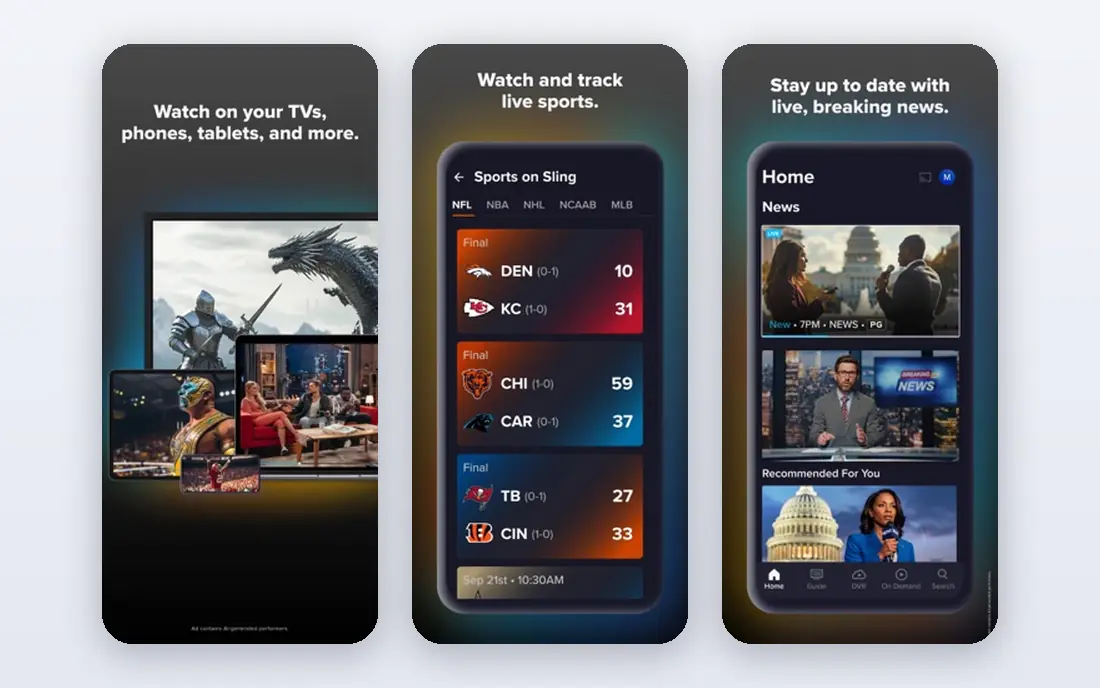
Sling TV keeps costs down by splitting channels into Orange and Blue bundles, with add-on packs for sports, news, or entertainment. Viewers who know which channels they watch can pay less than with a full bundle. There is no long contract, so cancelling is simple.
Local broadcast channels are limited in some areas, and DVR storage is smaller than YouTube TV unless upgraded. For budget viewers with a clear channel list, Sling TV is the best value pick here. Pair it with a cheap antenna for local stations where needed.
- Lower starting price with Orange and Blue bundles
- Flexible add-on packs
- No long contract
- Local channels vary by area and may need an antenna
- DVR storage is smaller than rivals
Fubo
Ideal for: Sports-heavy live TV
Fubo built its name on sports, with broad coverage of soccer, football, basketball, and international leagues beside general entertainment and news. Sports fans who follow several leagues will find channels that other services miss. DVR, multi-screen viewing, and 4K events add to the appeal.
Prices sit above budget options, and non-sports viewers may pay for channels they never watch. For a sports-first household, Fubo is the strongest pick on this list. Check that your must-have leagues and regional networks are included before subscribing.
- Wide sports channel coverage including many leagues
- 4K streams on some events
- DVR and multi-screen options
- Higher price than budget services
- Entertainment channel depth varies by plan
Philo
Ideal for: Entertainment without sports
Philo offers entertainment, lifestyle, and reality channels at a much lower price than full live TV bundles, with unlimited DVR included. It suits viewers who watch cable entertainment but do not need live sports or local news. The interface is simple, and the price makes it easy to pair with another service.
Sports fans and local news viewers will need a second option, such as an antenna or a sports service. For entertainment-only households, Philo is excellent value. Our pick for budget entertainment viewers is Philo.
- Low price for a large entertainment channel set
- Unlimited DVR
- Simple interface
- No sports or local broadcast channels
- News coverage is limited
Pluto TV
Ideal for: Free live and on-demand TV
Pluto TV offers free live TV channels beside on-demand movies and shows, all legally licensed and supported by ads. Its channel lineup covers news, movies, reality, and genre channels, giving viewers a cable-like browsing experience without a bill. That free model suits households cutting costs or adding a second service.
Ads are part of the deal, and live channels follow a schedule rather than on-demand playback. For a free legal complement to a paid service, or a standalone option for casual viewing, Pluto TV is a strong pick. Pair it with an antenna for local broadcast channels.
- Free live TV channels plus on-demand movies and shows
- No subscription needed
- Broad channel lineup
- Ads interrupt viewing
- Live schedules cannot be paused like on-demand libraries
Frndly TV
Ideal for: Family-friendly budget TV
Frndly TV targets family viewers with Hallmark, lifestyle, and family channels at one of the lowest prices in live TV. It includes DVR, works on major streaming devices, and keeps content family-friendly by design. For households that mainly watch those channels, it is a bargain.
Sports, news, and broadcast network viewers will need another service. As a cheap add-on or a primary service for family viewing, Frndly TV is a smart pick. It pairs well with a free antenna for local channels.
- Very low price for family and lifestyle channels
- DVR included
- Family-friendly channel focus
- Small channel lineup with no sports
- No major broadcast networks
How we picked these
We compared official pricing pages, channel lineups, and public support documentation, looking for live TV services available in the US in October 2026. We favored services with broad device support and DVR, and we mixed full bundles with budget options. We did not claim hands-on testing, and we note that channel lineups and prices vary by region and change often, so verify for your ZIP code.
We also weighed practical details that matter after signup. That included how easy each product is to set up, whether support answers promptly, and whether pricing stays clear as usage grows. We read user complaints as well as praise, since repeated complaints about billing, onboarding, or missing features often signal a real weakness. Where a product had a known limitation, we said so in its write-up rather than smoothing it over. Our goal was a shortlist that a reader can trust for directv alternatives, not a list of every vendor in the market. Readers with unusual needs should still test their top two choices, since fit depends on budget, team size, and the features used every day.
What to check before you switch
Start with your must-have channels, especially local stations and regional sports networks, since these vary most by area. Enter your ZIP code on each service site and compare the actual lineup, not the national marketing list. Also check how many simultaneous streams your household needs, since that limit causes friction fast.
Next, test DVR and app quality on your actual TV and devices during the trial. Check internet speed too: live TV needs a stable connection, especially for 4K or multiple streams. A trial week with your normal viewing will reveal more than any channel list.
Testing your shortlist before you commit
A short trial answers questions that no comparison table can settle. Sign up for your top two choices, run a real task from your own work, and watch how long it takes and where you get stuck. For directv alternatives, that real task might be a weekly workflow you repeat, a report you need every month, or a setup step your team must repeat for new members. If a tool slows that task down, it will cost time every week, no matter how good its feature list looks.
Pay attention to support during the trial as well. Send a question through the normal support channel and note how long a useful answer takes. Check billing clarity too: confirm what the trial includes, when it ends, and what the first paid invoice will actually show. A tool that is hard to cancel, or that hides fees until checkout, deserves caution.
Finally, ask who else on your team must use the tool. A product that only one person likes will stall, while a product the whole team adopts will pay for itself. Gather quick feedback from the people who will use it daily, compare their notes with your own, and then choose. That small amount of trial discipline prevents most bad purchases, and it costs far less than switching tools again in six months.
Budgeting the full cost, not just the headline price
Headline prices rarely tell the full story. Add up per-user fees, add-on charges, implementation help, and any training your team needs, then compare that total across your shortlist. A cheaper plan that needs three paid add-ons can end up costing more than a fuller plan from a rival. Check renewal terms as well, since introductory discounts often expire after the first term and the second year price is the one you will actually live with.
Think about exit costs too. Before you commit, confirm how your data exports, whether your content or history moves cleanly, and what happens if you pause or cancel. A tool with clean exports gives you freedom later, while a tool that locks data in makes switching painful. Choosing with the full cost and the exit path in mind keeps your directv alternatives decision sound for the long term, not just for the first month.
Frequently asked questions
Can I watch local channels without cable?
Yes, many streaming services include local broadcast channels in most areas, and a cheap indoor antenna covers the rest. Check each service lineup for your ZIP code.
Which DirecTV alternative is cheapest?
Frndly TV and Philo are cheapest, but they skip sports and local channels. Sling TV is the cheapest fuller bundle, while YouTube TV and Hulu + Live TV cost more for broader lineups.
Do these services need a contract?
Most streaming services are month to month with no long contract. That makes it easy to switch or cancel, unlike many satellite plans.
How much internet speed do I need for live TV?
A stable connection of at least 25 Mbps suits most households for HD streaming, with more needed for multiple streams or 4K. Test during peak evening hours.
Can I keep DirecTV satellite and add streaming?
Yes, many households keep satellite for sports or rural access and add a streaming service for extra devices. Compare total cost before keeping both.