Best Discord Alternatives for Gaming in 2026: 7 Apps Compared

- Guilded is our pick for gamers who want Discord-style servers plus built-in team tools such as calendars, docs, and tournaments.
- TeamSpeak suits competitive teams that want low-latency voice, self-hosting, and full control over their server.
- Mumble suits privacy-focused teams that want free, open source voice chat with very low delay.
- Element, Revolt, Steam Chat, and Xbox cover open, community, PC, and console gaming needs with different strengths.
- Always check voice quality, moderation tools, and device support before moving a whole gaming community.
Quick comparison
| Product | Ideal for | Price from | Free version | |
|---|---|---|---|---|
 TeamSpeak | Low-latency competitive voice | See website | Free trial | Visit |
 Mumble | Free open source voice | Free | Yes | Visit |
 Guilded | Gaming communities and teams | Free | Yes | Visit |
 Element | Open federated chat | Free | Yes | Visit |
 Revolt | Open Discord-style chat | Free | Yes | Visit |
 Steam Chat | PC gaming friends | Free | Yes | Visit |
 Xbox | Console and cross-platform play | Free | Yes | Visit |
The best Discord alternatives for gaming
Discord dominates gaming chat, but teams leave it for many reasons, including voice quality, privacy, moderation, or a better fit for competitive play. We compared official feature pages, app store listings, and public reviews, focusing on voice quality, latency, community tools, moderation, and what free access truly allows.
TeamSpeak
Ideal for: Low-latency competitive voice
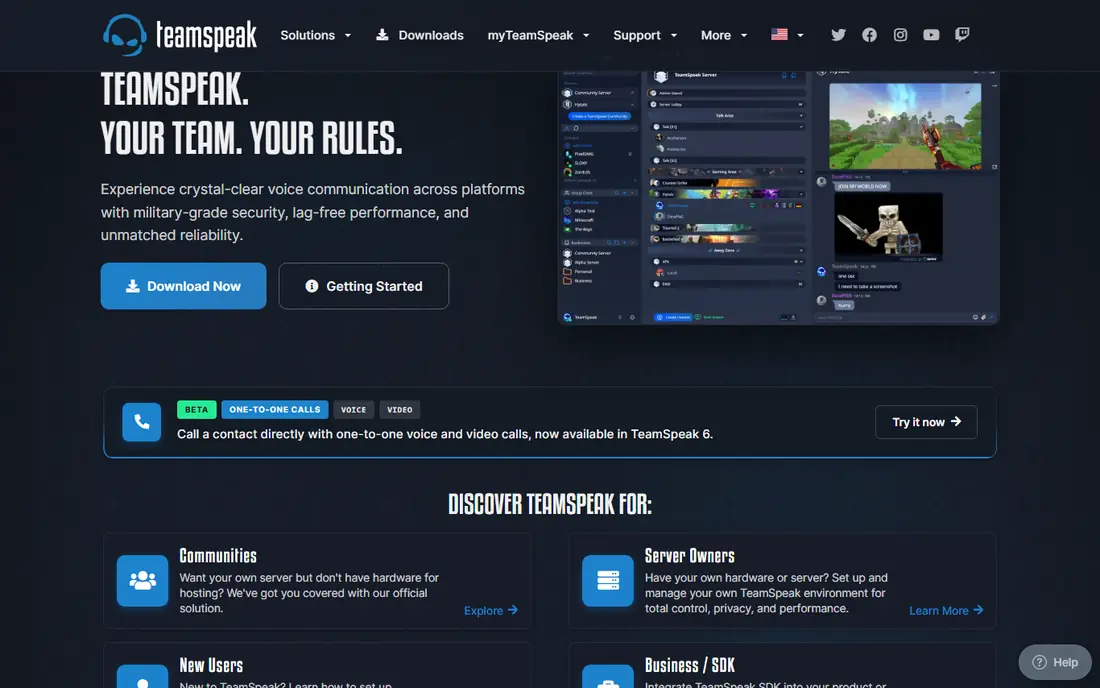
TeamSpeak has served competitive gamers for years with voice quality and latency that many teams still prefer for fast games. Channels, permissions, and server control are deep, and self-hosting lets a team own its server and data. For esports teams and serious squads, that control and voice performance matter more than stickers or streaming features.
Community features are the trade-off. TeamSpeak text chat, media sharing, and discovery feel thinner than Discord, and the interface looks dated next to modern apps. For teams whose priority is clear, fast voice during matches, TeamSpeak remains a top pick.
- Very low-latency voice
- Self-hosting option
- Fine-grained permissions
- Text and community features are thinner than Discord
- Interface feels dated
Mumble
Ideal for: Free open source voice
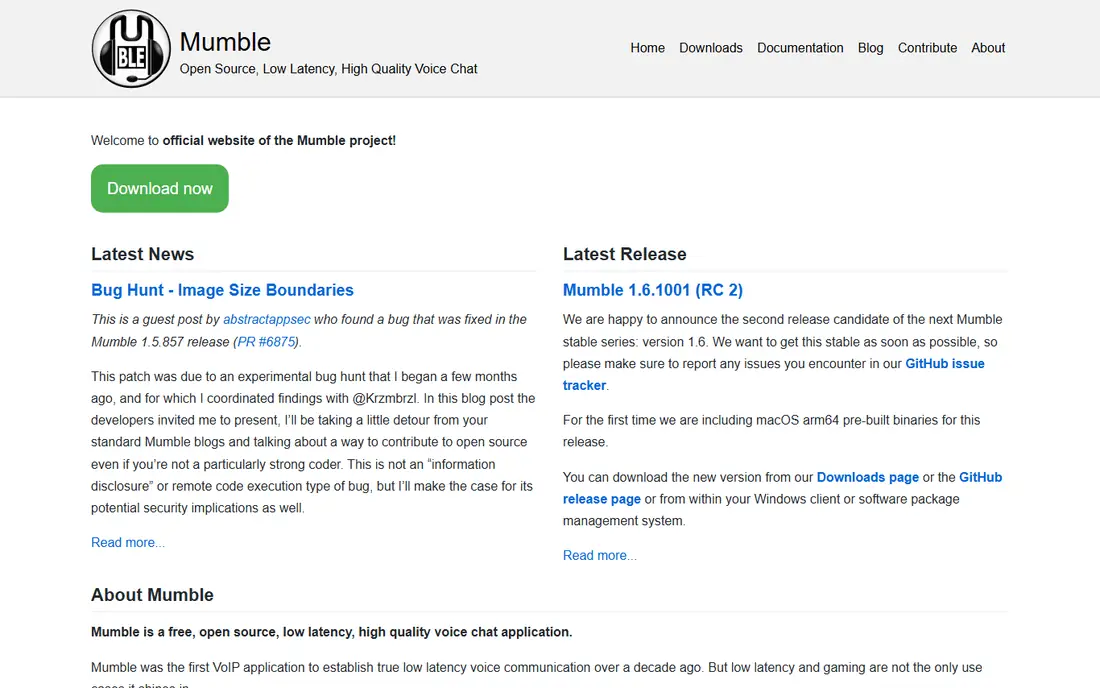
Mumble is a free, open source voice chat app built for low latency and clear positional audio in games. Teams can run their own server, control access, and keep voice data off third-party platforms. That combination appeals to privacy-focused groups and to teams that want voice without subscriptions or ads.
The interface is plain, and community features such as rich media, discovery, and bots are minimal compared with Discord. For squads that mainly need reliable voice during play, Mumble is excellent and free. For large public communities, pair it with a separate chat platform or choose Guilded instead.
- Free and open source
- Very low latency
- Self-hosting and privacy control
- Plain interface
- Community and media features are minimal
Guilded
Ideal for: Gaming communities and teams
Guilded is the closest Discord-style replacement built specifically for gamers. Servers support voice and video chat, text channels, forums, calendars, documents, scheduling, and tournament tools, all in one place. That built-in team toolkit saves communities from bolting on bots and outside tools for events and rosters.
The community is smaller than Discord, so finding public servers and players takes more effort. Some features are still maturing compared with a platform of Discord scale. For a gaming team or community that wants to move together, Guilded offers the most complete Discord-like home here.
- Discord-style servers plus calendars, docs, forums, and tournaments
- Free core features
- Good voice and video
- Smaller community than Discord
- Some features still maturing
Element
Ideal for: Open federated chat
Element, built on the Matrix protocol, offers federated, open messaging with rooms, voice and video calls, and encryption options. Communities can run their own servers and bridge to other platforms, which appeals to teams that value openness and control over a single company platform.
Gaming-specific features are thinner. Voice quality depends on setup, and team tools such as tournaments need outside help. For communities that prioritize open standards, privacy, and self-hosting, Element is a strong and principled Discord replacement.
- Open federated messaging
- End-to-end encryption options
- Self-hosting possible
- Voice quality varies by setup
- Gaming features need community tools
Revolt
Ideal for: Open Discord-style chat
Revolt is a free, open source chat platform with a Discord-style feel: servers, channels, voice, and media sharing in a familiar layout. Teams can use the hosted service or run their own server, which gives communities control without a subscription. That openness makes Revolt a favorite for groups that want Discord features without Discord itself.
Polish and community size lag behind Discord, and voice features are still improving. For a small team or community willing to accept a younger platform, Revolt offers a free, open, and familiar home.
- Free and open source
- Discord-style servers and channels
- Self-hosting option
- Smaller community and app polish
- Voice features still improving
Steam Chat
Ideal for: PC gaming friends
Steam Chat is built into Steam, so PC gamers already have friends lists, group chats, and voice chat without installing another app. It suits friends who play Steam games together and want quick voice and text without managing a separate community platform.
The limit is scope. Steam Chat is tied to Steam and offers lighter community tools than Discord servers, with fewer moderation and event features. For a friend group that plays on Steam, it is convenient and free. For a large public community, Guilded or Element will serve better.
- Built into Steam
- Friends, groups, and voice chat for PC gamers
- No extra install for Steam users
- Tied to Steam
- Community tools are lighter than Discord servers
Xbox
Ideal for: Console and cross-platform play
Xbox offers parties, voice chat, clubs, and looking-for-group tools across Xbox consoles, Windows PC, and mobile apps. Cross-platform play and Game Pass tie-ins make it a natural home for console gamers and for mixed console and PC groups. Voice quality and party tools are solid for everyday play.
Community servers are less flexible than Discord, and the experience is best inside Microsoft platforms. For console-first gamers and cross-platform friend groups, Xbox is a free and practical Discord replacement that most players already have.
- Parties and voice chat across Xbox, PC, and mobile
- Clubs and looking-for-group tools
- Game Pass tie-ins
- Best on Xbox and Microsoft platforms
- Community servers are less flexible than Discord
How we picked these
We compared official feature pages, app store listings, and public reviews, and we checked that the homepages listed here belong to the products named. We favored apps that support gaming voice chat, team play, or community building, with free access for most users. We left out general chat apps with no gaming focus, and we did not include Discord itself, since this list is about replacements.
We also weighed how each vendor treats new users, including trial length, onboarding help, and the quality of its public documentation. A tool with clear guides and responsive support earns trust faster than a tool with a thin help center, even when feature lists look similar. We gave extra weight to vendors that publish pricing openly and explain limits plainly, since hidden costs and surprise caps cause most buyer regret. Where pricing was only available on request, we said so rather than guessing, and we treated a missing free tier as a real drawback for small teams testing on a budget.
What to check before you switch
Start with voice. Test voice quality and latency in your actual games, with your full squad, before moving a community. A chat app that looks good on paper but lags or drops in a fast match will lose players fast.
Next, check moderation and roles. Confirm you can set roles, permissions, bans, and channel controls that match your community size, and test how new members join and get verified. Public communities need stronger tools than a private friend group.
Finally, move in stages. Run the new app alongside Discord for a few weeks, move one team or event first, and gather feedback on voice, mobile use, and notifications. A staged move keeps your community together while everyone learns the new home.
Plan your exit before you enter. Check how your data exports, which formats are supported, and whether you can leave without losing history, templates, or customer records. A tool with clean exports gives you freedom to change later if pricing, features, or support disappoint you, while a tool with weak exports locks you in quietly. Ask the vendor directly about export limits and migration help, and test an export with a sample of your own data during the trial. That single test often reveals more about a vendor than any sales call, and it protects you if your needs change next year.
Frequently asked questions
What is the best Discord alternative for gaming?
Guilded is our pick for most gaming communities, since it pairs Discord-style servers with calendars, docs, forums, and tournament tools. TeamSpeak suits competitive teams that prioritize voice, while Mumble suits privacy-focused squads.
Is there a free Discord alternative?
Yes. Mumble, Guilded, Element, Revolt, Steam Chat, and Xbox all offer free core access. TeamSpeak offers a free trial and self-hosting options. Check server and feature limits for larger communities before moving everyone.
Which alternative has the lowest voice latency?
TeamSpeak and Mumble are known for very low-latency voice, which is why competitive teams still use them. Guilded and Xbox offer solid voice for everyday play, but competitive squads should test latency in their own games.
Can I self-host a Discord alternative?
Yes. TeamSpeak, Mumble, Element, and Revolt all support self-hosting, which gives your team control over data and access. Self-hosting needs technical setup and upkeep, so weigh that cost against hosted convenience.
Which alternative is best for console gamers?
Xbox is the best pick for console gamers, with parties, clubs, and cross-platform chat across Xbox, PC, and mobile. Guilded also works well for mixed console and PC communities that want richer server tools.
How often should I review my choice?
Review your main tools at least once a year, and sooner if pricing, team size, or needs change sharply. A quick review covers cost per user, feature use, support quality, and whether the team still likes the tool day to day. If a cheaper or better-fitting option has appeared, run a small pilot before switching, since migration costs can outweigh modest savings. Regular reviews keep you from paying for seats nobody uses or sticking with a tool that no longer fits how your team actually works.