Doodle Poll Alternatives in 2026: 8 Tools Compared

- Rallly and When2meet are the closest free replacements for a simple Doodle poll, with no account needed for basic voting.
- If you schedule one-to-one meetings more than group polls, a booking link tool such as Calendly, Cal.com or Koalendar will save more time.
- Cal.com and Koalendar offer the most generous free plans among booking tools, with unlimited event types or bookings on their free tiers.
- SavvyCal stands out for people who want guests to compare calendars and for hosts who want to protect focus time.
- PollUnit goes beyond date polls, adding surveys, star ratings and photo contests for groups that vote on more than dates.
Quick comparison
| Product | Ideal for | Price from | Free version | |
|---|---|---|---|---|
 Rallly | Free group date polls | Free | Yes | Visit |
 When2meet | Simple free availability grids | Free | Yes | Visit |
 Calendly | One-to-one booking links | Free | Yes | Visit |
 Cal.com | Generous free scheduling | Free | Yes | Visit |
 Koalendar | Free unlimited bookings | Free | Yes | Visit |
 YouCanBookMe | Branded booking pages | Free | Yes | Visit |
 SavvyCal | Calendar overlay scheduling | See website | Yes | Visit |
 PollUnit | Polls, surveys and voting | Free | Yes | Visit |
The best doodle poll alternatives
Doodle made group scheduling simple: propose times, share a link, and let people vote. These alternatives cover the same job in different ways. Some copy the poll format closely, while others replace polls with booking links that read your calendar. We compared official homepages and pricing pages to check what is actually free, what needs an account, and where each tool fits best.
Rallly
Ideal for: Free group date polls
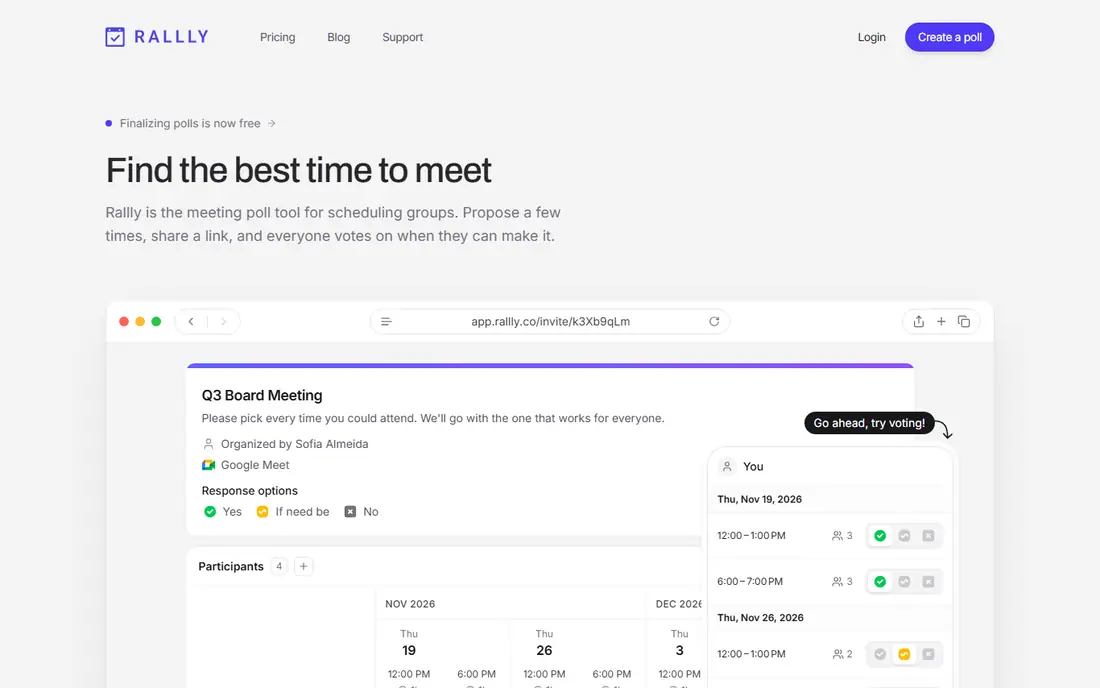
Rallly is the closest free match to the classic Doodle poll. You propose a few times, share a link, and everyone votes on what works. Participants do not need to sign up, and each person sees times in their own time zone. Its homepage notes that most people use it completely free, with no limit on participants.
The trade-off is scope. Rallly does not try to be a full appointment booking system, so if you need payments, booking pages or calendar sync for clients, look at Calendly or Koalendar instead. For picking a meeting time with friends, colleagues or a club, Rallly is fast, private and free, which is exactly what a Doodle replacement should be.
- No account needed to create or vote on a poll
- Time zones handled automatically
- Open source with a clear privacy stance
- Focused on polls, so it lacks full booking link features
- Paid Pro needed for branding and long-lived polls
When2meet
Ideal for: Simple free availability grids
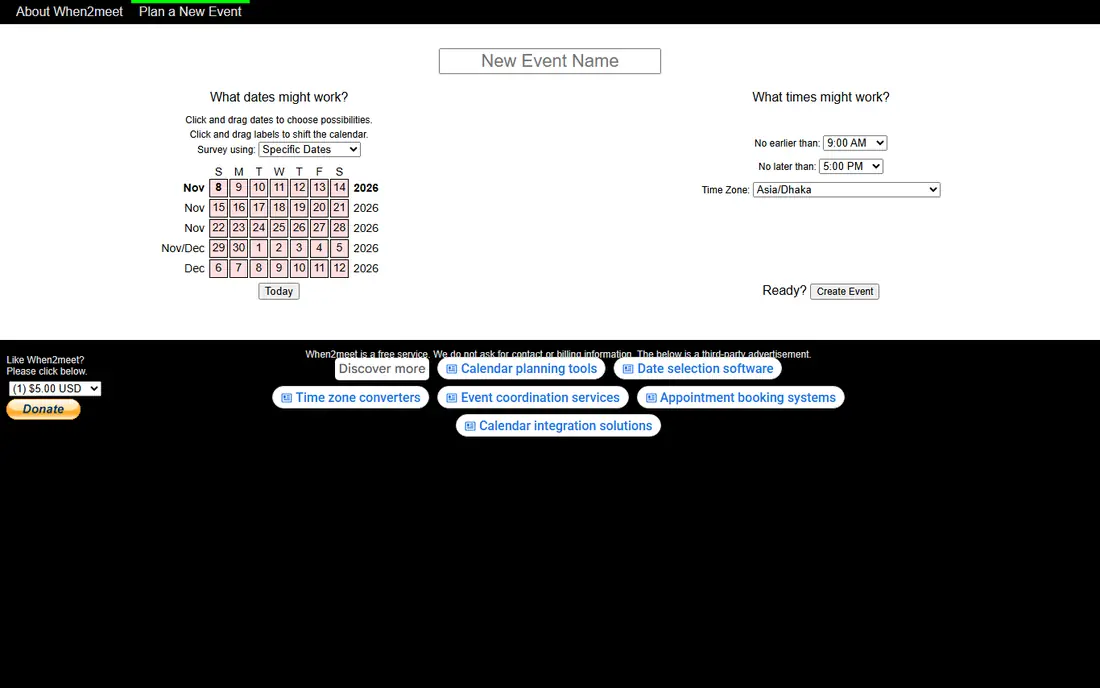
When2meet has been around for years, and its appeal has not changed: you pick a date range, share a link, and everyone marks when they are free. The grid view makes it easy to spot the time that works for the most people. There is no sign-up wall for basic polls, which keeps friction low for casual groups.
The honest catch is that When2meet is basic. You will not get booking links, automated reminders, calendar sync or team features. That is fine for a one-off group meetup, a study session or a family event. If you schedule meetings every week, a tool with calendar connections will serve you better in the long run.
- Completely free
- No account needed for basic use
- Visual grid shows the best times at a glance
- Dated design
- No booking pages, reminders or calendar integrations
Calendly
Ideal for: One-to-one booking links
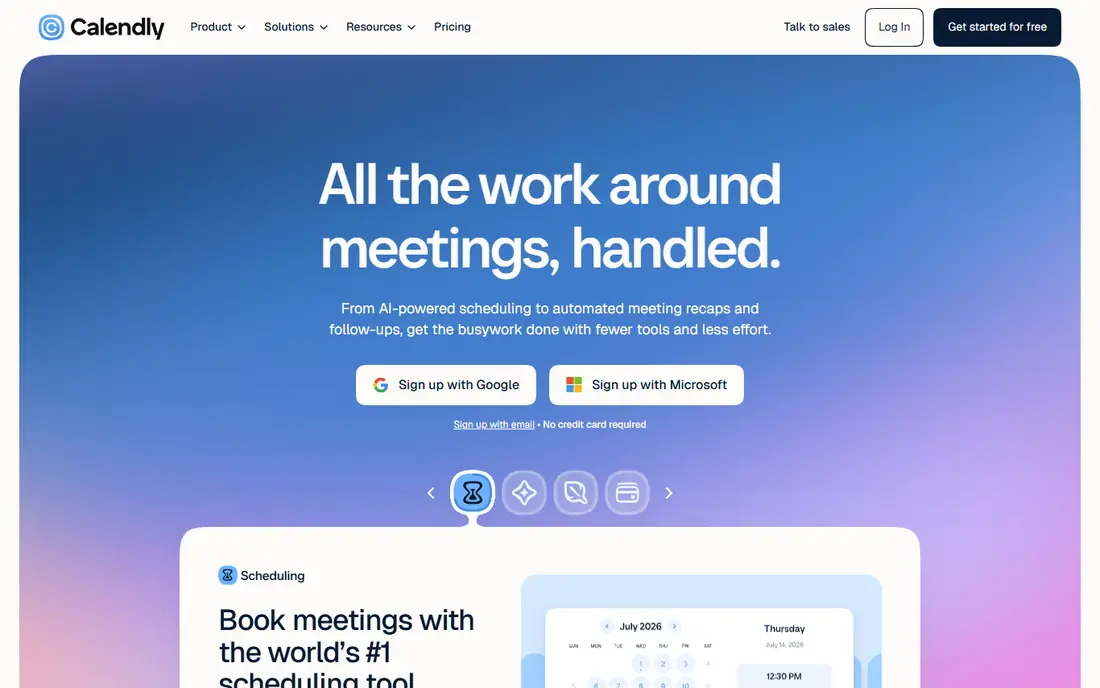
Calendly works differently from a poll: you share a booking link showing your real availability, and the guest picks a time. That removes voting entirely for one-to-one meetings, interviews and sales calls. Its homepage describes AI scheduling help, automated recaps and payment collection on newer plans, plus integrations with many common tools.
For group polls, Calendly is less direct than Rallly, since its group features are built around hosts rather than voting. Still, if most of your scheduling is one-to-one, Calendly's familiarity is an advantage: guests already know how it works. Start on the free plan, and check the limits on event types before paying.
- The best-known scheduling tool, so guests trust the links
- Wide integration range
- Meeting recap and payment features on higher plans
- Free plan is more limited than Cal.com or Koalendar
- Group polls are not its main strength
Cal.com
Ideal for: Generous free scheduling
Cal.com is a scheduling app used by over a million people, according to its homepage, and its free plan is unusually full. It includes unlimited event types, calendar syncing, workflow automation, Stripe payments and built-in video. Paid team plans add round-robin scheduling and shared availability, with team pricing listed on the site.
The catch is that Cal.com is a booking system first and a poll tool second. If your group needs to vote on dates, Rallly or When2meet will feel simpler. If you want one free tool for bookings, with room to grow into team scheduling later, Cal.com is our pick for value. Its open source roots also appeal to people who care about data control.
- Free plan includes unlimited event types, workflows and video
- Open source
- Team plans are reasonably priced
- Poll-style group voting is not the focus
- Setup has more options than simpler tools
Koalendar
Ideal for: Free unlimited bookings
Koalendar promises a free plan with no time limit, and its feature list backs that up: unlimited bookings, unlimited scheduling links, unlimited event types, calendar sync and video conferencing. It also offers a one-click import from Calendly, which makes switching painless. Paid plans add payments, custom reminders, group sessions and team scheduling.
The honest limit is that the most business-like features sit behind paid plans, which is normal. For individuals, teachers, tutors and small teams, the free plan covers a lot. If you are leaving Calendly's free plan because of its limits, Koalendar is the first alternative to try, since it keeps the booking link model and removes several caps.
- Free plan includes unlimited bookings, links and event types
- Connects Google, Outlook and iCloud
- One-click import from Calendly
- Paid features such as payments and SMS reminders need a Pro plan
- Smaller brand than Calendly
YouCanBookMe
Ideal for: Branded booking pages
YouCanBookMe is built for small and midsize businesses that want booking pages to look like part of their brand. You can set appointment lengths, buffer times, group sessions and in-person or online meetings, and you can take payment when someone books. Its homepage lists a free plan with one calendar connection and one booking page, with paid tiers adding more.
For pure group polls, this is not the closest Doodle match, but for service businesses it is a strong one. A tutor, coach, salon or clinic can send one link and let clients book and pay without back-and-forth messages. Check the current plan details before signing up, since the pricing page lists several tiers and the exact paid rates are best confirmed on the site.
- Strong branding options on booking pages
- Payment collection through Stripe
- Free plan available
- Pricing page details can be confusing
- Poll-style voting is not the focus
SavvyCal
Ideal for: Calendar overlay scheduling
SavvyCal takes a different approach to the usual booking link: guests can overlay their own calendar on yours, so they pick a time that fits both schedules without guessing. It also helps hosts protect focus time with buffers, daily limits and preferred times of day. Its homepage notes that meeting polls are free to use, while activating scheduling links for others requires a paid plan.
That split matters for Doodle users. If you only need polls, SavvyCal's free polls work well. If you want the overlay booking experience, budget for a paid plan. For people whose calendars are crowded, the overlay view and focus-time controls are genuinely useful, and they justify the cost for heavy schedulers.
- Guests can overlay their own calendar to find a time
- Focus-time protection with limits and preferred times
- Meeting polls are free
- Full scheduling links need a paid plan
- Less well known than Calendly
PollUnit
Ideal for: Polls, surveys and voting
PollUnit is a poll maker that covers more than dates. You can run date polls like Doodle, but also yes-or-no votes, star ratings, dot voting, surveys and photo contests. Results update in real time, with charts and exports for reports. That range suits clubs, teams and communities that vote on many kinds of decisions, not only meeting times.
The trade-off is complexity. If you only need a date poll, Rallly is simpler. If your group also picks venues, ranks ideas or runs surveys, PollUnit keeps all of that in one place. Start free, and check which features your polls actually use before considering a paid plan.
- Date polls plus surveys, ratings and photo contests
- Flexible voting types
- Real-time results and exports
- Broader than a pure scheduling tool
- Some advanced features need a paid plan
How we picked these
We compared official homepages and pricing pages, and we favored tools that are actively maintained, work without forcing guests to create accounts, and state their free plans clearly. We included both poll tools and booking link tools, because Doodle users split into two groups: people picking one time together, and people letting others book them. We dropped one well-known poll tool from our first draft after its homepage showed it is closed and for sale, which is a good reminder to check that a tool still operates before you rely on it.
How to pick the right Doodle alternative
First, decide whether you need a poll or a link. A poll fits groups choosing one shared time, such as a team meeting, a dinner or a club event. A booking link fits one-to-one scheduling, such as client calls, tutoring or interviews, where guests should pick from your real availability. Many people need both, and pairing Rallly for polls with Cal.com or Koalendar for bookings covers both jobs for free.
Next, check the guest experience. The best tool is the one your guests can use without instructions or an account. Test it with two friends before you roll it out to a large group, and watch for time zone handling if your group spans regions. A tool that shows every guest their local time prevents the most common scheduling mistake.
Finally, look at the free plan limits that actually affect you. Some tools limit event types, booking pages or calendar connections, while others limit bookings per month. Count how many links and event types you need, and pick the free plan that covers them with room to grow. Paying is fine when a feature saves real time, but for basic polls you should not need to pay at all.
Frequently asked questions
What is the best free alternative to Doodle poll?
Rallly is our pick for free group polls, because it needs no account, handles time zones and places no limit on participants. When2meet is a close second for simple availability grids, and it is also free.
Are there free alternatives to Doodle poll?
Yes. Rallly, When2meet, Cal.com, Koalendar and YouCanBookMe all offer free plans, and PollUnit offers free polls. Free plans differ in limits, so check event types, booking pages and calendar connections against your needs.
Can I schedule a group meeting without everyone signing up?
Yes. Rallly and When2meet let participants vote without creating an account. You share a link, people mark their availability, and you pick the time that works for the most people.
What is the difference between a poll and a booking link?
A poll asks a group to vote on proposed times, which suits one shared meeting. A booking link shows your calendar availability and lets each guest pick a time, which suits one-to-one meetings. Tools such as Calendly, Cal.com and Koalendar use links, while Rallly and When2meet use polls.
Which Doodle alternative is best for business scheduling?
For business bookings, Cal.com and Koalendar offer strong free plans, while Calendly is the most widely recognized. If branding and payments matter, YouCanBookMe is worth a look. For internal group scheduling, Rallly keeps things simple.
Does any alternative handle time zones automatically?
Yes. Rallly states that each participant sees poll times in their own time zone, and booking tools such as Calendly, Cal.com and Koalendar detect guest time zones automatically. This matters most for groups spread across regions.