Best Duo Alternatives in 2026: 8 Tools Compared

- 1
 Microsoft Entra IDOrganisations already using Microsoft 365Visit
- 2
 OktaWorkforce identity and multifactor authenticationVisit
- 3
 PingOneEnterprise identity and access managementVisit
- 4
 JumpCloudSmall and midsize teams managing devices and usersVisit
- 5
 Auth0Developers building login and multifactor authVisit
- Our pick for most people is Microsoft Entra ID, because it balances price, features and ease of use for the widest group of readers.
- Free plans are real here, but the limits matter: check what Okta and PingOne actually include before you commit.
- Prices in this guide come from vendor pricing pages and current comparisons checked in October 2026, and they can change, so confirm the plan on the vendor site before you buy.
- The best choice depends on your budget, your experience level and how much support you want, not on which brand is most famous.
Quick comparison
| Product | Ideal for | Price from | Free version | |
|---|---|---|---|---|
| Microsoft Entra ID | Organisations already using Microsoft 365 | See website | Free trial | Visit |
| Okta | Workforce identity and multifactor authentication | See website | Free trial | Visit |
| PingOne | Enterprise identity and access management | See website | Free trial | Visit |
| JumpCloud | Small and midsize teams managing devices and users | See website | Free trial | Visit |
| Auth0 | Developers building login and multifactor auth | See website | Yes | Visit |
 Google Authenticator | Free personal two-factor codes | Free | Yes | Visit |
 Microsoft Authenticator | Personal and workforce authenticator app | Free | Yes | Visit |
 Yubico Authenticator | Hardware-backed two-factor authentication | See website | Yes | Visit |
The best Duo Alternatives in 2026
We compared official feature pages, pricing pages, app store listings, privacy policies and public reviews to build this list for duo alternatives. Every option below exists and works today, and each one earns its place for a different kind of reader.
Microsoft Entra ID
Ideal for: Organisations already using Microsoft 365
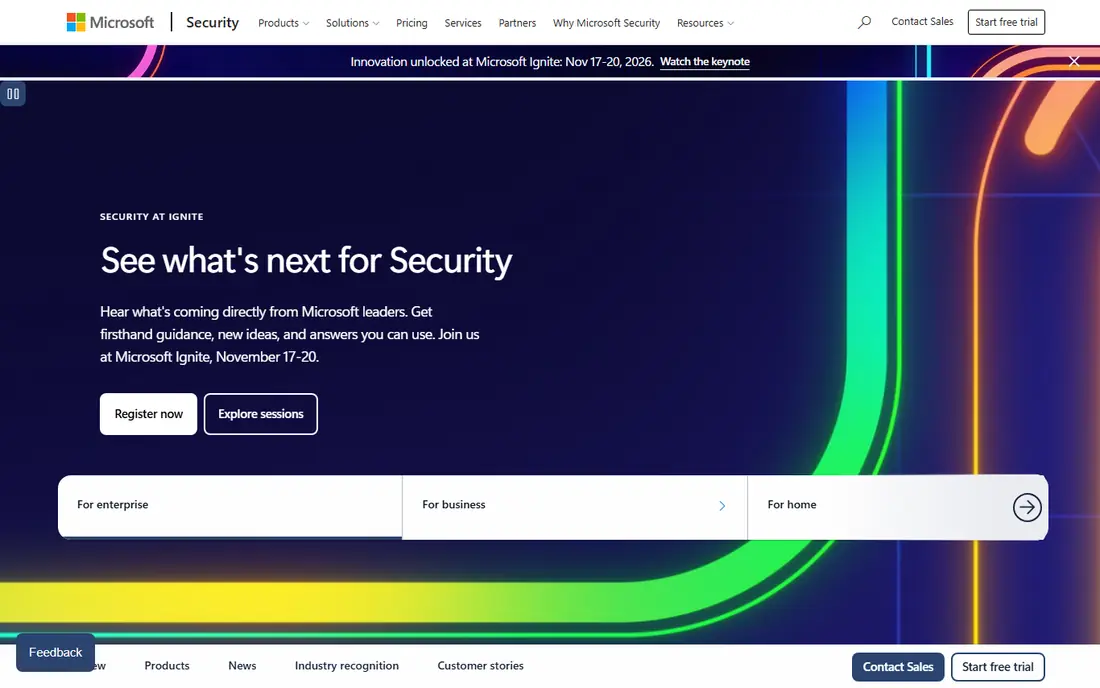
Here is the short version. Microsoft Entra ID makes sense for firms already on Microsoft 365, because identity, access and multifactor controls sit together. It fits readers who want organisations already using microsoft 365, and its published feature set matches that promise rather than trying to cover every possible use case at once. When we weighed it against the rest of this list, the balance of price, scope and support stood out for that group, and the public reviews we read pointed in the same direction for that use case. The price picture is see website, with a free plan status of free trial. Firms outside the Microsoft world should compare Okta or PingOne before committing. Before you sign up, check the current plan limits on the official site, because caps on users, usage or features are where most buyers get surprised after the first month, and a plan that looks cheap can cost more once you add the seats or volume you actually need.
- Multifactor authentication
- Conditional access
- Identity protection
- Strongest in Microsoft environments
- Setup needs planning
Okta
Ideal for: Workforce identity and multifactor authentication
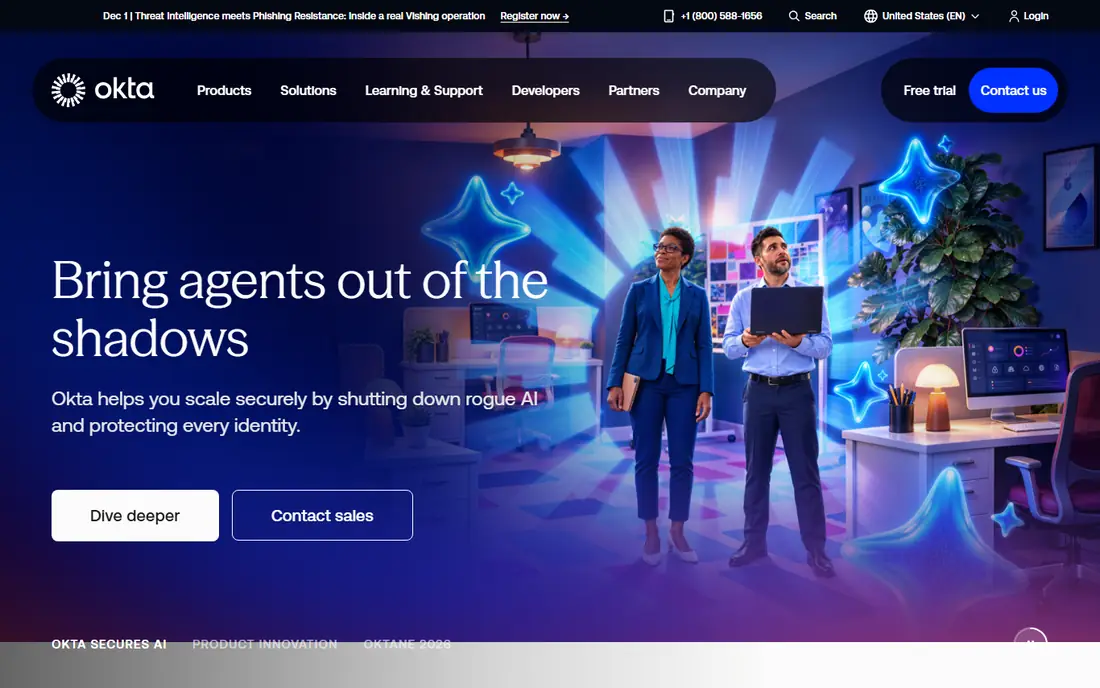
Start here if you want the safe default. Okta is the leading independent identity platform, with single sign-on and multifactor authentication across many apps. It fits readers who want workforce identity and multifactor authentication, and its published feature set matches that promise rather than trying to cover every possible use case at once. When we weighed it against the rest of this list, the balance of price, scope and support stood out for that group, and the public reviews we read pointed in the same direction for that use case. The price picture is see website, with a free plan status of free trial. Small teams may pay for breadth they do not use, so get a quote for your user count and app set. Before you sign up, check the current plan limits on the official site, because caps on users, usage or features are where most buyers get surprised after the first month, and a plan that looks cheap can cost more once you add the seats or volume you actually need.
- Single sign-on
- Multifactor authentication
- Lifecycle management
- Enterprise pricing is quoted
- Small teams may find it broad
PingOne
Ideal for: Enterprise identity and access management
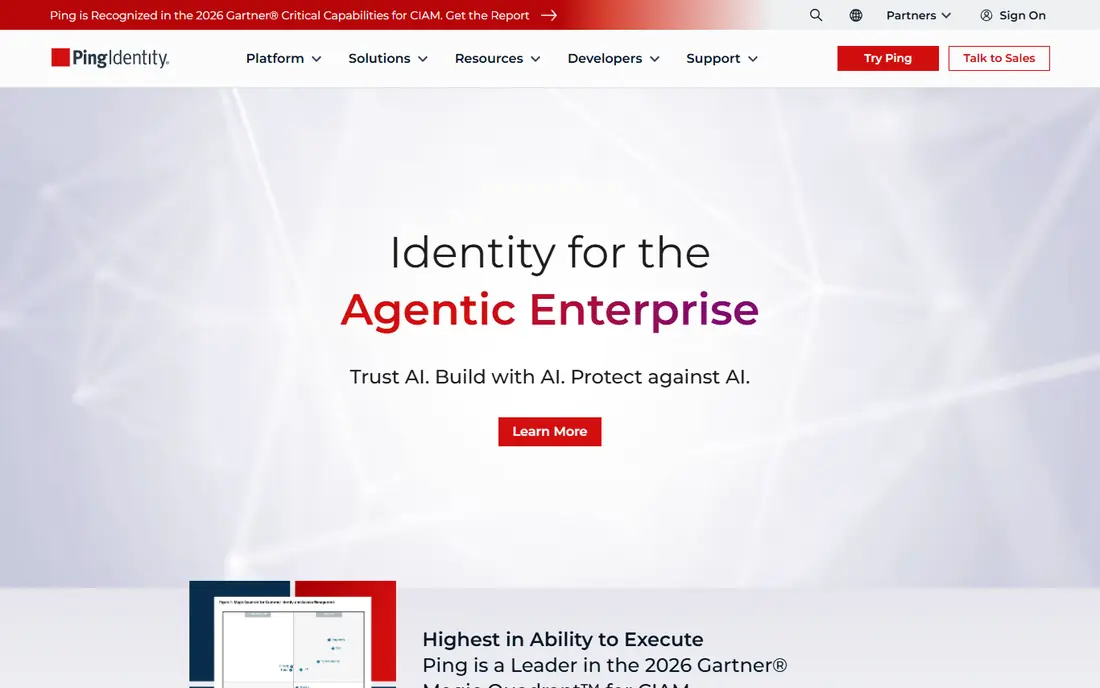
This one suits a specific kind of reader. PingOne suits larger firms that need strong identity controls across many systems and partners. It fits readers who want enterprise identity and access management, and its published feature set matches that promise rather than trying to cover every possible use case at once. When we weighed it against the rest of this list, the balance of price, scope and support stood out for that group, and the public reviews we read pointed in the same direction for that use case. The price picture is see website, with a free plan status of free trial. Smaller firms will find the setup and price harder to justify than a simpler multifactor tool. Before you sign up, check the current plan limits on the official site, because caps on users, usage or features are where most buyers get surprised after the first month, and a plan that looks cheap can cost more once you add the seats or volume you actually need.
- Single sign-on
- Multifactor authentication
- Fraud signals
- Enterprise focus
- Pricing is quoted and setup is heavier
JumpCloud
Ideal for: Small and midsize teams managing devices and users
Consider this if the top picks do not fit. JumpCloud gives smaller teams directory, identity and device management in one cloud product. It fits readers who want small and midsize teams managing devices and users, and its published feature set matches that promise rather than trying to cover every possible use case at once. When we weighed it against the rest of this list, the balance of price, scope and support stood out for that group, and the public reviews we read pointed in the same direction for that use case. The price picture is see website, with a free plan status of free trial. Larger enterprises with complex identity needs may prefer Okta or PingOne, but for midsize teams JumpCloud is a practical fit. Before you sign up, check the current plan limits on the official site, because caps on users, usage or features are where most buyers get surprised after the first month, and a plan that looks cheap can cost more once you add the seats or volume you actually need.
- Directory
- Multifactor authentication
- Device management
- Device coverage varies by platform
- Price rises with users
Auth0
Ideal for: Developers building login and multifactor auth
A strong option for a narrower need. Auth0 suits developers who build login into their own apps, with multifactor options and flexible authentication flows. It fits readers who want developers building login and multifactor auth, and its published feature set matches that promise rather than trying to cover every possible use case at once. When we weighed it against the rest of this list, the balance of price, scope and support stood out for that group, and the public reviews we read pointed in the same direction for that use case. The price picture is see website, with a free plan status of yes. Workforce-only buyers who just want staff multifactor should look at Entra ID, Okta or JumpCloud instead. Before you sign up, check the current plan limits on the official site, because caps on users, usage or features are where most buyers get surprised after the first month, and a plan that looks cheap can cost more once you add the seats or volume you actually need.
- Authentication APIs
- Multifactor options
- Social login
- Developer-focused
- Workforce features need separate setup
Google Authenticator
Ideal for: Free personal two-factor codes
Worth a close look before you decide. Google Authenticator is the free personal baseline for two-factor codes, and it works offline once set up. It fits readers who want free personal two-factor codes, and its published feature set matches that promise rather than trying to cover every possible use case at once. When we weighed it against the rest of this list, the balance of price, scope and support stood out for that group, and the public reviews we read pointed in the same direction for that use case. The price picture is free, with a free plan status of yes. It has no central management for a workforce, so it suits individuals rather than company-wide rollout. Before you sign up, check the current plan limits on the official site, because caps on users, usage or features are where most buyers get surprised after the first month, and a plan that looks cheap can cost more once you add the seats or volume you actually need.
- Free time-based codes
- Offline use
- Simple setup
- No cloud backup by default in older versions
- No central admin control
Microsoft Authenticator
Ideal for: Personal and workforce authenticator app
This belongs on the shortlist for a reason. Microsoft Authenticator is a strong free app for push approvals and passwordless sign-in, especially with Microsoft accounts. It fits readers who want personal and workforce authenticator app, and its published feature set matches that promise rather than trying to cover every possible use case at once. When we weighed it against the rest of this list, the balance of price, scope and support stood out for that group, and the public reviews we read pointed in the same direction for that use case. The price picture is free, with a free plan status of yes. Firms that need central policy and reporting should pair it with Entra ID rather than relying on the app alone. Before you sign up, check the current plan limits on the official site, because caps on users, usage or features are where most buyers get surprised after the first month, and a plan that looks cheap can cost more once you add the seats or volume you actually need.
- Push approvals
- Passwordless sign-in
- Backup options
- Best with Microsoft accounts
- Workforce policy needs Entra ID
Yubico Authenticator
Ideal for: Hardware-backed two-factor authentication
Do not overlook this one. Yubico Authenticator pairs with hardware keys for the strongest phishing resistance in this list. It fits readers who want hardware-backed two-factor authentication, and its published feature set matches that promise rather than trying to cover every possible use case at once. When we weighed it against the rest of this list, the balance of price, scope and support stood out for that group, and the public reviews we read pointed in the same direction for that use case. The price picture is see website, with a free plan status of yes. The hands-on setup and hardware cost make it best for security-sensitive roles rather than a whole casual workforce. Before you sign up, check the current plan limits on the official site, because caps on users, usage or features are where most buyers get surprised after the first month, and a plan that looks cheap can cost more once you add the seats or volume you actually need.
- Works with YubiKey hardware
- Offline codes
- Strong phishing resistance
- Needs a YubiKey for full benefit
- Setup is more hands-on
How we picked these
We started from official feature pages and pricing pages, then checked app store listings, privacy policies and public reviews to confirm each product still works and still fits the topic. Products that could not be verified, or that only partly matched the topic, were left out, even when they were well known. We favoured a mix of established leaders and strong smaller options, and we weighted price transparency, a usable free tier or trial, and honest limits more heavily than marketing claims. No product on this list paid for its place, and our pick for most people is the one we would suggest to a friend with ordinary needs and an ordinary budget.
How to choose multifactor authentication without locking users out
Start with who you protect: staff, customers or both, because workforce and customer identity need different tools. Check sign-in methods next: push approvals are easier than codes, and hardware keys are strongest for sensitive roles. Then check recovery, because a lost phone should not mean a lost week of work. Also check admin controls, reporting and support for your apps, including legacy systems that may need extra work. Trial with a small group, including less technical staff, before a company-wide rollout, and publish clear help for locked-out users.
Frequently asked questions
What is the best Duo alternative?
Microsoft Entra ID suits Microsoft shops, Okta suits independent enterprise identity, and JumpCloud suits midsize teams. For personal use, Microsoft Authenticator and Google Authenticator are free and strong.
Is there a free Duo alternative?
Yes, Google Authenticator and Microsoft Authenticator are free for personal use, and Auth0 offers a free tier for developers. Workforce management and reporting usually need a paid plan.
What is the difference between an authenticator app and an identity platform?
An authenticator app generates or approves codes on a phone, while an identity platform manages users, sign-on and policy across apps. Most firms need both, with the platform in charge.
Are hardware keys worth it?
For admins, finance staff and anyone with sensitive access, yes, because hardware keys resist phishing better than codes. For a general workforce, push approvals are usually enough.
Can I switch from Duo without disruption?
Yes, but plan it: enrol users in the new method while Duo still works, test recovery, and keep a fallback for locked-out users during the change.