For Parameter-driven box templates and 3D, Packmage is where this list starts. For a different need, Kongsberg Precision Cutting Systems covers digital cutting and production automation and EngView Package Designer covers dedicated structural packaging CAD. The other 2 tools in the list cover narrower or pricier cases.
Ainotely compared 5 tools for Esko ArtiosCAD. The goal is a practical shortlist: published prices, free plan facts, best-fit use cases and honest limits for every entry.
Key takeaways
The list opens with Packmage, aimed at Parameter-driven box templates and 3D.
Neither Packmage nor Topsolid, nor any of the other 3 tools, has a permanent free plan; trials and quotes are the norm.
Check the limits for AutoCAD before you commit: no built-in packaging libraries.
Every tool from Packmage to Topsolid works by quote, with no list price shown.
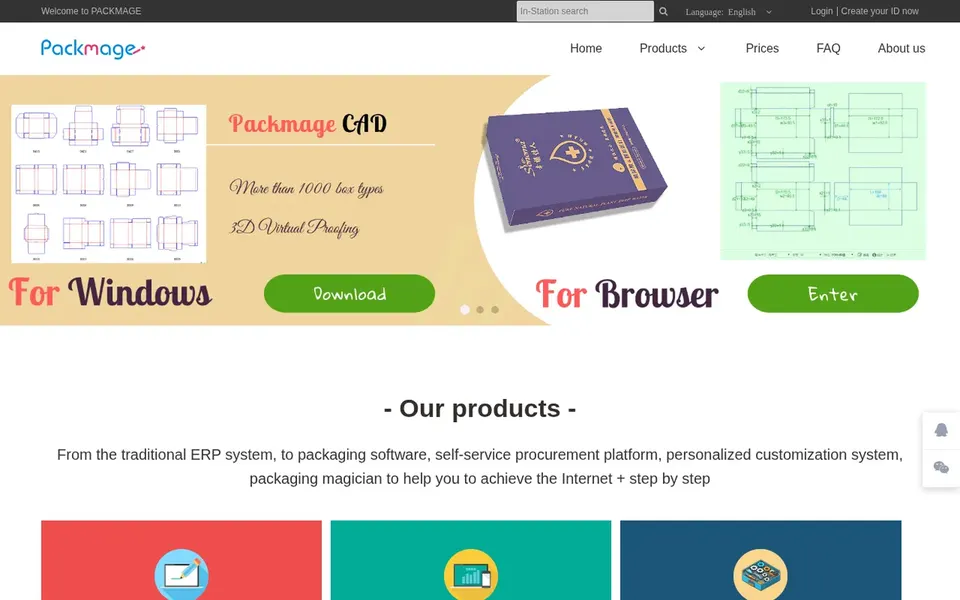
For Parameter-driven box templates and 3D, Packmage is a natural candidate. Packmage, known as Packaging Magician, is a packaging design CAD tool and online order system.
It is oriented toward template-driven box work instead of freeform structural engineering. Packmage does not show a starting price in this comparison, so check the vendor site for current pricing. On free options: Not stated.
Where it is weaker: Interface and materials mostly in Chinese.
Best for: Digital cutting and production automation
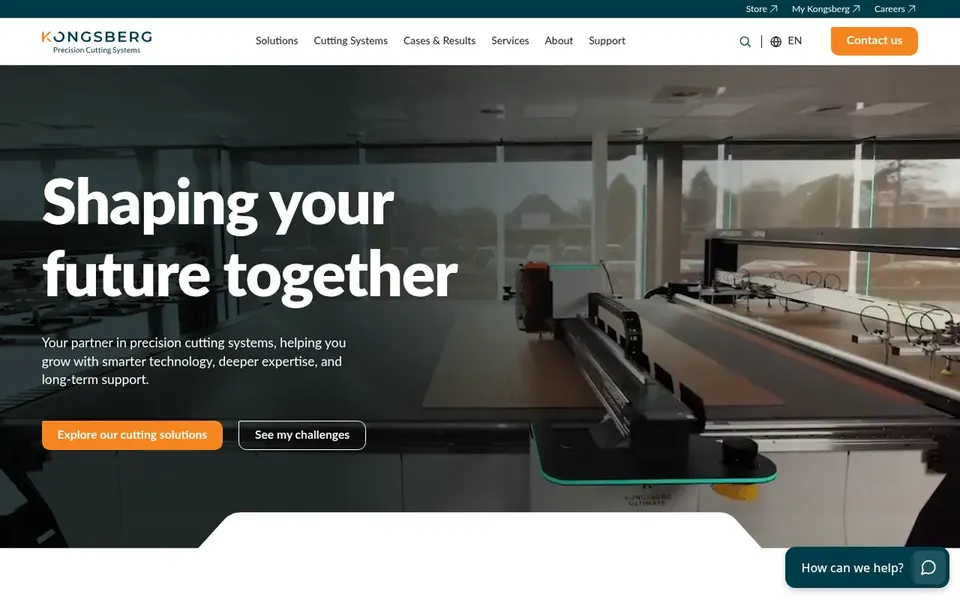
In short, Kongsberg Precision Cutting Systems is for digital cutting and production automation. Kongsberg Precision Cutting Systems supplies precision digital cutting tables, milling technology, software and automation options for production. This is a production-oriented offering, so it does not serve as a design authoring tool for structural packaging.
What to check first: Hardware-centric instead of pure design.
Teams without cutting equipment needs may find it unnecessary. Consider it when sampling and short-run cutting are part of the workflow. Kongsberg Precision Cutting Systems shows no starting price here, so confirm the cost on the vendor site. Free options: Not stated.
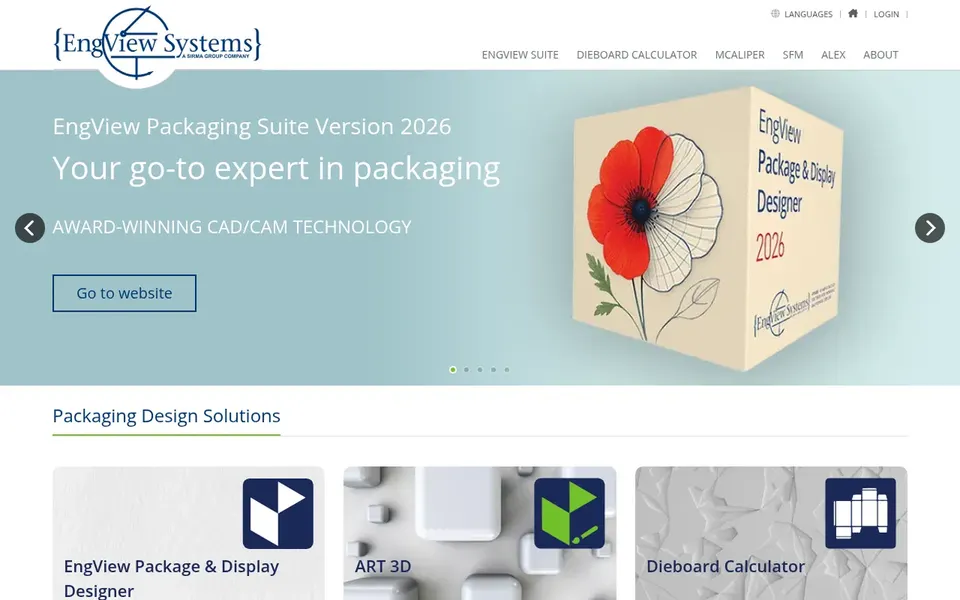
In short, EngView Package Designer is for dedicated structural packaging CAD. It is geared toward structural packaging work like dielines and box construction instead of general drafting.
More specifically, teams that want a tool centered on packaging instead of a wide design suite frequently find this focus handy, notably when structural accuracy matters more than illustration features. From a buyer's view, shops that require heavy 3D rendering or general vector artwork may pair it with another tool. Pricing for EngView Package Designer is not stated here, so ask the vendor for current figures. Free access: Not stated.
Trade-offs to know: Less suited to non-packaging drafting.
Best for: General 2D drafting and DWG collaboration
AutoCAD is built with general 2D drafting and DWG collaboration in mind. It has no packaging-specific template or dieline automation, so structural work is manual and slower.
Points against: No built-in packaging libraries.
Teams producing numerous standard box styles may prefer dedicated packaging CAD. AutoCAD shows no starting price here, so confirm the cost on the vendor site. Free access: Not stated.
Think of Topsolid for integrated CAD/CAM/ERP in manufacturing. TopSolid publishes integrated CAD/CAM/ERP software and primarily targets mechanical engineering, sheet metal working and boiler making, and woodworking industries.
On top of that, choose a packaging-specific choice when speed on standard box structures matters most. Topsolid shows no starting price here, so confirm the cost on the vendor site. On free options: Not stated.
Request quotes from Packmage, Topsolid and the others; the list shows no fixed prices.
Before choosing Packmage, weigh its main limit: interface and materials mostly in Chinese.
The entry price of Kongsberg Precision Cutting Systems is only the starting point; model the full cost with seats and extras.
Confirm you can export your data from Topsolid, so leaving later does not mean losing records.
Ask Packmage which support channels and response times come with the plan you would buy.
How we picked
The comparison looks at four things: starting price, free access, how well the feature set matches Esko ArtiosCAD, and the main limit of each tool. Prices and plan limits come from vendor pages and can change, so confirm them on the vendor site before you buy. We ordered the tools by general fit, then by how clearly pricing is shown, then by free access. A buyer with unusual needs may reorder them.
Every price and plan detail on this page comes from the vendors’ own websites. We did not run hands-on tests unless the text says so, and we do not publish star ratings or review scores. See how we score and our disclosure.
Keep your shortlist in one place
Paste prices, trial dates and notes from this guide into Ainotely, our AI note app. It files them into a topic and pulls out tasks like “cancel trial by Friday”. Free 7-day trial, no card needed.
Not by default. None of the tools, from Packmage to Topsolid, lists a free plan or a free trial here, so ask each vendor for a demo before committing.
How should I choose between EngView and Packmage?
EngView Package Designer is oriented toward packaging CAD/CAM and structural design. Packmage emphasizes parameter-driven box templates, 3D rendering and quoting, with vendor materials mostly in Chinese, so language and workflow needs should guide the choice.
Does any tool for Esko ArtiosCAD here have a free plan?
A permanent free plan is not offered by Packmage, Topsolid or the other tools here. Plan a short evaluation period instead.
How are the tools for Esko ArtiosCAD ordered?
The order follows typical fit for Esko ArtiosCAD, with Packmage first and Topsolid last, then price clarity and free access. It is editorial judgement, not a score, so another team could rank the tools differently.
Do I need cutting equipment to use Kongsberg PCS?
Kongsberg PCS centers on digital cutting tables, milling and automation for production. For everyday use, if you only need design files, a software-focused choice is a better fit, whereas cutting hardware matters when sampling and short runs are required.
Can Illustrator replace a structural packaging tool?
No. Illustrator is capable for packaging artwork and layout, but it does not model box structure or folding. Most teams pair it with a structural tool instead of using it alone.