Best EV01 Alternatives in 2026: 8 Legal Streaming Services Compared

- Netflix has the broadest licensed catalog overall, while Tubi and Pluto TV are the best free options.
- Pluto TV suits viewers who miss channel surfing, since it adds live channels to on-demand titles.
- Prime Video is the best value if you already pay for Prime, and Peacock suits NBCUniversal fans and sports viewers.
- Disney+ is the strongest family pick, and Hulu is the strongest pick for current TV episodes.
- Plex is different from the rest: it organizes media you already own instead of selling you a catalog.
Quick comparison
| Product | Ideal for | Price from | Free version | |
|---|---|---|---|---|
 Netflix | Largest licensed catalog | See website | No | Visit |
 Tubi | Free movies and shows | Free | Yes | Visit |
 Pluto TV | Free live channels | Free | Yes | Visit |
 Prime Video | Prime members and rentals | See website | See website | Visit |
 Disney+ | Family and franchise viewing | See website | No | Visit |
 Hulu | Current TV episodes | See website | See website | Visit |
 Peacock | NBCUniversal shows and sports | See website | No | Visit |
 Plex | Your own media library | See website | Yes | Visit |
The best EV01 alternatives
EV01 is an unauthorized streaming site, so it is not a safe or legal way to watch movies and shows. The services below are licensed alternatives that cover similar ground, from large subscription catalogs to free ad-supported libraries and a tool for your own media collection. They differ in price, catalog depth, and device support, so the right pick depends on what you watch and how much you want to pay.
Netflix
Ideal for: Largest licensed catalog
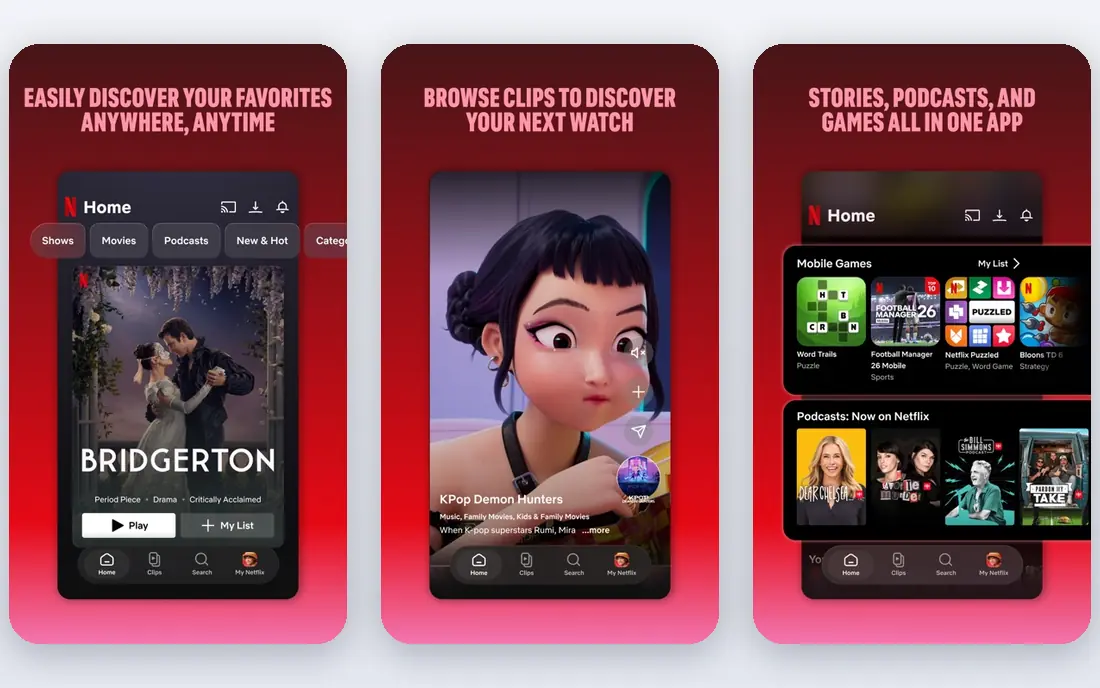
Netflix remains the default subscription service for most viewers because its catalog is broad and its originals cover drama, comedy, documentary, and reality. Profiles, watchlists, and downloads for offline viewing make it easy to share one account across a household, within the plan rules. Recommendations improve as you rate and watch, which helps with the common problem of picking something on a Friday night.
The catches are familiar. There is no free tier, prices have risen over time, and movies and shows rotate out when licenses expire, so a favorite can disappear. The cheapest plan includes ads. Even so, for viewers who want one service that covers the most ground, Netflix is our pick for most people.
- Deep catalog of movies, series, and originals
- Strong recommendations
- Wide device support
- No free plan
- Titles leave the catalog as licenses change
Tubi
Ideal for: Free movies and shows
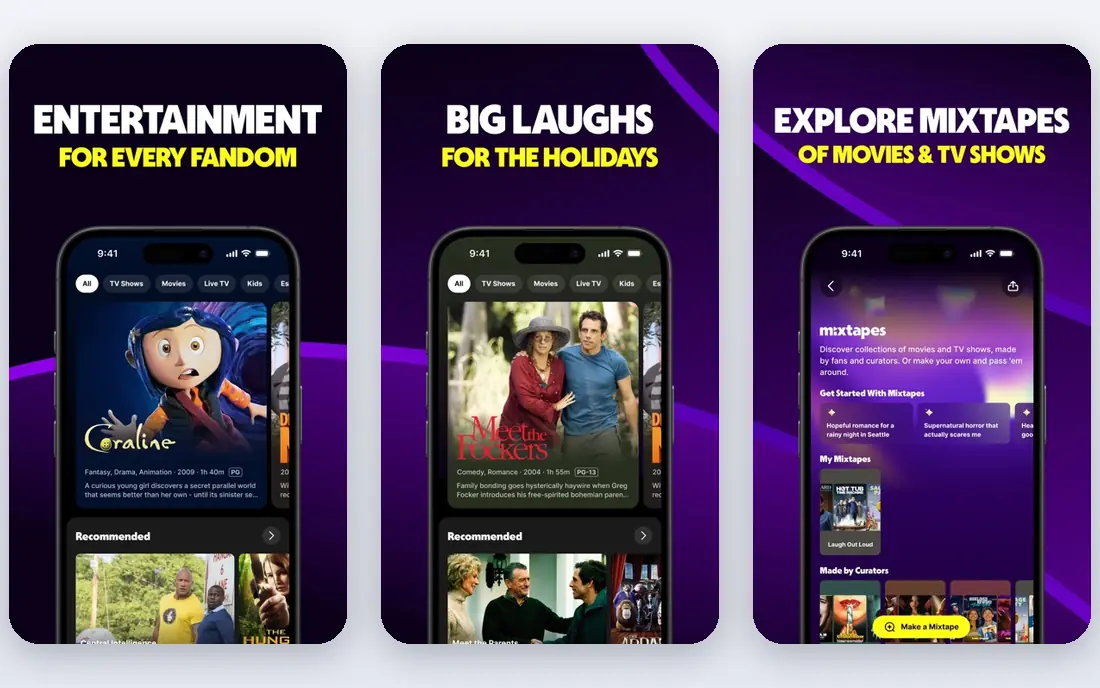
Tubi is a free, ad-supported service with a surprisingly large library of movies and TV series, including older hits, cult films, and children's titles. You can start watching without a subscription, and optional sign-in keeps your watch history across devices. The catalog leans toward older and mid-list titles rather than this week's blockbusters.
Ad breaks are the trade-off, and they appear at regular intervals during films. Picture quality is solid for free streaming, though it does not match the top tier of paid services. For viewers who want a legal free replacement with real depth, Tubi is the first place to look.
- Free with ads
- Large catalog
- No subscription needed
- Ad breaks
- Newer releases are limited
Pluto TV
Ideal for: Free live channels
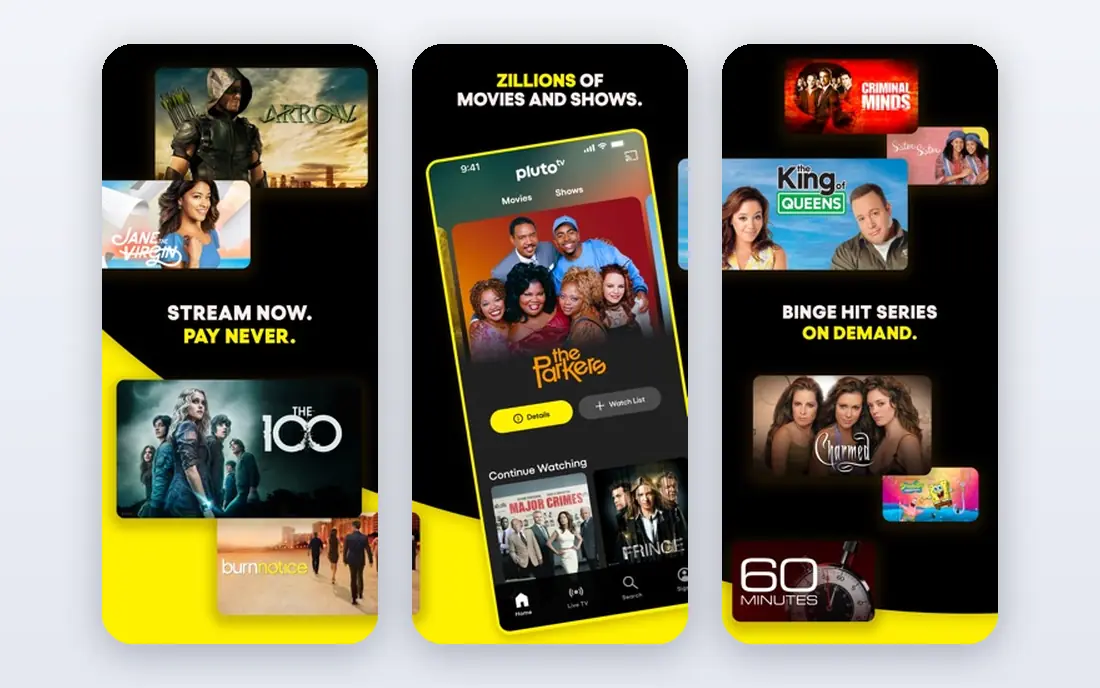
Pluto TV recreates the feeling of flipping channels, with live streams organized by genre, news, sports, and themed movie channels, alongside an on-demand library. Much of it works without creating an account, which makes it easy to try. The apps are available on most TVs, phones, and streaming boxes.
The experience is closer to broadcast TV than to a curated catalog, so finding a specific title takes more browsing. Ads appear in live streams and on-demand playback. For viewers who enjoy background viewing and live channels without paying, Pluto TV is a strong free pick.
- Free live TV channels plus on-demand titles
- Simple apps
- No account needed for much viewing
- Channel surfing feel
- Ad breaks
Prime Video
Ideal for: Prime members and rentals
Prime Video is included with an Amazon Prime membership, which makes it nearly free for the many households that already pay for Prime shipping. The included catalog covers movies, series, and originals, and add-on channels let you subscribe to other services inside one app. Rentals and purchases fill gaps when a title is not included.
The main frustration is the interface, which mixes included titles with titles that cost extra, so checking the label before pressing play matters. A standalone Prime Video membership is also available where offered. For Prime members, it is the easiest value on this list.
- Included with a Prime membership
- Large catalog plus rentals
- Add-on channels
- Interface mixes included and paid titles
- Standalone cost varies
Disney+
Ideal for: Family and franchise viewing
Disney+ gathers Disney, Pixar, Marvel, Star Wars, and National Geographic in one place, which makes it the clearest family pick here. Kids profiles, parental controls, and group watch features suit households with children, and many titles stream in 4K where the device supports it. New series tied to its big franchises arrive regularly.
The catalog is narrower than Netflix by design, since it centers on Disney-owned brands rather than licensing widely from other studios. There is no free plan. For families and franchise fans, though, the depth in those brands is hard to beat.
- Disney, Pixar, Marvel, Star Wars, and National Geographic
- Strong family profiles
- 4K on many titles
- No free plan
- Catalog skews to its own brands
Hulu
Ideal for: Current TV episodes
Hulu is the best pick for viewers who follow current television, since many network episodes appear the day after broadcast. Its library also covers FX series, documentaries, and a growing set of originals. A live TV plan adds channels for viewers who want to drop cable entirely.
The base plan includes ads, and removing them or adding live TV raises the monthly cost. Content also varies by plan, so checking which tier carries a favorite show matters. For TV-first viewers, Hulu fills a gap the movie-heavy services do not.
- Next-day episodes from major networks
- Strong TV library
- Live TV option
- Ads on the base plan
- Add-ons raise the cost
Peacock
Ideal for: NBCUniversal shows and sports
Peacock is the home of NBCUniversal content, from current NBC shows and classic sitcoms to live sports and films. Sports coverage, including major soccer and wrestling events, is a real draw for fans who would otherwise need separate subscriptions. Originals and next-day episodes round out the catalog.
There is no free plan for new users, and some premium content, including certain live events, sits on higher tiers. The interface is straightforward, and the service works across major devices. For NBC shows and sports, Peacock is the natural pick.
- NBC shows, live sports, and movies
- Originals
- Lower-cost tier options
- No free plan for new users
- Some content needs a higher tier
Plex
Ideal for: Your own media library
Plex takes a different approach: instead of selling a catalog, it turns media files you already own into a polished library with posters, descriptions, and watch progress across devices. The free media server runs on a computer or network drive, and apps play your library on TVs, phones, and tablets. Plex also offers free ad-supported movies and live channels inside the same app.
The catch is that you provide the media, so setup takes more effort than signing up for a catalog service. Premium features such as downloads, hardware transcoding extras, and advanced music tools require a paid Plex Pass. For viewers with a personal collection, Plex is the best way to enjoy it anywhere.
- Organizes your own files into a polished library
- Free media server
- Optional free streaming content
- You supply the media
- Best features need a paid Plex Pass
How we picked these
We compared official catalog pages, pricing, device support, and public reviews for each service, and we only included licensed services. Unauthorized streaming sites were left out on purpose, since they carry malware, phishing, and legal risks that a recommendation list should not pass on to readers. We kept a mix of paid catalogs, free ad-supported services, and one tool for personal collections, so most viewers can find a legal fit.
How to pick a legal replacement
A streaming choice is easier once you match the service to your viewing habits rather than chasing the biggest catalog on paper.
Start with what you watch
List the shows and movie types you actually watch in a normal month. A household that follows three current network series will get more from Hulu than from a film-heavy catalog, while a family that replays animated films will get more from Disney+. Free services suit casual viewers well, so try Tubi and Pluto TV before paying for another subscription.
Count the total cost
Add up every subscription, including add-ons for ad-free viewing or live TV, since the headline price rarely tells the whole story. Rotating one paid service at a time, rather than paying for all of them at once, keeps costs down and still covers most viewing. Check whether a service is already included in something you pay for, such as Prime, before adding a new bill.
Check your devices
Confirm that the service has an app for your TV, streaming box, phone, and tablet, and that it supports the features you use, such as downloads for travel or profiles for kids. Most services here cover major platforms, but older TVs and game consoles vary. A quick check on the service's device page avoids an annoying surprise after signup.
Frequently asked questions
Is EV01 legal?
No. EV01 is an unauthorized streaming site that distributes copyrighted movies and shows without licenses, and such sites also carry malware and phishing risks. The services in this article are licensed, which means the catalog is legal to watch and the apps are safe to install.
Which EV01 alternative is free?
Tubi and Pluto TV are both free with ads, and Plex offers a free tier for organizing your own media plus some free streaming content. These three cover a lot of viewing without a subscription, though none carries the newest blockbuster releases.
Which service has the most movies and shows?
Netflix has the broadest overall catalog of the paid services here, while Tubi has the deepest free library. The right answer depends on taste: Disney+ wins for family franchises, Hulu wins for current TV, and Peacock wins for NBCUniversal shows and sports.
Can I watch live TV for free?
Pluto TV offers free live channels organized by genre, and Plex includes free live channels as well. For major broadcast channels and cable-style lineups, a paid live TV plan from Hulu or a similar provider is needed.
Do these services work on my TV?
Most of them offer apps for major smart TVs, streaming boxes, phones, tablets, and game consoles, and they also play in a web browser. Check the service's supported devices page for older TV models, since support varies.