Our first pick is PlanGrid, best for existing PlanGrid users and plan access. Listed starting prices: Smartsheet from $12 per Member/month. Smartsheet is better for adaptable work management and tracking, and Raken is better for daily field reporting and documentation. The remaining 2 options are covered below with prices and limits.
Choosing Fieldwire usually comes down to price, fit and limits. This Ainotely guide sets 5 tools side by side on those three points, with the facts kept short and checkable.
Key takeaways
PlanGrid sits first on this list: existing PlanGrid users and plan access.
The cheapest monthly starting price in the list is $12 per Member/month, offered by Smartsheet.
eSUB is the one to check for subcontractor-focused project management.
Check the limits for Raken before you commit: narrower than full project platforms.
None of the 5 tools, from PlanGrid to eSUB, has a free plan, so budget for a subscription or use a trial.
PlanGrid serves existing PlanGrid users and plan access. Teams not using Autodesk tools may prefer a standalone alternative.
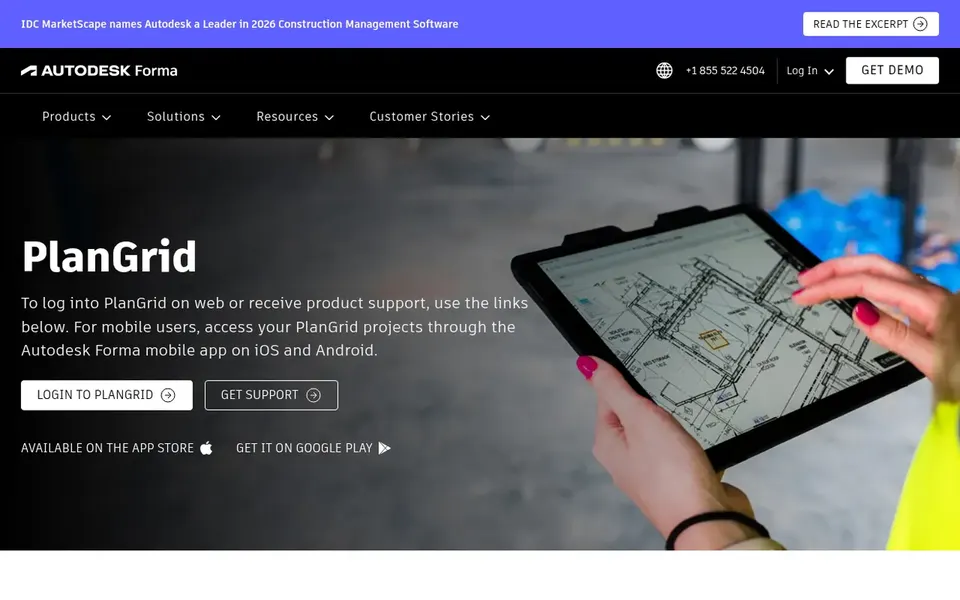
Also, PlanGrid is a well-known construction app that is now part of Autodesk Forma, bringing its plan and document capabilities into the broader Autodesk ecosystem. PlanGrid shows no starting price here, so confirm the cost on the vendor site. As for free access: Not stated.
The main drawbacks: Not a standalone new-purchase story.
Smartsheet targets adaptable work management and tracking. Smartsheet is an execution hub for enterprise work where people and AI get work done together, with governance and visibility aimed at large organizations.
Where it falls short: Not construction-specific from day one.
Teams wanting field-ready tools at once may be better served by a dedicated construction app. Choose Smartsheet when adaptability and cross-department consistency matter more than out-of-the-box construction features. Smartsheet pricing: $12 per Member/month. As for free access: Not stated.
Where Raken fits: daily field reporting and documentation. Raken is widely known as a field management app centered on daily reports and jobsite documentation.
It suits superintendents and field crews who require a straightforward way to capture what happens on site each day and share it with the office without adopting a large enterprise system. Pricing for Raken is not stated here, so ask the vendor for current figures. As for free access: Not stated.
Where it falls short: Office-side depth may be restricted.
Procore was built for wide construction project management. Procore is a construction management product that links the jobsite with the office, giving teams live visibility into project progress. If you primarily need simple daily reports or plan markup, a narrower tool may be simpler to adopt.
Where it is weaker: Wide system may feel heavy for small jobs.
Since it is built as a wide product, smaller crews may find more capability than they need, and getting teams configured takes planning. Beyond that, choose Procore when cross-team visibility is the priority. Check the vendor site for Procore pricing; none is listed in this comparison. As for free access: Not stated.
Best for: Subcontractor-focused project management
eSUB makes the most sense for subcontractor-focused project management. Since it is subcontractor-focused, general contractors running wide portfolios may find other products a better fit.
What to check first: Less targeted at general contractors.
eSUB shows no starting price here, so confirm the cost on the vendor site. As for free access: Not stated.
Get a written quote from PlanGrid, Raken, Procore and eSUB; the list shows no starting price for them.
Read the limits listed for PlanGrid first: product direction tied to Autodesk.
The entry price of Procore is only the starting point; model the full cost with seats and extras.
Involve the people who will use PlanGrid daily; a short pilot beats a long feature checklist.
Check how data leaves eSUB: formats, limits and whether exports are available on every plan.
How we picked
Each tool was reviewed on what its vendor publishes: price, plan limits, core features and stated drawbacks. We did not run hands-on tests. Where a price is missing, the vendor does not list one publicly or ties it to a quote. Always confirm before budgeting. Tools are placed by general fit for Fieldwire, with price clarity and free access as tie-breakers. A different team can reasonably rank them differently.
Every price and plan detail on this page comes from the vendors’ own websites. We did not run hands-on tests unless the text says so, and we do not publish star ratings or review scores. See how we score and our disclosure.
Keep your shortlist in one place
Paste prices, trial dates and notes from this guide into Ainotely, our AI note app. It files them into a topic and pulls out tasks like “cancel trial by Friday”. Free 7-day trial, no card needed.
Does any tool for Fieldwire here have a free plan?
A permanent free plan is not offered by PlanGrid, eSUB or the other tools here. Plan a short evaluation period instead.
Can I try these tools before paying?
Not by default. None of the tools, from PlanGrid to eSUB, lists a free plan or a free trial here, so ask each vendor for a demo before committing.
How are the tools for Fieldwire ordered?
PlanGrid sits first and eSUB last because the order follows typical fit for Fieldwire, then price clarity and free access. It is a judgement call, so read each profile for fit and limits.
What is the best Fieldwire alternative for general contractors?
The first pick on this list is PlanGrid, because it suits existing PlanGrid users and plan access. Smartsheet is better for adaptable work management and tracking, and Raken for daily field reporting and documentation. Check price and limits against your own needs before choosing.
Is PlanGrid the right pick for everyone comparing Fieldwire?
No single tool suits every team. PlanGrid comes first because it fits existing PlanGrid users and plan access, while Smartsheet suits flexible work management and tracking and Raken suits daily field reporting and documentation. Match the tool to your own size, budget and workflow before deciding.