Replacing Fireflies AI: 7 Alternatives Compared

- Sembly AI takes the first slot, best suited to meeting insights, decisions, and risks.
- Starting prices begin at $8.17 per month with Notta.
- Fathom suits free unlimited recording for individuals.
- The main caution on Notta: fewer deep CRM features than sales tools.
Direct answer
Sembly AI is the first pick on this list for meeting insights, decisions, and risks. Look at tl;dv for searchable meeting library for research teams, and at Notta for multilingual transcription on a budget. All 7 tools are compared below on price, free plan and limits.
Quick comparison
| Product | Ideal for | Price from | Free version | |
|---|---|---|---|---|
 Sembly AI | Meeting insights, decisions, and risks | $10 per month | Yes | Visit |
 tl;dv | Searchable meeting library for research teams | $18 per month | Yes | Visit |
 Notta | Multilingual transcription on a budget | $8.17 per month | Yes | Visit |
 MeetGeek | Automatic notes and meeting insights | $15.99 a month | Yes | Visit |
 Grain | Shareable video clips for sales teams | $15 per month | Yes | Visit |
 Otter.ai | Live transcription and team collaboration | $8.33 a month | Yes | Visit |
 Fathom | Free unlimited recording for individuals | Free | Yes | Visit |
Tool-by-tool breakdown
If you are comparing fireflies AI, this page covers 7 tools in one place: what each is best for, what it costs to start, whether it has a free plan, and the main limit to know about.
Sembly AI
Ideal for: Meeting insights, decisions, and risks
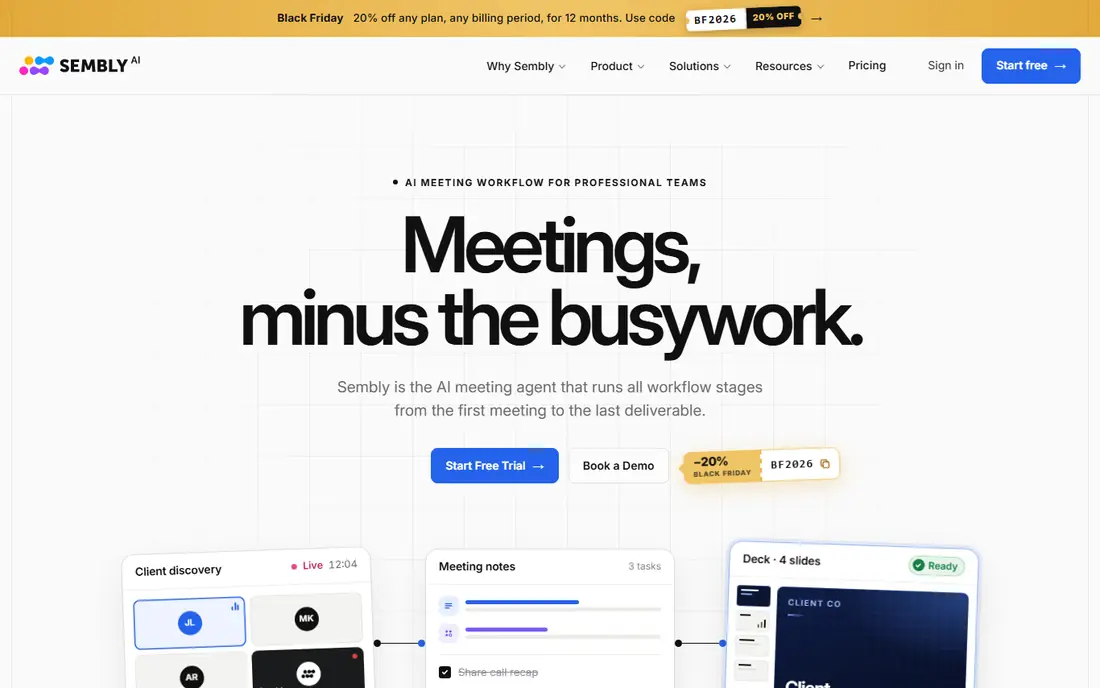
Sembly AI is built with meeting insights, decisions, and risks in mind. Sembly AI goes a step further than a plain transcript by pulling out decisions, risks, and tasks.
What to check first: Interface can feel busy at first.
Also, the downside is that the free level is modest, and the additional insight panels can feel crowded until you learn which views you actually use. What you pay to start with Sembly AI: $10 per month. Sembly AI includes a free tier.
- Tracks decisions, risks
- Searchable meeting history
- Free plan is restricted
tl;dv
Ideal for: Searchable meeting library for research teams
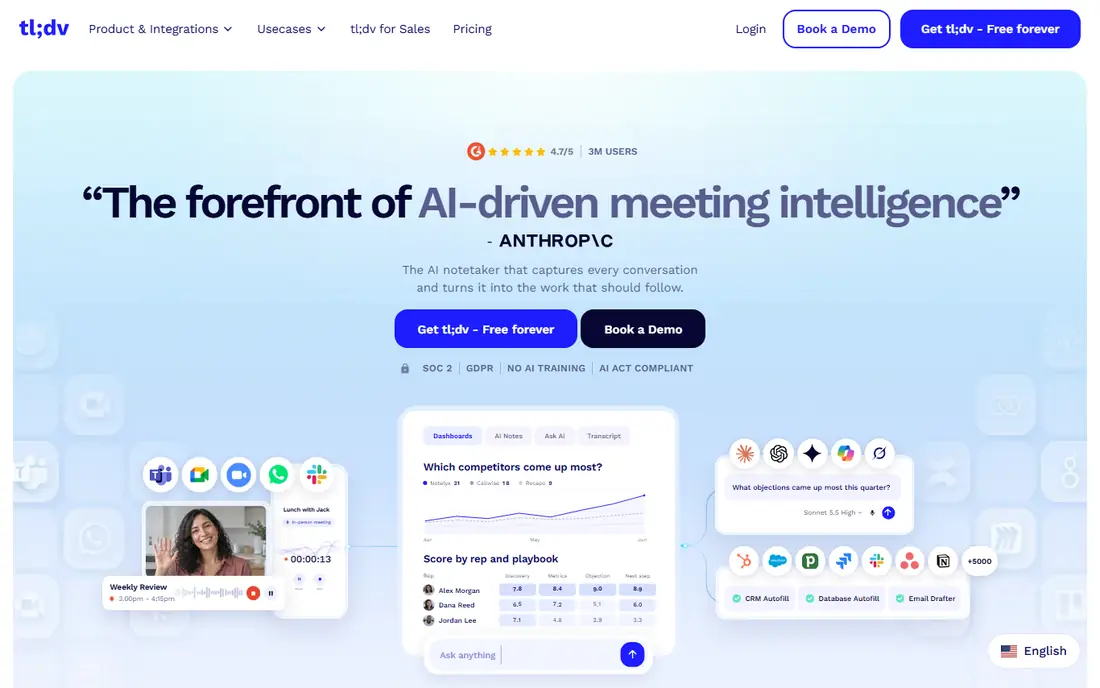
Choose tl;dv for searchable meeting library for research teams. You can clip a moment, tag it, and share it with a colleague without sending a full hour of video.
For everyday use, product and research teams like this because a single quote can settle a debate about what a customer actually asked for. The starting price for tl;dv: $18 per month. A free plan is available with tl;dv.
Downsides: premium pricing is higher than some rivals.
- Timestamped flags and clips
- Unlimited free recording
- Best features need the Pro plan
Notta
Ideal for: Multilingual transcription on a budget
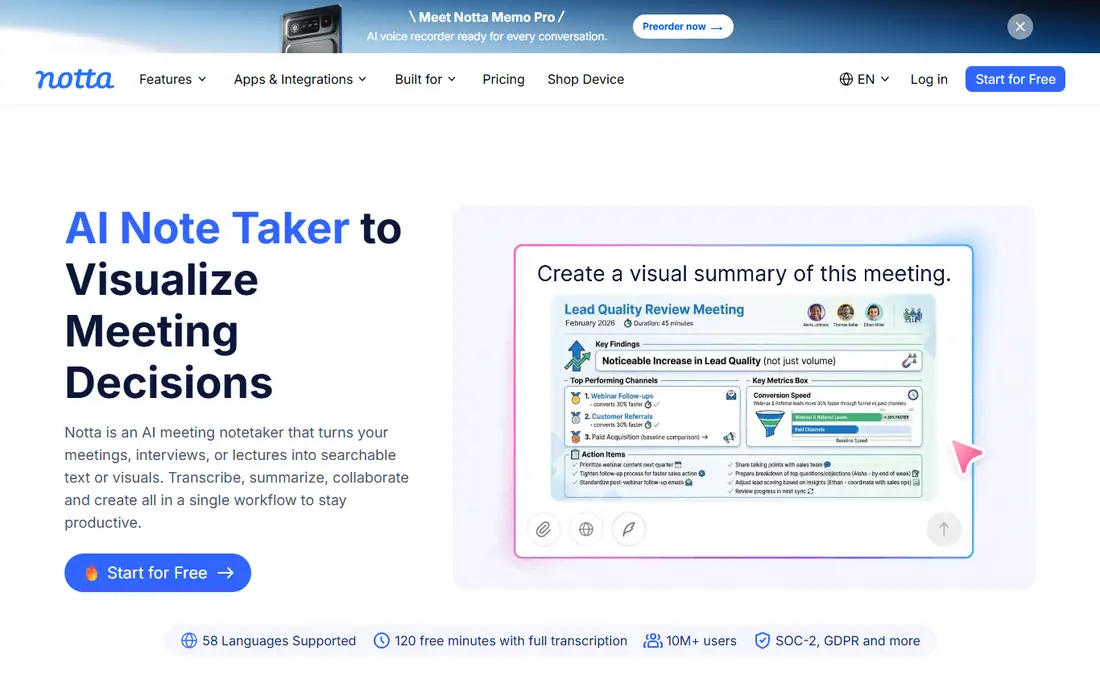
Notta targets multilingual transcription on a budget. It transcribes live meetings and uploaded audio or video, then produces a summary you can edit and export.
Downsides: Accuracy varies by audio quality.
Beyond that, the premium price is lower than plenty of rivals when billed yearly, which helps small teams stretch a budget. Starting cost for Notta: $8.17 per month. Notta offers a free plan.
- File uploads and summaries
- Low-cost premium plan
- Fewer deep CRM features than sales tools
MeetGeek
Ideal for: Automatic notes and meeting insights
For automatic notes and meeting insights, MeetGeek is a natural candidate. Premium plans raise that cap and add more insight features. For everyday use, over time it also tracks patterns, like how much time your team spends in meetings and who talks most, which managers find handy and some teams find a bit much.
MeetGeek aims to be hands-off. It joins your calls, records them, and sends notes and action items when the meeting ends. Price to start with MeetGeek: $15.99 per month. MeetGeek includes a free tier.
Where it falls short: Free plan limits monthly hours.
- Broad calendar and tool integrations
- Meeting analytics and trends
- Interface takes a little time to learn
Grain
Ideal for: Shareable video clips for sales teams
Grain works best for shareable video clips for sales teams. Grain is built around a straightforward idea: a short clip beats a long transcript when you have to prove what a customer said. Choose Grain when sharing moments matters more than reading a full summary.
More specifically, you highlight a moment, share the clip, and the context travels with it. In practice, sales, recruiting, and customer success teams use this to pass feedback to colleagues who were not on the call. Grain cost at the entry level: $15 per month. Grain has a free plan.
Watch-outs: Free plan is restricted.
- Searchable transcripts
- Simple highlight clips from calls
- Clip-first design is less handy for plain note taking
Otter.ai
Ideal for: Live transcription and team collaboration
In short, Otter.ai is for live transcription and team collaboration. If your team lives in Zoom, Google Meet, or Microsoft Teams and wants notes that people can edit together, Otter.ai is a safe first pick.
You can watch words appear as people speak, highlight a point in the moment, and share the notes with a teammate who missed the call. That live view matters when a decision is made quick and nobody wants to wait for a summary to arrive by email. What you pay to start with Otter.ai: $8.33 per month. Otter.ai includes a free tier.
Downsides: Free plan caps monthly minutes.
- Shared notes and editing
- Live transcription
- Advanced features sit on higher levels
Fathom
Ideal for: Free unlimited recording for individuals
Fathom targets free unlimited recording for individuals. Premium plans add unlimited AI summaries, more integrations, and team controls.
In daily use, summaries, action items, and flags make the recording handy after the call, not just during it. The central limit is that the free level only comes with a small number of AI summaries each month, so heavy users will have to upgrade. On cost, Fathom starts like this: Free. Fathom includes a free tier.
Points against: Some features need a premium team plan.
- CRM integrations on premium plans
- Unlimited recording and transcription on the free plan
- Free AI summaries are restricted each month
Choosing fireflies AI: what matters
Start with your meeting product and your privacy needs. More specifically, some tools join calls as a visible bot, whereas others record from your device, and that difference matters to guests and clients. A tool that writes clear action items for a sales call may still struggle with a technical discussion, so run a two-week trial with real meetings before you commit an entire team.
If you discuss sensitive topics, a bot-free tool or stricter retention controls may be worth the trade-off in features.
How the list was put together
Ainotely looked at what each vendor publishes: pricing, plan limits, feature coverage for fireflies AI and stated drawbacks. No hands-on testing is claimed. Plan names, prices and limits change often. Treat the figures here as a starting point and verify them with the vendor. Tools are placed by general fit for fireflies AI, with price clarity and free access as tie-breakers. A different team can reasonably rank them differently.
Questions to settle before buying
- Check the vendor page for the current price: Notta starts at $8.17 per month here, and seats or billing terms can move it.
- Look at free plan limits closely: Sembly AI, tl;dv, Notta and others have one, and the caps decide whether it is usable for real work.
- Before choosing Sembly AI, weigh its main limit: free plan is restricted.
- Read the plan comparison for tl;dv carefully; key features often start on a higher tier.
- Ask Fathom whether prices are locked for the first term and what happens at renewal.
Frequently asked questions
Which Fireflies.ai alternative is a good match for sales teams?
Sembly AI comes first here and is built for meeting insights, decisions, and risks. Buyers with other needs may prefer tl;dv (for searchable meeting library for research teams) or Notta (for multilingual transcription on a budget). Compare costs and limits first.
What is the cheapest option for fireflies AI in this list?
On published monthly entry prices, Notta is the lowest here at $8.17 per month. Entry price is only part of the cost, because seats, add-ons and billing terms can change the total.
Which options for fireflies AI have a free plan?
On this list, 7 of 7 tools include a free plan, among them Sembly AI, tl;dv, Notta and MeetGeek. Caps on seats, usage or features are common, so test the free plan against your real workload.
How are the tools for fireflies AI ordered?
Sembly AI sits first and Fathom last because the order follows typical fit for fireflies AI, then price clarity and free access. It is a judgement call, so read each profile for fit and limits.
How much should I expect to pay?
Free plans handle light use for numerous people. Always confirm the current price on the vendor site, since annual and monthly rates differ.
Can I try these tools before paying?
Often, yes. Sembly AI, tl;dv, Notta and others have a free plan. Use your own data and a real task during the test, and check what the free tier or trial limits before you rely on it.