This list puts Adobe Photoshop first for advanced, layer-based image editing. Listed starting prices: Pixlr from $2.49 a month. Alternatives: PicMonkey for straightforward photo editing and design templates, and Pixlr for browser editing with AI generation. Prices, free plans and limits for all 5 tools follow.
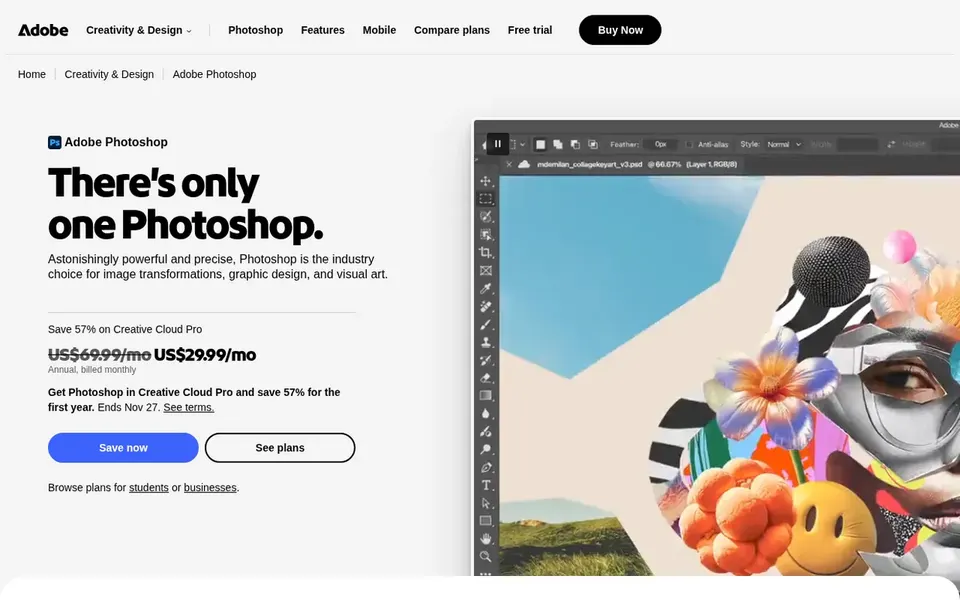
Adobe Photoshop works best for advanced, layer-based image editing. Adobe Photoshop is the reference tool for serious photo editing, combining images, building custom scenes and making complicated adjustments. It is offered as an online app and a mobile app, so work can move across devices.
In practice, the depth includes a ramp-up time, and casual users may find it heavier than needed for fast social graphics. More specifically, pick something template-based when the goal is quick layout, and choose Photoshop when image quality and precise editing are the priority. Adobe Photoshop shows no starting price here, so confirm the cost on the vendor site. On free options: Not stated.
Honest limits: Overkill for straightforward template graphics.
Best for: Straightforward photo editing and design templates
PicMonkey works best for straightforward photo editing and design templates. Choose PicMonkey for fast branded content, and pick a deeper editor when precise image work is central.
Honest limits: Less depth than pro editors.
Main advantages: Photo editing plus design templates.
PicMonkey shows no starting price here, so confirm the cost on the vendor site. Free plan details: Free trial.
Pixlr was built for browser editing with AI generation. Choose a more straightforward editor if you only need entry-level crops and filters, and pick Pixlr when AI features and no-install editing matter. On top of that, the range of features can also feel crowded for simple tasks.
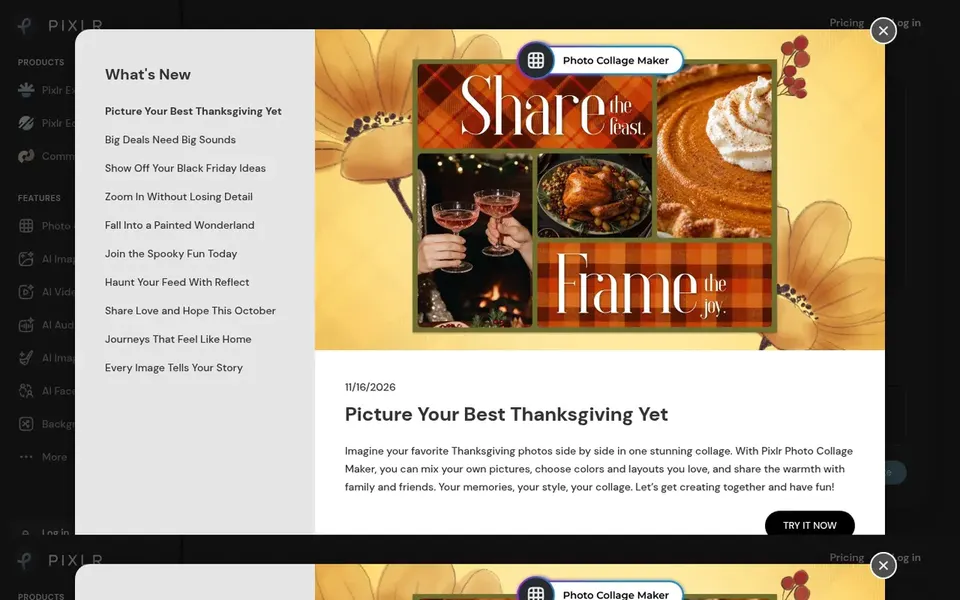
For everyday use, Pixlr is an online AI photo editor and image generator that runs entirely in the browser. It covers photo editing, AI image and video generation, face swapping, background removal and collages. Pixlr pricing: $2.49 per month. Trial and free access: Not stated.
Points against: Browser performance relies on connection.
Best for: Template-driven design and social graphics
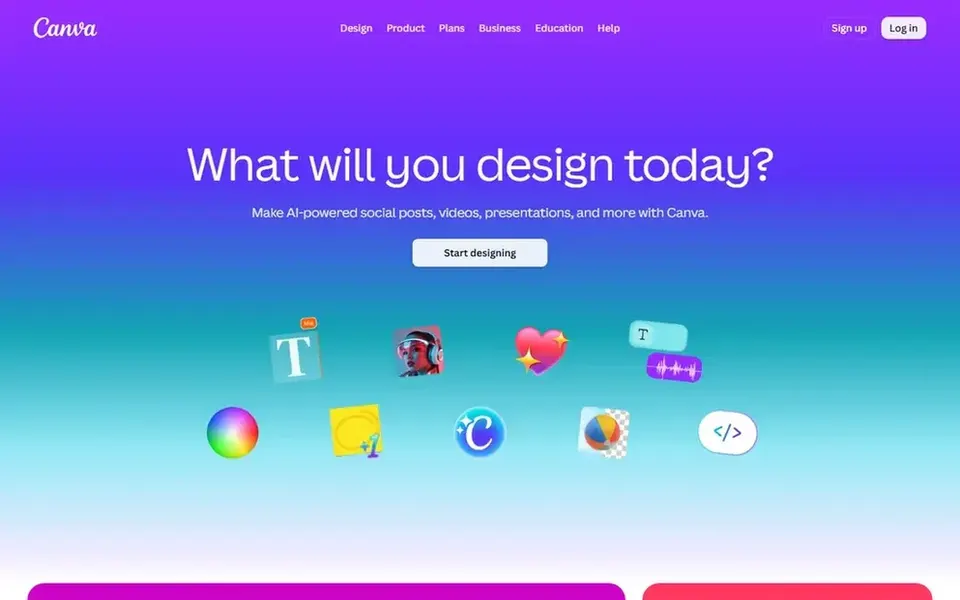
Choose Canva for template-driven design and social graphics. It suits marketers, small teams and casual creators who want to assemble refined graphics rapidly without learning a complex editor.
Trade-offs to know: Less precise than pro photo editors.
Choose it when speed and templates matter more than fine control, and look to a full editor when precise image manipulation is the core task. Canva shows no starting price here, so confirm the cost on the vendor site. Free access: Not stated.
Where BeFunky fits: fast online photo edits and collages. BeFunky is a free online photo editor and collage maker pitched at approachable, everyday editing.
It fits casual users, bloggers and small companies that require to touch up photos, build collages and prepare images for social channels without a steep ramp-up time. Pricing for BeFunky is not stated here, so ask the vendor for current figures. On free options: Not stated.
Ask Adobe Photoshop, PicMonkey, Canva and BeFunky for a written quote, since no starting price is shown.
Use real work to test the free trial from PicMonkey, rather than a demo project.
Read the limits listed for Adobe Photoshop first: steeper ramp-up time.
Total up the real monthly cost of Pixlr, including add-ons, extra users and usage-based fees.
Map your must-have features to a specific BeFunky plan before you compare prices.
How we picked
For each of the 5 tools we noted price, free plan or trial, fit for Fotor and the main limit, using vendor pages and documentation. Where a price is missing, the vendor does not list one publicly or ties it to a quote. Always confirm before budgeting. The order reflects how well each tool fits the most common buying scenario for Fotor, then price clarity, then free plan access. It is a starting point, not a verdict.
Every price and plan detail on this page comes from the vendors’ own websites. We did not run hands-on tests unless the text says so, and we do not publish star ratings or review scores. See how we score and our disclosure.
Keep your shortlist in one place
Paste prices, trial dates and notes from this guide into Ainotely, our AI note app. It files them into a topic and pulls out tasks like “cancel trial by Friday”. Free 7-day trial, no card needed.
The order follows typical fit for Fotor, with Adobe Photoshop first and BeFunky last, then price clarity and free access. It is editorial judgement, not a score, so another team could rank the tools differently.
What is the cheapest option for Fotor in this list?
On published monthly entry prices, Pixlr is the lowest here at $2.49 per month. Entry price is only part of the cost, because seats, add-ons and billing terms can change the total.
Are there browser-based choices without installation?
Pixlr, BeFunky and Canva all run in the browser, so no install is required. Pixlr brings AI generation features, whereas Canva and BeFunky emphasize templates and everyday editing.
What is the best Fotor alternative for beginners?
For most readers this guide would start with Adobe Photoshop, built for advanced, layer-based image editing. PicMonkey is the alternative for straightforward photo editing and design templates, and Pixlr for browser editing with AI generation. The right answer depends on budget and workflow.
Can I try these tools before paying?
Often, yes. PicMonkey offers a free trial. Use your own data and a real task during the test, and check what the free tier or trial limits before you rely on it.
Is Adobe Photoshop the right pick for everyone comparing Fotor?
No single tool suits every team. Adobe Photoshop comes first because it fits advanced, layer-based image editing, while PicMonkey suits simple photo editing and design templates and Pixlr suits browser editing with AI generation. Match the tool to your own size, budget and workflow before deciding.