Framer Alternatives in 2026: 8 Tools Compared

- 1
 WebflowProfessional design controlVisit
- 2
 Wix StudioAgency and freelancer sitesVisit
- 3
 SquarespaceSmall business sitesVisit
- 4
 WordPressFlexible content sitesVisit
- 5
 ReadymagCreative portfoliosVisit
- Webflow is the closest professional alternative for designers who want visual control plus code access.
- Wix Studio and Squarespace suit small businesses and freelancers who need a fast, hosted site.
- WordPress offers the most flexibility and plugin choice for larger or content-heavy sites.
- Readymag, Cargo, Format, and Semplice suit portfolios and creative sites with strong visual design.
Quick comparison
| Product | Ideal for | Price from | Free version | |
|---|---|---|---|---|
| Webflow | Professional design control | See website | Yes | Visit |
| Wix Studio | Agency and freelancer sites | See website | No | Visit |
| Squarespace | Small business sites | See website | Free trial | Visit |
| WordPress | Flexible content sites | Free | Yes | Visit |
| Readymag | Creative portfolios | See website | Free trial | Visit |
 Cargo | Artist portfolios | See website | Free trial | Visit |
 Format | Photographer portfolios | See website | Free trial | Visit |
 Semplice | Designer portfolios | See website | No | Visit |
The best Framer alternatives
We compared official feature pages, pricing pages, and app-store listings for website builders and design tools available in October 2026. The list covers professional builders, hosted site builders, and portfolio tools, since Framer users range from agencies to artists.
Webflow
Ideal for: Professional design control
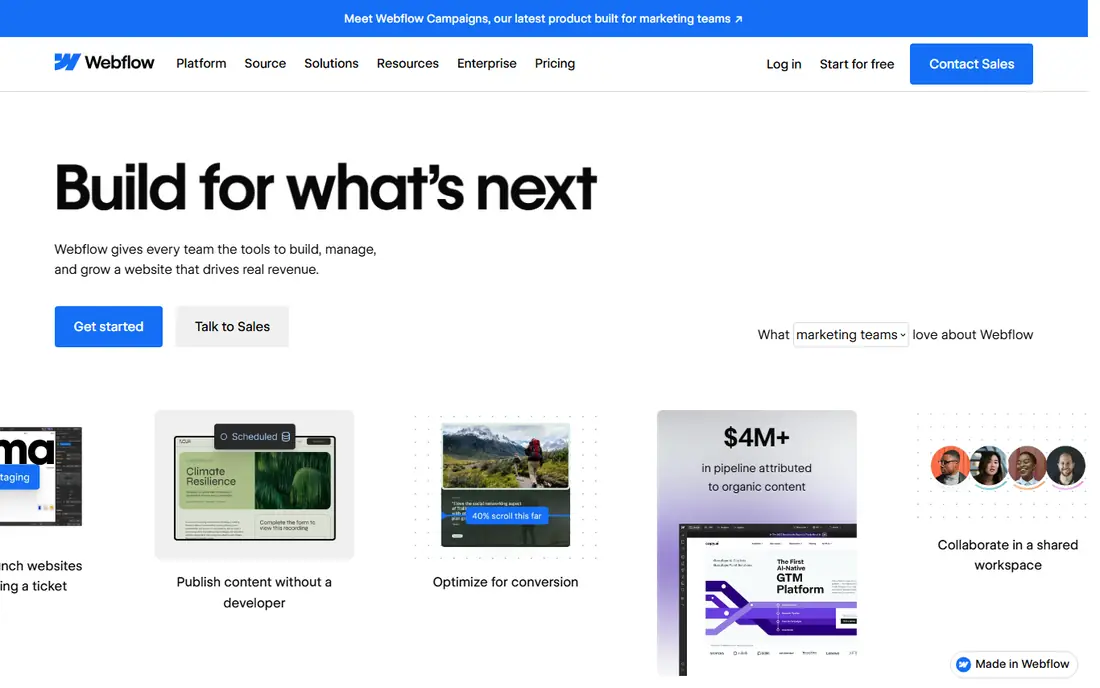
Webflow is a visual website builder for designers who want control over layout, animation, and interactions without writing all the code. Its designer gives CSS-level control, while its CMS handles blogs and collections, and e-commerce supports online stores. Code can be exported for self-hosting on higher plans.
The learning curve is steeper than Framer or Squarespace, especially for responsive design and CMS structure. For a professional designer or agency that wants a production site with design freedom, Webflow is the closest Framer alternative.
- Visual design with CSS-level control
- CMS and e-commerce
- Clean code export
- Learning curve is steep
- Pricing grows with sites and features
Wix Studio
Ideal for: Agency and freelancer sites
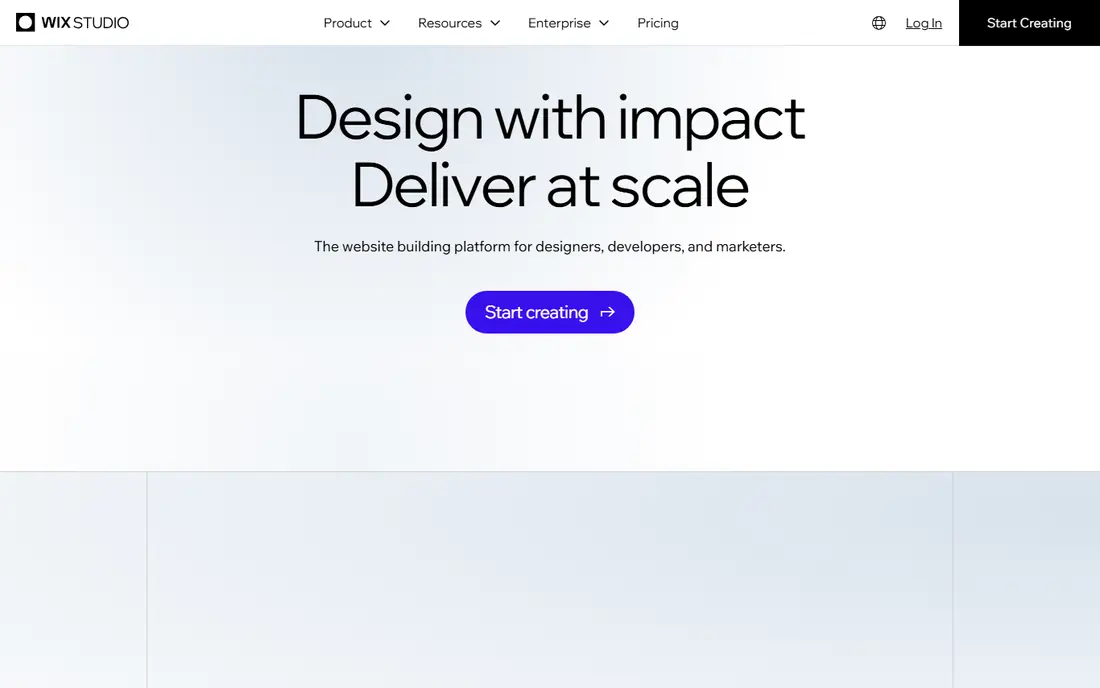
Wix Studio is Wix's platform for agencies, freelancers, and designers, with responsive design tools, a CMS, and app integrations. It supports team collaboration, client billing, and reusable design libraries, which suit studios managing many client sites. AI tools can draft layouts and content to speed up a first version.
The free plan is limited, and template switching is less flexible than in some builders. For a studio that wants a hosted, client-friendly platform with agency tools, Wix Studio is a strong choice.
- Responsive design tools
- CMS and apps
- Team collaboration for agencies
- Free plan is limited
- Switching templates is harder than in some builders
Squarespace
Ideal for: Small business sites
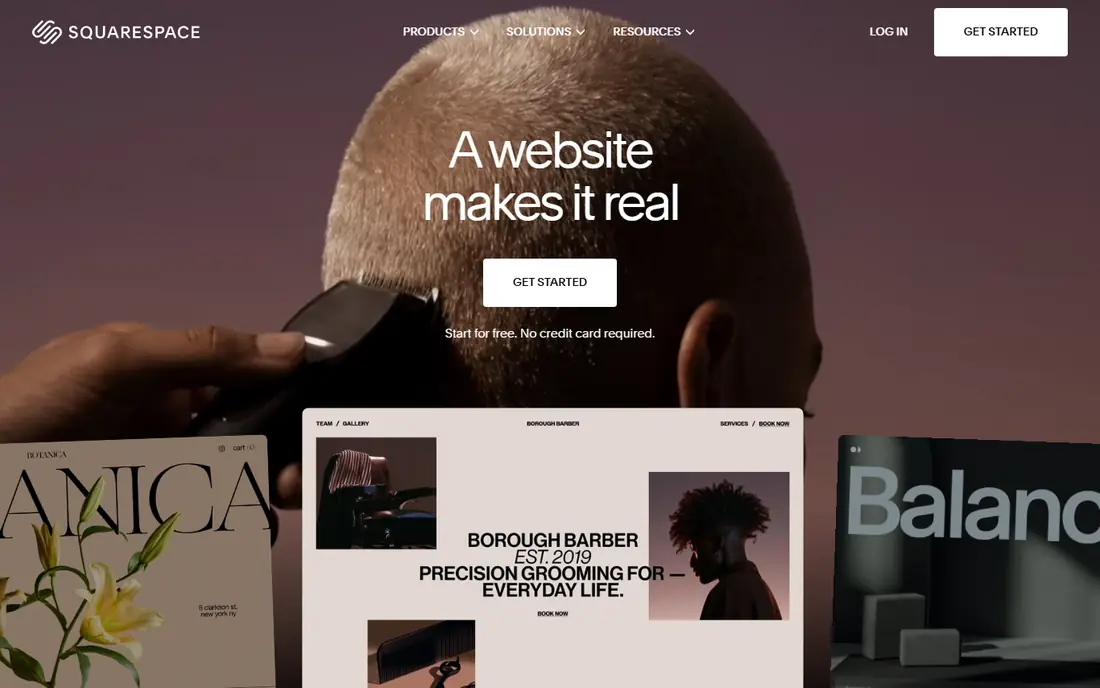
Squarespace is an all-in-one website builder with polished templates, hosting, domains, commerce, and scheduling in one subscription. Its editor is easy to learn, and its templates suit photographers, restaurants, consultants, and small shops. Commerce plans support online stores with checkout and inventory.
Design freedom is less than Webflow or Framer, and switching templates can require rework. For a small business that wants a good-looking site live quickly without managing hosting, Squarespace is a reliable pick.
- Polished templates
- Built-in commerce and scheduling
- All-in-one hosting
- Less design freedom than Webflow
- Template changes can be awkward
WordPress
Ideal for: Flexible content sites
WordPress powers a large share of the web as a free, open-source content management system. Thousands of themes and plugins cover blogs, stores, memberships, and portfolios, and block editing plus page builders such as Elementor add visual design. Self-hosting gives full ownership of content and data.
That freedom needs work: hosting, updates, backups, and security are the site owner's job, or a managed host's. For a content-heavy site or a business that wants maximum flexibility, WordPress remains the most capable option here.
- Free and open source
- Huge plugin and theme choice
- Full ownership of content
- Needs hosting and maintenance
- Security and updates are your job
Readymag
Ideal for: Creative portfolios
Readymag is a design tool for websites, portfolios, and editorial projects with free-form layout, animation, and typography controls. Designers can place elements anywhere, add interactions, and publish responsive sites without code. It suits portfolios, lookbooks, and storytelling sites.
Large e-commerce and complex apps are not its strength, and the community is smaller than Webflow's. For a creative site where layout and typography matter most, Readymag is a beautiful alternative to Framer.
- Free-form layout and animation
- Strong typography
- Good for editorial sites
- Less suited to large e-commerce
- Smaller community than Webflow
Cargo
Ideal for: Artist portfolios
Cargo is a website builder made for artists, designers, and studios, with simple templates and a fast setup. It supports image-heavy portfolios, project pages, and shops, with a clean, gallery-focused look. Pricing is friendly for individual artists.
Business features such as booking and advanced commerce are thinner than in Squarespace or Wix. For an artist who wants a portfolio online quickly with a gallery-first design, Cargo is an easy choice.
- Simple, art-focused templates
- Fast setup
- Affordable for artists
- Fewer business features
- Less design control than Webflow
Format
Ideal for: Photographer portfolios
Format is a portfolio builder for photographers and visual artists, with templates built for image work, client proofing galleries, and an integrated store for prints and products. It also offers blogging and basic commerce, so a photographer can run a full business site from one platform.
The focus is narrower than a general builder, so a business outside visual work may find fewer features. For a photographer who needs a portfolio, proofing, and a store in one place, Format is a strong fit.
- Photographer-focused templates
- Client proofing
- Integrated store
- Narrower focus than general builders
- Pricing is per site
Semplice
Ideal for: Designer portfolios
Semplice is a portfolio system for designers that runs inside WordPress. It offers case study layouts, full-screen images, and custom grids, with a design system that keeps portfolios looking polished. Because it sits on WordPress, owners keep full control of content and hosting.
Semplice needs WordPress hosting and has no free tier, so setup takes more effort than a hosted builder. For a designer who wants a portfolio with full control and WordPress ownership, Semplice is a distinctive choice.
- Built for designer portfolios
- Works inside WordPress
- Strong case study layouts
- Needs WordPress hosting
- No free tier
How we picked these
We compared official feature pages, pricing pages, and app-store listings for website builders and portfolio tools available in October 2026. We favored tools with current products, strong visual design, and a clear audience, from agencies to artists. We also checked ownership, export options, mobile performance, and total cost, since a builder decision affects a site for years, not just launch week. We did not include our own product in this list.
How to choose a Framer alternative
Start with your site type. A professional agency site points to Webflow or Wix Studio, while a small business site points to Squarespace. A portfolio points to Readymag, Cargo, Format, or Semplice, depending on your craft. A content-heavy or long-term site points to WordPress.
Then test the editor with a real page. Build a homepage, check mobile layout, and confirm the features you need, such as commerce, blogging, or client proofing, work as expected. A builder that feels good in a trial matters more than a feature list, since you will live in it for months.
A website builder decision lasts longer than a trial, so check ownership and exit options before you build. Hosted builders make launching easy, but moving a site elsewhere can mean rebuilding pages, since templates and CMS structures do not transfer cleanly. WordPress and code export options give more freedom, at the cost of maintenance work. Also check performance basics: image optimization, mobile layout, and page speed affect both visitors and search rankings, and some builders handle these better than others. E-commerce needs deserve a separate test: try a full checkout, including taxes, shipping, and refunds, rather than trusting a feature list. Finally, count total cost, including domains, email, apps, and transaction fees, since a low headline price can grow fast. Build one real page in a trial, publish it, and view it on a phone before you decide, since that test reveals more than any demo.
Frequently asked questions
What is the best Framer alternative?
Webflow suits professional designers who want visual control plus code access, while Wix Studio suits agencies and Squarespace suits small businesses. For portfolios, Readymag, Cargo, Format, and Semplice are strong creative options.
Is Webflow better than Framer?
Webflow offers deeper design control, a CMS, and code export, which suits production sites and agencies. Framer is faster for prototyping and simple sites. The better tool depends on whether you need production depth or speed.
Can I build a website for free?
Webflow and WordPress offer free starting points, with hosting and paid features extra. Most hosted builders offer free trials but need a paid plan to publish on a custom domain.
Which alternative is best for photographers?
Format is built for photographers, with proofing galleries and a print store. Cargo also suits visual portfolios, while Squarespace works well for a photographer who wants a full business site.
Do I need to know code to use these tools?
No. All of these tools offer visual editing without code, though Webflow and WordPress reward some knowledge of layout and CSS for advanced work. Framer users will find Webflow and Readymag the most familiar.
Can I move my site from one builder to another later?
It is possible but rarely clean. Text and images can be exported or copied, but layouts, templates, and CMS structures usually need rebuilding in the new tool. WordPress sites transfer more easily, since content lives in a standard database, while hosted builders such as Squarespace and Wix export content with limits. Code export from Webflow helps for static pages. Before building, keep a backup of your text and images outside the builder, so a future move starts from your content, not from scratch.