Free Alternatives to SpyFu in 2026: 8 Free Tools Compared

- 1
 UbersuggestFree keyword researchVisit
- 2
 Google Keyword PlannerFree Google keyword dataVisit
- 3
 AnswerThePublicFree question researchVisit
- 4
 Google TrendsFree search trend dataVisit
- 5
 Moz Keyword ExplorerFree keyword researchVisit
- Ubersuggest and Moz offer the closest free keyword research to SpyFu's core job.
- Google Keyword Planner, Trends, and Search Console cover free data straight from Google.
- AnswerThePublic suits question and content research, while Ahrefs Webmaster Tools covers site audits.
- Keywords Everywhere and SEOquake add free data inside the browser.
- Free tools show less competitor history than paid SpyFu, so combine two or three for a fuller view.
Quick comparison
| Product | Ideal for | Price from | Free version | |
|---|---|---|---|---|
| Ubersuggest | Free keyword research | Free | Yes | Visit |
| Google Keyword Planner | Free Google keyword data | Free | Yes | Visit |
| AnswerThePublic | Free question research | Free | Yes | Visit |
| Google Trends | Free search trend data | Free | Yes | Visit |
| Moz Keyword Explorer | Free keyword research | Free | Yes | Visit |
 Ahrefs Webmaster Tools | Free site audit and keywords | Free | Yes | Visit |
 Keywords Everywhere | Browser keyword data | Free | Yes | Visit |
 SEOquake | Free browser SEO toolbar | Free | Yes | Visit |
The best free alternatives to SpyFu
We compared official feature pages, pricing pages, app store listings, privacy policies, and public reviews to put this list together. The notes below give each option a fair hearing, including where it falls short.
Ubersuggest
Ideal for: Free keyword research
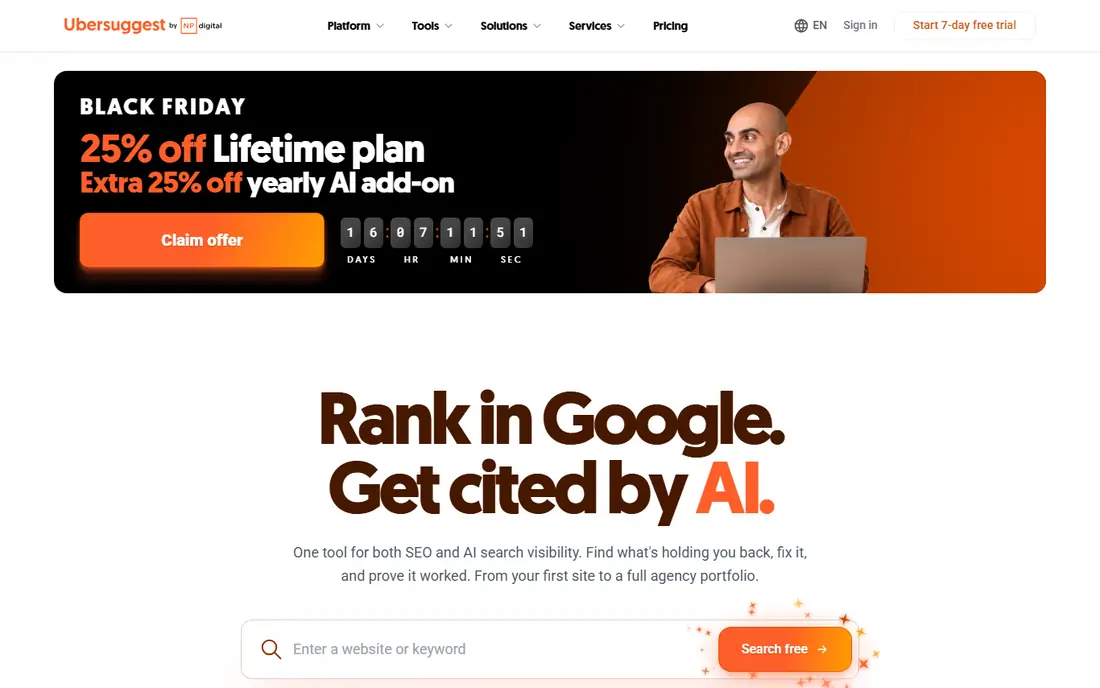
If Free keyword research is the job, start here: it offers keyword ideas, traffic estimates, and basic site audits free. That combination covers the most common SpyFu-style tasks for small sites. It fits readers who want a practical option without a long setup, and it pairs well with the other choices on this list for comparison.
The honest catch is that free searches are limited daily, and estimates are rough. There is no charge for the core product, though paid upgrades exist in most cases. That balance of strengths and limits is what kept it on the list, even though it is not the right pick for every reader.
- Keyword ideas
- Traffic estimates
- Site audit basics
- Free searches are limited daily
- Estimates are rough
Google Keyword Planner
Ideal for: Free Google keyword data
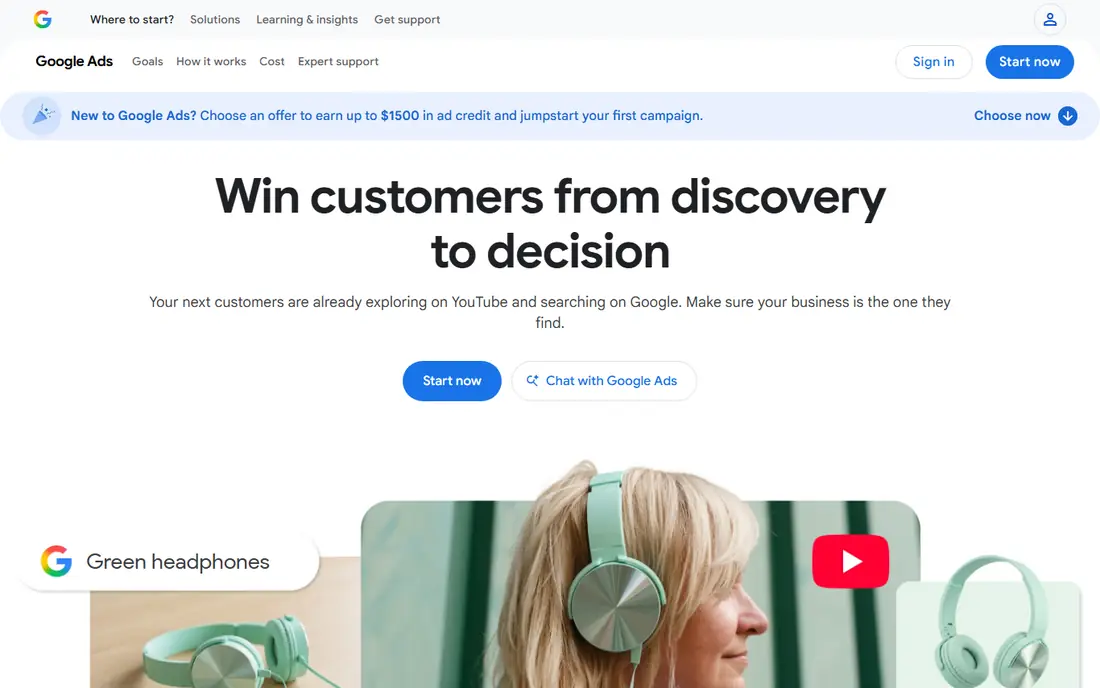
This option suits Free Google keyword data well, since it gives official Google keyword ideas and volume ranges free with a Google Ads account. Official data beats third-party estimates for planning, even though ranges are broad. It fits readers who want a practical option without a long setup, and it pairs well with the other choices on this list for comparison.
What holds it back a little is that volume ranges are broad, and an ads account is needed. There is no charge for the core product, though paid upgrades exist in most cases. That balance of strengths and limits is what kept it on the list, even though it is not the right pick for every reader.
- Official Google search volumes
- Keyword ideas
- Free with ads account
- Volume ranges are broad
- Needs a Google Ads account
AnswerThePublic
Ideal for: Free question research
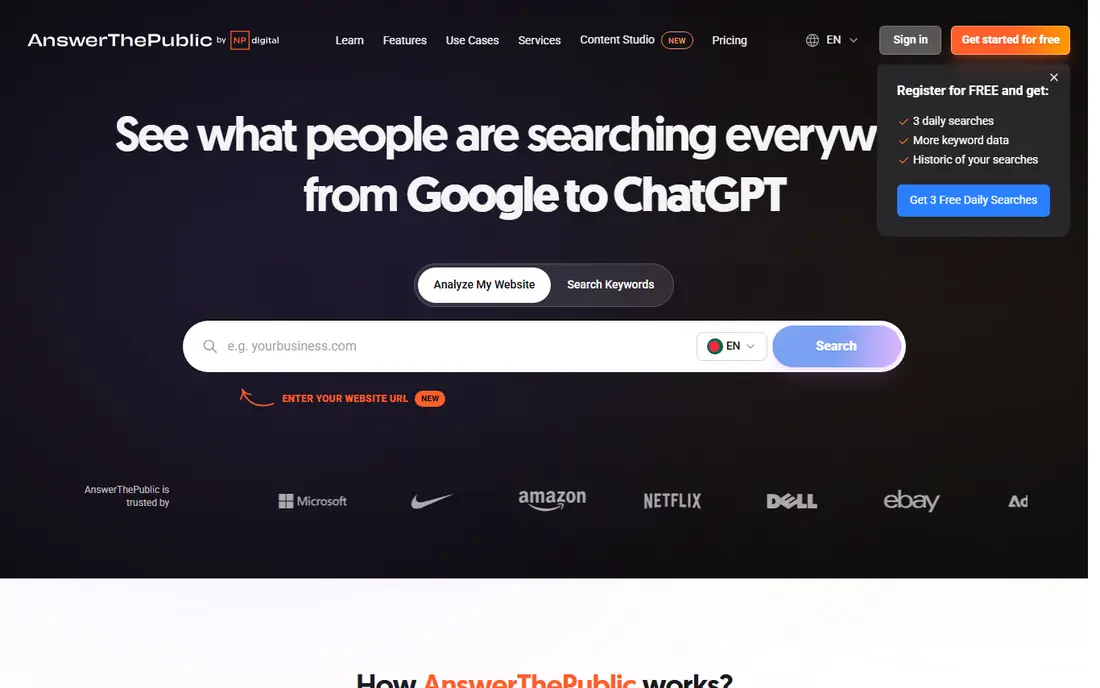
Buyers focused on Free question research will find a lot to like, as it visualizes questions people ask around a keyword, which helps content planning. That question view suits writers looking for topics readers actually search. It fits readers who want a practical option without a long setup, and it pairs well with the other choices on this list for comparison.
The downside to weigh is that free searches are limited, and data depth is lighter than paid tools. There is no charge for the core product, though paid upgrades exist in most cases. That balance of strengths and limits is what kept it on the list, even though it is not the right pick for every reader.
- Question and phrase visualizations
- Content ideas
- Free searches
- Free searches are limited
- Data depth is lighter
Google Trends
Ideal for: Free search trend data
For teams or readers weighing Free search trend data, this is a strong candidate because it shows search interest over time and by region, plus related queries. Trend data helps compare topics and spot seasonal patterns. It fits readers who want a practical option without a long setup, and it pairs well with the other choices on this list for comparison.
Before you commit, note that it gives no absolute volume numbers, only relative interest. There is no charge for the core product, though paid upgrades exist in most cases. That balance of strengths and limits is what kept it on the list, even though it is not the right pick for every reader.
- Trend data over time
- Regional interest
- Related queries
- No volume numbers
- Relative data only
Moz Keyword Explorer
Ideal for: Free keyword research
When Free keyword research matters most, this option stands out for it offers keyword difficulty, suggestions, and basic SERP analysis free. Difficulty scores help new sites pick keywords they can realistically rank for. It fits readers who want a practical option without a long setup, and it pairs well with the other choices on this list for comparison.
One limitation worth knowing is that free searches are limited monthly, and full data sits behind paid plans. There is no charge for the core product, though paid upgrades exist in most cases. That balance of strengths and limits is what kept it on the list, even though it is not the right pick for every reader.
- Keyword difficulty
- Suggestions
- SERP analysis basics
- Free searches are limited monthly
- Full data is paid
Ahrefs Webmaster Tools
Ideal for: Free site audit and keywords
For Free site audit and keywords, this one earns a close look because it gives a free site audit plus backlink data for sites you verify. That audit view helps owners fix technical issues without paying. It fits readers who want a practical option without a long setup, and it pairs well with the other choices on this list for comparison.
The trade-off is that it is limited to verified sites, and full competitor data is paid. There is no charge for the core product, though paid upgrades exist in most cases. That balance of strengths and limits is what kept it on the list, even though it is not the right pick for every reader.
- Site audit
- Backlink data for own sites
- Keyword basics
- Limited to sites you verify
- Full competitor data is paid
Keywords Everywhere
Ideal for: Browser keyword data
If Browser keyword data is the job, start here: it shows keyword data directly inside search results through a browser extension. Seeing data while searching speeds up quick keyword checks. It fits readers who want a practical option without a long setup, and it pairs well with the other choices on this list for comparison.
The honest catch is that the free tier is limited, and data varies by source. There is no charge for the core product, though paid upgrades exist in most cases. That balance of strengths and limits is what kept it on the list, even though it is not the right pick for every reader.
- Keyword data in search results
- Browser extension
- Cheap credits
- Free tier is limited
- Data varies by source
SEOquake
Ideal for: Free browser SEO toolbar
This option suits Free browser SEO toolbar well, since it adds on-page SEO data and SERP metrics inside the browser free. That toolbar view helps quick competitor page checks. It fits readers who want a practical option without a long setup, and it pairs well with the other choices on this list for comparison.
What holds it back a little is that data depth is lighter than paid tools, and the interface is dense. There is no charge for the core product, though paid upgrades exist in most cases. That balance of strengths and limits is what kept it on the list, even though it is not the right pick for every reader.
- On-page SEO data
- SERP metrics
- Free extension
- Data depth is lighter
- Interface is dense
How we picked these
We started from the topic itself and kept only products that exist, work in October 2026, and truly fit what a reader searching this topic would want. We compared official feature pages, pricing pages, app store listings, privacy policies, and public reviews, and we left out products whose pricing or core features we could not verify. Where a price was not published clearly, we wrote See website rather than guessing a figure.
We also gave weight to fit over fame. A well-known name stayed on the list only if it matched the topic, and a smaller option earned a place when it solved the same problem well. We did not claim hands-on testing that did not happen, and we noted honest weaknesses alongside the strengths for every option.
Getting the most from free SEO tools
Combine two or three free tools instead of relying on one. Keyword Planner gives official volume ranges, Ubersuggest or Moz adds difficulty and ideas, and Search Console shows what your own site already ranks for. Together they cover most of what a paid tool offers for small sites.
Next, check data limits before you plan a big project. Free tiers cap daily or monthly searches, so batch your research and save results as you go. A spreadsheet of saved keyword data beats repeated free searches.
Finally, treat estimates as guides, not facts. Traffic estimates and difficulty scores vary between tools, so use them to prioritize, then confirm with real ranking and traffic data from your own site.
Frequently asked questions
What is the best free alternative to SpyFu?
Ubersuggest is the closest free all-rounder for keyword research, while Google Keyword Planner gives official volume data. Most users combine two free tools for better coverage.
Can free tools show competitor keywords?
Free tools show limited competitor data compared with paid SpyFu. They cover keyword ideas, difficulty, and your own site data well, but full competitor history stays paid.
Is Google Keyword Planner really free?
Yes, it is free with a Google Ads account, though you do not need to run ads. Volume ranges are broad for accounts without ad spend.
How accurate are free traffic estimates?
They are rough estimates that vary between tools. Use them to compare keywords and prioritize, not as exact traffic predictions.
Do I need paid SEO software eventually?
Larger sites and agencies usually benefit from paid tools for deeper competitor and backlink data. Small sites can do a lot with free tools plus Search Console.