Free scheduling tools alternatives to calendly in 2026: 8 Tools Compared

- 1
 Cal.comOpen-source schedulingVisit
- 2
 Acuity SchedulingPaid appointments and intake formsVisit
- 3
 DoodleGroup scheduling pollsVisit
- 4
 AppointletSimple booking pagesVisit
- 5
 SimplyBook.meService business bookingsVisit
- Cal.com is our pick for most people, thanks to its broad feature set and its open-source scheduling.
- If you want to start free, Cal.com is worth trying first, since it offers a free plan without an upfront payment.
- Zoho Bookings is the option to look at if the mainstream choices do not fit, since it covers a narrower need in more depth.
- Compare the total cost for your actual usage, not just the headline price, and check limits, support and contract terms before you decide.
Quick comparison
| Product | Ideal for | Price from | Free version | |
|---|---|---|---|---|
| Cal.com | Open-source scheduling | Free | Yes | Visit |
| Acuity Scheduling | Paid appointments and intake forms | See website | Free trial | Visit |
| Doodle | Group scheduling polls | Free | Yes | Visit |
| Appointlet | Simple booking pages | Free | Yes | Visit |
| SimplyBook.me | Service business bookings | Free | Yes | Visit |
 Setmore | Free appointments for small teams | Free | Yes | Visit |
 Square Appointments | Square users and service businesses | Free | Yes | Visit |
 Zoho Bookings | Zoho users and small teams | Free | Yes | Visit |
The best free scheduling tools alternatives to calendly
These 8 options cover the range from well-known leaders to smaller specialists. We compared official feature pages, pricing pages, app-store listings, privacy policies and public reviews to sort out where each one earns its place.
Cal.com
Ideal for: Open-source scheduling
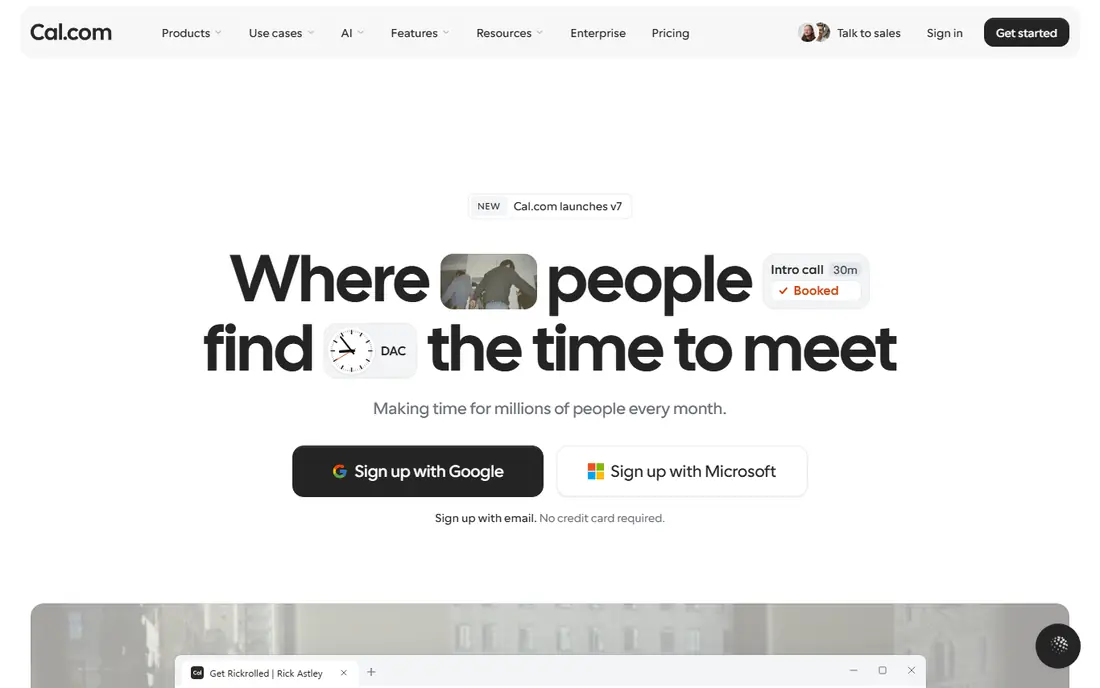
Cal.com is the leading open-source Calendly alternative, with a generous free plan and self-hosting. It suits users who want control over their scheduling data.
The trade-off is self-hosting effort for those who choose it. If that trade-off sounds acceptable, it is a strong fit for open-source scheduling. If not, one of the other options on this list is likely a better match.
Pricing details sit on the vendor site, so confirm the current plan, any limits on the free tier, and what support is included before you sign up.
In practice, the people who get the most from Cal.com are those who need open-source scheduling and are comfortable with its limits. It works best when it matches a task you repeat often, rather than a feature you might use once, so weigh the everyday job more heavily than the extras.
- Open source
- Self-hosting option
- Generous free plan
- Setup for self-hosting takes work
- Team features need paid plans
Acuity Scheduling
Ideal for: Paid appointments and intake forms
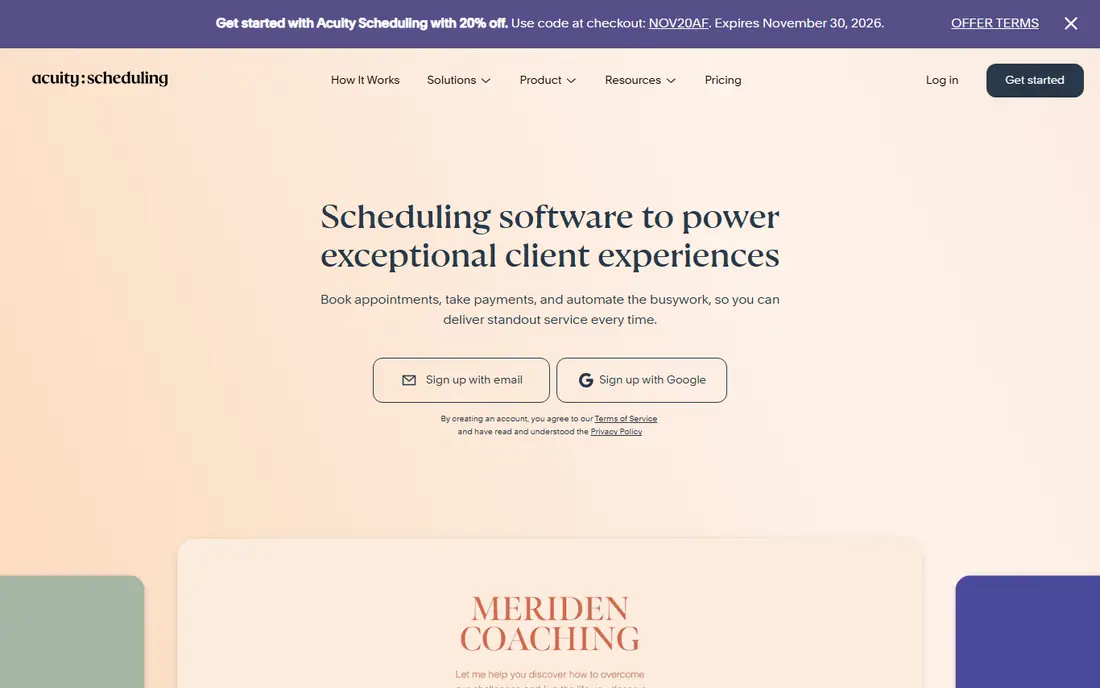
Acuity Scheduling, from Squarespace, excels at paid appointments with intake forms. It suits coaches, consultants and service businesses.
The trade-off is no free plan. If that trade-off sounds acceptable, it is a strong fit for paid appointments and intake forms. If not, one of the other options on this list is likely a better match.
Before you pay, compare the plan that matches your usage against the next tier up, since add-ons and limits often matter more than the headline price.
In practice, the people who get the most from Acuity Scheduling are those who need paid appointments and intake forms and are comfortable with its limits. It works best when it matches a task you repeat often, rather than a feature you might use once, so weigh the everyday job more heavily than the extras.
- Payment collection
- Intake forms
- Squarespace integration
- No free plan
- Pricing per user
Doodle
Ideal for: Group scheduling polls
Doodle is best for finding a time that suits a group, with simple polls. It suits teams and groups coordinating meetings.
The trade-off is 1:1 booking depth, which is basic. If that trade-off sounds acceptable, it is a strong fit for group scheduling polls. If not, one of the other options on this list is likely a better match.
Check the official pricing page before you commit, since plans and limits change and the option that looks cheapest at first may not include the features you need.
In practice, the people who get the most from Doodle are those who need group scheduling polls and are comfortable with its limits. It works best when it matches a task you repeat often, rather than a feature you might use once, so weigh the everyday job more heavily than the extras.
- Simple group polls
- Easy meeting finding
- No account needed for voters
- Advanced scheduling needs paid plans
- 1:1 booking is basic
Appointlet
Ideal for: Simple booking pages
Appointlet offers simple booking pages with calendar sync and a free tier. It suits solo users who want straightforward scheduling.
The trade-off is feature depth. If that trade-off sounds acceptable, it is a strong fit for simple booking pages. If not, one of the other options on this list is likely a better match.
Pricing details sit on the vendor site, so confirm the current plan, any limits on the free tier, and what support is included before you sign up.
In practice, the people who get the most from Appointlet are those who need simple booking pages and are comfortable with its limits. It works best when it matches a task you repeat often, rather than a feature you might use once, so weigh the everyday job more heavily than the extras.
- Simple booking pages
- Google and Microsoft sync
- Free tier
- Features are basic next to Calendly
- Design options are limited
SimplyBook.me
Ideal for: Service business bookings
SimplyBook.me is built for service businesses, with client management and booking features. It suits salons, clinics and consultancies.
The trade-off is interface busyness. If that trade-off sounds acceptable, it is a strong fit for service business bookings. If not, one of the other options on this list is likely a better match.
Before you pay, compare the plan that matches your usage against the next tier up, since add-ons and limits often matter more than the headline price.
In practice, the people who get the most from SimplyBook.me are those who need service business bookings and are comfortable with its limits. It works best when it matches a task you repeat often, rather than a feature you might use once, so weigh the everyday job more heavily than the extras.
- Service business features
- Client management
- Free tier
- Interface feels busy
- Advanced features need paid plans
Setmore
Ideal for: Free appointments for small teams
Setmore offers a free plan for small teams with staff scheduling and payments. It suits small service businesses that need team bookings.
The trade-off is design polish. If that trade-off sounds acceptable, it is a strong fit for free appointments for small teams. If not, one of the other options on this list is likely a better match.
Check the official pricing page before you commit, since plans and limits change and the option that looks cheapest at first may not include the features you need.
In practice, the people who get the most from Setmore are those who need free appointments for small teams and are comfortable with its limits. It works best when it matches a task you repeat often, rather than a feature you might use once, so weigh the everyday job more heavily than the extras.
- Free plan for small teams
- Staff scheduling
- Payments
- Advanced features need Premium
- Design is functional
Square Appointments
Ideal for: Square users and service businesses
Square Appointments suits service businesses already using Square for payments. It offers a free tier with client management built in.
The trade-off is ecosystem, since its full value needs Square. If that trade-off sounds acceptable, it is a strong fit for square users and service businesses. If not, one of the other options on this list is likely a better match.
Pricing details sit on the vendor site, so confirm the current plan, any limits on the free tier, and what support is included before you sign up.
In practice, the people who get the most from Square Appointments are those who need square users and service businesses and are comfortable with its limits. It works best when it matches a task you repeat often, rather than a feature you might use once, so weigh the everyday job more heavily than the extras.
- Free tier
- Square payments integration
- Client management
- Tied to Square ecosystem
- Advanced scheduling needs paid plans
Zoho Bookings
Ideal for: Zoho users and small teams
Zoho Bookings offers a free tier with team scheduling and Zoho integration. It suits teams already using Zoho apps.
The trade-off is ecosystem fit and paid tiers for advanced features. If that trade-off sounds acceptable, it is a strong fit for zoho users and small teams. If not, one of the other options on this list is likely a better match.
Before you pay, compare the plan that matches your usage against the next tier up, since add-ons and limits often matter more than the headline price.
In practice, the people who get the most from Zoho Bookings are those who need zoho users and small teams and are comfortable with its limits. It works best when it matches a task you repeat often, rather than a feature you might use once, so weigh the everyday job more heavily than the extras.
- Free tier
- Zoho ecosystem integration
- Team scheduling
- Advanced features need paid plans
- Interface is Zoho-styled
How we picked these
We started from official feature pages, pricing pages, app-store listings, privacy policies and public reviews, and we kept only products that exist, work in October 2026 and truly fit the topic. We left out products with unclear pricing, broken or misleading homepages, or features that do not match what the topic promises.
We did not run hands-on tests for this roundup, and we do not claim otherwise. Our picks reflect what the public documentation and reviews show about features, pricing, limits and support, weighed against who each product is really built for.
What to check before you switch scheduling tools
Start by writing down the one job you need done most often, then check which options handle that job without extra tools or workarounds. A long feature list means little if the core task takes extra steps every time you use it.
Next, check the total cost for your real usage, including seats, limits and add-ons, and read the privacy and support terms. For paid plans, confirm whether you can cancel easily and whether your data can be exported if you leave.
Finally, try the free plan or trial with a real task from your own work, not just the demo. A short trial with your own data tells you more about fit than any feature page, and it shows whether support answers when you need help.
Frequently asked questions
What is a scheduling tool?
It lets others book time with you through a link, checking your calendar availability and sending confirmations and reminders. It replaces back-and-forth emails about meeting times. Most tools connect to Google or Microsoft calendars.
Why look for a Calendly alternative?
Users switch for free plans, self-hosting, team features, payment collection or a simpler interface. Calendly itself is strong, but alternatives may fit specific needs better. Compare the features you actually use.
Are free scheduling tools really free?
Free tiers usually cover one event type and basic features, while team scheduling, payments and advanced features need paid plans. Solo users often manage on free tiers. Teams should check paid pricing early.
Can scheduling tools take payments?
Many support payment collection through Stripe or PayPal for paid appointments, though payment features often need paid plans. Confirm your payment provider is supported. Test a paid booking before going live.
Do scheduling tools work with my calendar?
Most connect to Google Calendar, Microsoft Outlook and other calendars, syncing availability and blocking booked times. Check your calendar provider is supported. Two-way sync prevents double bookings.