Best GanttPRO Alternatives (2026): 7 Options Compared

- 1
 ClickUpBudget conscious teams that want Gantt charts plus docsVisit
- 2
 SmartsheetTeams that plan in spreadsheets and need Gantt charts with solid reportingVisit
- 3
 WrikeMid-sized teams that require structured project workflows with Gantt charts and approvalsVisit
- 4
 TeamGanttSmall to mid-sized teams that want a straightforward, visual Gantt chartVisit
- 5
 monday.comTeams that want Gantt charts inside a wide, visual work management productVisit
- ClickUp takes the first slot, best suited to budget conscious teams that want Gantt charts plus docs, goals, and time tracking in one tool.
- The lowest published monthly entry price here is $7 per user per month billed annually for Unlimited, checked 17 November, from ClickUp.
- Free access is easy to find: 6 of the 7 tools have a free plan, for example ClickUp, Wrike, TeamGantt and monday.com.
- One limit worth knowing about Wrike: Gantt view begins at Team, steeper ramp-up time than more straightforward tools, per-user pricing brings up on large teams.
Direct answer
For budget conscious teams that want Gantt charts plus docs, ClickUp is where this list starts. For a different need, Smartsheet covers teams that plan in spreadsheets and need Gantt charts with solid reporting and Wrike covers mid-sized teams that require structured project workflows with Gantt charts and approvals.
Quick comparison
| Product | Ideal for | Price from | Free version | |
|---|---|---|---|---|
| ClickUp | Budget conscious teams that want Gantt charts plus docs | $7 per user per month billed yearly for Unlimited, checked 17 November 2026 | Yes | Visit |
| Smartsheet | Teams that plan in spreadsheets and need Gantt charts with solid reporting | $9 per member a month billed yearly for Pro, checked 17 November 2026 | Free trial (30 days) | Visit |
| Wrike | Mid-sized teams that require structured project workflows with Gantt charts and approvals | $10 per user a month billed yearly for Team, checked 17 November 2026 | Yes | Visit |
| TeamGantt | Small to mid-sized teams that want a straightforward, visual Gantt chart | $49 per month flat billed yearly for Base, checked 17 November 2026 | Yes | Visit |
| monday.com | Teams that want Gantt charts inside a wide, visual work management product | $9 per seat a month billed annually for Basic, checked 17 November 2026 | Yes | Visit |
 Asana | Teams that want proven task management with Timeline views and deep integrations | $10.99 per user per month billed yearly for Starter, checked 17 November 2026 | Yes | Visit |
 Instagantt | Asana users who want a proper Gantt chart on top | $10 per month billed annually for Individual, checked 17 November 2026 | Yes | Visit |
The 7 tools in detail
If you are comparing GanttPRO, this page covers 7 tools in one place: what each is best for, what it costs to start, whether it has a free plan, and the main limit to know about.
ClickUp
Ideal for: Budget conscious teams that want Gantt charts plus docs
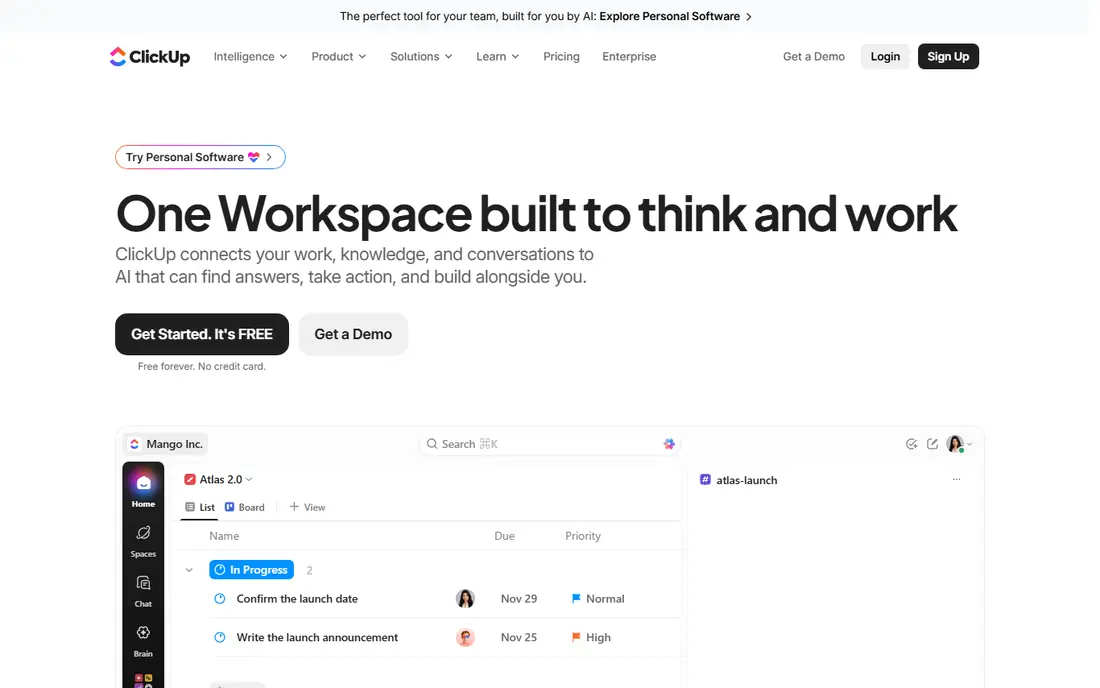
Pick ClickUp if this describes you: budget conscious teams that want Gantt charts plus docs, goals, and time tracking in one tool. The Unlimited plan costs $7 per user a month billed yearly, or $10 billed monthly, which is the lowest per-user starting price here. The Free Forever plan is genuinely usable for small teams.
Drawbacks to consider: some new accounts see the same level renamed Core at $9.
Some new accounts see the same level renamed Core at $9 per user a month billed yearly, so confirm the price shown at checkout before you buy. The free plan limits Gantt use to 60 uses, which is enough to test it but not enough to run a team on it long term. Price to start with ClickUp: $7 per user per month billed annually for Unlimited, checked 17 November. You can start on ClickUp without paying.
- Plenty of views including Gantt, docs, goals
- Lowest per-user starting price in this guide
- Gantt restricted to 60 uses on the free plan
Smartsheet
Ideal for: Teams that plan in spreadsheets and need Gantt charts with solid reporting
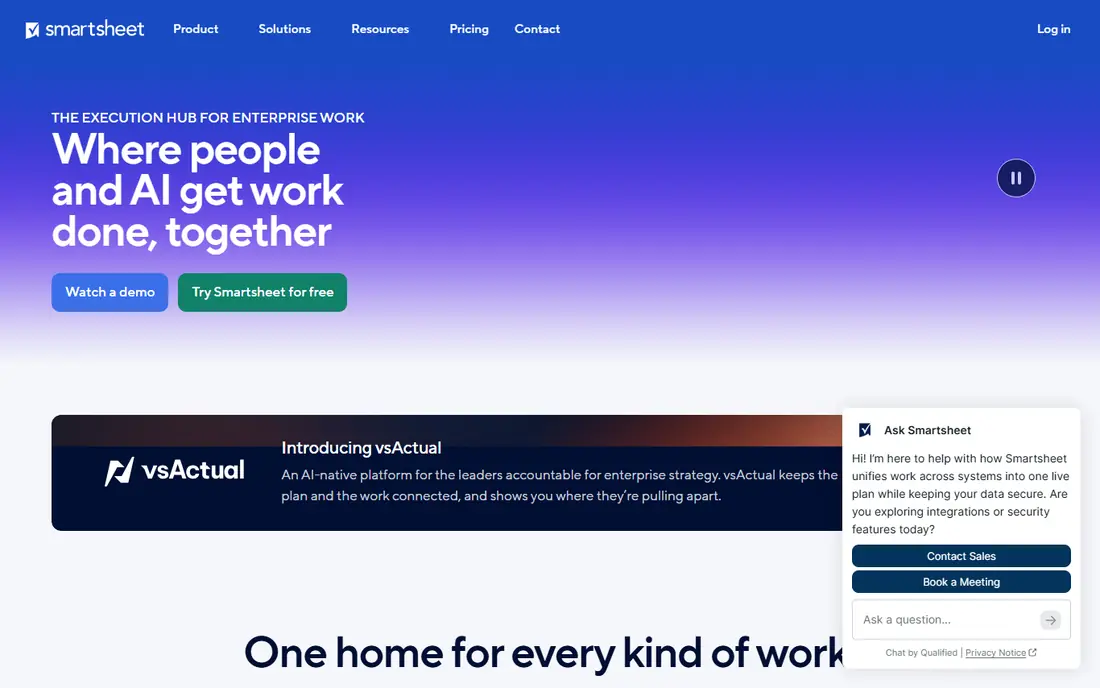
Smartsheet targets teams that plan in spreadsheets and need Gantt charts with capable reporting. Its grid interface looks like a spreadsheet, which makes it simple for teams that already plan in Excel or Google Sheets to adopt. The Gantt view sits on top of that grid without forcing a new way of working.
Where it shines: Spreadsheet style interface feels familiar.
Drawbacks to consider: the free plan closed to new signups on 28 Aug 2024; per-member pricing layers on up on large teams.
The central drawback is the lack of a free plan. On top of that, the Pro plan costs $9 per member a month billed yearly, or $12 billed monthly. It includes Gantt charts, dependencies, and critical path. As for the details, dashboards and reports are a real strength, and managers who oversee multiple projects at once will value the portfolio views. Smartsheet closed its free plan to new signups on 28 Aug 2024. So the only way to test it now is the 30-day free trial. Smartsheet cost at the entry level: $9 per member per month billed annually for Pro, checked 17 November. Free plan details: Free trial (30 days).
- Capable dashboards and reporting
- Well suited to portfolio level tracking
- No free plan
Wrike
Ideal for: Mid-sized teams that require structured project workflows with Gantt charts and approvals
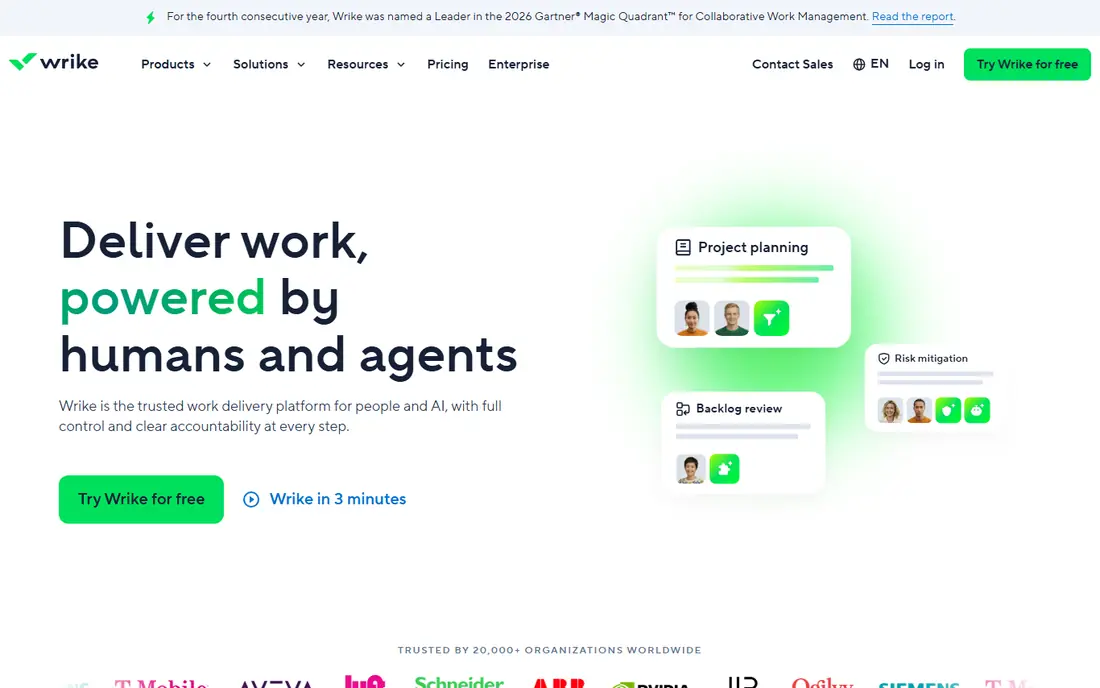
For mid-sized teams that require structured project workflows with Gantt charts and approvals, Wrike is a natural candidate. Its workflows, approvals, and request forms suit marketing, creative, and operations teams that run repeatable processes, and the Team plan at $10 per user a month billed yearly contains Gantt charts with dependencies and milestones. The free plan permits unlimited users, but it caps active tasks at 200 and does not bundle the Gantt view.
Strengths: unlimited users on the free plan.
Where it is weaker: per-user pricing brings up on large teams.
So it works as a trial rather than a long term free choice. Also, Wrike has a steeper ramp-up time than TeamGantt or Instagantt, since its workflow engine takes time to set up well. More specifically, the Team plan is restricted to between 2 and 15 users, so bigger teams must move to a higher level. What you pay to start with Wrike: $10 per user per month billed annually for Team, checked 17 November. Wrike includes a free tier.
- Capable workflow and approval features
- Gantt charts included on the Team plan
- Steeper ramp-up time than more straightforward tools
TeamGantt
Ideal for: Small to mid-sized teams that want a straightforward, visual Gantt chart
Where TeamGantt fits: small to mid-sized teams that want a simple, visual Gantt chart with flat pricing. TeamGantt is the most direct GanttPRO replacement here, since it does one thing well rather than trying to do everything.
What users get: dependencies and milestones included.
Trade-offs to know: restricted automation compared to monday.com or ClickUp. Beyond that, the Gantt chart is the home screen, not a view buried inside a bigger product, so timeline planners feel at home within minutes. The starting price for TeamGantt: $49 per month flat billed annually for Base, checked 17 November 2026. TeamGantt has a free plan.
- Clean and simple to read Gantt charts
- Workload view helps balance assignments
- Fewer built-in views than bigger products
monday.com
Ideal for: Teams that want Gantt charts inside a wide, visual work management product
For teams that want Gantt charts inside a wide, visual work management product, monday.com is a natural candidate. A team of 10 pays $120 a month on Standard, which is more than GanttPRO. But teams that use monday.com for multiple kinds of work frequently find the additional cost justified.
The main drawbacks: Gantt view begins at Standard at $12 per seat a month billed yearly.
Its boards are visual and simple to customise, and the system handles project tracking, team workflows, CRM, and reporting in one place. Beyond that, the main limit is the Gantt view. What you pay to start with monday.com: $9 per seat per month billed annually for Basic, checked 17 November. Free access exists with monday.com. Highlights: capable automations.
- Very visual and configurable boards
- Large integration library
- 3-seat minimum on premium plans
Asana
Ideal for: Teams that want proven task management with Timeline views and deep integrations
Think of Asana for teams that want proven task management with Timeline views and deep integrations. Asana's strength is its ecosystem, with hundreds of integrations from Slack and Google Drive to time tracking and reporting apps. The trade-off is that Asana is a task manager with a Gantt view.
So teams that want baselines and critical path analysis will find it lighter than GanttPRO. In practice, Asana is one of the most established names in project management. Its Starter plan at $10.99 per user a month billed yearly, or $13.49 billed monthly, contains the Timeline view, which is Asana's version of a Gantt chart. It supports dependencies, milestones, and date shifting, and it does well for teams that plan in tasks first and timelines second. Asana cost at the entry level: $10.99 per user per month billed annually for Starter, checked 17 November. Asana includes a free tier.
What to check first: free plan is restricted to 2 users.
- Mature and dependable task management
- Solid reporting on premium plans
- Advanced features like portfolios need higher levels
Instagantt
Ideal for: Asana users who want a proper Gantt chart on top
Instagantt is a good fit for Asana users who want a proper Gantt chart on top of their existing tasks. Asana users on up to 3 projects can use it free.
What to check first: restricted reporting compared to full products.
Worth adding: if you leave Asana, Instagantt loses its purpose. On cost, Instagantt starts like this: $10 per month billed annually for Individual, checked 17 November 2026. Instagantt includes a free tier.
- Syncs straight with Asana
- Cheapest premium plan in this guide
- Only handy if you use Asana
What separates the tools
The cheapest premium GanttPRO alternative is Instagantt at $10 per month billed yearly, followed by monday.com Basic and Smartsheet Pro at $9 per seat a month billed yearly. But per-seat pricing multiplies with your team whereas flat pricing does not. Worth adding: for a solo user, ClickUp at $7 per user a month billed yearly is the lowest per-seat price.
For a team of 10, TeamGantt at $49 a month flat undercuts every per-seat choice except ClickUp, and it beats GanttPRO itself at $80 per month for the same 10 seats.
What GanttPRO costs
GanttPRO Core costs $7 per user a month billed yearly for teams of 20 or more members, $8 for teams of up to 15, and $9 billed monthly. Also, there is no free plan, though a 14-day free trial is available and no card is required to start it. A team of 10 pays $80 a month on the annual plan, and a team of 20 pays $140 a month.
GanttPRO: more detail
Not all of them. On Asana, Gantt views start at the Starter plan, so the free Personal plan cannot display them. On Wrike, Gantt charts start at the Team plan, so the free plan cannot display them either.
Beyond that, if price is your primary reason for leaving GanttPRO, confirm the Gantt view is included in the level you plan to buy.
How the list was put together
Ainotely looked at what each vendor publishes: pricing, plan limits, feature coverage for GanttPRO and stated drawbacks. No hands-on testing is claimed. Treat prices as a snapshot: vendors change plans often, so check the vendor site for the figure that applies today. The order reflects how well each tool fits the most common buying scenario for GanttPRO, then price clarity, then free plan access. It is a starting point, not a verdict.
A buyer's checklist
- Prices are a starting point; ClickUp shows $7 per user per month billed annually for Unlimited, checked 17 November to start, so verify what your seat count would cost.
- Check what the free option really includes: ClickUp, Wrike, TeamGantt and others offer a free plan, and usage caps differ.
- Run a trial of Smartsheet with real work before paying for a year; your own workflow is the best test.
- Before choosing ClickUp, weigh its main limit: Gantt restricted to 60 uses on the free plan, interface can feel crowded, some new accounts see the same level renamed Core at $9.
- Compare total cost, not headline price: for Smartsheet, add extra seats, add-ons and any usage-based charges.
- Ask the daily users to test Wrike on a live task before you roll it out to everyone.
Frequently asked questions
Can I import my GanttPRO projects into these alternatives?
Yes. Dependencies, milestones, and baselines frequently need rebuilding by hand, since they do not always transfer cleanly.
Is ClickUp the right pick for everyone comparing GanttPRO?
No single tool suits every team. ClickUp comes first because it fits budget conscious teams that want Gantt charts plus docs, while Smartsheet suits teams that plan in spreadsheets and need Gantt charts with strong reporting and Wrike suits mid-size teams that need structured project workflows with Gantt charts and approvals. Match the tool to your own size, budget and workflow before deciding.
Which options for GanttPRO have a free plan?
6 of the 7 tools have a free plan, including ClickUp, Wrike, TeamGantt and monday.com. Free plans usually cap users, projects or features, so check the limits on the vendor page. One other tool offers a trial instead.
Does monday.com include Gantt charts on its cheapest plan?
No. monday.com comes with the Gantt view from the Standard plan at $12 per seat a month billed yearly, not on the Basic plan at $9 per seat a month billed yearly. Check the plan level before you buy.
How are the tools for GanttPRO ordered?
ClickUp sits first and Instagantt last because the order follows typical fit for GanttPRO, then price clarity and free access. It is a judgement call, so read each profile for fit and limits.
Can I try these tools before paying?
Often, yes. ClickUp, Wrike, TeamGantt and others have a free plan and Smartsheet offers a free trial. Use your own data and a real task during the test, and check what the free tier or trial limits before you rely on it.