GetFeedback Alternatives in 2026: 8 Tools Compared

- SurveyMonkey and Typeform suit most feedback surveys, with easy setup and strong templates.
- Qualtrics and Medallia suit enterprises that need experience management at scale.
- Jotform and Survicate cover forms and website feedback at lower cost.
- Hotjar and AskNicely add behavior insights and customer health scores alongside surveys.
Quick comparison
| Product | Ideal for | Price from | Free version | |
|---|---|---|---|---|
 SurveyMonkey | General surveys | See website | Yes | Visit |
 Typeform | Engaging surveys | See website | Yes | Visit |
 Qualtrics | Enterprise experience | See website | Free trial | Visit |
 Jotform | Forms and surveys | See website | Yes | Visit |
 Survicate | Website and product feedback | See website | Free trial | Visit |
 Hotjar | Behavior plus feedback | See website | Yes | Visit |
 Medallia | Enterprise experience management | See website | No | Visit |
 AskNicely | NPS and customer health | See website | Free trial | Visit |
The best GetFeedback alternatives
We compared official feature pages, pricing pages, and app-store listings for feedback and survey tools available in October 2026. The list covers general surveys, website feedback, and enterprise experience platforms, since GetFeedback users range from small teams to large companies.
SurveyMonkey
Ideal for: General surveys
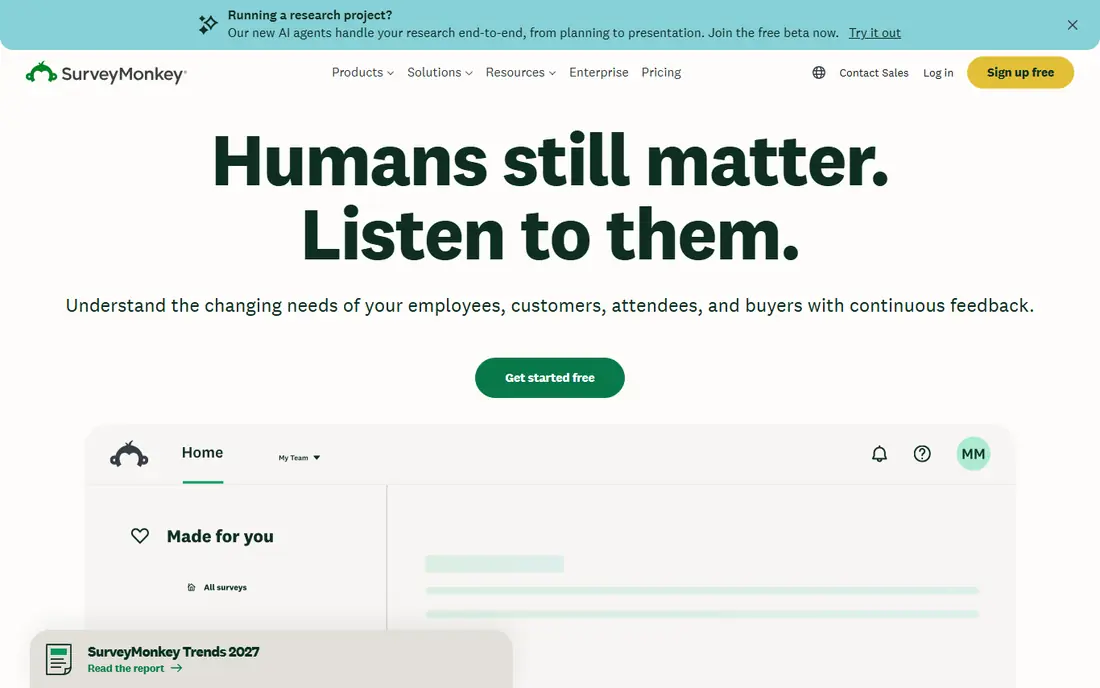
SurveyMonkey is one of the most widely used survey tools, with templates for customer satisfaction, employee feedback, market research, and more. Surveys can be shared by link, email, or embed, and reporting includes filters, charts, and exports. AI features can help draft questions and summarize results.
Advanced logic, integrations, and team features sit on higher plans, and costs grow with seats. For a team that needs reliable surveys with strong templates and reporting, SurveyMonkey remains a safe default.
- Large template library
- Easy sharing
- Strong reporting and analysis
- Advanced features need higher plans
- Pricing can grow with seats
Typeform
Ideal for: Engaging surveys
Typeform presents surveys one question at a time in a conversational flow, which often lifts completion rates compared with long forms. It offers attractive templates, logic jumps, and integrations with tools such as Slack, HubSpot, and Google Sheets. Video and image questions add variety.
The free plan limits monthly responses, and paid plans cost more than basic form builders. For a brand that cares about survey experience and completion rates, Typeform's design is worth the cost.
- Conversational one-question flow
- Attractive design
- Logic and integrations
- Free plan limits responses
- Pricing is higher than simple form tools
Qualtrics
Ideal for: Enterprise experience
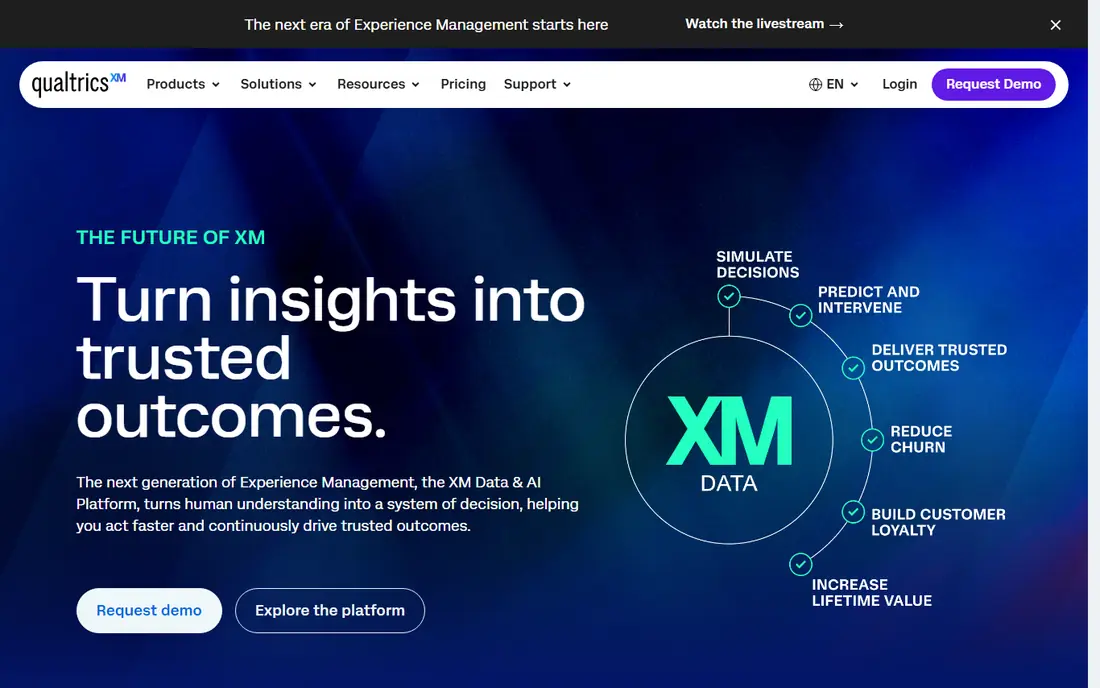
Qualtrics is an experience management platform covering customer, employee, product, and brand experience. It offers advanced survey logic, text analytics, dashboards, and integrations across CRM, support, and HR systems. Large companies use it to run feedback programs across many teams and channels.
Pricing is quote-based and setup takes time, so it suits enterprises better than small teams. For a large organization that needs a full experience program, Qualtrics is the most capable platform here.
- Deep experience management
- Advanced logic and analytics
- Many integrations
- Pricing is quote-based
- Setup and learning curve are steep
Jotform
Ideal for: Forms and surveys
Jotform is a form builder with thousands of templates for surveys, registrations, orders, and approvals. Its drag-and-drop builder supports logic, payments, and e-signatures, and results feed into tables and reports. A free tier covers basic use with monthly submission limits.
Survey analytics are simpler than dedicated survey tools, and the free plan shows Jotform branding. For a team that needs forms plus surveys in one tool, Jotform's breadth and price are strong.
- Huge template library
- Drag-and-drop builder
- Payments and approvals
- Survey analytics are simpler than SurveyMonkey
- Branding limits on free plan
Survicate
Ideal for: Website and product feedback
Survicate runs surveys on websites, in emails, in mobile apps, and inside products, with targeting based on visitor behavior, page, or user traits. It integrates with HubSpot, Intercom, and other tools, so feedback can flow into CRM and support records. NPS, CSAT, and CES templates cover common feedback metrics.
The template library is smaller than SurveyMonkey's, and pricing scales with responses. For a product or marketing team that wants feedback where users actually are, Survicate's targeting is a clear strength.
- Website, email, and in-product surveys
- Targeting by visitor behavior
- HubSpot integration
- Smaller template library than SurveyMonkey
- Pricing is per responses
Hotjar
Ideal for: Behavior plus feedback
Hotjar combines behavior analytics with feedback tools. Heatmaps and session recordings show how visitors use a site, while surveys and feedback widgets collect direct answers. A free tier covers basic use, and setup takes minutes with a tracking script.
Survey logic and reporting are simpler than SurveyMonkey or Qualtrics. For a team that wants to see behavior and hear feedback in one tool, Hotjar's combination is hard to match at its price.
- Heatmaps and recordings plus surveys
- Free tier
- Easy setup
- Survey features are simpler than dedicated tools
- Session limits on lower plans
Medallia
Ideal for: Enterprise experience management
Medallia is an enterprise experience management platform that collects feedback across web, mobile, contact center, and in-store channels. Its AI text analytics surface themes from open feedback, and dashboards track experience metrics across locations and teams. Large brands use it to run company-wide feedback programs.
Pricing is quote-based and implementation takes time, so Medallia suits enterprises. For a large company that needs feedback from many channels in one system, Medallia is a leading choice.
- Enterprise feedback at scale
- AI text analytics
- Many channel integrations
- Pricing is quote-based
- Implementation needs time and expertise
AskNicely
Ideal for: NPS and customer health
AskNicely focuses on Net Promoter Score and customer health for service teams. It sends NPS surveys, routes feedback to frontline staff, and supports coaching workflows so teams can follow up with detractors. Integrations with Salesforce, HubSpot, and other CRMs keep feedback tied to customer records.
The focus is narrower than a general survey tool, so complex research surveys fit elsewhere. For a service business that lives by NPS and frontline follow-up, AskNicely's workflow is a strong fit.
- NPS surveys with workflows
- Frontline coaching
- CRM integrations
- Focused on NPS and service teams
- Less general survey depth
How we picked these
We compared official feature pages, pricing pages, and app-store listings for feedback and survey tools available in October 2026. We favored tools with current products, clear feedback use cases, and a range of prices, from free tiers to enterprise platforms. We also weighed response handling, CRM integrations, and privacy controls, since a survey tool is only useful if results get read and acted on. We did not include our own product in this list.
How to choose a GetFeedback alternative
Start with your feedback channel. Website and product feedback points to Survicate or Hotjar, while email and link surveys point to SurveyMonkey, Typeform, or Jotform. Enterprise programs point to Qualtrics or Medallia, while service teams focused on NPS point to AskNicely.
Then check response limits and integrations. A tool that feeds results into your CRM or support system saves manual work, and a free tier that covers your volume saves money. Run one real survey end to end, from design to reporting, before rolling a tool out to a whole team.
Survey tools fail most often on response rates and question design, not features. Before choosing, test a survey with real respondents and watch completion rates: a long survey with unclear questions will disappoint no matter how good the analytics look. Keep surveys short, ask one thing per question, and avoid leading wording that pushes answers in a direction. Also check how results flow into your other tools: a survey that feeds your CRM or support system gets acted on, while a survey that lives in a separate dashboard gets forgotten. Privacy matters too, since feedback often includes personal details. Confirm data handling, retention, and consent options, especially for employee surveys where anonymity affects honesty. Finally, close the loop: tell respondents what changed because of their feedback. Teams that report back get higher response rates next time, which makes every future survey more useful.
Another point worth checking is how each tool handles survey distribution and reminders. A tool that sends surveys by email, link, and website widget covers more respondents than one limited to a single channel, and reminder scheduling affects response rates directly. Test the respondent experience on a phone, since many people answer surveys on mobile, and a form that is awkward on a small screen will lose completions. Also confirm that results update in real time and that you can filter by segment, such as plan type or region, without exporting to a spreadsheet. Those everyday reporting features matter more than advanced analytics for most teams, because they decide whether feedback gets reviewed weekly or forgotten.
Frequently asked questions
What is the best GetFeedback alternative?
SurveyMonkey suits most teams for general surveys, while Typeform suits brands that want higher completion rates. Qualtrics and Medallia suit enterprises, and Survicate or Hotjar suit website and product feedback.
Is SurveyMonkey free?
SurveyMonkey offers a free tier with basic surveys and limited responses, while paid plans add logic, branding removal, and advanced reporting. For small surveys, the free tier may be enough.
What is the difference between Qualtrics and Medallia?
Both are enterprise experience platforms, but Qualtrics covers a broader research and experience range, including employee and brand experience. Medallia focuses on customer experience across many channels with strong text analytics.
Can Hotjar replace a survey tool?
Hotjar covers basic surveys and feedback widgets plus behavior data, which suits many website teams. For complex survey logic and deep reporting, a dedicated tool such as SurveyMonkey or Qualtrics fits better.
What is NPS?
Net Promoter Score asks customers how likely they are to recommend a company, on a scale of 0 to 10. Respondents are grouped as promoters, passives, or detractors, and the score is promoters minus detractors. AskNicely and other tools automate NPS collection and follow-up.
How many questions should a feedback survey have?
Shorter is usually better. For a quick satisfaction check, five to ten questions is a good range, while a research survey can run longer if respondents have a reason to finish it. Completion rates drop as surveys grow, so cut any question you will not act on. Use a mix of rating questions for tracking and one open question for detail, since open answers often reveal problems that ratings miss. Pilot the survey with a small group first and time it, so you know the real burden before sending it widely.