Best Gladly Alternatives in 2026: 7 Customer Service Platforms Compared

- Zendesk and Freshdesk suit teams that want full helpdesk platforms with tickets and automation.
- Intercom and Front suit teams that want conversational support across channels.
- Help Scout suits small teams that want simple, email-first support.
- Kustomer and Zoho Desk suit teams that want CRM-linked support at different price points.
- Check channel coverage, since some tools lead on chat while others lead on email or voice.
Quick comparison
| Product | Ideal for | Price from | Free version | |
|---|---|---|---|---|
 Zendesk | Full helpdesk platform | See website | Free trial | Visit |
 Freshdesk | Affordable helpdesk | See website | Yes | Visit |
 Intercom | Conversational support | See website | Free trial | Visit |
 Help Scout | Simple email-first support | See website | Free trial | Visit |
 Kustomer | CRM-linked support | See website | Free trial | Visit |
 Front | Shared inbox support | See website | Free trial | Visit |
 Zoho Desk | Affordable omnichannel support | See website | Yes | Visit |
The best Gladly alternatives
Gladly is a customer service platform that centers support around the customer, not tickets, across chat, email, voice, and social channels. The tools below cover similar omnichannel support, from full helpdesks to conversational platforms. We compared official feature pages, pricing pages, and public documentation.
Zendesk
Ideal for: Full helpdesk platform
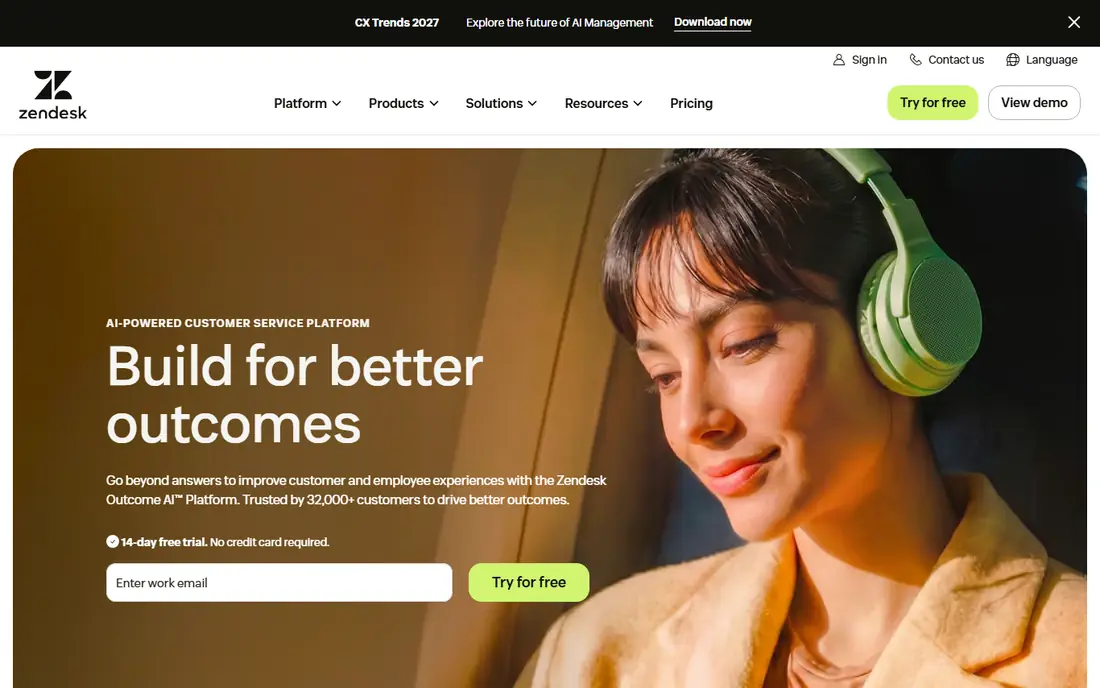
Zendesk is the most widely used helpdesk platform, covering tickets, live chat, email, voice, and social support with automation and analytics. Its app marketplace extends it into CRMs, ecommerce, and reporting tools, which suits growing support teams. That breadth makes it a safe default for many companies.
Pricing grows with add-ons, and complex workflows need setup time. For a team that wants a full, proven helpdesk, Zendesk is our pick for breadth. Trial it with your busiest support channel first.
- Full helpdesk with tickets, automation, and analytics
- Broad channel coverage
- Large app marketplace
- Pricing rises with features
- Setup takes time for complex workflows
Freshdesk
Ideal for: Affordable helpdesk
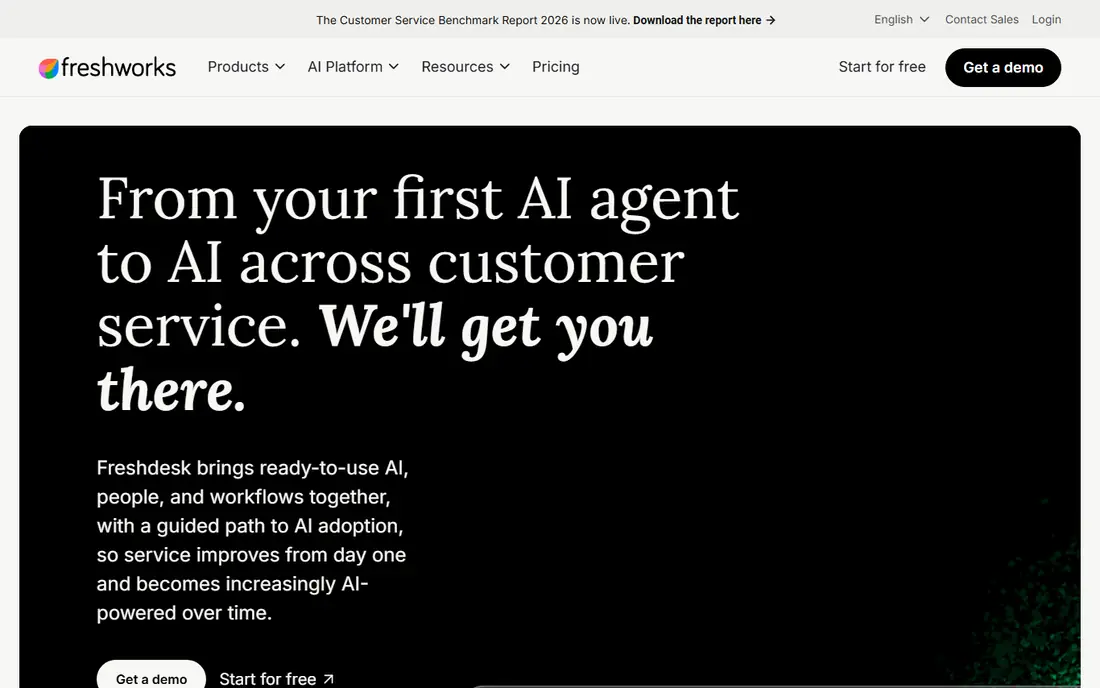
Freshdesk, from Freshworks, offers ticketing, automation, live chat, and AI assistance at prices below many rivals, with a free tier for small teams. Its features suit startups and mid-size teams that need a proper helpdesk without enterprise cost. Integrations cover CRMs, ecommerce, and communication tools.
Higher tiers include the deepest AI and analytics. For an affordable, full-featured helpdesk, Freshdesk is a strong pick. Its free tier supports small support teams well.
- Affordable helpdesk with tickets, automation, and AI features
- Free tier for small teams
- Good integrations
- Advanced AI and analytics sit on higher tiers
- Interface can feel busy
Intercom
Ideal for: Conversational support

Intercom focuses on conversational support: live chat, bots, product tours, and help centers that guide users before they contact support. SaaS teams use it to automate common answers and route complex cases to agents. Its AI answers and automation suit high-volume chat support.
Pricing scales with contacts, and traditional ticket depth is thinner than Zendesk. For a SaaS team that wants chat-first support, Intercom is a strong pick. Trial its AI answers on your top support questions.
- Conversational support with chat, bots, and help center
- Strong automation and AI answers
- Good for SaaS teams
- Pricing scales with contacts and features
- Ticket depth is thinner than Zendesk
Help Scout
Ideal for: Simple email-first support
Help Scout offers a simple shared inbox for email support, beside docs, live chat, and reporting, in a clean interface that small teams learn quickly. Its focus on email-first support suits businesses whose customers mainly write in, rather than call. That simplicity keeps support personal and fast.
Large omnichannel operations with heavy voice needs may need Zendesk or Kustomer. For a small team that wants simple, human support tools, Help Scout is a good pick. Trial it with your main support inbox.
- Simple shared inbox with docs and chat
- Clean interface
- Good for small support teams
- Less depth for large omnichannel operations
- Fewer voice features than Zendesk
Kustomer
Ideal for: CRM-linked support
Kustomer, like Gladly, centers support around the customer timeline rather than isolated tickets, showing every conversation, order, and note in one view. Its omnichannel coverage includes chat, email, voice, and social, with automation and AI tools for agents. That customer view suits ecommerce and service teams with repeat customers.
Pricing sits above budget helpdesks, and full CRM integration needs setup. For a team that wants Gladly-style customer-centric support, Kustomer is the closest pick here. Ask for a demo with your customer data model.
- Customer-centric support with CRM timeline views
- Omnichannel conversations
- Automation and AI features
- Pricing is higher than Freshdesk
- Setup takes time for full CRM integration
Front
Ideal for: Shared inbox support
Front unifies email, chat, SMS, and social messages into shared inboxes with assignments, automation, and analytics for support teams. Its integrations with CRMs and helpdesks suit teams that handle support beside sales and operations mail. That shared inbox model keeps collaboration simple.
Dedicated helpdesk reporting and ticket workflows are thinner than Zendesk. For a team that wants shared inbox support across channels, Front is a strong pick. Trial it with one support queue first.
- Shared inboxes for email, chat, and SMS with assignments and automation
- Strong integrations
- Scalable for teams
- Less dedicated helpdesk reporting than Zendesk
- Pricing is per user
Zoho Desk
Ideal for: Affordable omnichannel support
Zoho Desk offers an affordable omnichannel helpdesk with tickets, live chat, email, social, and telephony integrations, plus automation and AI assistance on higher tiers. Its free tier suits small teams, while paid tiers add depth. Zoho users get extra value from shared data across apps.
The interface can feel crowded, and AI depth lags Intercom. For an affordable omnichannel helpdesk, Zoho Desk is a good value pick. Check current free tier limits for agents and tickets.
- Affordable omnichannel helpdesk with tickets, chat, and automation
- Free tier available
- Zoho integrations
- Interface can feel busy
- Advanced AI features need higher tiers
How we picked these
We compared official feature pages, pricing pages, and public documentation, looking for omnichannel support, ticketing, or shared inbox features that match Gladly. We favored platforms that are actively maintained and work in October 2026, and we mixed full helpdesks with conversational tools. We did not claim hands-on testing, and we note that pricing is often per agent, so model costs for your support team size.
We also weighed practical details that matter after signup. That included how easy each product is to set up, whether support answers promptly, and whether pricing stays clear as usage grows. We read user complaints as well as praise, since repeated complaints about billing, onboarding, or missing features often signal a real weakness. Where a product had a known limitation, we said so in its write-up rather than smoothing it over. Our goal was a shortlist that a reader can trust for gladly alternatives, not a list of every vendor in the market. Readers with unusual needs should still test their top two choices, since fit depends on budget, team size, and the features used every day.
What to check before you choose
Start with your main support channels: email, chat, voice, or social. Each tool leads on different channels, and buying a chat-first tool for an email-heavy team wastes money. List must-haves such as automation, AI answers, CRM integration, or reporting, and test each tool against them.
Next, trial with real support tickets. Check agent workflow speed, customer view completeness, and automation reliability under volume. Also confirm data export and integration with your CRM and ecommerce tools, since support data should flow into customer records. A trial with your actual ticket types will reveal fit.
Testing your shortlist before you commit
A short trial answers questions that no comparison table can settle. Sign up for your top two choices, run a real task from your own work, and watch how long it takes and where you get stuck. For gladly alternatives, that real task might be a weekly workflow you repeat, a report you need every month, or a setup step your team must repeat for new members. If a tool slows that task down, it will cost time every week, no matter how good its feature list looks.
Pay attention to support during the trial as well. Send a question through the normal support channel and note how long a useful answer takes. Check billing clarity too: confirm what the trial includes, when it ends, and what the first paid invoice will actually show. A tool that is hard to cancel, or that hides fees until checkout, deserves caution.
Finally, ask who else on your team must use the tool. A product that only one person likes will stall, while a product the whole team adopts will pay for itself. Gather quick feedback from the people who will use it daily, compare their notes with your own, and then choose. That small amount of trial discipline prevents most bad purchases, and it costs far less than switching tools again in six months.
Budgeting the full cost, not just the headline price
Headline prices rarely tell the full story. Add up per-user fees, add-on charges, implementation help, and any training your team needs, then compare that total across your shortlist. A cheaper plan that needs three paid add-ons can end up costing more than a fuller plan from a rival. Check renewal terms as well, since introductory discounts often expire after the first term and the second year price is the one you will actually live with.
Think about exit costs too. Before you commit, confirm how your data exports, whether your content or history moves cleanly, and what happens if you pause or cancel. A tool with clean exports gives you freedom later, while a tool that locks data in makes switching painful. Choosing with the full cost and the exit path in mind keeps your gladly alternatives decision sound for the long term, not just for the first month.
Frequently asked questions
What does Gladly do?
Gladly is a customer service platform that organizes support around the customer, showing all conversations across chat, email, voice, and social in one timeline, rather than separate tickets.
Which Gladly alternative is closest to Gladly?
Kustomer is closest in philosophy, with customer timeline views and omnichannel support. Zendesk and Freshdesk offer broader helpdesk depth with a more ticket-centered model.
Which alternative is best for small teams?
Freshdesk, Help Scout, and Zoho Desk suit small teams best, with free tiers or affordable plans. Help Scout leads on simplicity, while Freshdesk leads on helpdesk breadth.
How is customer service pricing set?
Most tools charge per agent per month, with tiers for channels, automation, and AI features. Check agent minimums and included channels before subscribing.
Can these tools handle voice support?
Yes, most offer voice integrations or built-in calling, with Zendesk, Kustomer, and Zoho Desk offering stronger voice options. Confirm voice pricing and call quality during trials.