Best Google Gemini Meeting Notes Alternatives

- Otter Pro costs $8.33 per user per month on annual billing, the lowest entry price in this guide, with 1,200 transcription minutes a month.
- Fathom gives unlimited recordings and transcriptions on its free plan, which no other tool here matches.
- Fireflies, Read AI and MeetGeek all publish per-seat prices between $10 and $16 a month on annual billing, so a five-person team costs $50 to $80 a month.
- Gemini notes stay inside Google Meet and Google Docs, while every alternative here works across Zoom, Meet and Teams.
- Watch the free-plan caps: Otter limits Basic to 300 minutes a month, Read AI to five meetings a month, and MeetGeek Basic to three hours a month.
Quick comparison
| Product | Ideal for | Price from | Free version | |
|---|---|---|---|---|
 Otter.ai | Cheapest entry price for one person | $8.33 per user/month (billed annually) | Yes | Visit |
 Fireflies.ai | Teams that want wide integrations | $10 per seat/month (billed annually) | Yes | Visit |
 Fathom | Best free plan with unlimited recordings | $16 per month (billed annually) | Yes | Visit |
 Read AI | Meeting reports with coaching metrics | $15 per user/month (billed annually) | Yes | Visit |
 MeetGeek | Automated follow-up after meetings | $15.99 per user/month (billed annually) | Yes | Visit |
 Grain | Sales teams that clip and share calls | $15 per user/month (billed annually) | Yes | Visit |
 tl;dv | Simple recording with AI summaries | $18 per seat/month (billed annually) | Yes | Visit |
 Avoma | Revenue teams that need CRM sync | $19 per recorder seat/month (billed annually) | Free trial (14 days) | Visit |
The best Google Gemini meeting notes alternatives
Otter.ai
Ideal for: Cheapest entry price for one person
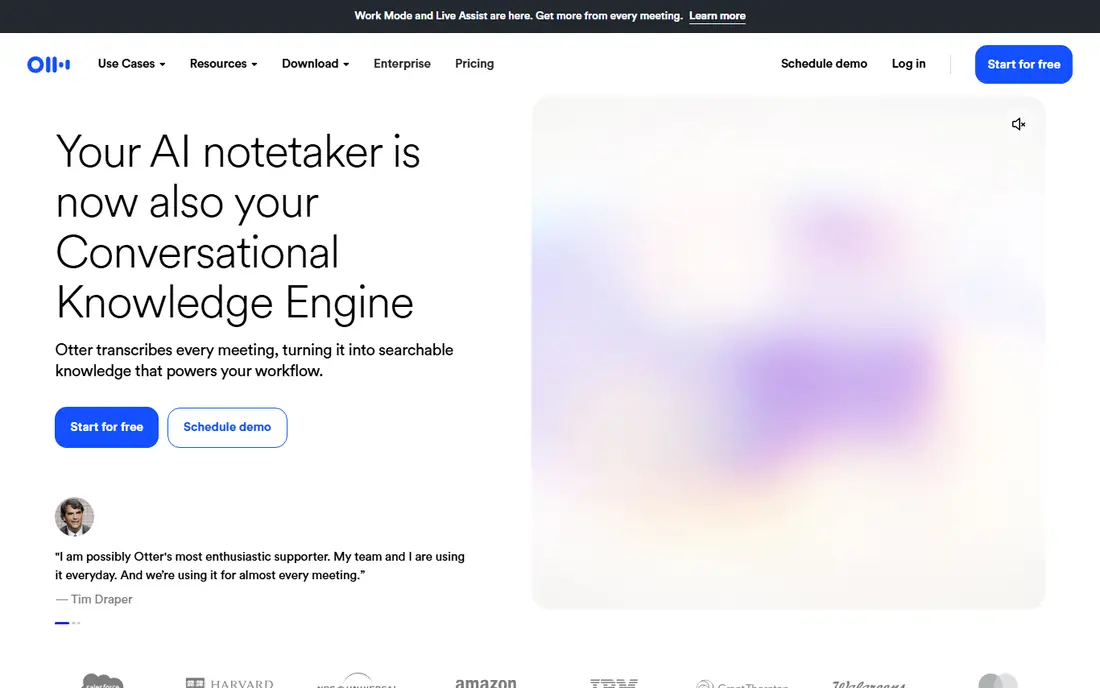
Otter.ai joins Zoom, Microsoft Teams and Google Meet as a bot, transcribes the call live, and writes a summary with action items and an outline. The free Basic plan covers 300 transcription minutes a month with a 30-minute cap per conversation, which is enough to test the product on short calls. Pro raises the limit to 1,200 minutes a month, allows 90-minute meetings, adds 10 audio or video file imports a month, and opens advanced search and templates.
Otter AI Chat is the feature that sets Otter apart from Gemini notes. It answers questions across every meeting in your history, so you can ask what was decided about a client last month without opening each transcript. The trade-off is the Pro workspace cap: five billed users is a hard limit, and Business is the only way past it. Otter charges per user, so a team that only needs one notetaker seat can stay cheap.
- Lowest entry price in this guide at $8.33 per user per month on annual billing
- Otter AI Chat searches across full meeting history
- Pro caps a workspace at five billed users, so a team of six must move to Business at $19.99 per user per month
Fireflies.ai
Ideal for: Teams that want wide integrations
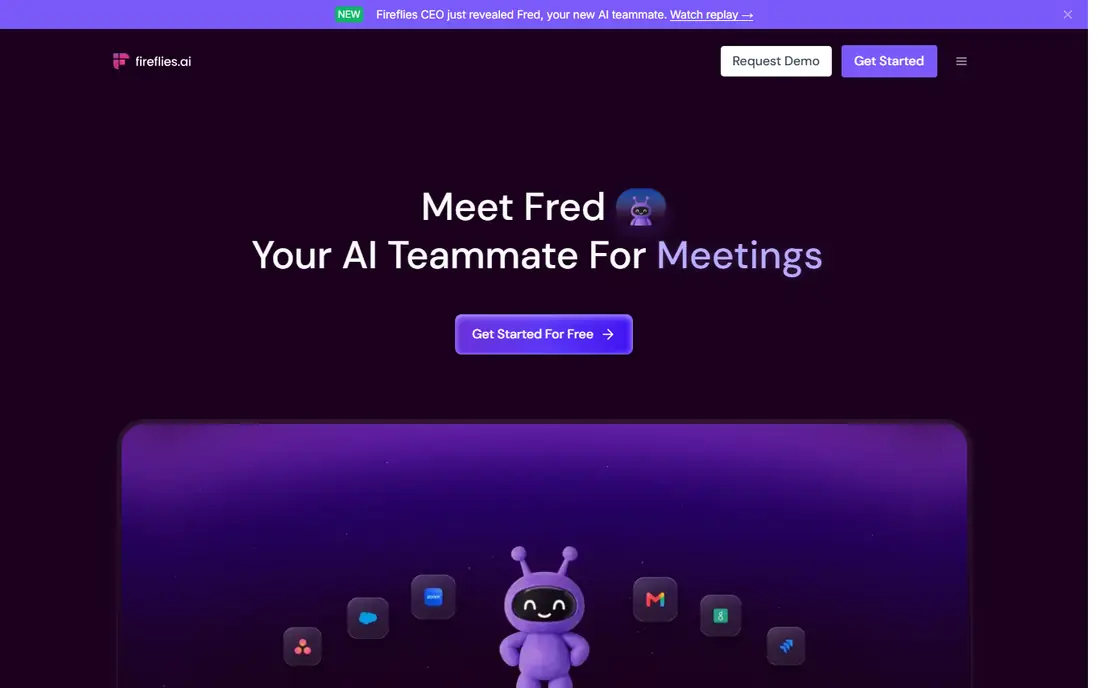
Fireflies.ai joins calls on Zoom, Google Meet and Microsoft Teams, transcribes in more than 100 languages, and sends the notes to the tools your team already uses. The free plan includes unlimited transcription with 400 minutes of storage per team and limited AI summaries, which is a fair way to try the product. Pro costs $10 per seat per month on annual billing and adds unlimited AI summaries, video recording, downloads, 8,000 minutes of storage per seat, and unlimited integrations.
Fireflies fits revenue teams because it tracks topics, keywords and speaker talk time, and it can push notes into a CRM after each call. The limit to plan around is the AI credit meter: Pro includes 20 AI credits, and heavy use of AI summaries and assistants can burn through them.
- Transcription in more than 100 languages with Zapier, Slack, Notion, HubSpot and Salesforce integrations
- Pro adds video recording and downloads
- AI features run on a credit meter, with 20 AI credits on Pro, and extra credits are bought separately
Fathom
Ideal for: Best free plan with unlimited recordings
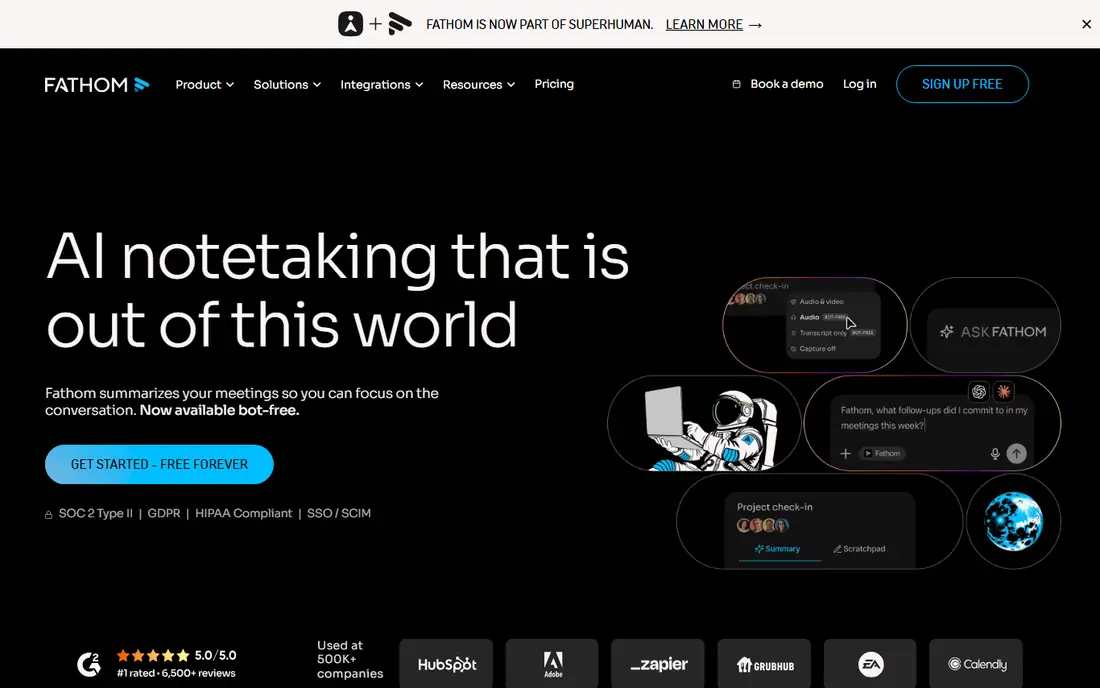
Fathom records Zoom, Google Meet and Microsoft Teams calls and produces instant AI summaries, with a choice of bot capture or bot-free recording on Mac. The free plan is the most generous in this guide: unlimited recordings, transcriptions and storage, plus clips, playlists and search across calls. Advanced AI summaries are limited to the first five calls each month on the free plan. Premium costs $16 per month on annual billing and adds advanced summaries on every call, AI action items, AI follow-up emails, and Ask Fathom, a chat assistant for your calls.
Fathom suits individuals and small teams that want good notes without paying, and the Team plan at $15 per user per month on annual billing adds a shared workspace, folders and keyword alerts. The catch is CRM sync: on Free and Premium it is limited to three users per email domain, so a sales team of ten cannot sync everyone without moving to Team or Business. Fathom also focuses on notes rather than conversation intelligence, so it has no deal scoring or coaching metrics.
- Free plan includes unlimited recordings, transcriptions and storage
- Premium adds AI action items and a conversational meeting assistant
- CRM sync on Free and Premium is limited to three users per email domain, which blocks larger teams from syncing
Read AI
Ideal for: Meeting reports with coaching metrics
Read AI joins Zoom, Microsoft Teams and Google Meet and writes a meeting report with a summary, topics, action items and key questions, plus a transcript by speaker. The free plan covers five meeting reports a month with meetings up to one hour, which is enough for a light user. Pro costs $15 per user per month on annual billing and adds unlimited meeting transcripts, meetings up to four hours, 100 minutes of file uploads a month, premium integrations with Notion, Salesforce, HubSpot, Jira, Confluence and Zapier, and access to Claude and GPT models inside Ask Read.
Read AI stands out for coaching: each report includes a personal meeting coach with metrics on talk speed, filler words and engagement. The drawback is playback. Pro has no audio or video playback, so if you want to rewatch a call you need Enterprise at $22.50 per user per month on annual billing, which also requires a five-license minimum on the top tier.
- Meeting reports include speaker coaching metrics such as talk speed and filler words
- Pro gives unlimited meeting transcripts
- Audio and video playback is locked behind Enterprise at $22.50 per user per month, so Pro users cannot watch their own recordings
MeetGeek
Ideal for: Automated follow-up after meetings
MeetGeek records Zoom, Google Meet and Microsoft Teams with a bot or bot-free capture, then writes an AI summary, detects action items, and can send personalised follow-up emails after the call. The free Basic plan covers three hours of transcription a month with three months of transcript storage. Pro costs $15.99 per user per month on annual billing and raises the limit to 20 hours a month, with one year of transcript storage, meeting templates, automatic meeting type detection, and unlimited integrations.
MeetGeek fits teams that want the work after the meeting handled for them: follow-up emails, CRM updates and workflow automation through Zapier, Make and n8n. The limit is the Pro transcription cap. Twenty hours a month is about one hour a working day, so a manager in back-to-back calls will hit it and need Business at $27 per user per month for unlimited transcription. Storage is also time-boxed on the lower plans, with audio kept for one month on Basic and six months on Pro.
- AI follow-up emails and chat with tools through Zapier, Make and n8n
- Automatic meeting type detection with custom templates
- Pro caps transcription at 20 hours a month, so heavy users must move to Business at $27 per user per month for unlimited transcription
Grain
Ideal for: Sales teams that clip and share calls
Grain records meetings on Zoom, Google Meet, Microsoft Teams, Webex and Slack huddles, then writes AI notes, next steps and a recap, with no bot required on calls. The free plan lets individuals try AI notes, while the Starter plan at $15 per user per month on annual billing adds longer meetings and full history. Grain is built for sharing: you can clip a moment from a call, add it to a playlist, and send it to a colleague or a customer, which suits sales and research teams that pass voice-of-customer clips around.
Grain also plugs into Claude and ChatGPT, so a shared workspace can act as meeting memory for AI assistants. The limit is the seat model. Free viewer seats can watch and comment on shared meetings, but only users holding a recording seat can record, upload or import, so a team where everyone records pays for everyone. Business also needs at least two recording seats, and the deeper coaching and custom follow-up features sit on the higher plans.
- Clips and highlights make it easy to share key moments from a call
- Works across Zoom, Meet, Teams, Webex and Slack huddles
- Only users on a recording seat can record, upload or import meetings, so viewers cannot capture calls without a licence
tl;dv
Ideal for: Simple recording with AI summaries
tl;dv records meetings on Zoom, Google Meet and Microsoft Teams, transcribes them, and writes AI summaries with action items and timestamps so you can jump to the moment that matters. The free plan covers core recording and transcription at $0 with no credit card required. Pro costs $18 per seat per month on annual billing and adds the full AI feature set, while Business at $29 per seat per month is the popular team plan and includes unlimited AI features with no usage-based AI fees.
tl;dv suits teams that want a simple tool: record, summarise, share, done. It does not try to be a conversation intelligence platform, so there is no deal scoring or coaching. The cost to watch is per-seat pricing. At $18 a seat, a ten-person team pays $180 a month on annual billing, and the free plan keeps AI summaries limited, so most teams will need to pay. Enterprise is custom priced for larger organisations that want a demo and a negotiated contract.
- Clean recording and summary workflow for Zoom, Meet and Teams
- Business adds unlimited AI features with no usage-based AI fees
- The free plan limits AI-generated summaries, and the per-seat price rises fast once a whole team needs Pro
Avoma
Ideal for: Revenue teams that need CRM sync
Avoma is an AI meeting assistant built for revenue teams, with automatic recording, real-time transcription, AI summary notes, and a scheduler for one-to-one meetings. The Startup plan costs $19 per recorder seat per month on annual billing and includes unlimited AI meeting assistance, unlimited transcription, AI email follow-ups, and automatic saving of notes to CRM records. Viewers and collaborators are always free, so a whole company can watch recordings without paying for each person.
Avoma fits teams that run their pipeline through a CRM, because notes, topics and action items land on the right account, opportunity or contact record. The trade-off is the seat model and the add-ons. Startup allows up to 25 recorder seats, and the conversation intelligence add-on, with AI call scoring, coaching recommendations and smart trackers, costs $29 per seat per month on annual billing on top of the base plan. There is no free plan, only a 14-day free trial of the Organization plan.
- Only recorder seats are charged, while viewers and collaborators are free
- Native CRM sync with Salesforce, HubSpot, Zoho, Pipedrive and Copper
- Startup caps at 25 recorder seats, and conversation intelligence costs $29 per seat per month extra as an add-on
How we chose
We compared vendor pricing pages, product pages and documentation for all eight tools on 11 November 2026, using the annual billing figure where a vendor shows both rates. We compared support for Zoom, Meet and Teams, live transcription, AI summaries, action items, cross-meeting search, CRM sync, free-plan limits, and per-seat cost. We did not run hands-on tests, so feature claims here come from vendor documentation.
What to check before you buy
Check which meetings the tool can join first. Gemini notes only work inside Google Meet, so if your team also uses Zoom or Teams you need a tool that covers all three, and you should confirm whether it joins as a visible bot or records without one. Check the free-plan limits in minutes, meetings or AI summaries, because a generous free plan can still run out mid-month. Ask whether the price is per user or per recorder seat, and whether viewers are free, since that changes the bill for a large team.
Check what happens to your data. Confirm how long transcripts and recordings are stored, whether the vendor trains AI models on your meeting data, and whether SSO and data retention controls sit on a higher plan. Then run a trial with real meetings, and compare summary quality and action items against the per-seat cost.
| Team size and budget | Best fit | Why | Watch out | | 1 person, under $120 a year | Otter Pro, Fathom Free | Otter Pro is $99.96 a year on annual billing, and Fathom Free costs nothing | Otter Pro caps at five billed users, Fathom Free limits advanced summaries to five calls a month | | 2 to 5 people, $500 to $1,000 a year | Fireflies Pro, Read AI Pro | $10 and $15 per seat a month on annual billing, with CRM integrations | Fireflies AI credits and Read AI playback limits | | 5 to 20 people, $1,000 to $5,000 a year | Fathom Team, MeetGeek Pro | Team workspaces, shared folders and keyword alerts | Fathom CRM sync limits on lower plans, MeetGeek 20-hour Pro cap | | 20 to 100 people, $5,000 to $25,000 a year | Grain Business, Avoma Organization | Shared meeting memory and CRM field sync | Grain charges per recording seat, Avoma add-ons cost extra | | 100 or more people, over $25,000 a year | Avoma Enterprise, Fireflies Enterprise | SSO, SCIM, custom retention and dedicated support | Enterprise pricing is custom, so get the quote in writing |
Frequently asked questions
What does Google Gemini meeting notes do?
Gemini in Google Meet offers a Take notes for me feature that writes notes during the call and saves them to Google Docs. It works only inside Google Meet, only for users on a Workspace plan that includes Gemini, and it does not join Zoom or Teams calls, sync notes to a CRM, or search across past meetings.
Which Gemini alternative is cheapest?
Otter Pro is the cheapest option in this guide at $8.33 per user per month on annual billing, or $99.96 a year for one seat. Fathom Free costs nothing and includes unlimited recordings, so it is the cheapest way to start. Fireflies Pro at $10 a seat a month is the next cheapest option for a team.
Do any of these tools work on Zoom and Teams as well as Meet?
Yes, all eight tools in this guide work across Zoom, Google Meet and Microsoft Teams. That is the main reason to switch from Gemini notes, which only work inside Meet. Grain also covers Webex and Slack huddles, and Avoma adds support for WebEx and GoToMeeting.
Can I try these tools for free before paying?
Yes. Otter, Fireflies, Fathom, Read AI, MeetGeek, Grain and tl;dv all have free plans, with limits on minutes, meetings or AI summaries. Avoma has no free plan, but it offers a 14-day free trial of the Organization plan with all add-ons enabled and no credit card required.
Which alternative is best for sales teams?
Fireflies and Avoma fit sales teams best. Fireflies tracks topics, keywords and talk time, and pushes notes into Salesforce or HubSpot. Avoma saves notes to CRM records automatically and adds call scoring. Grain also suits sales teams that share call clips with customers and colleagues.