8 Best Google Search Alternatives in 2026

- 1
 DuckDuckGoPrivate default searchVisit
- 2
 Brave SearchIndependent indexVisit
- 3
 BingFull-featured free searchVisit
- 4
 EcosiaSearch that plants treesVisit
- 5
 StartpageGoogle results, privatelyVisit
- DuckDuckGo is our pick for most switchers, with private search by default, no tracking profiles and a familiar results page.
- Brave Search suits users who want an independent index without Big Tech tracking, while Startpage suits users who want Google results with privacy protection.
- Kagi suits power searchers who will pay for an ad-free, customisable engine, while Perplexity suits research questions that need cited AI answers.
- No single engine wins every query, so set a default for daily use and keep a second engine bookmarked for shopping, maps and tricky questions.
Quick comparison
| Product | Ideal for | Price from | Free version | |
|---|---|---|---|---|
| DuckDuckGo | Private default search | Free | Yes | Visit |
| Brave Search | Independent index | Free | Yes | Visit |
| Bing | Full-featured free search | Free | Yes | Visit |
| Ecosia | Search that plants trees | Free | Yes | Visit |
| Startpage | Google results, privately | Free | Yes | Visit |
 Mojeek | Fully independent crawler | Free | Yes | Visit |
 Kagi | Paid ad-free search | See website | No | Visit |
 Perplexity | Cited AI answers | See website | Yes | Visit |
The best google search alternatives
Google still leads on maps, shopping and local results, but alternatives now cover daily searching well, with different trade-offs in privacy, index independence and AI answers. We compared privacy models, index sources, features, ads and cost for engines still operating in October 2026.
DuckDuckGo
Ideal for: Private default search
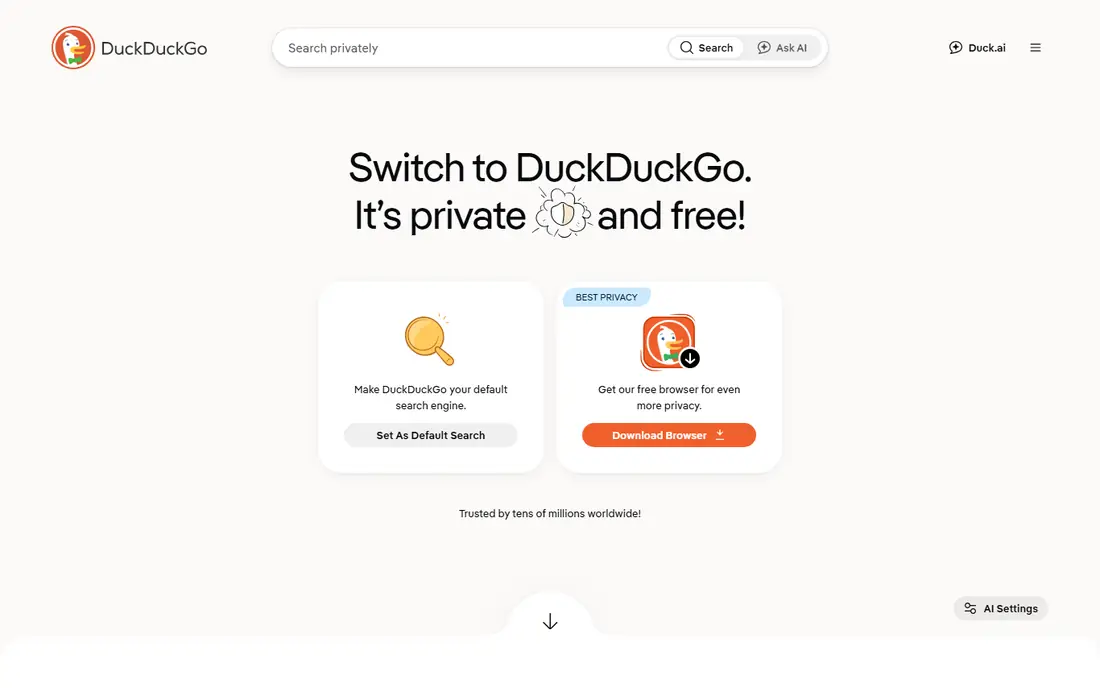
DuckDuckGo is the easiest Google replacement. It does not build a personal search profile, it blocks many trackers through its apps and extensions, and its results page feels familiar from day one, with instant answers, images, videos and news tabs. Bang shortcuts, such as searching a site directly, make power use fast once you learn a few commands.
The limit is depth in Google-strong areas. Maps, local business results and shopping filters trail Google, so many DuckDuckGo users keep Google Maps bookmarked for those jobs. For daily web searching with privacy by default, DuckDuckGo is the smoothest switch in this list.
- No tracking profiles
- Private search by default
- Bang shortcuts for site searches
- Results blend several sources rather than a fully independent index
- Maps and shopping trail Google
Brave Search
Ideal for: Independent index
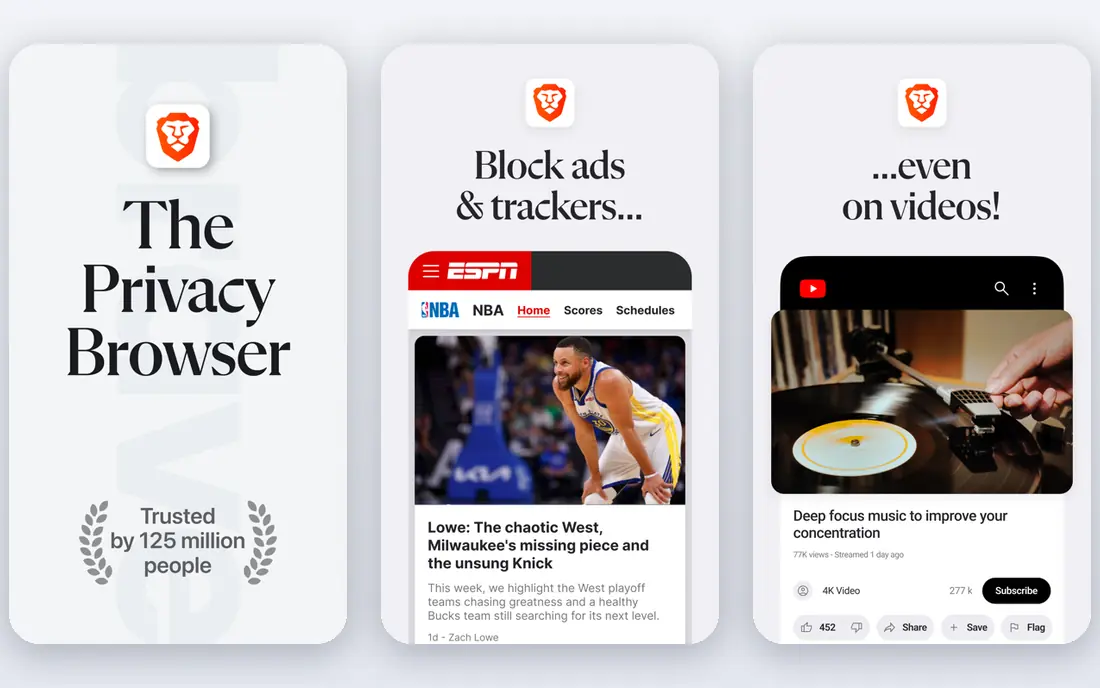
Brave Search suits users who want independence from Big Tech indexes. Brave builds its own index rather than reselling Google or Bing results, which gives it a distinct ranking and a privacy model with no personal profiles. A free tier covers daily searching, with paid tiers adding ad-free results and extra features.
The catch is maturity. Brave index is younger, so very obscure or highly local queries can feel thinner than Google, though common queries work well. Brave Search fits privacy-minded users who want an independent engine and are willing to use Google Maps or a second engine for local jobs.
- Independent index built by Brave
- No tracking profiles
- Ad-free option on paid tiers
- Index is younger than Google or Bing, so obscure queries can be thinner
- Local results trail Google
Bing
Ideal for: Full-featured free search
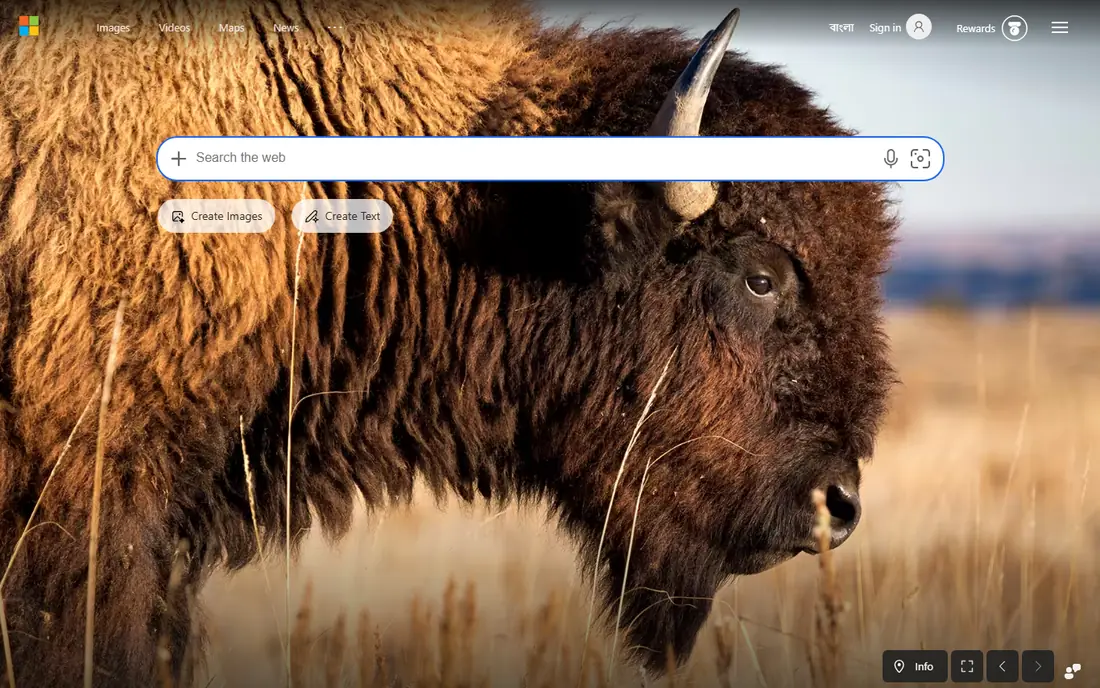
Bing is the most complete free alternative. It powers search for Microsoft products, offers rich image, video and news results, and includes Copilot AI answers for questions that need a summary rather than a link list. A rewards programme gives points for searching, which appeals to Microsoft ecosystem users.
The weakness is privacy. Bing is a Microsoft service with account-based personalisation, so it does not match DuckDuckGo or Brave on tracking. Bing fits users who want a full-featured Google-like engine without Google, and who accept Microsoft personalisation in return.
- Full-featured results with images, video and news
- Rewards programme
- Copilot AI answers built in
- Still a Big Tech profile-based engine
- Privacy is weaker than DuckDuckGo or Brave
Ecosia
Ideal for: Search that plants trees
Ecosia suits users who want their searches to fund a cause. It uses search ad revenue to plant trees, publishes financial reports on that spending, and offers a privacy-friendly search experience without personal profiles. Results come through a Bing partnership, so quality is close to Bing for common queries.
The limit is independence. Ecosia does not run a fully independent index, and its feature set trails Google and Bing on maps, shopping and advanced tools. For a daily engine with a visible social benefit, Ecosia is a pleasant and easy switch.
- Revenue funds tree planting
- Privacy-friendly search
- Familiar results through Bing partnership
- Results rely on Bing, so independence is limited
- Features trail Google and Bing directly
Startpage
Ideal for: Google results, privately
Startpage suits users who like Google results but not Google tracking. It fetches Google results and shows them without building a personal profile, and its anonymous view lets you open result pages through a proxy that hides your identity from the destination site. That combination is unique in this list.
The drawback is simplicity. Startpage lacks Google personalisation, maps and shopping depth, so it works best as a web search engine, not as a full Google replacement. For pure web results with privacy, Startpage is the closest to Google quality without Google tracking.
- Google results without Google tracking
- No personal profiles
- Anonymous view for opening pages privately
- Features are simpler than Google
- No Google account personalisation, which some users miss
Mojeek
Ideal for: Fully independent crawler
Mojeek suits independence purists. It runs its own web crawler and index, with no tracking and no reliance on Google or Bing results, which makes its ranking genuinely distinct. That independence matters to users who worry about a search monoculture, and Mojeek has built its index steadily over many years.
The limit is scale. Mojeek index is far smaller than Google, Bing or Brave, so obscure queries, local businesses and shopping results can feel thin. Mojeek fits as a second engine for independent results, or as a primary engine for users who value independence above depth.
- Fully independent index from its own crawler
- No tracking
- UK-based privacy model
- Smallest index here, so obscure and local queries are thinner
- Fewer features than larger engines
Kagi
Ideal for: Paid ad-free search
Kagi suits power searchers who will pay to remove ads and tracking. Its results page is clean and fast, its lenses let you focus searches on programming, science, news or other domains, and its customisation options, such as ranking and blocking domains, give control that free engines rarely offer. Pricing is subscription based, with search allowances by tier.
The catch is cost. Kagi has no permanent free tier for full use, so casual searchers may balk at paying for search when DuckDuckGo is free. For a heavy searcher who values control and an ad-free page, Kagi is the best paid engine available.
- Ad-free results with no tracking
- Powerful customisation and lenses
- Fast, clean results page
- Paid subscription with search limits by tier
- No permanent free tier for full use
Perplexity
Ideal for: Cited AI answers
Perplexity suits research questions that need an answer, not just links. Ask a question, and Perplexity synthesises an answer with cited sources you can open and check, then lets you ask follow-ups in the same thread. A free tier covers basic use, with a Pro tier adding stronger models and more features.
The weakness is trust. AI answers can misread sources or overstate confidence, so every important claim needs a source check before you act on it. Perplexity fits research and learning best, while DuckDuckGo or Brave fit daily browsing and link discovery better.
- AI answers with cited sources
- Follow-up questions in one thread
- Good fit for research queries
- AI answers can still err, so sources must be checked
- Not a traditional link-list engine for browsing
How we picked these
We compared privacy models, index sources, result quality areas, features and cost for engines still operating in October 2026. We kept private, independent, full-featured and AI-answer engines in the list, since searchers leave Google for different reasons. We did not run a scored relevance test, since relevance varies by query type, and we did not repeat vendor privacy claims without noting index partnerships where they matter.
What to check before you buy
Start with your query mix. Daily web questions work well on DuckDuckGo, Brave or Startpage, while maps, local business hours and shopping filters still favour Google or Bing. Set your new engine as the browser default, keep Google Maps bookmarked, and judge the switch after two weeks of real queries, not after one afternoon.
Next, check privacy honestly. Free engines fund themselves through ads, partnerships or subscriptions, so read how each engine handles queries, clicks and personalisation. DuckDuckGo, Brave, Startpage and Mojeek avoid personal profiles, while Bing personalises through a Microsoft account and Kagi charges a subscription to avoid ads entirely.
Finally, test AI answers with scepticism. Perplexity and Bing Copilot give fast summaries, but they can err, so open the cited sources for any fact that matters, such as health, money or legal questions. An AI answer is a starting point for research, not a final source.
Frequently asked questions
What is the best Google search alternative?
DuckDuckGo is our pick for most switchers because it is private by default, free and familiar. Brave Search suits independence fans, Startpage suits Google-result fans, Kagi suits paying power users, and Perplexity suits research questions with citations.
Is DuckDuckGo really private?
DuckDuckGo does not build personal search profiles and blocks many trackers through its apps, though its results blend several sources. No search engine can promise total anonymity, so pair private search with a privacy-focused browser and avoid signing into personal accounts while searching sensitive topics.
Can I still use Google Maps with an alternative search engine?
Yes. Most switchers keep Google Maps bookmarked for maps, local hours and directions, while using a private engine for web search. That split keeps privacy gains for most queries without losing Google local strength.
Is Kagi worth paying for?
Kagi suits heavy searchers who value an ad-free page, custom lenses and domain controls enough to pay a subscription. Casual searchers will find DuckDuckGo or Brave free tiers sufficient, so try Kagi only if free engines frustrate you weekly.
Do AI search engines replace traditional search?
Not fully. AI engines such as Perplexity answer questions well, but traditional engines such as DuckDuckGo and Brave are better for browsing, comparing sources and discovering pages. Use AI answers for research starting points, and traditional results for verification and browsing.