Gorgias Alternatives in 2026: 8 Options Compared

- Zendesk and Freshdesk lead for larger support teams that need broad ticketing.
- Richpanel and Kustomer suit ecommerce brands that want order data inside tickets.
- Intercom fits teams that mix support with messaging and onboarding.
- Check ecommerce integrations and automation rules before switching.
Quick comparison
| Product | Ideal for | Price from | Free version | |
|---|---|---|---|---|
 Zendesk | Broad ticketing for larger teams | See website | Free trial | Visit |
 Freshdesk | Value ticketing for small and mid teams | See website | Free | Visit |
 Richpanel | Ecommerce support with order data in tickets | See website | Free trial | Visit |
 Kustomer | Customer service with timeline views | See website | No | Visit |
 Intercom | Support plus messaging and onboarding | See website | Free trial | Visit |
 Help Scout | Simple shared inbox for small teams | See website | Free trial | Visit |
 Zoho Desk | Support inside the Zoho ecosystem | See website | Free | Visit |
 Re:amaze | Ecommerce helpdesk with chat and FAQ | See website | Free trial | Visit |
The best gorgias alternatives
Gorgias is built for ecommerce support, tying tickets to order data. Alternatives differ in whether they focus on ecommerce, general ticketing, or messaging, so match the tool to your support volume and channels.
Zendesk
Ideal for: Broad ticketing for larger teams
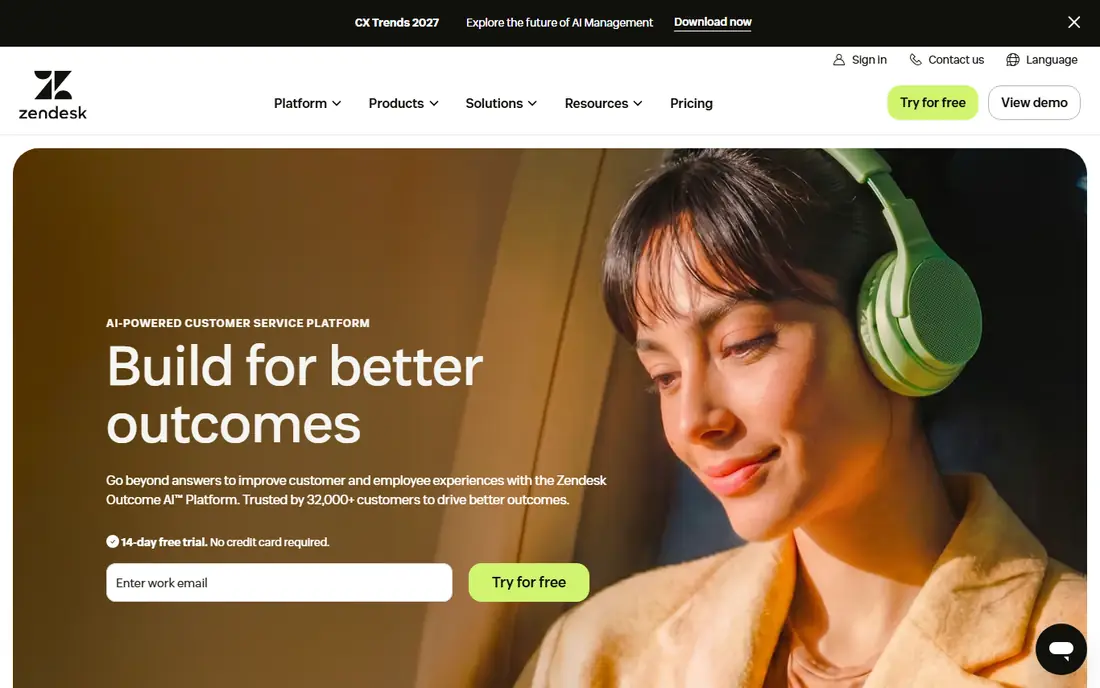
Zendesk is the broad helpdesk standard, covering email, chat, phone, and social with strong reporting and a large integration library. It suits larger teams that need flexible workflows and detailed analytics. The ecosystem includes many apps and partners.
Pricing adds up with agents and add ons, and setup benefits from planning. For larger support operations, Zendesk is our pick.
- Wide channel support
- Strong reporting
- Large integration library
- Pricing adds up
- Setup takes planning
Freshdesk
Ideal for: Value ticketing for small and mid teams
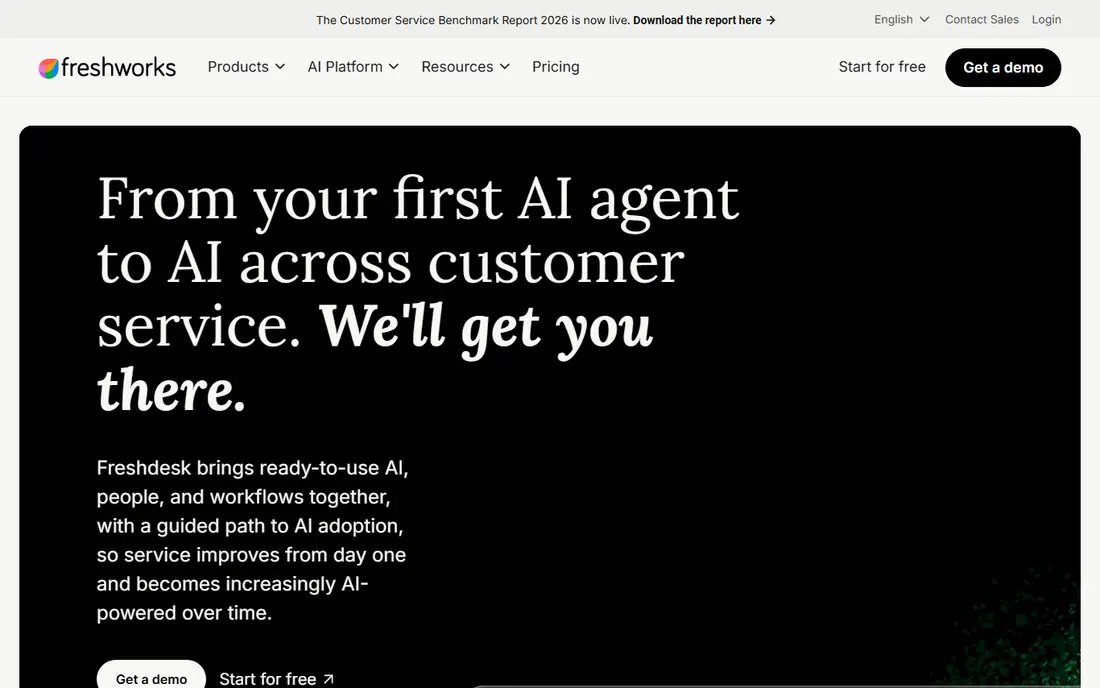
Freshdesk offers a free tier for small teams with ticketing, automation, and a clean interface. It suits businesses that want solid support without enterprise cost. Paid tiers add AI and advanced reporting.
Advanced features sit in higher tiers, and ecommerce data depth is thinner than Gorgias or Richpanel. For value ticketing, Freshdesk is a strong choice.
- Free tier for small teams
- Clean interface
- Automation included
- Advanced features need higher tiers
- Ecommerce depth is thinner
Richpanel
Ideal for: Ecommerce support with order data in tickets
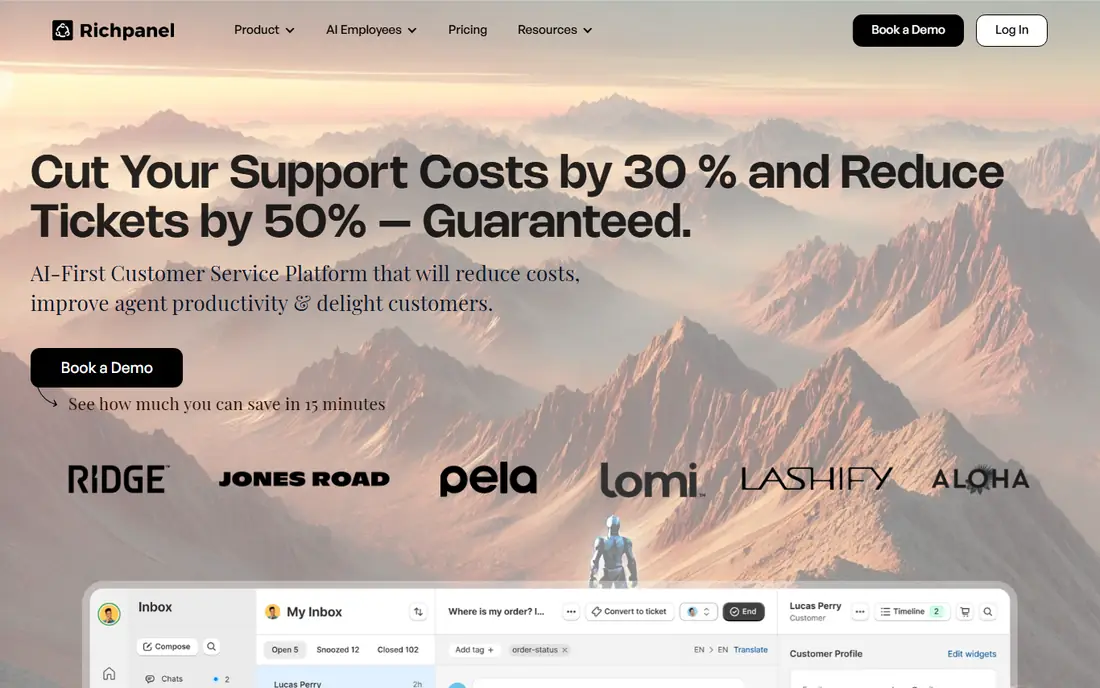
Richpanel is built for ecommerce, pulling order and customer data into tickets and offering a self service portal that deflects common questions. It suits Shopify stores that want Gorgias style depth. Automation handles order status and returns well.
Its ecosystem is smaller than Zendesk, and pricing scales with order volume. For ecommerce depth, Richpanel is a close Gorgias alternative.
- Deep Shopify integration
- Self service portal
- Automation for store questions
- Smaller ecosystem than Zendesk
- Pricing scales with orders
Kustomer
Ideal for: Customer service with timeline views
Kustomer shows a full customer timeline inside each conversation, linking orders, chats, and emails. It suits brands that want agents to see the whole customer story without switching tools. Automation and reporting are strong.
Pricing is enterprise oriented and setup takes effort. For timeline based service, Kustomer is a credible choice.
- Customer timeline view
- Automation
- Omnichannel support
- Enterprise pricing
- Setup takes effort
Intercom
Ideal for: Support plus messaging and onboarding
Intercom mixes support with messaging, chatbots, and onboarding, which suits SaaS and ecommerce brands that guide users as well as answer tickets. Its automation and messenger are polished. Teams that value proactive messaging will like it.
Pricing can be complex and support depth varies by plan. For messaging led support, Intercom is a strong option.
- Messaging and chatbots
- Onboarding flows
- Strong automation
- Pricing can be complex
- Support depth varies by plan
Help Scout
Ideal for: Simple shared inbox for small teams
Help Scout offers a simple shared inbox with docs and chat add ons, designed for small teams that want support without complexity. The interface is friendly and setup is quick. It suits businesses moving from shared email.
Automation is lighter than Zendesk or Kustomer, and very large teams may outgrow it. For simple team support, Help Scout is a good fit.
- Simple shared inbox
- Docs and chat add ons
- Friendly design
- Less suited to very large teams
- Automation is lighter
Zoho Desk
Ideal for: Support inside the Zoho ecosystem
Zoho Desk fits businesses already using Zoho apps, with integrations across CRM, books, and more. It offers ticketing, automation, and AI assistance at competitive prices, with a free tier for small teams.
The interface is dense and ecommerce data depth is moderate. For Zoho users, Desk is a natural choice.
- Free tier
- Zoho integrations
- Automation and AI options
- Interface is dense
- Ecommerce depth is moderate
Re:amaze
Ideal for: Ecommerce helpdesk with chat and FAQ
Re:amaze is an ecommerce helpdesk with chat, FAQ, and ticket tools in a simple package. It suits small stores that want Gorgias style features without enterprise complexity. Pricing is straightforward.
It is a smaller vendor with lighter reporting than leaders. For small store support, Re:amaze is a practical option.
- Ecommerce focused
- Chat and FAQ tools
- Simple pricing
- Smaller vendor
- Reporting is lighter
How we picked these
We compared official feature pages, pricing, and integration lists for each tool, checking helpdesk workflows, automation, ecommerce links, and reporting. We favored tools that show how tickets connect to order and customer data. We did not claim hands-on testing; our comparison rests on published features and public reviews.
We also checked whether each option is still offered and supported, and we left out products with unclear pricing, broken pages, or a poor fit for the topic. Where a price or free tier could not be confirmed from the vendor site, we wrote See website rather than guessing. Readers should still check the vendor page before buying, since prices and plans change.
How to choose a Gorgias alternative
Start with your channels and volume. A small store answering email and chat needs a simpler tool than a large brand handling social, SMS, and phone. Count tickets per week and list the channels you actually use before comparing feature lists.
Check ecommerce integration depth. The value of Gorgias style tools lies in seeing orders, refunds, and shipping inside the ticket. If you run Shopify or another platform, confirm the integration shows the data your agents need without switching tabs.
Test automation and macros. Good tools auto tag tickets, suggest replies, and route by topic, which saves agent time. Build a few real workflows in a trial, such as refund requests and shipping questions, to see how much manual work remains.
Compare pricing at your team size. Per agent pricing adds up quickly, and some tools charge for add ons such as AI or advanced reporting. Calculate the total for your agent count and the features you need, not just the starting price.
Before you pay, confirm the total cost for the first year, including any add ons, renewal prices, and fees that only appear at checkout. A low starting price can hide a higher renewal rate, and a free tier can limit the feature you need most. Write down the features you will use weekly, and pay only for those.
After you choose, give the option a fair trial with your real workload, not just a quick tour. Set a reminder to review it after two to four weeks, and note what worked, what annoyed you, and what you never used. That review tells you whether to keep, upgrade, or switch before a renewal locks you in.
If the option disappoints, switch sooner rather than later. Export your data first, check whether you can keep your account history or settings, and confirm any cancellation terms. A good provider makes leaving straightforward, and a difficult exit is itself useful information about the service.
Talk to people who already use the option before you commit, especially for a business purchase. A short conversation with a current user reveals support quality, setup effort, and daily friction that marketing pages omit. Ask what surprised them after the first month, since early impressions often differ from longer use.
Keep a simple record of why you chose the option, including the price you were quoted and the features that mattered. That note makes renewal talks easier and helps a colleague or future you understand the decision. If the price rises or a key feature changes, the note shows whether the original reasons still hold.
Finally, plan the first week of use before you pay. List the setup steps, the data you need to move, and the people who need access. A clear first week plan turns a promising choice into a working routine, and it exposes missing features while you can still change your mind.
Save the vendor support page and the cancellation instructions in the same place as your receipt. When something goes wrong, you will want support details at hand rather than searching for them under pressure. A tidy record saves time and keeps a small problem from becoming a long one.
Keep notes on the first month of use, including any issues and how support handled them. Those notes give you clear evidence if you need a refund, an upgrade, or a switch, and they help you advise a friend or colleague who asks about the same choice later.
Frequently asked questions
What is the best Gorgias alternative?
Zendesk is our pick for larger teams that need broad ticketing and reporting, while Richpanel suits ecommerce brands that want order data inside tickets. Freshdesk is a good value choice for smaller teams. Your channels and store platform decide the winner.
What does Gorgias do?
Gorgias is a helpdesk built for ecommerce, pulling order, shipping, and customer data into support tickets. It covers email, chat, social, and SMS, with automation for common store questions such as order status and refunds.
Can I migrate tickets from Gorgias?
Most helpdesks offer import tools or migration help for tickets, customers, and macros, though the ease varies. Ask the new vendor about migration support before signing, and plan a transition period where both tools run. Keep historical tickets accessible.
Do these tools integrate with Shopify?
Yes, most alternatives integrate with Shopify and other ecommerce platforms, showing order data inside tickets. Check the depth of the integration, since some show basic order info while others support refunds and edits from the ticket.
How much do helpdesk tools cost?
Pricing is usually per agent per month, with tiers for features such as automation and reporting. Small teams may find free or low cost tiers, while larger teams pay more for advanced features. Calculate the total at your agent count.
How often should I review my choice?
Review it at least once a year, and sooner if your needs, budget, or team size change. Prices, features, and policies shift over time, and a better fit may appear. A short yearly check, comparing your current option with two alternatives, keeps you from paying for features you no longer use.