Grammarly alternatives in 2026: 8 Options Compared

- 1
 ProWritingAidwriters wanting detailed style reportsVisit
- 2
 LanguageToolwriters needing multilingual grammar checksVisit
- 3
 Hemingway Editorwriters wanting clearer, tighter sentencesVisit
- 4
 QuillBotwriters needing paraphrasing and summarisingVisit
- 5
 Wordtunewriters wanting sentence rewrites in contextVisit
- ProWritingAid and LanguageTool are the closest writing-assistant replacements.
- Free tiers are useful for short checks, but long documents and style reports usually need a paid plan.
- Privacy matters here, since these tools read your writing.
Quick comparison
| Product | Ideal for | Price from | Free version | |
|---|---|---|---|---|
| ProWritingAid | writers wanting detailed style reports | See website | Free trial | Visit |
| LanguageTool | writers needing multilingual grammar checks | See website | Yes | Visit |
| Hemingway Editor | writers wanting clearer, tighter sentences | See website | Free trial | Visit |
| QuillBot | writers needing paraphrasing and summarising | See website | Yes | Visit |
| Wordtune | writers wanting sentence rewrites in context | See website | Free trial | Visit |
 Sapling | teams wanting grammar help across business apps | See website | Free trial | Visit |
 Ginger | writers wanting grammar help on mobile and desktop | See website | Free trial | Visit |
 Writer | companies needing consistent brand voice | See website | Free trial | Visit |
The best grammarly alternatives
We compared official feature pages, pricing, app store listings, privacy policies and public reviews to build this list of grammarly alternatives. Our pick for most people is listed first in each section below, but the right choice depends on your budget, team size and must-have features, so read the strengths and limits for each option before you decide.
ProWritingAid
Ideal for: writers wanting detailed style reports
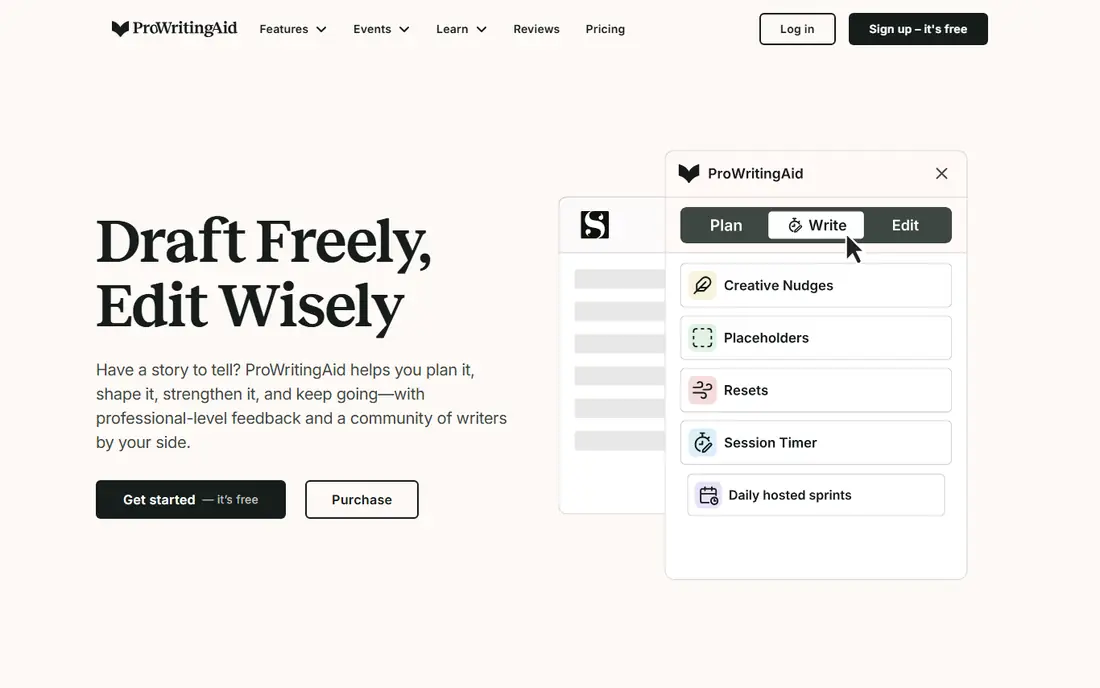
For readers weighing this option, the story starts with fit. ProWritingAid goes deeper than grammar checks, with reports on style, pacing, repetition and readability that suit longer writing. In practice, that means you should judge it on the job you need done most, not on the longest feature list, since a tool that fits your daily work beats a broader tool you rarely open. We also weighed pricing honesty, support options and how the product handles your data, because those factors shape the experience long after the first week.
The catch is density, since new users may find the sheer number of reports overwhelming at first. That trade-off is normal, since every product on this list gives up something to excel at its main job. Before you commit, use the free plan or trial with a real task from your own work, check the export and cancellation terms, and confirm the plan you need includes the features described here, since vendors move features between tiers from time to time.
- In-depth style and readability reports
- Integrations with Word and browsers
- Plagiarism checks on some plans
- Interface can feel dense
- Full reports need a paid plan
LanguageTool
Ideal for: writers needing multilingual grammar checks
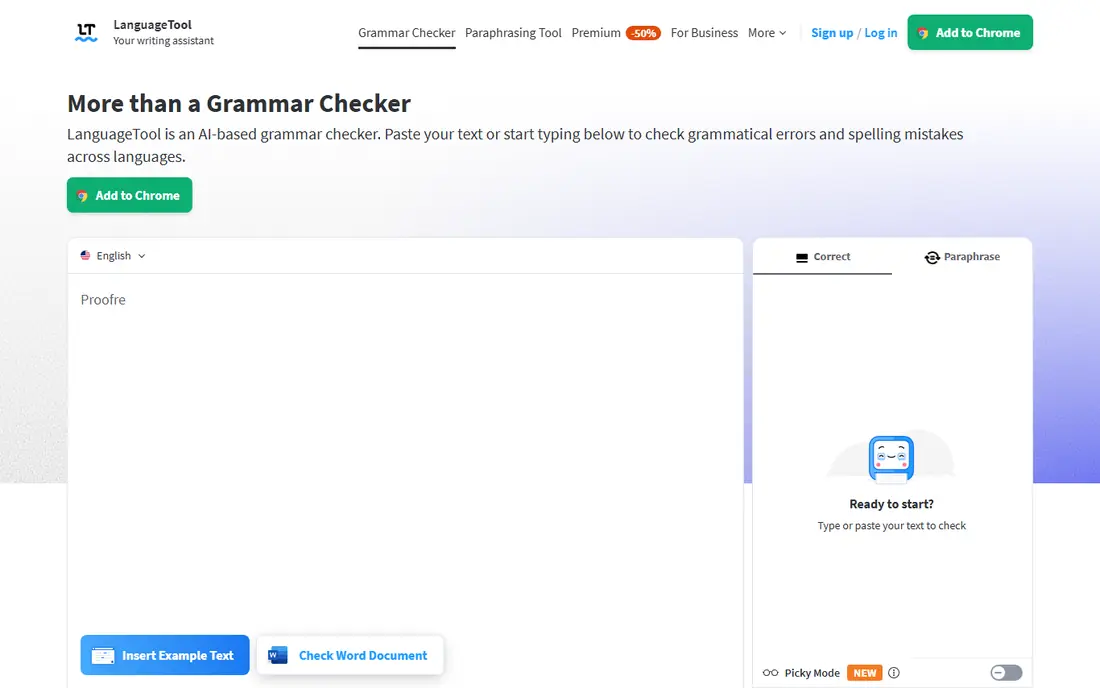
This one earns its place for a clear reason. LanguageTool is the multilingual pick, covering grammar in many languages with a free tier that suits short everyday writing. In practice, that means you should judge it on the job you need done most, not on the longest feature list, since a tool that fits your daily work beats a broader tool you rarely open. We also weighed pricing honesty, support options and how the product handles your data, because those factors shape the experience long after the first week.
The catch is the free limit, since longer documents quickly need a paid plan. That trade-off is normal, since every product on this list gives up something to excel at its main job. Before you commit, use the free plan or trial with a real task from your own work, check the export and cancellation terms, and confirm the plan you need includes the features described here, since vendors move features between tiers from time to time.
- Grammar checks in many languages
- Open-source core
- Browser and editor add-ons
- Free tier limits characters
- Style suggestions are lighter than rivals
Hemingway Editor
Ideal for: writers wanting clearer, tighter sentences
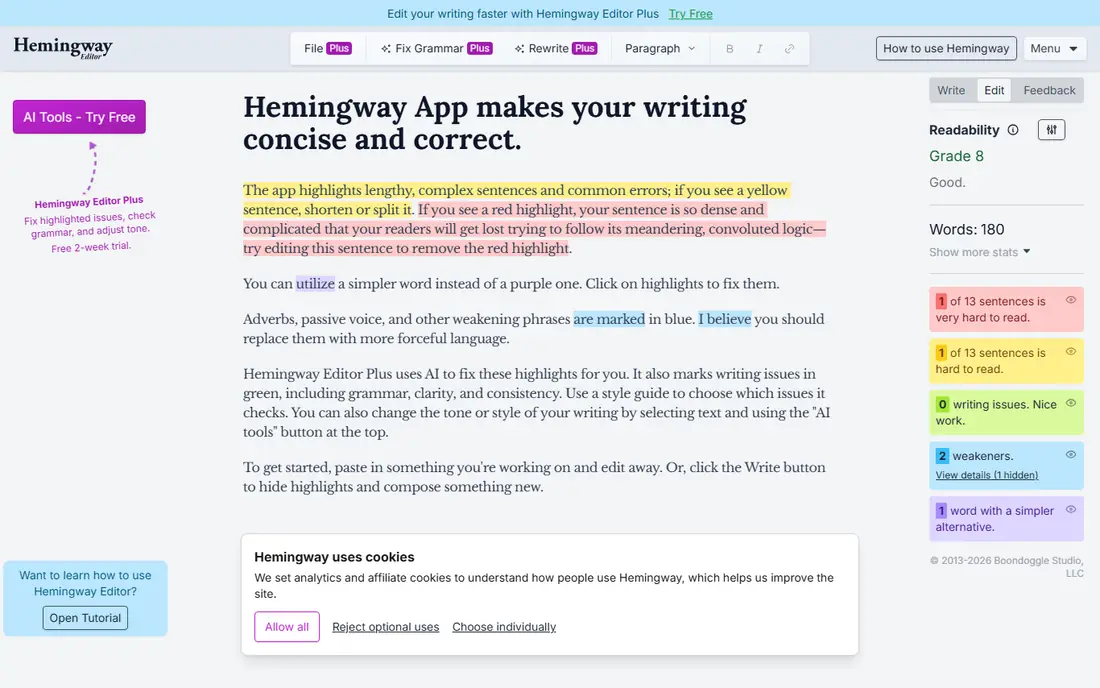
Here is where this option stands out from the rest of the list. Hemingway Editor focuses on clarity, highlighting long sentences and hard-to-read passages so you can tighten them yourself. In practice, that means you should judge it on the job you need done most, not on the longest feature list, since a tool that fits your daily work beats a broader tool you rarely open. We also weighed pricing honesty, support options and how the product handles your data, because those factors shape the experience long after the first week.
The catch is scope, since it is a clarity tool rather than a full grammar checker. That trade-off is normal, since every product on this list gives up something to excel at its main job. Before you commit, use the free plan or trial with a real task from your own work, check the export and cancellation terms, and confirm the plan you need includes the features described here, since vendors move features between tiers from time to time.
- Readability highlighting
- Sentence complexity flags
- Simple desktop app
- No grammar engine as deep as rivals
- Limited integrations
QuillBot
Ideal for: writers needing paraphrasing and summarising
Consider this option if its strengths match your main need. QuillBot suits writers who rework sentences often, since its paraphrasing modes offer different tones for the same idea. In practice, that means you should judge it on the job you need done most, not on the longest feature list, since a tool that fits your daily work beats a broader tool you rarely open. We also weighed pricing honesty, support options and how the product handles your data, because those factors shape the experience long after the first week.
The catch is review, since paraphrased text still needs a careful human read before it goes out. That trade-off is normal, since every product on this list gives up something to excel at its main job. Before you commit, use the free plan or trial with a real task from your own work, check the export and cancellation terms, and confirm the plan you need includes the features described here, since vendors move features between tiers from time to time.
- Paraphrasing modes
- Summariser
- Grammar checker
- Paraphrasing needs human review
- Free tier limits output
Wordtune
Ideal for: writers wanting sentence rewrites in context
This entry suits a narrower audience, and that focus is its strength. Wordtune rewrites sentences where you write, which helps when a sentence is almost right but not quite clear. In practice, that means you should judge it on the job you need done most, not on the longest feature list, since a tool that fits your daily work beats a broader tool you rarely open. We also weighed pricing honesty, support options and how the product handles your data, because those factors shape the experience long after the first week.
The catch is meaning drift, since a rewrite can subtly change what you meant, so check every suggestion. That trade-off is normal, since every product on this list gives up something to excel at its main job. Before you commit, use the free plan or trial with a real task from your own work, check the export and cancellation terms, and confirm the plan you need includes the features described here, since vendors move features between tiers from time to time.
- Rewrite suggestions in context
- Tone options
- Browser extension
- Free tier is limited
- Rewriting can change meaning if unchecked
Sapling
Ideal for: teams wanting grammar help across business apps
On value alone, this option deserves a close look. Sapling fits business teams, since it brings grammar help and snippets into the apps where support and sales teams already write. In practice, that means you should judge it on the job you need done most, not on the longest feature list, since a tool that fits your daily work beats a broader tool you rarely open. We also weighed pricing honesty, support options and how the product handles your data, because those factors shape the experience long after the first week.
The catch is scale of community, since it is less widely discussed than the biggest names here. That trade-off is normal, since every product on this list gives up something to excel at its main job. Before you commit, use the free plan or trial with a real task from your own work, check the export and cancellation terms, and confirm the plan you need includes the features described here, since vendors move features between tiers from time to time.
- Grammar and autocomplete across apps
- Team dictionaries
- Snippet features
- Smaller user community
- Some features need business plans
Ginger
Ideal for: writers wanting grammar help on mobile and desktop
If you want a dependable choice, start here. Ginger covers the basics across devices, with translation and learning features that suit English learners in particular. In practice, that means you should judge it on the job you need done most, not on the longest feature list, since a tool that fits your daily work beats a broader tool you rarely open. We also weighed pricing honesty, support options and how the product handles your data, because those factors shape the experience long after the first week.
The catch is freshness, since the interface and feature range feel older than the leaders. That trade-off is normal, since every product on this list gives up something to excel at its main job. Before you commit, use the free plan or trial with a real task from your own work, check the export and cancellation terms, and confirm the plan you need includes the features described here, since vendors move features between tiers from time to time.
- Grammar and spell checking
- Translation features
- Personal trainer for English learners
- Feature set is narrower than leading rivals
- Interface feels dated
Writer
Ideal for: companies needing consistent brand voice
The final entry rounds out the list with a different angle. Writer is the team pick, since it enforces a shared style guide and terminology so many writers sound like one brand. In practice, that means you should judge it on the job you need done most, not on the longest feature list, since a tool that fits your daily work beats a broader tool you rarely open. We also weighed pricing honesty, support options and how the product handles your data, because those factors shape the experience long after the first week.
The catch is audience, since individual writers will find it more than they need. That trade-off is normal, since every product on this list gives up something to excel at its main job. Before you commit, use the free plan or trial with a real task from your own work, check the export and cancellation terms, and confirm the plan you need includes the features described here, since vendors move features between tiers from time to time.
- Style guide enforcement
- Terminology control
- Team writing analytics
- Business focus and pricing
- Overkill for individual writers
How we picked these
We compared official feature pages, pricing pages, app store listings, privacy policies and public reviews for each product on this list, and we checked that each product exists and works today. We favoured products that fit the topic directly, offered clear pricing or a usable free tier, and showed an honest balance of strengths and limits. We did not claim hands-on testing we did not do, and where a price could not be verified we wrote See website rather than guessing.
We also mixed well-known leaders with strong smaller options, so the list is useful whether you want the safest default or a more specialised pick. If a product changed its pricing or features after our check, the vendor website is the final word, and we recommend confirming the plan details before you buy.
How to choose the right grammarly alternatives
Pick by the writing you do most. For long-form editing, ProWritingAid reports help most. For everyday grammar in more than one language, LanguageTool is hard to beat. For clarity, Hemingway is a useful second pass after a grammar check. Whatever you pick, read the privacy policy before you paste sensitive work, and never accept every suggestion without reading it, since tools can flatten your voice or change meaning.
Use the checklist below with your own shortlist, since it catches the problems that cause most regret after purchase.
- Fit first: does it solve your main job, or does it only look impressive in a demo.
- True cost: add up seats, add-ons, taxes and renewal prices, not just the headline monthly figure.
- Exit route: can you export your data and cancel without a long process or penalty.
- Support and privacy: check support hours, data handling and security practices before you rely on it daily.
Run a trial with real work, not sample data, and involve the people who will use the product every day. Their verdict after a week of real tasks tells you more than any feature table, including ours.
Frequently asked questions
What are the best Grammarly alternatives?
ProWritingAid is the closest full alternative for detailed editing, LanguageTool leads for multilingual checks, and QuillBot suits paraphrasing. Hemingway is a good companion tool for clarity rather than a direct replacement.
Is there a free Grammarly alternative?
Yes. LanguageTool and QuillBot both offer free tiers, and Hemingway has a free web version. Free tiers limit length or features, so they suit short documents and everyday checks rather than book-length editing.
Which alternative is best for students?
LanguageTool and QuillBot are popular student choices because of their free tiers and browser extensions. Students should still check their school rules on writing tools, since policies on paraphrasing and AI help vary.
Do these tools work in Google Docs and Word?
Most offer browser extensions or add-ons for Google Docs, Word and common editors, though depth varies by tool. Check the integration list for the exact app you write in before you pay.
Are Grammarly alternatives private?
Privacy varies. These tools process your text on their servers in most cases, so read the privacy policy and avoid pasting highly sensitive material. LanguageTool offers a self-hosted option for users who want more control.