Best Gumloop Alternatives in 2026: 8 Options Compared

- n8n suits technical teams who want self hosting and full control.
- Zapier remains the easiest choice for simple app to app automation.
- Make fits visual builders who want complex flows at a fair price.
- Lindy suits teams that want AI agents rather than fixed workflows.
Quick comparison
| Product | Ideal for | Price from | Free version | |
|---|---|---|---|---|
 n8n | Self hosted automation | Free | Yes | Visit |
 Zapier | Simple app automation | Free | Yes | Visit |
 Make | Visual complex workflows | Free | Yes | Visit |
 Lindy | AI agent automation | See website | Free trial | Visit |
 Relay.app | Human in the loop automation | Free | Yes | Visit |
 Activepieces | Open source automation | Free | Yes | Visit |
 Bardeen | Browser based automation | Free | Yes | Visit |
 Pipedream | Developer workflow automation | Free | Yes | Visit |
The best gumloop alternatives
We worked through the options below in detail, comparing what each one does well, where it falls short, and who it suits best. Our pick for most people depends on your budget and your main job, so read the shortlist with your own use case in mind. The order below starts with the strongest all round options and then moves to more specialised picks.
n8n
Ideal for: Self hosted automation

For technical teams who want control and lower running costs, n8n is a strong choice. Its self hosting option keeps data in house and costs down at scale. When we compared official feature pages, the difference showed up in everyday use, not in marketing claims, since the tools that look similar on a homepage often behave very differently once you set them up for a real task.
Non technical users may find the learning curve steeper than Zapier or Make. Try it with a real task from your own work before committing, since a short trial reveals friction that no feature list can show. That trade off is worth weighing against your main job, since the best tool on paper is not always the best tool for your team or your budget.
- Self hosting option
- Large node library
- Fair pricing
- Interface takes learning
- Self hosting needs maintenance
Zapier
Ideal for: Simple app automation
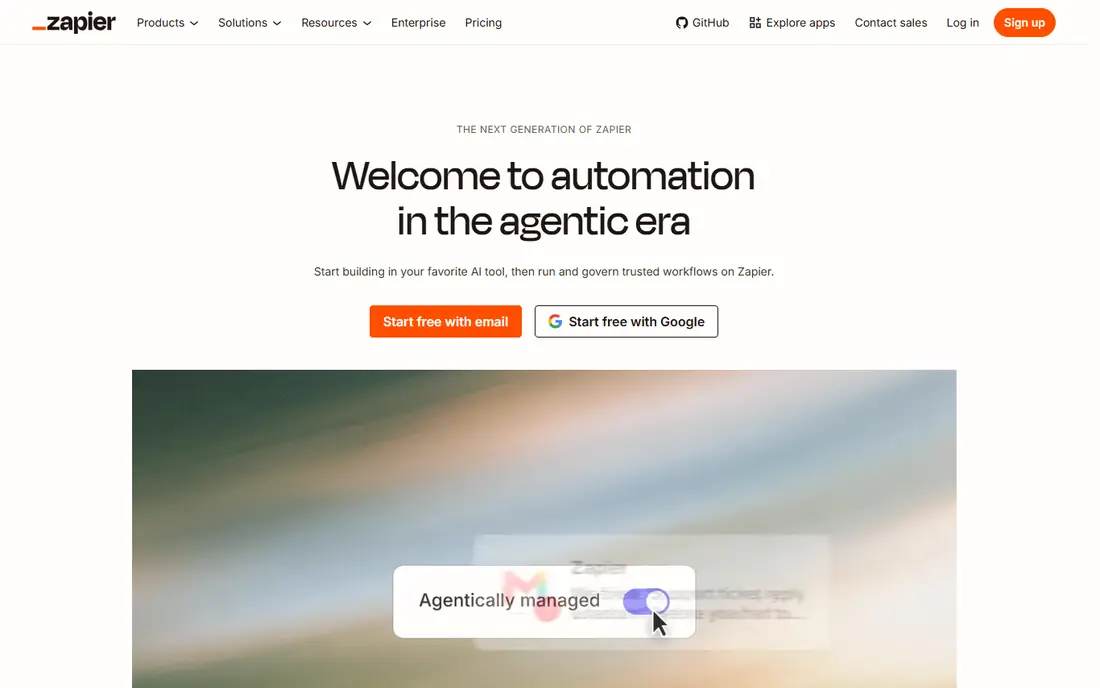
For small teams automating common apps without code, Zapier is a strong choice. Its catalogue covers thousands of apps, so most common automations exist already. We also checked what each vendor says about its own limits, because a tool that is honest about its weak spots is easier to plan around than one that hides them behind a long feature list.
Heavy or complex workflows can become expensive, so check task counts before building. Read the current pricing and terms on the vendor site before you buy, since plans and limits change, and the plan you read about last year may not be the plan on sale today. That trade off is worth weighing against your main job, since the best tool on paper is not always the best tool for your team or your budget.
- Largest app catalogue
- Easiest setup
- Reliable execution
- Costs rise quickly with task volume
- Complex logic is limited
Make
Ideal for: Visual complex workflows
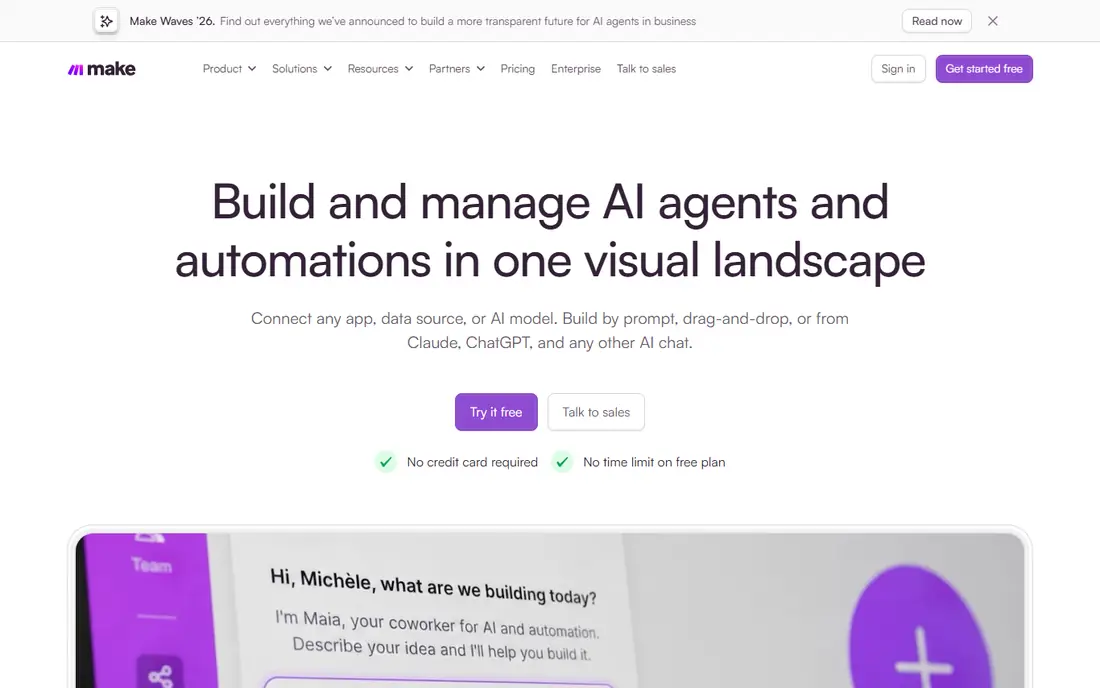
For teams building multi step workflows with logic and data handling, Make is a strong choice. Its visual builder makes branching and data transformation clear, even in complex flows. In practice, the deciding factor is often fit with tools you already use, so check integrations and export options before you fall for a feature you may rarely touch.
Users who need a rare app integration should check the catalogue before committing. Ask the vendor a direct question during the trial, since the speed and clarity of the answer tell you a lot about the support you will get later. That trade off is worth weighing against your main job, since the best tool on paper is not always the best tool for your team or your budget.
- Visual builder for branching flows
- Good pricing
- Strong data tools
- Smaller app catalogue than Zapier
- Learning curve for advanced flows
Lindy
Ideal for: AI agent automation
For teams that want AI agents to handle routine work, Lindy is a strong choice. Its agents go beyond fixed workflows by handling multi step tasks from a description. Our comparison also weighed how easy each option is to learn, since a powerful tool that your team avoids is worth less than a simpler one that everyone actually uses every day.
Teams needing exact, repeatable logic should prefer a deterministic tool like Make or n8n. Check what happens to your data if you leave, since export options and data portability matter most at the moment you decide to switch. That trade off is worth weighing against your main job, since the best tool on paper is not always the best tool for your team or your budget.
- AI agents handle email, meetings, and tasks
- Natural language setup
- Agent behaviour needs oversight
- Pricing scales with agent use
Relay.app
Ideal for: Human in the loop automation
For teams that want a person to approve key steps, Relay.app is a strong choice. Its approval steps fit workflows where a human should check work before it goes out. We paid attention to support and documentation too, because the moment something breaks is when you discover whether a vendor actually helps or just points you at a help page.
Teams needing a very wide app catalogue may find the range limited. Talk to one or two existing users if you can, since their experience with support, reliability, and billing is often more useful than any review score. That trade off is worth weighing against your main job, since the best tool on paper is not always the best tool for your team or your budget.
- Human approval steps
- Good Google Workspace integration
- Clean builder
- Smaller app catalogue
- Newer platform than Zapier
Activepieces
Ideal for: Open source automation
For teams that want open source automation with a modern builder, Activepieces is a strong choice. Its open source model and self hosting suit teams that value control and transparency. Another factor we weighed is how the tool handles growth, since a choice that works for ten users or ten projects can strain badly at a hundred, and switching later costs far more time.
Users needing a mature, very wide integration range should compare Zapier or Make. Start with the smallest plan that covers your needs, since upgrading later is easy, while paying for unused capacity from day one is money you will not get back. That trade off is worth weighing against your main job, since the best tool on paper is not always the best tool for your team or your budget.
- Open source with self hosting
- Growing piece library
- Fair pricing
- Smaller catalogue than established rivals
- Newer platform
Bardeen
Ideal for: Browser based automation
For individuals automating browser tasks like research and data capture, Bardeen is a strong choice. Its browser playbooks automate repetitive web work that server tools cannot reach. We also looked at how clearly each vendor explains its pricing, since hidden limits on users, volume, or features are a common source of surprise bills after the first month.
Teams needing server side scheduled workflows should choose a platform like n8n or Make. If your team will use it daily, involve them in the trial, since a tool chosen by one person and imposed on everyone else rarely gets adopted well. That trade off is worth weighing against your main job, since the best tool on paper is not always the best tool for your team or your budget.
- Browser automation and AI playbooks
- Good for research and outreach
- Browser focused, so server workflows are limited
- Some features are paid
Pipedream
Ideal for: Developer workflow automation
For developers who want code inside their automations, Pipedream is a strong choice. Its code steps let developers handle edge cases that visual builders struggle with. Finally, we considered longevity, because a tool from a stable vendor with regular updates is a safer home for your work than a promising newcomer that may change direction.
Non technical teams will find visual platforms faster to adopt. Keep a note of the renewal date and the cancellation steps when you subscribe, since that small habit prevents unwanted renewals and surprise charges. That trade off is worth weighing against your main job, since the best tool on paper is not always the best tool for your team or your budget.
- Code friendly workflows
- Large integration range
- Serverless execution
- Developer focused, so non coders may struggle
- Pricing scales with use
How we picked these
We compared official feature pages, pricing pages, app store listings, privacy policies, and public reviews for each option, and we only listed products that exist and work in October 2026 and truly fit the topic. Where we could not verify a current price from the vendor, we wrote See website rather than guessing. We did not claim hands-on testing we did not do, and we weighed honest weaknesses alongside strengths, since a roundup that only praises its picks does not help anyone decide. We also checked that each product homepage loads and belongs to the product named, and we dropped or replaced any product whose homepage failed that check. Prices and free tiers were taken from vendor pages where we could verify them, and marked See website where we could not, so readers should confirm current pricing before buying.
How to choose an automation platform
Start with who builds the workflows. Non technical teams do best with Zapier or Make, while developers get more from n8n or Pipedream. Next, check whether you need AI agents or fixed workflows, since agents suit open ended tasks and fixed workflows suit repeatable processes. Count your monthly task volume honestly, because pricing differences appear at scale. Finally, test the exact apps you use, since a missing integration can end an otherwise good choice.
Frequently asked questions
What is the closest alternative to Gumloop?
Lindy is closest for AI agent style automation, while Make and n8n are closest for visual workflow building. The right pick depends on whether you want agents or fixed flows.
Do I need to know how to code?
No for Zapier, Make, and Relay.app, which are built for non coders. n8n and Pipedream reward coding skill but still offer visual builders for common work.
Can I self host an automation platform?
Yes, n8n and Activepieces both offer self hosting, which keeps data in house and can lower costs. Self hosting needs maintenance, so weigh that against a managed plan.
How do AI agents differ from normal automation?
Fixed automation follows rules you set, while AI agents interpret a goal and choose steps. Agents handle messier tasks but need oversight, since their choices can vary.