Best HD Today Alternatives in 2026: 8 Legal Streaming Services Compared

- Our pick for most people is Netflix, because it covers the core needs for legal streaming services without a steep learning curve.
- If budget matters most, start with the free tiers from Hulu and Disney+, then upgrade only when you hit a real limit.
- Max is the strongest specialist choice when you need deeper features in one area rather than a general tool.
- Prices and free plans change, so check the official pricing page linked for each product before you buy.
- The best choice depends on your device, your team size, and how much complexity you actually want to manage each day.
Disclaimer: This article lists only legal, licensed streaming services. We do not recommend unlicensed streaming sites, which can carry malware, poor quality streams, and legal risk. Stick to licensed services and check each catalog in your country before subscribing.
Quick comparison
| Product | Ideal for | Price from | Free version | |
|---|---|---|---|---|
 Netflix | viewers who want a large catalog of originals | See website | No | Visit |
 Hulu | US viewers who want current TV plus originals | See website | Free trial | Visit |
 Disney+ | families and fans of Disney, Marvel, and Star Wars | See website | No | Visit |
 Max | viewers who want HBO originals and films | See website | No | Visit |
 Peacock | viewers who want NBC shows and live sports | See website | Yes | Visit |
 Paramount+ | viewers who want CBS shows and live sports | See website | Free trial | Visit |
 Tubi | viewers who want free legal movies and TV | Free | Yes | Visit |
 Pluto TV | viewers who want free live channels | Free | Yes | Visit |
The best legal streaming services
We compared official feature pages, pricing pages, app store listings, privacy policies, and public reviews to build this list of legal streaming services. Every option below exists and works in October 2026, and each one fits the topic in a real way rather than sharing only a loose keyword. Prices are taken from vendor sites where we could verify them, and we write See website where a price could not be confirmed on the day of writing. Our team looked for a mix of well known leaders and strong smaller options, so you are not limited to one famous name. The right pick depends on your budget, your devices, and the features you will actually use each week. Read the shortlist below, then use the buying guide near the end to narrow it to one or two options worth a trial.
Netflix
Ideal for: viewers who want a large catalog of originals
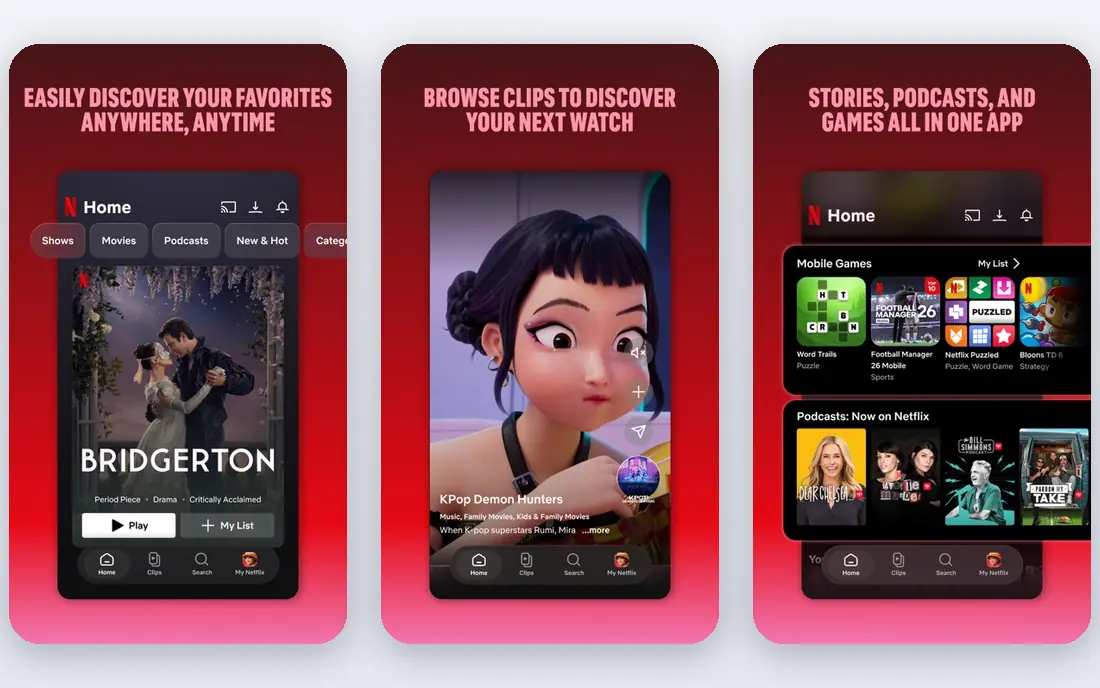
For viewers who want a large catalog of originals, Netflix is a strong place to start. Netflix remains the broadest paid catalog for many households, with originals across drama, comedy, and documentary. That focus shows in daily use, where the core tools stay easy to find and the settings stay out of the way. Pricing is listed as shown on the vendor website, with a free plan status of no, so check the official page for the plan that matches your needs. The honest catch is this: There is no free tier, so viewers should compare the ad supported and ad free plans before subscribing. Before you commit, check the current pricing page and the free tier limits, since plans change over time. That trade-off is normal in this category, and it is worth weighing against the strengths above before you decide, because the cheapest option is not always the best value over a full year of use.
- Large catalog of originals
- Strong recommendations
- Wide device support
- No free tier
- Prices vary by plan and ads option
Hulu
Ideal for: US viewers who want current TV plus originals
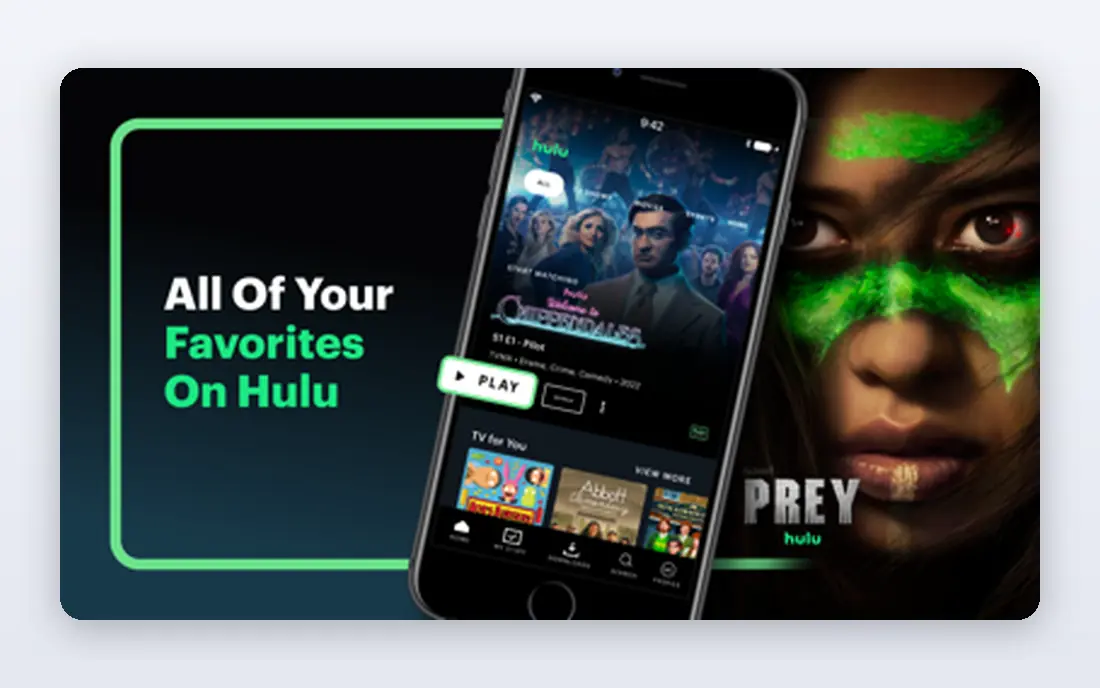
Hulu stands out for US viewers who want current TV plus originals. Hulu suits US viewers who want current season shows and originals, with live TV bundles for cord cutters. In practice, that means less time wrestling with setup and more time using the features that matter. Pricing is listed as shown on the vendor website, with a free plan status of free trial, so check the official page for the plan that matches your needs. The honest catch is this: It is US only and lower priced plans include ads, so international viewers need another service. We recommend starting with the free tier or trial where one is offered, so you can judge fit on your own work. That trade-off is normal in this category, and it is worth weighing against the strengths above before you decide, because the cheapest option is not always the best value over a full year of use.
- Current season TV
- Originals
- Live TV bundle options
- US only
- Ads on lower priced plans
Disney+
Ideal for: families and fans of Disney, Marvel, and Star Wars
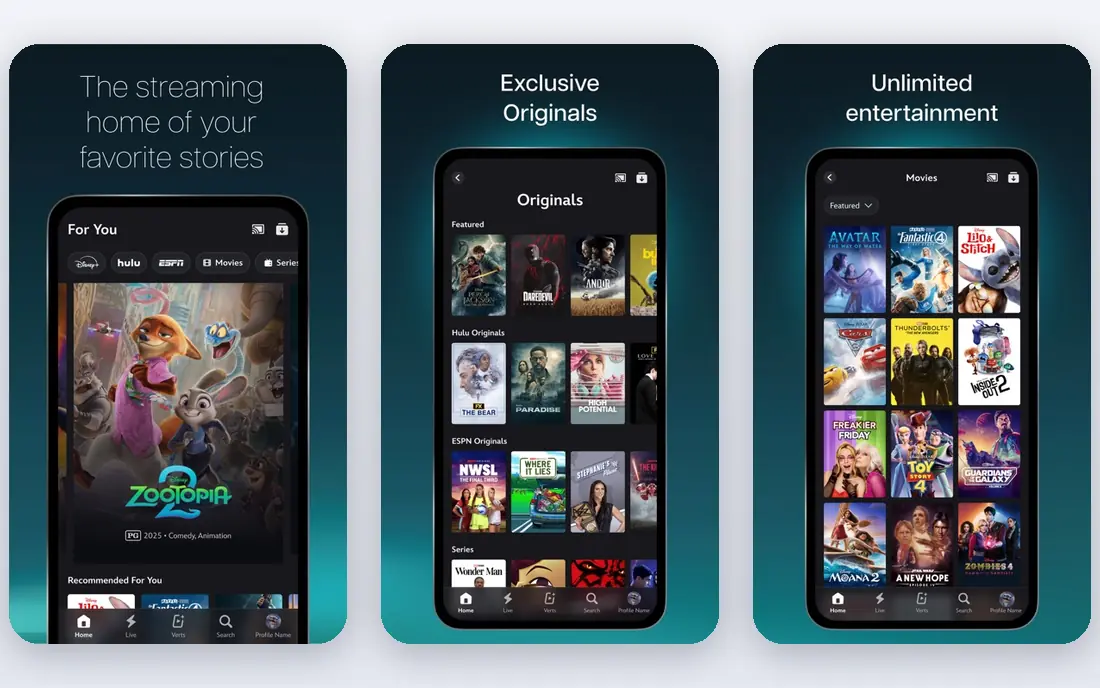
If families and fans of Disney, Marvel, and Star Wars is your priority, Disney+ deserves a close look. Disney Plus gathers Disney, Pixar, Marvel, and Star Wars in one family friendly service with profiles and parental controls. The result is a tool that feels purposeful rather than bloated, even if it does not try to do everything. Pricing is listed as shown on the vendor website, with a free plan status of no, so check the official page for the plan that matches your needs. The honest catch is this: There is no free tier, and some titles need bundle add-ons, so check the catalog before subscribing. A short trial on your real tasks will tell you more than any feature list, so test the parts you will use daily. That trade-off is normal in this category, and it is worth weighing against the strengths above before you decide, because the cheapest option is not always the best value over a full year of use.
- Disney, Pixar, Marvel, and Star Wars catalogs
- Family profiles
- Bundles available
- No free tier
- Some content rotates or needs add-ons
Max
Ideal for: viewers who want HBO originals and films
Max is built with viewers who want HBO originals and films in mind. Max is the home of HBO originals plus Warner Bros films, which makes it a strong pick for drama lovers. For most buyers, that balance of focus and usability is what separates a good choice from a frustrating one. Pricing is listed as shown on the vendor website, with a free plan status of no, so check the official page for the plan that matches your needs. The honest catch is this: There is no free tier, and the best resolution sits on higher priced plans. If you work with a team, confirm seat pricing and permissions before you roll it out widely. That trade-off is normal in this category, and it is worth weighing against the strengths above before you decide, because the cheapest option is not always the best value over a full year of use.
- HBO originals
- Warner Bros films
- Strong drama catalog
- No free tier
- Pricing varies by ads and resolution
Peacock
Ideal for: viewers who want NBC shows and live sports
For viewers who want NBC shows and live sports, Peacock is a strong place to start. Peacock offers a free tier with limited content plus paid plans for full shows, originals, and live sports. That focus shows in daily use, where the core tools stay easy to find and the settings stay out of the way. Pricing is listed as shown on the vendor website, with a free plan status of yes, so check the official page for the plan that matches your needs. The honest catch is this: The free tier is limited, so most viewers will need a paid plan for the full catalog. Before you commit, check the current pricing page and the free tier limits, since plans change over time. That trade-off is normal in this category, and it is worth weighing against the strengths above before you decide, because the cheapest option is not always the best value over a full year of use.
- NBC shows and originals
- Live sports
- Free tier with limited content
- Free tier is limited
- Premium content needs a paid plan
Paramount+
Ideal for: viewers who want CBS shows and live sports
Paramount+ stands out for viewers who want CBS shows and live sports. Paramount Plus combines CBS shows, live sports, and a large film library in one service. In practice, that means less time wrestling with setup and more time using the features that matter. Pricing is listed as shown on the vendor website, with a free plan status of free trial, so check the official page for the plan that matches your needs. The honest catch is this: Lower plans include ads and catalogs vary by region, so check local availability. We recommend starting with the free tier or trial where one is offered, so you can judge fit on your own work. That trade-off is normal in this category, and it is worth weighing against the strengths above before you decide, because the cheapest option is not always the best value over a full year of use.
- CBS shows
- Live sports
- Large film library
- Ads on lower plans
- Catalog varies by region
Tubi
Ideal for: viewers who want free legal movies and TV
If viewers who want free legal movies and TV is your priority, Tubi deserves a close look. Tubi is a fully legal free service with a large catalog of films and TV supported by ads. The result is a tool that feels purposeful rather than bloated, even if it does not try to do everything. Pricing is listed as free, with a free plan status of yes, so check the official page for the plan that matches your needs. The honest catch is this: Newer releases are limited, so it works best as a free companion to a paid service. A short trial on your real tasks will tell you more than any feature list, so test the parts you will use daily. That trade-off is normal in this category, and it is worth weighing against the strengths above before you decide, because the cheapest option is not always the best value over a full year of use.
- Free legal catalog
- Large film library
- No subscription needed
- Ad supported
- Newer releases are limited
Pluto TV
Ideal for: viewers who want free live channels
Pluto TV is built with viewers who want free live channels in mind. Pluto TV offers free live channels and on demand films without a subscription, which suits casual viewing. For most buyers, that balance of focus and usability is what separates a good choice from a frustrating one. Pricing is listed as free, with a free plan status of yes, so check the official page for the plan that matches your needs. The honest catch is this: It is ad supported and lineups vary, so it is not a replacement for a full paid catalog. If you work with a team, confirm seat pricing and permissions before you roll it out widely. That trade-off is normal in this category, and it is worth weighing against the strengths above before you decide, because the cheapest option is not always the best value over a full year of use.
- Free live channels
- On demand films
- No account needed for basic viewing
- Ad supported
- Channel lineup varies
How we picked these
We started with the topic and the related keywords, then checked each product against official feature pages, pricing pages, app store listings, privacy policies, and public reviews. We kept only products that exist, work in October 2026, and truly fit the topic, and we dropped anything that relied on a dead link, a vague claim, or a feature we could not verify. Where a price could not be confirmed, we wrote See website rather than guessing. We also weighed who each product is really for, not just who it markets to. A tool can be excellent for a large team and a poor fit for one person, and the write-ups above try to make that distinction clear. No product paid for placement, and our pick for most people reflects fit for ordinary users rather than the largest marketing budget.
What to check before you choose
Start with your must-have features for legal streaming services, and write them down before you browse. A long feature list looks impressive, but most people use a small set of tools every day, and the product that nails those few tasks will feel better than a larger tool that buries them. Check device support next, since an app that works only on one platform can cause trouble for a household or team on mixed devices. Then compare total cost, not just the headline price. Seat pricing, add-ons, transaction fees, and renewal rates can change the real yearly cost, so add up what you will pay for the people and features you actually need. Use a free tier or trial on your real work, and pay attention to support, privacy terms, and how easy it is to export your data if you later switch. Finally, think about growth. A simple tool is a fine start, but if your team, workload, or needs are likely to grow within a year, pick an option with a clear upgrade path. The best purchase is usually the one you will still be happy with after the novelty wears off, when daily reliability matters more than a long list of extras.
Frequently asked questions
What is the best option for legal streaming services?
For most people, Netflix is a strong starting point, because it covers the core needs well. That said, the best choice depends on your budget, devices, and must-have features, so compare the top three in the list above before you decide.
Is there a free option for legal streaming services?
Yes, several options offer a free tier or trial, including Hulu and Disney+. Free tiers usually limit advanced features, storage, or seats, so check the official pricing page to see whether the free version covers what you need.
How much should I expect to pay?
Costs vary widely in this category, and some products are free to start while others are quote based. The comparison table above shows starting prices where we could verify them, and See website where pricing could not be confirmed. Always check the vendor site for current plans.
How do I choose between the top options?
List your must-have features, confirm device support, and trial your top two choices on real work for a few days. The product that feels easiest during that trial, and whose total cost fits your budget, is usually the right pick.
Can I switch later if I pick the wrong one?
In most cases, yes, but switching is easier if you can export your data and if you have not built deep workflows around one tool. Before you commit, check export options and contract terms, and avoid long annual plans until you are sure the tool fits.