Best Help Scout Alternatives in 2026: 8 Options Compared

- Our pick for most people is Zendesk, because it balances price, features and ease of use for the widest group of readers.
- Free plans are real here, but the limits matter: check what Freshdesk and Groove actually include before you commit.
- Prices in this guide come from vendor pricing pages and current comparisons checked in October 2026, and they can change, so confirm the plan on the vendor site before you buy.
- The best choice depends on your budget, your experience level and how much support you want, not on which brand is most famous.
Quick comparison
| Product | Ideal for | Price from | Free version | |
|---|---|---|---|---|
 Zendesk | Full helpdesk for growing support teams | See website | Free trial | Visit |
 Freshdesk | Affordable helpdesk with a free tier | See website | Yes | Visit |
 Groove | Simple shared inbox for small teams | See website | Free trial | Visit |
 Intercom | Chat-first support with automation | See website | Free trial | Visit |
 Zoho Desk | Support suite on a small budget | See website | Yes | Visit |
 Front | Collaborative inbox for support and operations | See website | Free trial | Visit |
 Kayako | Helpdesk with live chat and self-service | See website | Free trial | Visit |
 HubSpot Service Hub | Support tied to HubSpot CRM | See website | Yes | Visit |
The best Help Scout Alternatives in 2026
We compared official feature pages, pricing pages, app store listings, privacy policies and public reviews to build this list for helpscout alternatives. Every option below exists and works today, and each one earns its place for a different kind of reader.
Zendesk
Ideal for: Full helpdesk for growing support teams
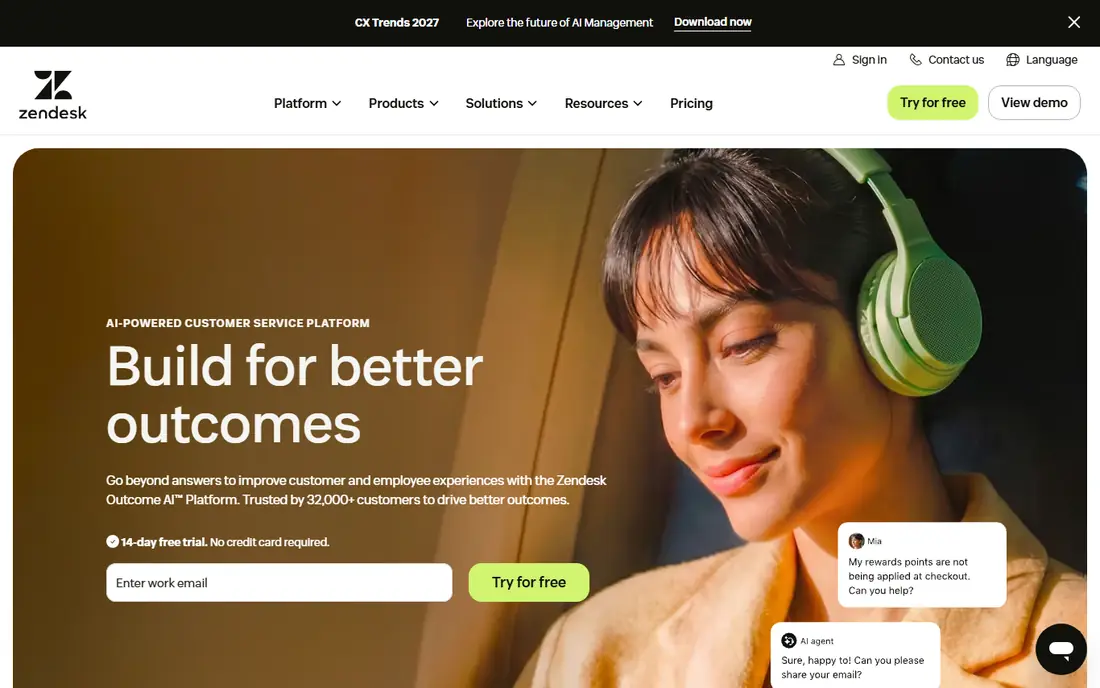
Here is the short version. Zendesk is the full-featured helpdesk most growing teams graduate to, with tickets, automation and reporting that scale well beyond a shared inbox. It fits readers who want full helpdesk for growing support teams, and its published feature set matches that promise rather than trying to cover every possible use case at once. The price picture is see website, with a free plan status of free trial. The price and admin effort are real, so small teams should check whether they need that depth yet. Before you sign up, check the current plan limits on the official site, because caps on users, usage or features are where most buyers get surprised after the first month.
- Tickets, chat, phone and knowledge base
- Strong automation
- Large app marketplace
- Pricing grows with features
- Setup and admin take time
Freshdesk
Ideal for: Affordable helpdesk with a free tier

Start here if you want the safe default. Freshdesk gives small teams a proper helpdesk with a free tier, covering tickets, automation and self-service without Help Scout pricing. It fits readers who want affordable helpdesk with a free tier, and its published feature set matches that promise rather than trying to cover every possible use case at once. The price picture is see website, with a free plan status of yes. Higher tiers arrive as automation needs grow, so compare the cost at your ticket volume and agent count. Before you sign up, check the current plan limits on the official site, because caps on users, usage or features are where most buyers get surprised after the first month.
- Free tier
- Tickets, automation and knowledge base
- Freshworks integrations
- Advanced automation needs paid plans
- Interface can feel busy
Groove
Ideal for: Simple shared inbox for small teams
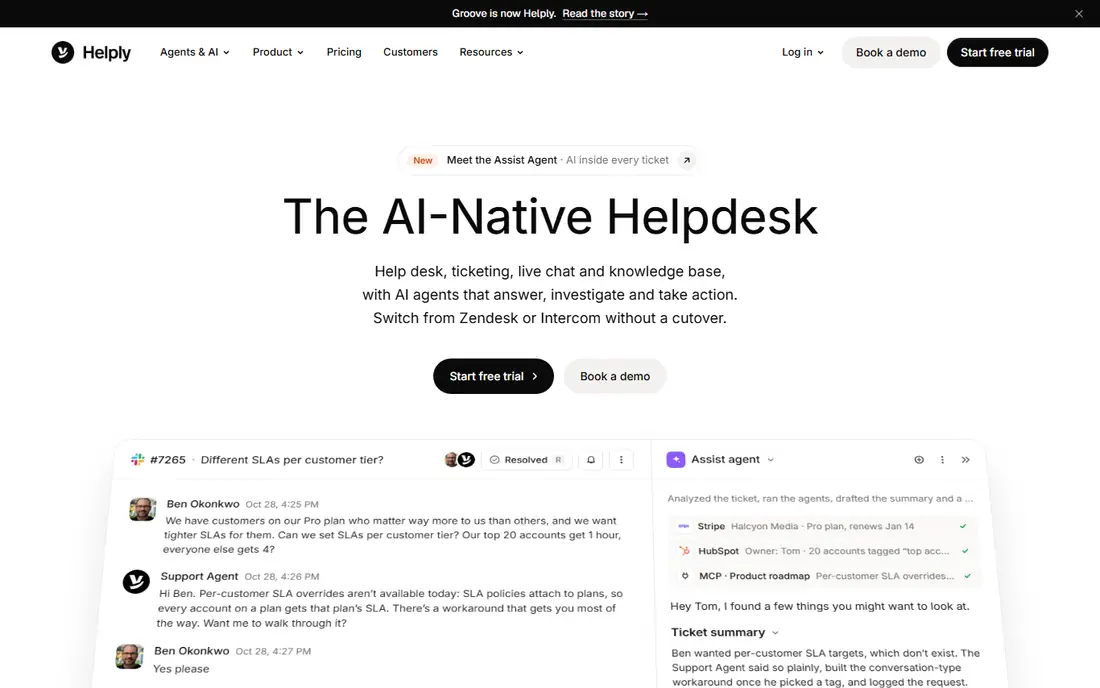
This one suits a specific kind of reader. Groove suits small teams that want a calm shared inbox and a knowledge base, without the complexity of an enterprise helpdesk. It fits readers who want simple shared inbox for small teams, and its published feature set matches that promise rather than trying to cover every possible use case at once. The price picture is see website, with a free plan status of free trial. Teams that need advanced automation or omnichannel tools will outgrow it sooner. Before you sign up, check the current plan limits on the official site, because caps on users, usage or features are where most buyers get surprised after the first month.
- Simple shared inbox
- Knowledge base
- Reporting
- Low learning curve
- Fewer advanced features than Zendesk
- Smaller integrations list
Intercom
Ideal for: Chat-first support with automation
Consider this if the top picks do not fit. Intercom suits teams where live chat and automation are the main channels, with bots that deflect common questions before an agent steps in. It fits readers who want chat-first support with automation, and its published feature set matches that promise rather than trying to cover every possible use case at once. The price picture is see website, with a free plan status of free trial. Contact-based pricing can surprise teams as their audience grows, so model the cost at your contact count. Before you sign up, check the current plan limits on the official site, because caps on users, usage or features are where most buyers get surprised after the first month.
- Strong live chat
- Automation and bots
- Product tours and messages
- Pricing can rise quickly with contacts
- Support depth varies by plan
Zoho Desk
Ideal for: Support suite on a small budget
A strong option for a narrower need. Zoho Desk gives budget-conscious teams a full support suite at a low entry price, with tickets, chat and a knowledge base together. It fits readers who want support suite on a small budget, and its published feature set matches that promise rather than trying to cover every possible use case at once. The price picture is see website, with a free plan status of yes. The interface packs in a lot, so teams used to Help Scout simplicity should trial it on real tickets first. Before you sign up, check the current plan limits on the official site, because caps on users, usage or features are where most buyers get surprised after the first month.
- Free tier
- Tickets, chat and knowledge base
- Zoho integrations
- Interface is busier than Help Scout
- Setup takes time
Front
Ideal for: Collaborative inbox for support and operations
Worth a close look before you decide. Front suits teams that handle support beside sales and operations inboxes, with collaboration tools that keep handoffs clean. It fits readers who want collaborative inbox for support and operations, and its published feature set matches that promise rather than trying to cover every possible use case at once. The price picture is see website, with a free plan status of free trial. Per-user pricing adds up for large teams, so count everyone who needs a seat, not just support agents. Before you sign up, check the current plan limits on the official site, because caps on users, usage or features are where most buyers get surprised after the first month.
- Shared inboxes for email and chat
- Collaboration and assignments
- Automation
- Pricing is per user and higher than simple inboxes
- Setup needs care
Kayako
Ideal for: Helpdesk with live chat and self-service
This belongs on the shortlist for a reason. Kayako combines tickets, live chat and a help centre with a customer journey view that shows context beside each conversation. It fits readers who want helpdesk with live chat and self-service, and its published feature set matches that promise rather than trying to cover every possible use case at once. The price picture is see website, with a free plan status of free trial. Its smaller marketplace means some integrations need custom work, so check your must-have tools early. Before you sign up, check the current plan limits on the official site, because caps on users, usage or features are where most buyers get surprised after the first month.
- Tickets, live chat and help centre
- Customer journey view
- Automation
- Smaller marketplace than Zendesk
- Pricing is quoted in places
HubSpot Service Hub
Ideal for: Support tied to HubSpot CRM
Do not overlook this one. HubSpot Service Hub suits teams already using HubSpot CRM, because tickets and chat link directly to customer records. It fits readers who want support tied to hubspot crm, and its published feature set matches that promise rather than trying to cover every possible use case at once. The price picture is see website, with a free plan status of yes. Paid tiers climb for advanced automation, so map the features you need before assuming the free tier will last. Before you sign up, check the current plan limits on the official site, because caps on users, usage or features are where most buyers get surprised after the first month.
- Free tools for tickets and chat
- Strong CRM link
- Knowledge base
- Advanced automation needs paid tiers
- Free tier has limits
How we picked these
We started from official feature pages and pricing pages, then checked app store listings, privacy policies and public reviews to confirm each product still works and still fits the topic. Products that could not be verified, or that only partly matched the topic, were left out, even when they were well known. We favoured a mix of established leaders and strong smaller options, and we weighted price transparency, a usable free tier or trial, and honest limits more heavily than marketing claims. No product on this list paid for its place, and our pick for most people is the one we would suggest to a friend with ordinary needs and an ordinary budget.
How to pick a helpdesk without losing the simplicity you liked
Start with your main channels. If email is still the bulk of support, a shared inbox may beat a full omnichannel helpdesk, but if chat, phone and social all matter, a suite will save agent switching time. Next, count agents and tickets, since per-user pricing changes the bill far more than the headline plan. Then check automation and self-service: a good knowledge base and simple bots can cut ticket volume more than extra agents can. Trial the top two on real tickets, and watch first response time and agent effort, not just the dashboard. Also check reporting, integrations and data migration. Your old conversations, tags and customer profiles should move cleanly, or you will lose context that agents rely on. Confirm SLA tools and satisfaction surveys if you promise response times, and confirm who will own setup, because a helpdesk without an owner drifts into messy inboxes again.
Frequently asked questions
What is the best Help Scout alternative?
Zendesk suits growing teams that need depth, Freshdesk suits budget teams that want a free tier, and Front suits teams that share inboxes across departments. The right pick depends on channels, agents and ticket volume.
Is there a free Help Scout alternative?
Freshdesk, Zoho Desk and HubSpot Service Hub offer free tiers, though each limits features or volume. A free tier suits a very small team, while a growing team should budget for a paid plan.
Can I migrate from Help Scout?
Most helpdesks offer import tools for tickets, contacts and knowledge base articles, but tags, automation rules and chat history rarely move perfectly. Export your data first and plan a cutover week.
Do these tools include live chat?
Zendesk, Intercom, Freshdesk, Zoho Desk and Kayako include live chat, while Front and Groove cover chat through integrations or add-ons depending on the plan. Check chat pricing if it is a main channel.
What is the difference between a shared inbox and a helpdesk?
A shared inbox organises email for a small team, while a helpdesk adds tickets, automation, SLAs, reporting and self-service. Teams that need those controls should choose a helpdesk, even if the inbox feels simpler.