Start with Luminar Neo if you need approachable AI-assisted creative editing. Listed starting prices: Topaz Photo AI from $19 a month. Fotor is the stronger choice for fast online photo editing, while Remini suits quick AI photo enhancement and restoration. Prices, free plans and limits for all 5 tools follow.
Choosing HitPaw FotorPea usually comes down to price, fit and limits. This Ainotely guide sets 5 tools side by side on those three points, with the facts kept short and checkable.
Key takeaways
Top of the list is Luminar Neo, which targets approachable AI-assisted creative editing.
Topaz Photo AI fits Sharpen, denoise and upscale control.
Fotor stands alone as the one tool in this list with a free plan.
The cheapest monthly starting price in the list is $19 per month, offered by Topaz Photo AI.
One limit worth knowing about Luminar Neo: less depth than professional suites.
Best for: Approachable AI-assisted creative editing
Think of Luminar Neo for approachable AI-assisted creative editing. For heavy compositing, advanced masking or collaborative design work, a full professional suite may be a better fit.
Beyond that, consider it for personal and creative projects instead of demanding production pipelines that depend on broad manual control. Luminar Neo does not show a starting price in this comparison, so check the vendor site for current pricing. There is no free plan with Luminar Neo.
Where Fotor fits: fast online photo editing. It fits users who want convenient, accessible editing without installing desktop software, including casual creators and small teams handling routine image tasks.
Downsides: Less advanced than pro suites.
If your work relies on precise layer control or professional-grade retouching, compare it against a full editing suite before committing. Pricing for Fotor is not stated here, so ask the vendor for current figures. A free plan is available with Fotor.
Best for: Quick AI photo enhancement and restoration
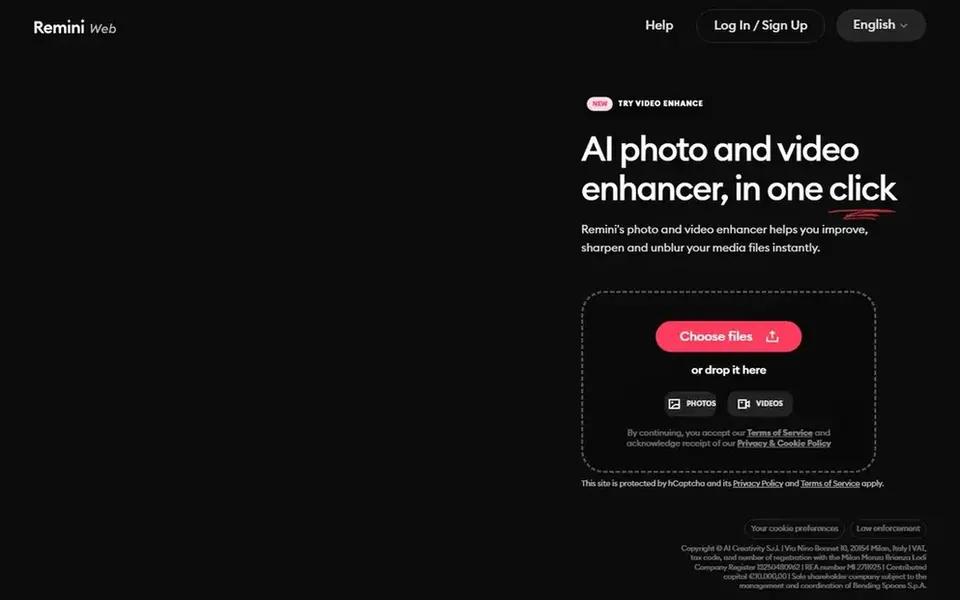
Remini targets quick AI photo enhancement and restoration. Remini is an AI photo enhancement tool offered through the web and mobile apps. This makes it a practical fit for casual users, social media creators and anyone who wants a quicker alternative to a full editing suite when the central goal is just to make a photo look cleaner and more refined.
The tradeoff is control. Choose it when speed and automatic improvement matter more than granular adjustments, and look elsewhere if your project needs manual masking, text layers or design elements. Pricing for Remini is not stated here, so ask the vendor for current figures. Free plan details: Not stated.
The main drawbacks: Results can look over-processed at times.
Canva targets everyday design and social graphics. Canva is not built for advanced photo restoration or precise retouching.
The main drawbacks: Not a dedicated photo retouching tool.
So it is a weak substitute when image quality correction is the central job. In practice, Canva is a visual suite for everyone, described as an online graphic design tool for social media posts, presentations, posters, videos, logos and more. Check the vendor site for Canva pricing; none is listed in this comparison. On free options: Not stated.
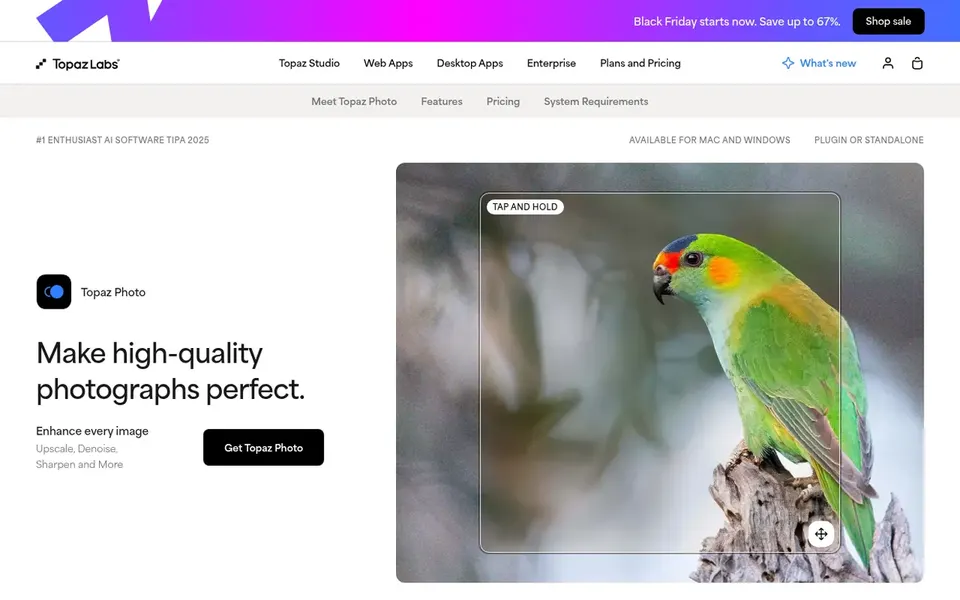
Choose Topaz Photo AI for Sharpen, denoise and upscale control. Topaz Photo AI is positioned as a tool for sharpening, denoising, unblurring and upscaling images. Its homepage describes it as making decent photos excellent with advanced technology, and it is used by professionals, creatives and enthusiasts.
Since it concentrates on image quality correction, Topaz Photo AI is not a replacement for a complete editing environment with layers, text and layout tools. It can also feel technical for casual users who just want one-click results. Pick it when correcting sharpness, noise or resolution is the priority, and pair it with a broader editor for creative work. The starting price for Topaz Photo AI: $19 per month. As for free access: Not stated.
Where it is weaker: Narrower scope than a full editor.
Confirm the entry price on the vendor page. For Luminar Neo, Fotor, Remini and Canva that means a quote rather than a fixed price.
Look at the free plan from Fotor closely: its caps decide whether it is usable for real work.
Before choosing Luminar Neo, weigh its main limit: less depth than professional suites.
Add up seats, add-ons and usage charges for Canva before comparing it with cheaper entries.
Ask the daily users to test Luminar Neo on a live task before you roll it out to everyone.
How we picked
Pricing pages, product documentation and feature lists were the main sources, and every entry carries at least one honest drawback. Where a vendor does not publish a price, the entry says quote. Where a price depends on seats or billing term, the entry says so. The ranking is editorial: typical fit first, then clear pricing, then free access. If your needs are unusual, read the profiles rather than relying on position. This applies to all 5 HitPaw FotorPea alternatives options compared here.
Every price and plan detail on this page comes from the vendors’ own websites. We did not run hands-on tests unless the text says so, and we do not publish star ratings or review scores. See how we score and our disclosure.
Keep your shortlist in one place
Paste prices, trial dates and notes from this guide into Ainotely, our AI note app. It files them into a topic and pulls out tasks like “cancel trial by Friday”. Free 7-day trial, no card needed.
Is Luminar Neo the right pick for everyone comparing HitPaw FotorPea?
No single tool suits every team. Luminar Neo comes first because it fits approachable AI-assisted creative editing, while Fotor suits quick online photo editing and Remini suits fast AI photo enhancement and restoration. Match the tool to your own size, budget and workflow before deciding.
What is the best HitPaw FotorPea alternative for fast photo enhancement?
This list starts with Luminar Neo, which fits approachable AI-assisted creative editing. For other needs, Fotor is aimed at fast online photo editing, and Remini at quick AI photo enhancement and restoration. Check each tool's price and main limit first.
Which options for HitPaw FotorPea have a free plan?
Fotor is the only tool in this list with a free plan. Free plans usually cap users, projects or features, so check the limits on the vendor page. Each of the 5 options in this HitPaw FotorPea alternatives guide has its own card above with the price, free plan and limits.
Do these tools publish their prices?
Not all of them. Luminar Neo, Fotor, Remini and Canva publish no starting price, so expect a quote request for those. The rest, Topaz Photo AI included, show a starting price, though seats and billing terms still change the final cost.
What is the cheapest option for HitPaw FotorPea in this list?
On published monthly entry prices, Topaz Photo AI is the lowest here at $19 per month. Entry price is only part of the cost, because seats, add-ons and billing terms can change the total.