Best Houzz Pro Alternatives in 2026: 8 Tools Compared

- Our pick for most people is Buildertrend, because it balances price, features and ease of use for the widest group of readers.
- Free plans are real here, but the limits matter: check what JobNimbus and JobTread actually include before you commit.
- Prices in this guide come from vendor pricing pages and current comparisons checked in October 2026, and they can change, so confirm the plan on the vendor site before you buy.
- The best choice depends on your budget, your experience level and how much support you want, not on which brand is most famous.
Quick comparison
| Product | Ideal for | Price from | Free version | |
|---|---|---|---|---|
 Buildertrend | Home builders and remodelers | See website | Free trial | Visit |
 JobNimbus | Roofing and home service contractors | See website | Free trial | Visit |
 JobTread | Remodelers and builders who want job costing | See website | Free trial | Visit |
 AccuLynx | Roofing contractors and job management | See website | Free trial | Visit |
 Buildxact | Small builders and trade contractors | See website | Free trial | Visit |
 CoConstruct | Custom builders and remodelers | See website | Free trial | Visit |
 Thryv | Small service businesses and client management | See website | Free trial | Visit |
 Leap | Contractors who need sales and estimating | See website | Free trial | Visit |
The best Houzz Pro Alternatives in 2026
We compared official feature pages, pricing pages, app store listings, privacy policies and public reviews to build this list for houzz pro alternatives. Every option below exists and works today, and each one earns its place for a different kind of reader.
Buildertrend
Ideal for: Home builders and remodelers
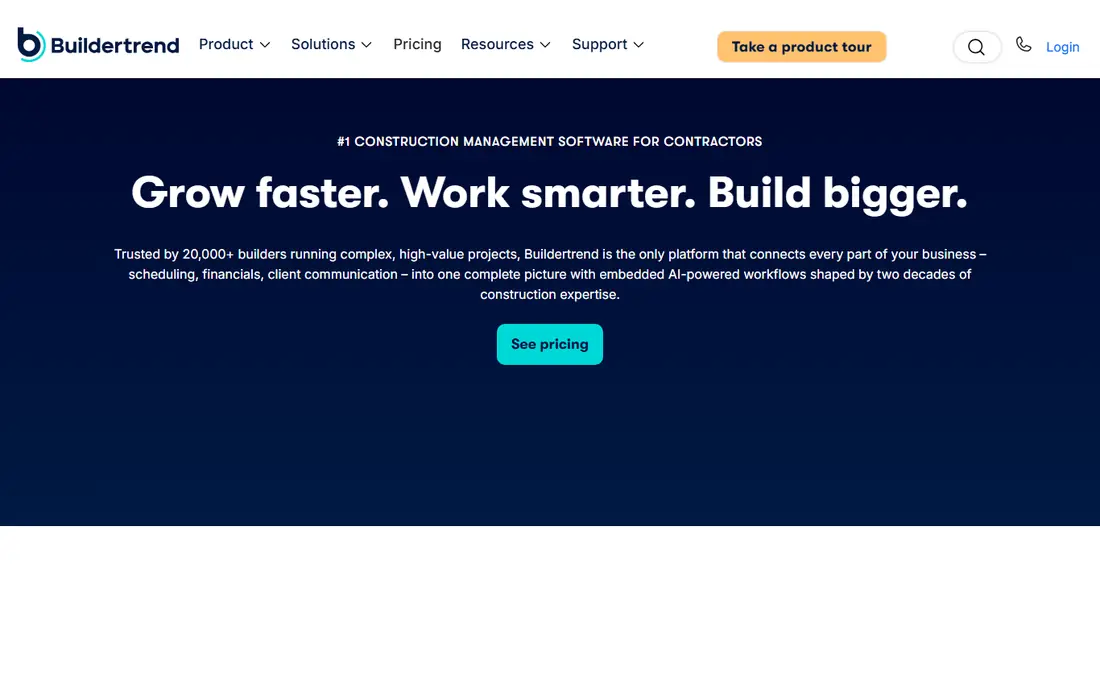
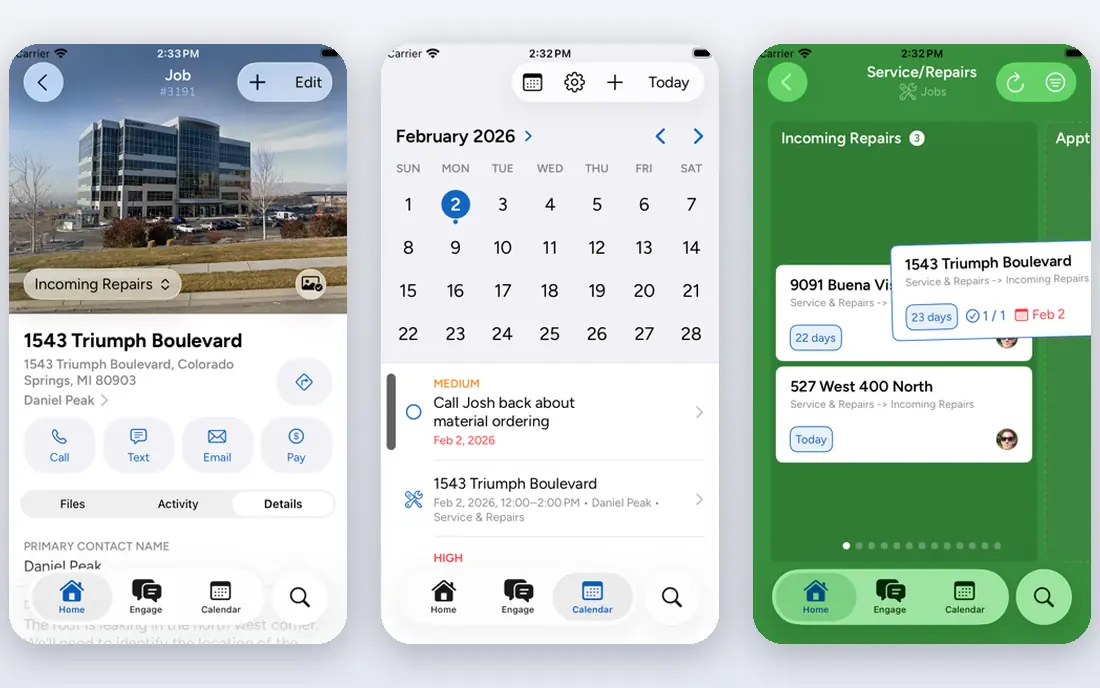
Here is the short version. Buildertrend suits builders and remodelers who need projects, schedules, budgets and client updates in one place. It fits readers who want home builders and remodelers, and its published feature set matches that promise rather than trying to cover every possible use case at once. When we weighed it against the rest of this list, the balance of price, scope and support stood out for that group, and the public reviews we read pointed in the same direction for that use case. The price picture is see website, with a free plan status of free trial. Small crews may find the setup heavier than a simple job tool, so trial it on one live project first. Before you sign up, check the current plan limits on the official site, because caps on users, usage or features are where most buyers get surprised after the first month, and a plan that looks cheap can cost more once you add the seats or volume you actually need.
- Project management
- Client communication
- Scheduling and budgets
- Price is quoted for many plans
- Learning curve for small crews
JobNimbus
Ideal for: Roofing and home service contractors
Start here if you want the safe default. JobNimbus fits roofing and exterior contractors who need leads, jobs and invoices tracked from the field. It fits readers who want roofing and home service contractors, and its published feature set matches that promise rather than trying to cover every possible use case at once. When we weighed it against the rest of this list, the balance of price, scope and support stood out for that group, and the public reviews we read pointed in the same direction for that use case. The price picture is see website, with a free plan status of free trial. Remodelers who need design or showroom tools should pair it with another product or look at Buildertrend instead. Before you sign up, check the current plan limits on the official site, because caps on users, usage or features are where most buyers get surprised after the first month, and a plan that looks cheap can cost more once you add the seats or volume you actually need.
- CRM and job tracking
- Invoicing
- Mobile app for field crews
- Best for roofing and exterior trades
- Fewer design features than Houzz Pro
JobTread
Ideal for: Remodelers and builders who want job costing
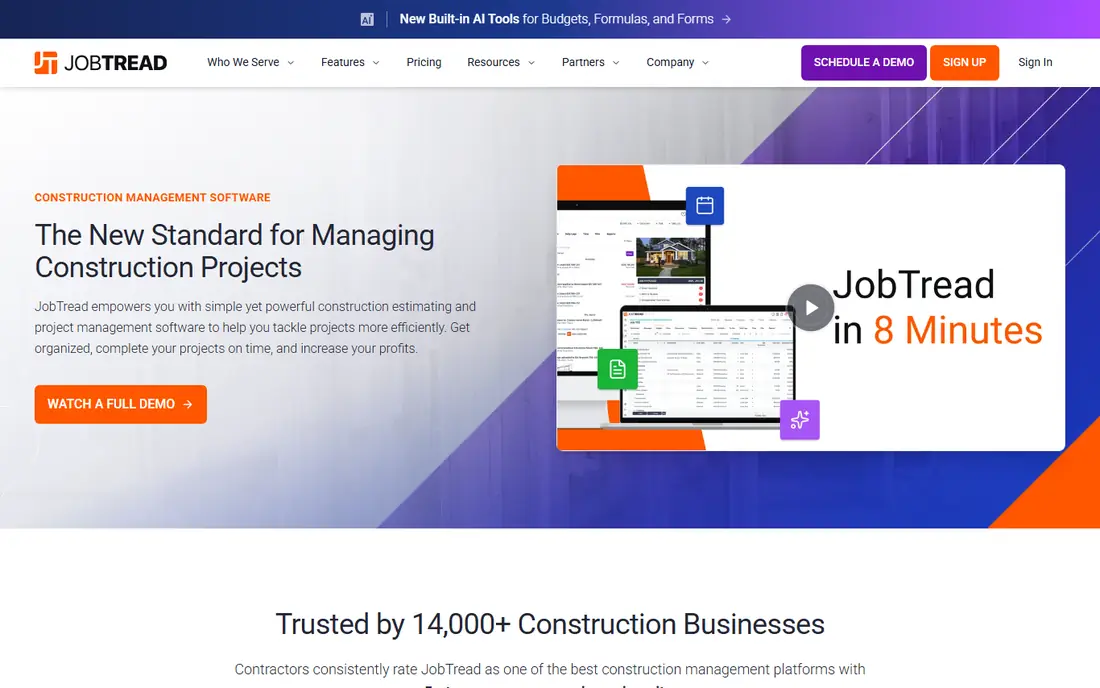
This one suits a specific kind of reader. JobTread appeals to remodelers who care about job costs first, with budgets and actuals kept close to daily work. It fits readers who want remodelers and builders who want job costing, and its published feature set matches that promise rather than trying to cover every possible use case at once. When we weighed it against the rest of this list, the balance of price, scope and support stood out for that group, and the public reviews we read pointed in the same direction for that use case. The price picture is see website, with a free plan status of free trial. Costing setup takes attention at the start, so bring a real past job to the trial to test it properly. Before you sign up, check the current plan limits on the official site, because caps on users, usage or features are where most buyers get surprised after the first month, and a plan that looks cheap can cost more once you add the seats or volume you actually need.
- Job costing
- Budgets
- Scheduling
- Client portal
- Newer brand than some rivals
- Setup needs care on costing
AccuLynx
Ideal for: Roofing contractors and job management
Consider this if the top picks do not fit. AccuLynx is built around roofing workflows, from lead to measurements to job tracking, which general tools handle less neatly. It fits readers who want roofing contractors and job management, and its published feature set matches that promise rather than trying to cover every possible use case at once. When we weighed it against the rest of this list, the balance of price, scope and support stood out for that group, and the public reviews we read pointed in the same direction for that use case. The price picture is see website, with a free plan status of free trial. General contractors and remodelers will find parts of it too roofing-specific, so check fit before you buy. Before you sign up, check the current plan limits on the official site, because caps on users, usage or features are where most buyers get surprised after the first month, and a plan that looks cheap can cost more once you add the seats or volume you actually need.
- Roofing job management
- Aerial measurements
- CRM
- Roofing focus limits general remodelers
- Price is quoted
Buildxact
Ideal for: Small builders and trade contractors
A strong option for a narrower need. Buildxact suits small builders who want estimating and job management without enterprise complexity. It fits readers who want small builders and trade contractors, and its published feature set matches that promise rather than trying to cover every possible use case at once. When we weighed it against the rest of this list, the balance of price, scope and support stood out for that group, and the public reviews we read pointed in the same direction for that use case. The price picture is see website, with a free plan status of free trial. Larger firms with complex reporting may outgrow it, but for small teams the simplicity is the point. Before you sign up, check the current plan limits on the official site, because caps on users, usage or features are where most buyers get surprised after the first month, and a plan that looks cheap can cost more once you add the seats or volume you actually need.
- Estimating
- Job management
- Client communication
- Smaller ecosystem than Buildertrend
- Fewer enterprise features
CoConstruct
Ideal for: Custom builders and remodelers
Worth a close look before you decide. CoConstruct is known for client selections and communication, which helps custom builders keep choices and changes clear. It fits readers who want custom builders and remodelers, and its published feature set matches that promise rather than trying to cover every possible use case at once. When we weighed it against the rest of this list, the balance of price, scope and support stood out for that group, and the public reviews we read pointed in the same direction for that use case. The price picture is see website, with a free plan status of free trial. Since it sits within Buildertrend now, confirm the current product plan before you commit to a long contract. Before you sign up, check the current plan limits on the official site, because caps on users, usage or features are where most buyers get surprised after the first month, and a plan that looks cheap can cost more once you add the seats or volume you actually need.
- Client selections
- Budgets
- Scheduling
- Communication
- Now part of Buildertrend, so future plans may change
- Pricing is quoted
Thryv
Ideal for: Small service businesses and client management
This belongs on the shortlist for a reason. Thryv suits small service firms that need clients, payments and online presence handled together. It fits readers who want small service businesses and client management, and its published feature set matches that promise rather than trying to cover every possible use case at once. When we weighed it against the rest of this list, the balance of price, scope and support stood out for that group, and the public reviews we read pointed in the same direction for that use case. The price picture is see website, with a free plan status of free trial. Builders who need deep job costing and scheduling should prefer a construction-first tool from this list. Before you sign up, check the current plan limits on the official site, because caps on users, usage or features are where most buyers get surprised after the first month, and a plan that looks cheap can cost more once you add the seats or volume you actually need.
- CRM
- Invoicing
- Online presence
- Client messaging
- Less construction-specific than rivals
- Job costing is lighter
Leap
Ideal for: Contractors who need sales and estimating
Do not overlook this one. Leap helps contractors close jobs with fast proposals, estimates and digital contracts in the field. It fits readers who want contractors who need sales and estimating, and its published feature set matches that promise rather than trying to cover every possible use case at once. When we weighed it against the rest of this list, the balance of price, scope and support stood out for that group, and the public reviews we read pointed in the same direction for that use case. The price picture is see website, with a free plan status of free trial. It is not a full project management replacement, so pair it with a job tool if you need deep scheduling and costing. Before you sign up, check the current plan limits on the official site, because caps on users, usage or features are where most buyers get surprised after the first month, and a plan that looks cheap can cost more once you add the seats or volume you actually need.
- Sales proposals
- Estimating
- Digital contracts
- Sales focus means project management is lighter
- Price is quoted
How we picked these
We started from official feature pages and pricing pages, then checked app store listings, privacy policies and public reviews to confirm each product still works and still fits the topic. Products that could not be verified, or that only partly matched the topic, were left out, even when they were well known. We favoured a mix of established leaders and strong smaller options, and we weighted price transparency, a usable free tier or trial, and honest limits more heavily than marketing claims. No product on this list paid for its place, and our pick for most people is the one we would suggest to a friend with ordinary needs and an ordinary budget.
How to choose contractor software without overbuying
Start with your trade and your biggest pain point, because roofing, remodeling and general contracting need different tools. If leads and jobs are the mess, a CRM and job tracker helps most. If costs are the mess, pick a tool with strong job costing and budgets. If client communication is the mess, prioritise a client portal and selection tools. Then test the mobile app with your field crew, since office software that crews avoid will not help. Check invoicing, payments and accounting links, and confirm whether pricing is per user or per job. Trial the top two on a live job before you move your whole pipeline.
Frequently asked questions
What is the best Houzz Pro alternative?
Buildertrend is the strongest all-rounder for builders and remodelers, JobNimbus suits roofing contractors, and JobTread suits teams that care most about job costing. The right pick depends on your trade.
Is Houzz Pro only for remodelers?
Houzz Pro targets home professionals, but the tools here range from roofing to general contracting, so pick by trade rather than by brand familiarity.
Do these tools handle leads and clients?
Yes, most include a CRM, client portal or messaging, but depth varies. Buildertrend and Thryv are stronger on client communication, while JobTread is stronger on costing.
Can small crews afford contractor software?
Many offer trials and tiered pricing, and Buildxact and Thryv target smaller firms. Get a quote for your crew size rather than judging by headline pricing.
What about estimating and invoicing?
Buildxact and Leap lead on estimating and proposals, while JobNimbus and Buildertrend cover invoicing within job management. Check whether estimates flow into budgets and invoices without retyping.