Consensus is the first pick on this list for searching peer-reviewed literature with AI. Listed starting prices: Elicit from $11 per user per month. If your case is different, Elicit suits evidence synthesis and research decisions and Scholarcy suits Summarizing research and organizing knowledge. The other 2 tools in the list cover narrower or pricier cases.
If you are comparing Humata, this page covers 5 tools in one place: what each is best for, what it costs to start, whether it has a free plan, and the main limit to know about.
Key takeaways
This list starts with Consensus, which is built for searching peer-reviewed literature with AI.
For the cheapest start, look at Elicit: $11 per user per month.
Only Scholarcy offers a free plan among these 5 tools.
For AI chat inside a connected workspace, Notion AI is worth a look.
Best for: Searching peer-reviewed literature with AI
Pick Consensus if this describes you: searching peer-reviewed literature with AI. If your questions concern a specific contract or report, a PDF chat tool is the better match.
From a buyer's view, Consensus is an AI academic search engine centered on peer-reviewed literature, described on its homepage as a research operating system for finding, organizing and analyzing science quicker. On top of that, the emphasis is on discovery and organization of published research. Check the vendor site for Consensus pricing; none is listed in this comparison. On free options: Not stated.
The main drawbacks: Restricted to academic literature use cases. What Consensus does well: Find.
Best for: Evidence synthesis and research decisions
In short, Elicit is for evidence synthesis and research decisions. For everyday document questions, Elicit's research orientation may be more than you need. It also assumes a workflow built around evidence gathering instead of casual reading.
Elicit is an AI research assistant centred on decision-making and evidence. That makes it a good fit for researchers, analysts and policy teams who require structured thinking across plenty of sources instead of a single PDF conversation. Pick Elicit when the task is synthesis and reasoning across literature, not fast summarization of one file. Price to start with Elicit: $11 per user per month. On free options: Free trial.
Points against: Oriented to research instead of general documents.
Best for: Summarizing research and organizing knowledge
Scholarcy is built with Summarizing research and organizing knowledge in mind. Scholarcy presents itself as a way to summarize anything, understand complicated research and organize knowledge. It is a reasonable Humata alternative when summarization and knowledge organization matter more than back-and-forth chat.
Scholarcy is less about open-ended conversation with a document and more about producing summaries and structured notes. As for the details, teams needing shared workspaces or direct Q&A may prefer other choices. No starting price is listed for Scholarcy here; confirm pricing on the vendor site. Scholarcy has a free plan.
Where it falls short: Less conversational than chat tools.
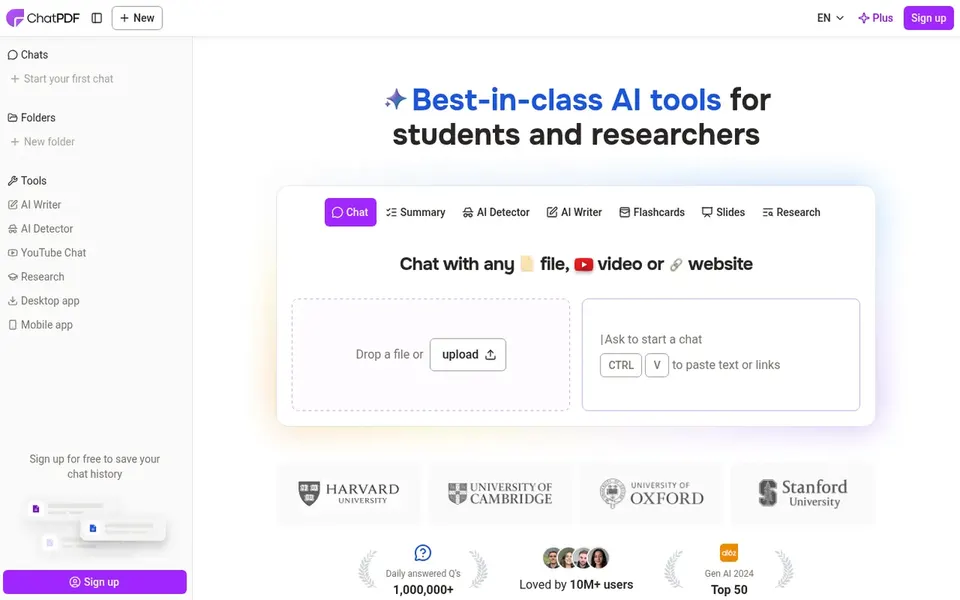
ChatPDF serves quick chat and summaries of PDFs. Its homepage flags summarizing, chatting and analyzing as core actions, making it a natural starting point for anyone who primarily wants to ask questions of a report, contract or article.
Check the vendor site for ChatPDF pricing; none is listed in this comparison. Free access: Not stated.
Points against: Restricted fit for deep academic synthesis.
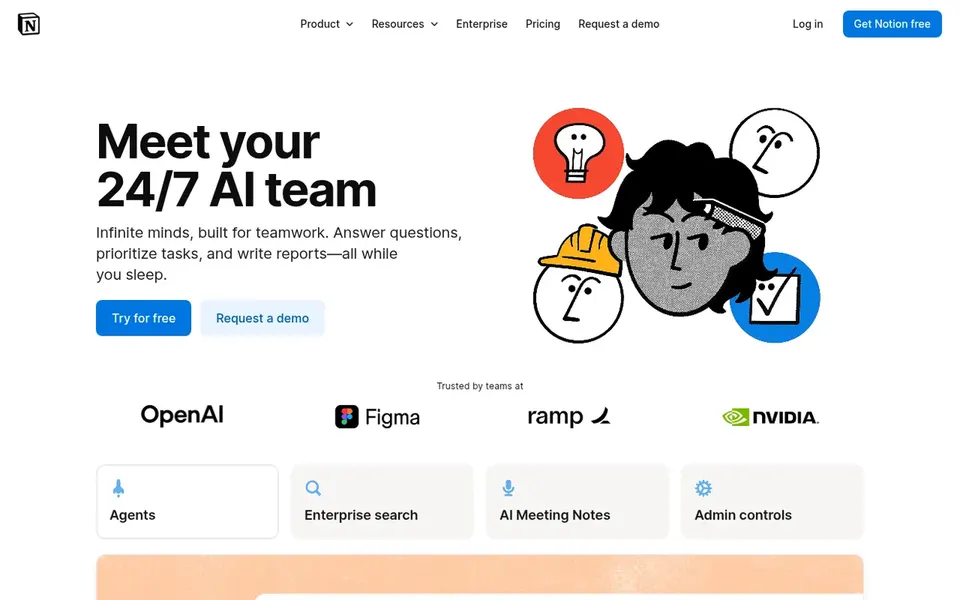
Where Notion AI fits: AI chat inside a connected workspace. If your central need is uploading a PDF and interrogating it straight, a PDF-first tool will feel more direct.
The main drawbacks: Not a dedicated PDF chat experience.
Choose it when consolidating notes, writing and AI chat in one place matters more than single-document depth. This comparison lists no price for Notion AI; ask the vendor. Free plan details: Not stated.
Get a written quote from Consensus, Scholarcy, ChatPDF and Notion AI; the list shows no starting price for them.
Test the free plan from Scholarcy against your real workload before relying on it.
Take the trial from Elicit and push a live task through it before you pay.
Before choosing Consensus, weigh its main limit: restricted to academic literature use cases.
Price Notion AI for your actual team size; headline prices rarely include add-ons or overage.
Read the plan comparison for Scholarcy carefully; key features often start on a higher tier.
How we picked
Pricing pages, product documentation and feature lists were the main sources, and every entry carries at least one honest drawback. Where a vendor does not publish a price, the entry says quote. Where a price depends on seats or billing term, the entry says so. The ranking is editorial: typical fit first, then clear pricing, then free access. If your needs are unusual, read the profiles rather than relying on position. The same method was used for each of the 5 Humata alternatives picks on this page.
Every price and plan detail on this page comes from the vendors’ own websites. We did not run hands-on tests unless the text says so, and we do not publish star ratings or review scores. See how we score and our disclosure.
Keep your shortlist in one place
Paste prices, trial dates and notes from this guide into Ainotely, our AI note app. It files them into a topic and pulls out tasks like “cancel trial by Friday”. Free 7-day trial, no card needed.
What is the cheapest option for Humata in this list?
On published monthly entry prices, Elicit is the lowest here at $11 per user per month. Entry price is only part of the cost, because seats, add-ons and billing terms can change the total.
Which options for Humata have a free plan?
Scholarcy is the only tool in this list with a free plan. Free plans usually cap users, projects or features, so check the limits on the vendor page. One other tool offers a trial instead.
Can I try these tools before paying?
Often, yes. Scholarcy has a free plan and Elicit offers a free trial. Use your own data and a real task during the test, and check what the free tier or trial limits before you rely on it.
Do these tools publish their prices?
Not all of them. Consensus, Scholarcy, ChatPDF and Notion AI publish no starting price, so expect a quote request for those. The rest, Elicit included, show a starting price, though seats and billing terms still change the final cost.