Best Ibm Security Maas360 Alternatives in 2026: 8 Options Compared

- 1
 Microsoft IntuneMicrosoft 365 organisationsVisit
- 2
 Jamf ProApple device managementVisit
- 3
 VMware Workspace ONEmixed device estatesVisit
- 4
 Hexnodeaffordable multi-platform MDMVisit
- 5
 KandjiApple management with automationVisit
- Microsoft Intune is the natural pick for organisations already using Microsoft 365, with deep Windows and mobile management in one console.
- Jamf Pro and Kandji lead for Apple-only estates, while Mosyle offers strong Apple management at a lower price.
- VMware Workspace ONE, Hexnode and SOTI suit mixed estates with Windows, Apple and Android devices to manage.
- Ivanti Neurons fits larger IT teams that want device management combined with broader endpoint security.
Quick comparison
| Product | Ideal for | Price from | Free version | |
|---|---|---|---|---|
| Microsoft Intune | Microsoft 365 organisations | See website | Free trial | Visit |
| Jamf Pro | Apple device management | See website | Free trial | Visit |
| VMware Workspace ONE | mixed device estates | See website | Free trial | Visit |
| Hexnode | affordable multi-platform MDM | See website | Free trial | Visit |
| Kandji | Apple management with automation | See website | Free trial | Visit |
 Mosyle | affordable Apple management | See website | Yes | Visit |
 SOTI MobiControl | rugged and Android device management | See website | Free trial | Visit |
 Ivanti Neurons | endpoint management and security | See website | Free trial | Visit |
The best Ibm Security Maas360 Alternatives
Here are our picks for the best ibm security maas360 alternatives, covering a mix of well-known leaders and strong smaller options. We compared official feature pages, pricing pages, app-store listings, privacy policies and public reviews to build this list.
Microsoft Intune
Ideal for: Microsoft 365 organisations
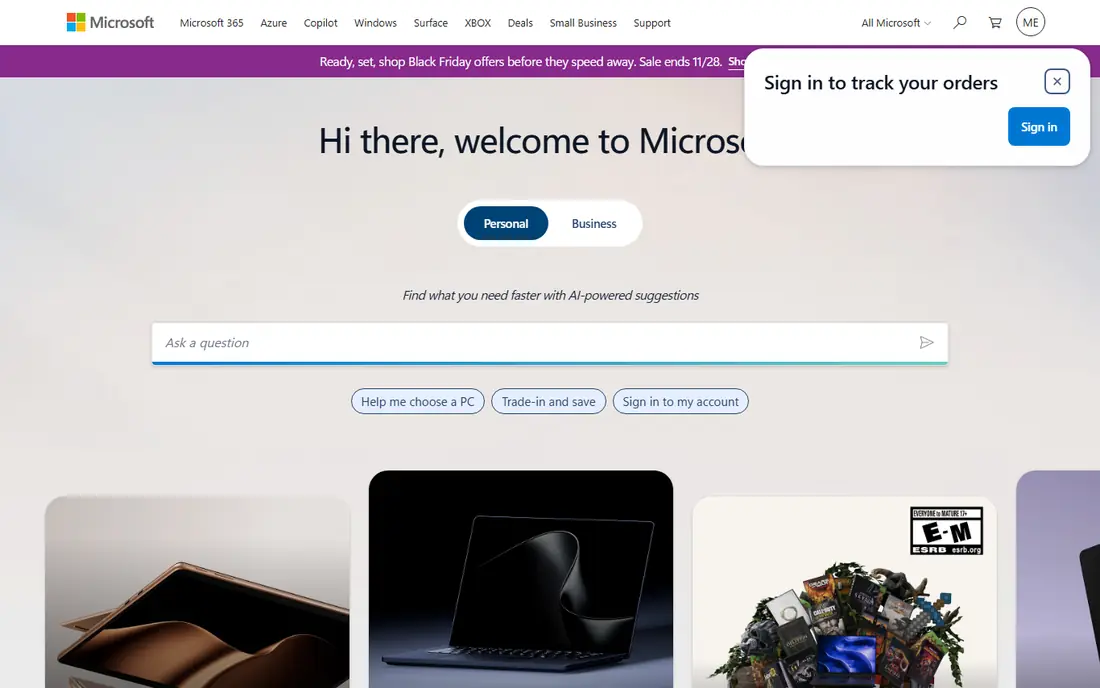
Microsoft Intune is the obvious MaaS360 alternative for organisations already using Microsoft 365. It manages Windows PCs alongside iOS, Android and macOS devices, applies compliance policies, and deploys apps from one console. Integration with Entra ID and Office apps makes user and device management feel joined up.
The admin interface covers a lot, which can feel complex for new administrators, and the best value comes as part of a Microsoft 365 bundle. Organisations outside the Microsoft ecosystem may prefer a standalone tool. For Microsoft shops, Intune is the natural choice.
Bottom line: Microsoft Intune suits Microsoft 365 organisations best. Its strongest point is deep Microsoft 365 integration, while the main drawback to weigh is interface can feel complex. Check the current pricing page before deciding, since plans and limits change.
- Deep Microsoft 365 integration
- Manages Windows and mobile
- Strong compliance policies
- Interface can feel complex
- Best value inside Microsoft 365
Jamf Pro
Ideal for: Apple device management
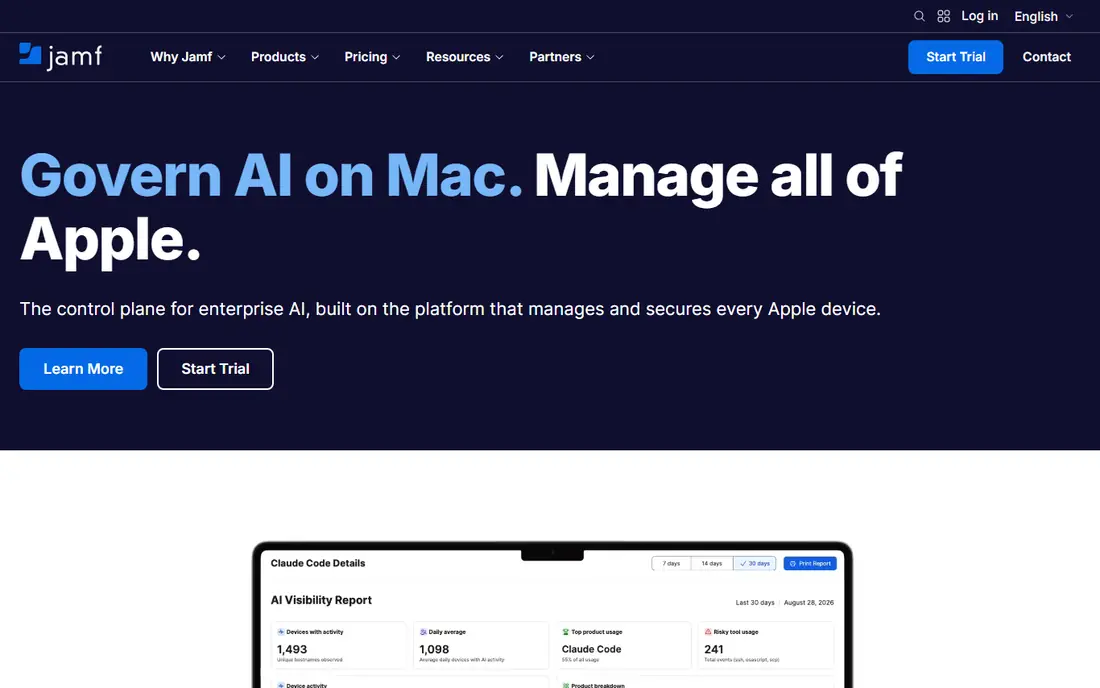
Jamf Pro is the leading tool for managing Apple devices, with deep support for macOS, iOS and iPadOS. It handles enrolment, app deployment, configuration and security policies with Apple-specific depth that general tools rarely match. Organisations that standardise on Apple will find it the most capable option.
It manages Apple devices only, so mixed estates need another tool for Windows and Android. Pricing is per device, which adds up for large fleets. For Apple-first organisations, Jamf Pro is the benchmark.
Bottom line: Jamf Pro suits Apple device management best. Its strongest point is deepest Apple management, while the main drawback to weigh is apple only. Check the current pricing page before deciding, since plans and limits change.
- Deepest Apple management
- Strong app deployment
- Large Apple community
- Apple only
- Pricing is per device
VMware Workspace ONE
Ideal for: mixed device estates
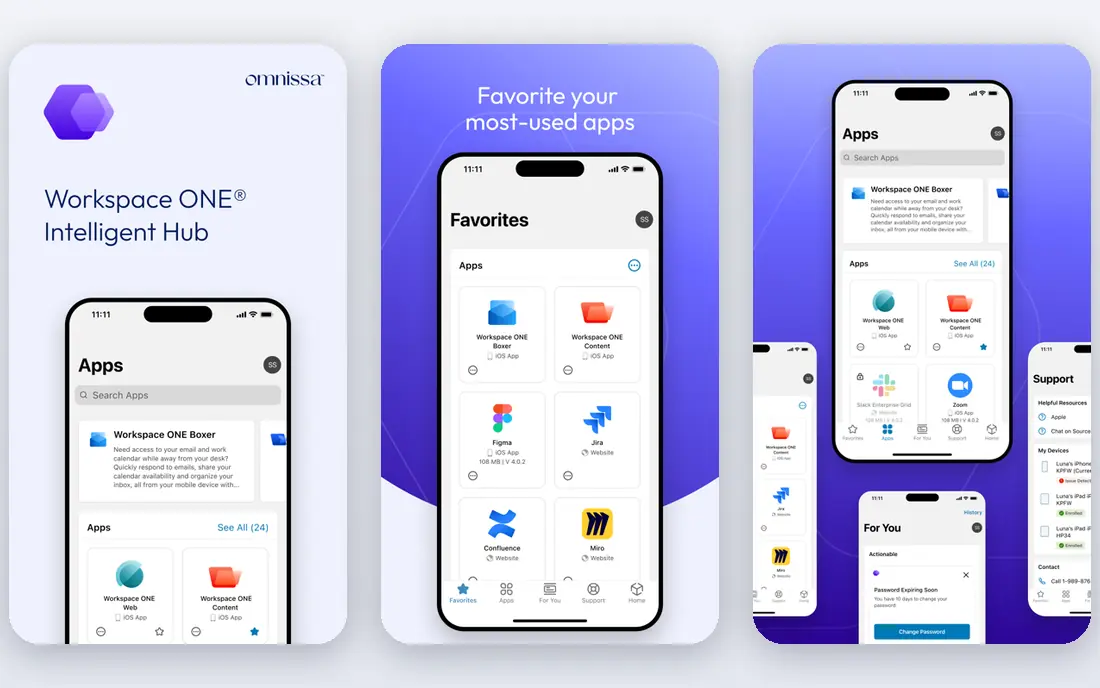
VMware Workspace ONE, now part of Omnissa, manages Windows, macOS, iOS and Android devices with app management and access controls in one platform. It suits large organisations with mixed estates and complex security needs, and its scale is proven in enterprise deployments.
Pricing and implementation reflect that enterprise focus, and the move to Omnissa means buyers should confirm current product names. Smaller teams may find simpler tools better value. For large mixed estates, Workspace ONE remains a major platform.
Bottom line: VMware Workspace ONE suits mixed device estates best. Its strongest point is broad platform support, while the main drawback to weigh is pricing and setup reflect enterprise focus. Check the current pricing page before deciding, since plans and limits change.
- Broad platform support
- App and access management
- Enterprise scale
- Pricing and setup reflect enterprise focus
- Product naming has changed
Hexnode
Ideal for: affordable multi-platform MDM
Hexnode offers multi-platform device management at a price that suits smaller and mid-size teams. It covers iOS, Android, Windows and macOS, with enrolment, app deployment and policy management that are straightforward to set up. The pricing tiers are clear, which helps budgeting.
It has fewer enterprise extras than the largest platforms, such as deep analytics and advanced automation. Teams that need those features may look elsewhere. For a capable, affordable MDM without enterprise complexity, Hexnode is a strong pick.
Bottom line: Hexnode suits affordable multi-platform MDM best. Its strongest point is good platform coverage, while the main drawback to weigh is fewer enterprise extras than Intune or Workspace ONE. Check the current pricing page before deciding, since plans and limits change.
- Good platform coverage
- Clear pricing tiers
- Easy enrolment
- Fewer enterprise extras than Intune or Workspace ONE
Kandji
Ideal for: Apple management with automation
Kandji manages Apple devices with a focus on automation, handling updates, app deployment and compliance checks with minimal manual work. Its interface is clean, and its compliance templates help teams meet common security frameworks. Apple-focused teams value how much it handles automatically.
It is Apple only, so mixed estates need another solution, and pricing is per device. For organisations that run on Apple hardware and want management that largely runs itself, Kandji is an excellent alternative.
Bottom line: Kandji suits Apple management with automation best. Its strongest point is strong Apple automation, while the main drawback to weigh is apple only. Check the current pricing page before deciding, since plans and limits change.
- Strong Apple automation
- Clean interface
- Good compliance tools
- Apple only
- Pricing is per device
Mosyle
Ideal for: affordable Apple management
Mosyle provides Apple device management at a price that undercuts Jamf Pro and Kandji, with a free tier for small setups. It covers enrolment, app deployment and policies for macOS, iOS and iPadOS, and its interface is approachable for smaller IT teams.
It is Apple only, and the most advanced features sit on higher tiers. For schools and small businesses that run Apple devices and need solid management on a budget, Mosyle is the value pick.
Bottom line: Mosyle suits affordable Apple management best. Its strongest point is good value for Apple teams, while the main drawback to weigh is apple only. Check the current pricing page before deciding, since plans and limits change.
- Good value for Apple teams
- Free tier for small setups
- Easy deployment
- Apple only
- Advanced features need higher tiers
SOTI MobiControl
Ideal for: rugged and Android device management
SOTI MobiControl is known for managing Android devices, including rugged handhelds used in logistics, retail and field service. It handles enrolment, app management, remote support and lockdown for fleets that general MDM tools handle less well. Organisations with specialised devices benefit most.
The interface feels enterprise rather than simple, and pricing is quoted. Office-focused teams may prefer a simpler tool. For fleets of Android and rugged devices, SOTI is a specialist worth considering.
Bottom line: SOTI MobiControl suits rugged and Android device management best. Its strongest point is strong Android and rugged device support, while the main drawback to weigh is interface feels enterprise. Check the current pricing page before deciding, since plans and limits change.
- Strong Android and rugged device support
- Good for field and retail fleets
- Interface feels enterprise
- Pricing is quoted
Ivanti Neurons
Ideal for: endpoint management and security
Ivanti Neurons combines device management with endpoint security data, helping IT teams see device health, patch status and security risks together. It supports major platforms and suits larger IT teams that want management and security insight in one place.
Pricing and implementation reflect its enterprise focus, and smaller teams may find it more than they need. For large IT departments that want a unified endpoint view, Ivanti Neurons is a capable MaaS360 alternative.
Bottom line: Ivanti Neurons suits endpoint management and security best. Its strongest point is combines device management with security insights, while the main drawback to weigh is enterprise pricing. Check the current pricing page before deciding, since plans and limits change.
- Combines device management with security insights
- Broad platform support
- Enterprise pricing
- Implementation takes time
How we picked these
We started from the original product and what people use it for, then compared official feature pages, pricing pages, app-store listings, privacy policies and public reviews for each candidate. We kept only products that exist, work in October 2026 and genuinely fit the topic, and we left out products that were discontinued, unrelated or too thin to recommend.
We weighed fit for the topic first, then price and free options, ease of setup and the honest downsides that show up in reviews and documentation. Prices are given as listed on the vendor's own site where we could verify them, and we wrote See website where a price was quoted, unclear or likely to change by plan.
We also left out products that no longer exist, that have been folded into a different product, or that only partly fit the topic. A longer list would have been easier to write, but a list padded with poor fits helps nobody choose, so we kept the list to products we can genuinely recommend for this use.
How to choose a device management tool
Start with the devices you actually manage. Apple-only teams get the best results from Apple-focused tools, while mixed estates need a platform that handles Windows, macOS, iOS and Android equally well. A tool that is weak on one platform will create manual work for that device group.
Next, check enrolment and app deployment. Devices should enrol with minimal IT effort, and apps and policies should reach devices reliably. Test enrolment on each platform during a trial, since a smooth demo does not guarantee a smooth rollout.
Finally, check security and compliance features. Remote wipe, encryption enforcement, compliance policies and reporting all matter, especially for regulated industries. Confirm the tool meets your compliance needs before committing to a full rollout.
Test with your own data, not sample data. A tool can look excellent on demo content and still struggle with your volume, formats or edge cases, so load a realistic slice of your own work during the trial. Pay attention to speed, error messages and how easy it is to fix a mistake.
Think about who else must use it. A tool chosen by one person often fails when the wider team finds it confusing or slow, so invite two or three colleagues to try the shortlist and note where they get stuck. Their feedback is worth more than any feature checklist.
Frequently asked questions
What is the best MaaS360 alternative?
Microsoft Intune is the best pick for Microsoft 365 organisations, while Jamf Pro leads for Apple-focused teams. Hexnode and Workspace ONE are strong choices for mixed device estates.
Is there a free MDM tool?
Most business MDM tools are paid, though some offer free tiers for very small numbers of devices. Apple Business Manager and Android zero-touch enrolment are free services that help with setup, but they are not full management tools.
Can one tool manage Apple and Android devices?
Yes. Intune, Workspace ONE, Hexnode and SOTI all manage multiple platforms, though depth varies. Apple-focused tools manage Apple devices best but offer limited Android support.
How hard is it to switch MDM providers?
Switching requires re-enrolling devices, which takes planning and user communication. Allow a phased rollout, and keep the old system running until devices have moved over.
Do MDM tools work for small businesses?
Yes, though pricing and complexity vary. Mosyle and Hexnode offer simpler plans for smaller teams, while Intune suits small businesses already paying for Microsoft 365.
Can I try these options before paying?
Yes, in most cases. Nearly every option on this list offers a free tier or a free trial, and we note that in the comparison table and in each product block. Use the trial for real work rather than a quick look, and check the renewal price before the trial ends so there are no surprises.