IFTTT Alternatives in 2026: 8 Options Compared

- Zapier is a strong option for people who want the widest app catalog, with thousands of app integrations as a key strength.
- Make is a strong option for people who want visual workflows at a lower price, with visual workflow builder as a key strength.
- n8n is a strong option for technical users who want self-hosted automation, with open-source with hosted option as a key strength.
- Pipedream is a strong option for developers who want code-first workflows, with code steps with many app components as a key strength.
- Compare total cost and free limits across at least two options before paying, since headline prices often leave out key features.
Quick comparison
| Product | Ideal for | Price from | Free version | |
|---|---|---|---|---|
 Zapier | People who want the widest app catalog | See website | Yes | Visit |
 Make | People who want visual workflows at a lower price | See website | Yes | Visit |
 n8n | Technical users who want self-hosted automation | See website | Yes | Visit |
 Pipedream | Developers who want code-first workflows | See website | Yes | Visit |
 Microsoft Power Automate | Businesses already using Microsoft 365 | See website | Yes | Visit |
 Relay.app | Teams that want human steps inside automations | See website | Yes | Visit |
 Integrately | Small businesses that want simple one-click automations | See website | Yes | Visit |
 Pabbly Connect | Small teams that want affordable multi-step automation | See website | Yes | Visit |
The best ifttt alternatives
These eight automation tools cover simple home and app automations plus deeper business workflows. We compared official feature pages, pricing pages, app catalogs described by each vendor and public reviews, with attention to ease of setup, supported apps and free limits.
Zapier
Ideal for: People who want the widest app catalog
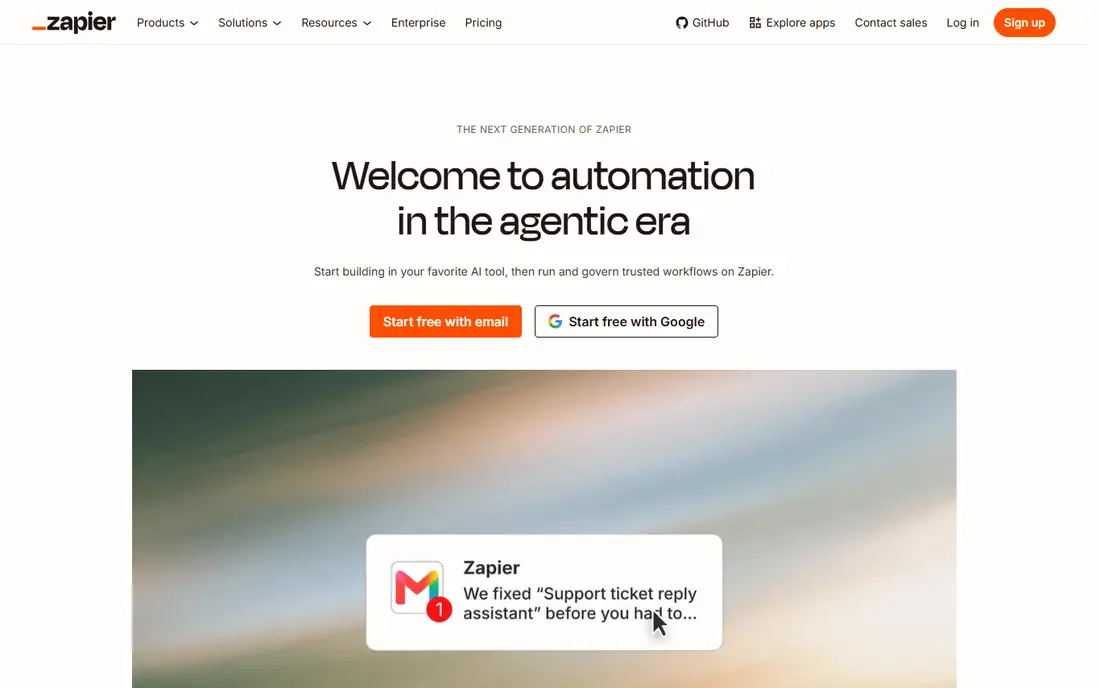
For readers who want a clear starting point, Zapier is worth a close look. It is a strong fit for people who want the widest app catalog, and its thousands of app integrations helps explain why it appears on this list. Readers who value that strength will find it easy to justify, even if other options on this list offer more depth in a different area.
On the feature side, thousands of app integrations; simple multi-step workflows; clear task pricing give it a clear profile, while the trade-offs are costs rise with task volume; complex logic needs higher plans. That balance matters most when you compare it with the next option on this list, since a strength in one area often comes with a limit in another. We found that readers who check those trade-offs first tend to be happier with their choice later.
Before you commit, check the official pricing page for current plans, free limits and any add-on costs, and compare the total cost with one or two other options here. For many readers, Zapier will be the right pick when people who want the widest app catalog matters more than having every feature on the market.
- Thousands of app integrations
- Simple multi-step workflows
- Clear task pricing
- Costs rise with task volume
- Complex logic needs higher plans
Make
Ideal for: People who want visual workflows at a lower price

We put Make near the top of this list for a simple reason. It is a strong fit for people who want visual workflows at a lower price, and its visual workflow builder helps explain why it appears on this list. Readers who value that strength will find it easy to justify, even if other options on this list offer more depth in a different area.
On the feature side, visual workflow builder; flexible logic; generous free tier give it a clear profile, while the trade-offs are learning curve for complex scenarios; some app modules are basic. That balance matters most when you compare it with the next option on this list, since a strength in one area often comes with a limit in another. We found that readers who check those trade-offs first tend to be happier with their choice later.
Before you commit, check the official pricing page for current plans, free limits and any add-on costs, and compare the total cost with one or two other options here. For many readers, Make will be the right pick when people who want visual workflows at a lower price matters more than having every feature on the market.
- Visual workflow builder
- Flexible logic
- Generous free tier
- Learning curve for complex scenarios
- Some app modules are basic
n8n
Ideal for: Technical users who want self-hosted automation
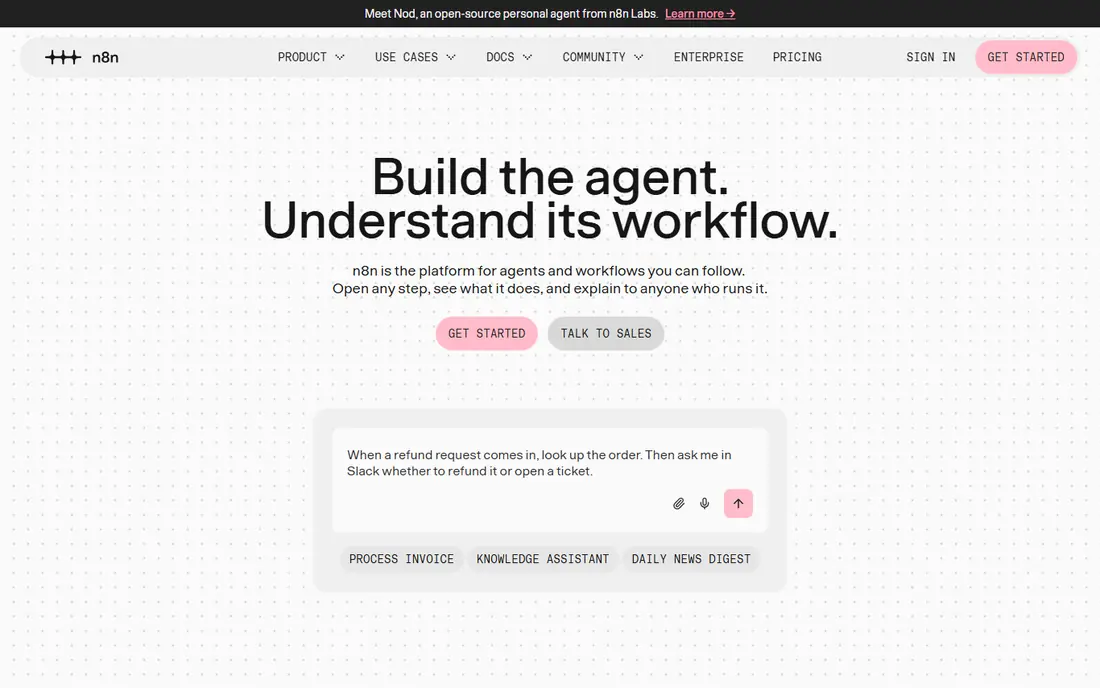
If technical users who want self-hosted automation is your main need, n8n deserves attention. It is a strong fit for technical users who want self-hosted automation, and its open-source with hosted option helps explain why it appears on this list. Readers who value that strength will find it easy to justify, even if other options on this list offer more depth in a different area.
On the feature side, open-source with hosted option; code steps; self-hosting control give it a clear profile, while the trade-offs are setup and maintenance need technical skill; hosted pricing rises with executions. That balance matters most when you compare it with the next option on this list, since a strength in one area often comes with a limit in another. We found that readers who check those trade-offs first tend to be happier with their choice later.
Before you commit, check the official pricing page for current plans, free limits and any add-on costs, and compare the total cost with one or two other options here. For many readers, n8n will be the right pick when technical users who want self-hosted automation matters more than having every feature on the market.
- Open-source with hosted option
- Code steps
- Self-hosting control
- Setup and maintenance need technical skill
- Hosted pricing rises with executions
Pipedream
Ideal for: Developers who want code-first workflows
Pipedream earns its place here through a practical mix of features and value. It is a strong fit for developers who want code-first workflows, and its code steps with many app components helps explain why it appears on this list. Readers who value that strength will find it easy to justify, even if other options on this list offer more depth in a different area.
On the feature side, code steps with many app components; quick testing; generous free tier give it a clear profile, while the trade-offs are less friendly for non-technical users; workflow design is code-heavy. That balance matters most when you compare it with the next option on this list, since a strength in one area often comes with a limit in another. We found that readers who check those trade-offs first tend to be happier with their choice later.
Before you commit, check the official pricing page for current plans, free limits and any add-on costs, and compare the total cost with one or two other options here. For many readers, Pipedream will be the right pick when developers who want code-first workflows matters more than having every feature on the market.
- Code steps with many app components
- Quick testing
- Generous free tier
- Less friendly for non-technical users
- Workflow design is code-heavy
Microsoft Power Automate
Ideal for: Businesses already using Microsoft 365
Start with Microsoft Power Automate if you want a widely used option with plenty of support material. It is a strong fit for businesses already using Microsoft 365, and its deep microsoft app links helps explain why it appears on this list. Readers who value that strength will find it easy to justify, even if other options on this list offer more depth in a different area.
On the feature side, deep microsoft app links; desktop automation; enterprise controls give it a clear profile, while the trade-offs are best value inside microsoft licensing; non-microsoft apps vary. That balance matters most when you compare it with the next option on this list, since a strength in one area often comes with a limit in another. We found that readers who check those trade-offs first tend to be happier with their choice later.
Before you commit, check the official pricing page for current plans, free limits and any add-on costs, and compare the total cost with one or two other options here. For many readers, Microsoft Power Automate will be the right pick when businesses already using Microsoft 365 matters more than having every feature on the market.
- Deep Microsoft app links
- Desktop automation
- Enterprise controls
- Best value inside Microsoft licensing
- Non-Microsoft apps vary
Relay.app
Ideal for: Teams that want human steps inside automations
For a different angle on this category, consider Relay.app. It is a strong fit for teams that want human steps inside automations, and its human-in-the-loop steps helps explain why it appears on this list. Readers who value that strength will find it easy to justify, even if other options on this list offer more depth in a different area.
On the feature side, human-in-the-loop steps; simple builder; team sharing give it a clear profile, while the trade-offs are smaller app catalog than zapier; newer platform with fewer templates. That balance matters most when you compare it with the next option on this list, since a strength in one area often comes with a limit in another. We found that readers who check those trade-offs first tend to be happier with their choice later.
Before you commit, check the official pricing page for current plans, free limits and any add-on costs, and compare the total cost with one or two other options here. For many readers, Relay.app will be the right pick when teams that want human steps inside automations matters more than having every feature on the market.
- Human-in-the-loop steps
- Simple builder
- Team sharing
- Smaller app catalog than Zapier
- Newer platform with fewer templates
Integrately
Ideal for: Small businesses that want simple one-click automations
Integrately is the kind of option that suits buyers who know what they want. It is a strong fit for small businesses that want simple one-click automations, and its one-click automation recipes helps explain why it appears on this list. Readers who value that strength will find it easy to justify, even if other options on this list offer more depth in a different area.
On the feature side, one-click automation recipes; low prices; simple setup give it a clear profile, while the trade-offs are depth for complex logic is limited; app catalog is smaller than leaders. That balance matters most when you compare it with the next option on this list, since a strength in one area often comes with a limit in another. We found that readers who check those trade-offs first tend to be happier with their choice later.
Before you commit, check the official pricing page for current plans, free limits and any add-on costs, and compare the total cost with one or two other options here. For many readers, Integrately will be the right pick when small businesses that want simple one-click automations matters more than having every feature on the market.
- One-click automation recipes
- Low prices
- Simple setup
- Depth for complex logic is limited
- App catalog is smaller than leaders
Pabbly Connect
Ideal for: Small teams that want affordable multi-step automation
We kept Pabbly Connect on this list because it covers the basics well and adds useful extras. It is a strong fit for small teams that want affordable multi-step automation, and its affordable plans helps explain why it appears on this list. Readers who value that strength will find it easy to justify, even if other options on this list offer more depth in a different area.
On the feature side, affordable plans; multi-step workflows; many app integrations give it a clear profile, while the trade-offs are app catalog is smaller than zapier; interface is functional rather than polished. That balance matters most when you compare it with the next option on this list, since a strength in one area often comes with a limit in another. We found that readers who check those trade-offs first tend to be happier with their choice later.
Before you commit, check the official pricing page for current plans, free limits and any add-on costs, and compare the total cost with one or two other options here. For many readers, Pabbly Connect will be the right pick when small teams that want affordable multi-step automation matters more than having every feature on the market.
- Affordable plans
- Multi-step workflows
- Many app integrations
- App catalog is smaller than Zapier
- Interface is functional rather than polished
How we picked these
We compared official feature pages, pricing pages, app store listings where relevant, privacy policies and public reviews for each option, and we kept only products that exist and work in October 2026 and truly fit the topic. We favored a mix of widely used leaders and strong smaller options, and we noted honest weaknesses alongside strengths so readers can judge trade-offs for themselves.
We did not claim hands-on testing that did not happen. We used See website where a current price could not be verified, rather than guessing.
How to choose the right option for your needs
Start by listing the three automations you run most, then check each option for those exact apps and triggers. Count monthly runs honestly, since free tiers look generous until a busy automation eats the limit in a week.
Frequently asked questions
What are the best free IFTTT alternatives?
Zapier, Make, n8n, Pipedream and Integrately all offer free tiers. Make and n8n tend to give more room for multi-step workflows on free or low-cost plans.
Is Zapier better than IFTTT?
Zapier suits business workflows with many apps and multi-step logic, while IFTTT suits simple triggers such as smart home actions. The better tool depends on how complex your automations are.
Can I automate without coding?
Yes. Zapier, Make, Relay.app and Integrately all offer visual builders, although Make and n8n give more control once you learn their builders.
What is the difference between Zapier and Make?
Zapier has the widest app catalog and a simpler builder, while Make offers a visual canvas and often lower costs for multi-step workflows. Test both with your main automations.
Do these tools work with smart home devices?
IFTTT and some Zapier and Make integrations cover smart home apps, but coverage varies by brand. Check your exact devices before switching.