InDesign Alternatives in 2026: 8 Tools Compared

- 1
 Affinity PublisherProfessional layout softwareVisit
- 2
 CanvaEasy design platformVisit
- 3
 ScribusFree desktop publishingVisit
- 4
 QuarkXPressProfessional layout veteranVisit
- 5
 LucidpressBrowser-based layout toolVisit
- Affinity Publisher is the closest professional rival, with a one-time purchase instead of a subscription.
- Canva and Adobe Express suit fast, design-led layouts without layout expertise.
- Scribus is the best free option for print layout, though its interface is dated.
- QuarkXPress remains a professional layout veteran with a loyal publishing base.
- Lucidpress, VistaCreate, and Swift Publisher cover simpler brochures, flyers, and booklets.
Quick comparison
| Product | Ideal for | Price from | Free version | |
|---|---|---|---|---|
| Affinity Publisher | Professional layout software | See website | No | Visit |
| Canva | Easy design platform | Free | Yes | Visit |
| Scribus | Free desktop publishing | Free | Yes | Visit |
| QuarkXPress | Professional layout veteran | See website | No | Visit |
| Lucidpress | Browser-based layout tool | See website | Yes | Visit |
 VistaCreate | Easy design and layout | Free | Yes | Visit |
 Adobe Express | Quick Adobe design tool | Free | Yes | Visit |
 Swift Publisher | Mac page layout app | See website | Free trial | Visit |
The best InDesign alternatives
Our comparison drew on official feature and pricing pages, app store listings, privacy policies, and public reviews. The notes below give each option a fair hearing, including where it falls short.
Affinity Publisher
Ideal for: Professional layout software

If Professional layout software is the job, start here: it offers professional layout tools with a one-time purchase instead of a subscription. StudioLink integration with Designer and Photo speeds up mixed projects. It fits readers who want a practical option without a long setup, and it pairs well with the other choices on this list for comparison.
The honest catch is that the ecosystem is smaller, and InDesign import varies by file. Pricing is quoted rather than published as a single list price, so check the vendor site for the current figure for your setup. That balance of strengths and limits is what kept it on the list, even though it is not the right pick for every reader.
- Professional layout tools
- One-time purchase
- StudioLink
- Smaller ecosystem
- InDesign import varies
Canva
Ideal for: Easy design platform
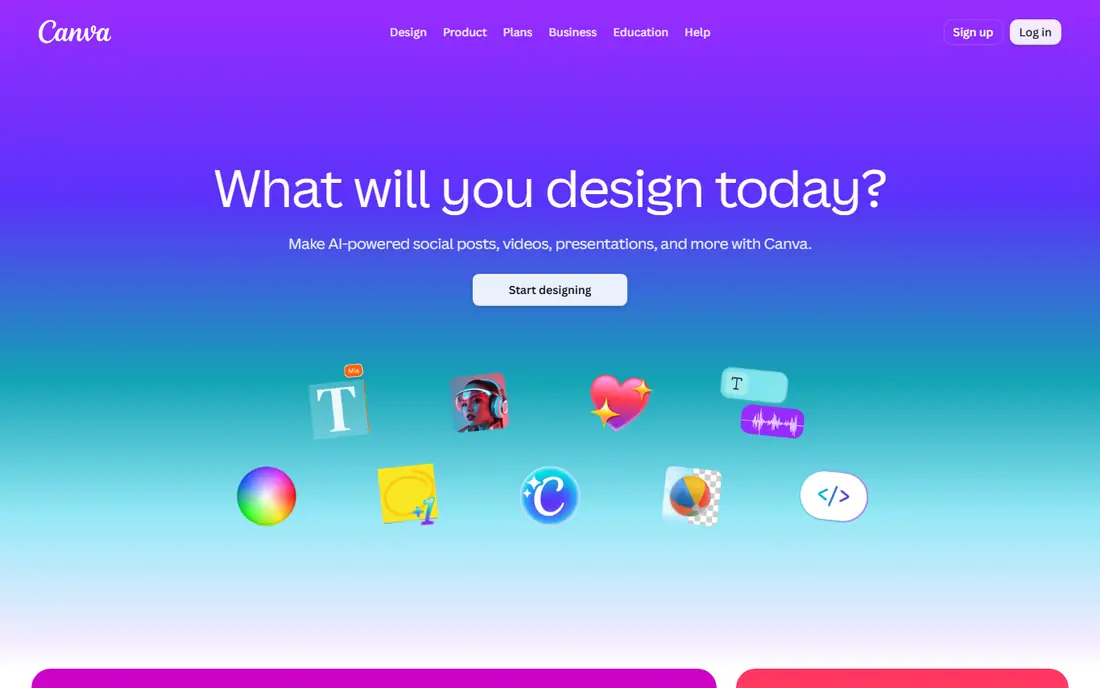
This option suits Easy design platform well, since it offers huge templates with easy sharing and collaboration for layouts. That ease suits teams that need a good-looking layout fast. It fits readers who want a practical option without a long setup, and it pairs well with the other choices on this list for comparison.
What holds it back a little is that layout precision is lower than professional tools, and print controls are basic. There is no charge for the core product, though paid upgrades exist in most cases. That balance of strengths and limits is what kept it on the list, even though it is not the right pick for every reader.
- Huge templates
- Easy sharing
- Collaboration
- Layout precision is lower
- Print controls are basic
Scribus
Ideal for: Free desktop publishing
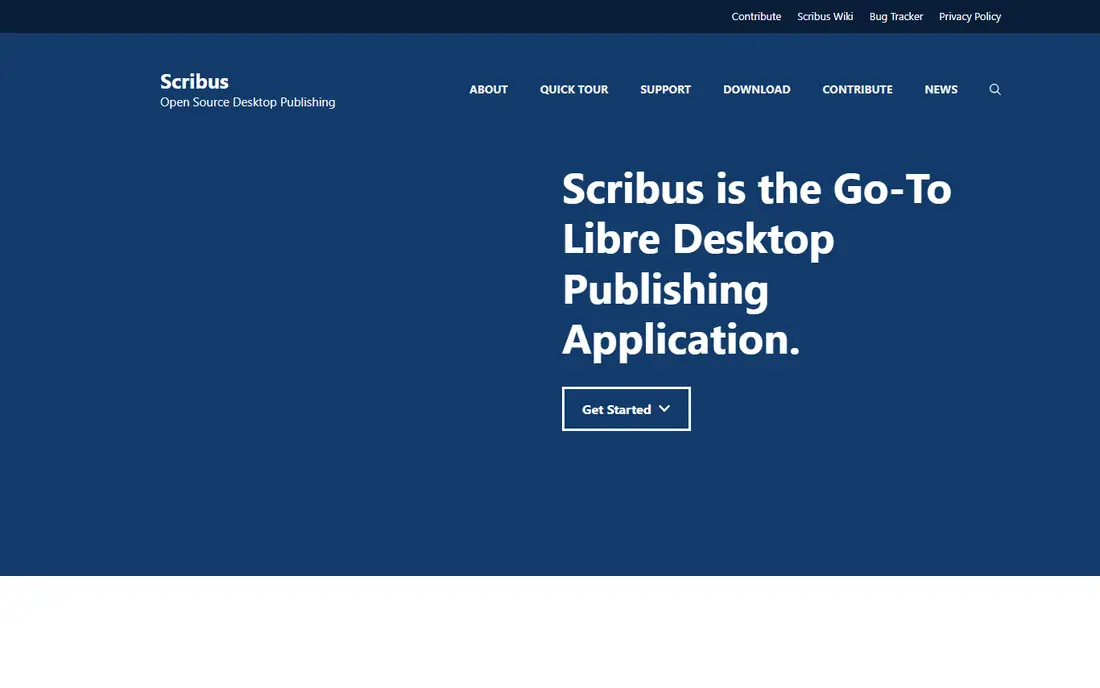
Buyers focused on Free desktop publishing will find a lot to like, as it offers free print layout with CMYK support for professional printing. That print focus makes it the best free choice for books and magazines. It fits readers who want a practical option without a long setup, and it pairs well with the other choices on this list for comparison.
The downside to weigh is that the interface is dated, and new users face a learning curve. There is no charge for the core product, though paid upgrades exist in most cases. That balance of strengths and limits is what kept it on the list, even though it is not the right pick for every reader.
- Free print layout
- CMYK support
- Open source
- Dated interface
- Learning curve for new users
QuarkXPress
Ideal for: Professional layout veteran
For teams or readers weighing Professional layout veteran, this is a strong candidate because it offers professional layout for print and digital with a long publishing history. That history shows in tools built for real publishing workflows. It fits readers who want a practical option without a long setup, and it pairs well with the other choices on this list for comparison.
Before you commit, note that license cost is higher, and the community is smaller than before. Pricing is quoted rather than published as a single list price, so check the vendor site for the current figure for your setup. That balance of strengths and limits is what kept it on the list, even though it is not the right pick for every reader.
- Professional layout
- Print and digital
- Long history
- Higher license cost
- Smaller community than before
Lucidpress
Ideal for: Browser-based layout tool
When Browser-based layout tool matters most, this option stands out for it offers browser-based layout with templates and brand controls. That browser access suits teams that collaborate online. It fits readers who want a practical option without a long setup, and it pairs well with the other choices on this list for comparison.
One limitation worth knowing is that the free plan is limited, and precision is lower than desktop tools. Pricing is quoted rather than published as a single list price, so check the vendor site for the current figure for your setup. That balance of strengths and limits is what kept it on the list, even though it is not the right pick for every reader.
- Browser layout
- Templates
- Brand controls
- Free plan is limited
- Precision is lower
VistaCreate
Ideal for: Easy design and layout
For Easy design and layout, this one earns a close look because it offers templates for easy design across social and print formats. That template range helps small teams produce flyers and posts fast. It fits readers who want a practical option without a long setup, and it pairs well with the other choices on this list for comparison.
The trade-off is that layout depth is lighter than professional tools, and the free plan has limits. There is no charge for the core product, though paid upgrades exist in most cases. That balance of strengths and limits is what kept it on the list, even though it is not the right pick for every reader.
- Templates
- Easy design
- Social and print formats
- Layout depth is lighter
- Free plan has limits
Adobe Express
Ideal for: Quick Adobe design tool
If Quick Adobe design tool is the job, start here: it offers Adobe templates with easy sharing for quick layouts. That Adobe link suits users who already use Adobe tools. It fits readers who want a practical option without a long setup, and it pairs well with the other choices on this list for comparison.
The honest catch is that it is not a full InDesign replacement, and precision is lower. There is no charge for the core product, though paid upgrades exist in most cases. That balance of strengths and limits is what kept it on the list, even though it is not the right pick for every reader.
- Adobe templates
- Easy sharing
- Adobe link
- Not a full InDesign replacement
- Precision is lower
Swift Publisher
Ideal for: Mac page layout app
This option suits Mac page layout app well, since it offers Mac layout tools with templates and print support. That Mac focus suits small publishers working only on Apple computers. It fits readers who want a practical option without a long setup, and it pairs well with the other choices on this list for comparison.
What holds it back a little is that it is Mac only, and the feature range is smaller than Affinity. Pricing is quoted rather than published as a single list price, so check the vendor site for the current figure for your setup. That balance of strengths and limits is what kept it on the list, even though it is not the right pick for every reader.
- Mac layout tools
- Templates
- Print support
- Mac only
- Smaller feature range
How we picked these
We started from the topic itself and kept only products that exist, work in October 2026, and truly fit what a reader searching this topic would want. We compared official feature pages, pricing pages, app store listings, privacy policies, and public reviews, and we left out products whose pricing or core features we could not verify. Where a price was not published clearly, we wrote See website rather than guessing a figure.
We also gave weight to fit over fame. A well-known name stayed on the list only if it matched the topic, and a smaller option earned a place when it solved the same problem well. We did not claim hands-on testing that did not happen, and we noted honest weaknesses alongside the strengths for every option.
Choosing an InDesign alternative for your layout work
Start with output type. Print books and magazines need CMYK and precise layout, while social posts and flyers need speed and templates. A tool built for one output will frustrate the other job.
Next, check file compatibility. If you receive InDesign files, test how cleanly they import, including fonts, styles, and linked images. Poor import creates rework that cancels any subscription saving.
Finally, test a real project end to end. Lay out a multi-page document, export print-ready files, and check the result with your printer. A demo page hides problems that a real project reveals.
Frequently asked questions
What is the best InDesign alternative?
Affinity Publisher is the best professional alternative, with a one-time purchase. Canva suits fast, simple layouts, while Scribus is the best free option.
Can alternatives open InDesign files?
Affinity Publisher and others can import InDesign files, but fidelity varies by file complexity. Test import with your actual files before switching.
Is Scribus good for professional print?
Yes, Scribus supports CMYK and print workflows, though its interface is dated and learning takes time. It suits budget-conscious publishers.
Do I need InDesign for ebooks?
Not always, since Affinity Publisher and other tools export digital formats. Check the exact export formats your distributor requires.
Is Canva enough for layout work?
Canva covers simple layouts well, but it lacks the precision, styles, and print controls professionals need for long documents.