Top 6 Instagantt Alternatives to Shortlist in 2026

- 1
 AsanaTeams already using AsanaVisit
- 2
 SmartsheetBigger teams and regulated industries that require reportingVisit
- 3
 WrikeMid-sized and bigger teams that require workload viewsVisit
- 4
 GanttPROTeams that want a dedicated standalone Gantt chart toolVisit
- 5
 monday.comTeams that want a Gantt chart inside a wide workVisit
- Asana takes the first slot, best suited to teams already using Asana that want a built-in Gantt timeline view.
- Asana, Wrike, monday.com, ClickUp: these are the 4 tools out of 6 that offer a free plan.
- The lowest published monthly entry price here is $7 per user per month billed annually for Core, checked 17 November, from GanttPRO.
- A fair warning about Smartsheet: no free plan, since the free plan closed to new signups on 28 August 2024, and the interface can feel dated next to newer tools like monday.com or ClickUp.
- ClickUp suits budget-conscious teams that want a free plan and a Gantt chart in one adaptable.
Direct answer
Asana comes first here, mainly for teams already using Asana that want a built-in Gantt timeline view. For a different need, Smartsheet covers bigger teams and regulated industries that require reporting, approvals, and admin controls and Wrike covers mid-sized and bigger teams that require workload views, approvals, and cross-team projects.
Quick comparison
| Product | Ideal for | Price from | Free version | |
|---|---|---|---|---|
| Asana | Teams already using Asana | $10.99 per user a month billed yearly for Starter, $13.49 billed per month, checked 17 November 2026 | Yes | Visit |
| Smartsheet | Bigger teams and regulated industries that require reporting | $9 per member a month billed annually for Pro, $12 billed per month, checked 17 November 2026 | Free trial (30 days) | Visit |
| Wrike | Mid-sized and bigger teams that require workload views | $10 per user a month billed annually for Team, 2 to 15 users, checked 17 November 2026 | Yes | Visit |
| GanttPRO | Teams that want a dedicated standalone Gantt chart tool | $7 per user per month billed annually for Core, checked 17 November 2026 | Free trial (14 days) | Visit |
| monday.com | Teams that want a Gantt chart inside a wide work | $9 per seat a month billed yearly for Basic, $12 billed monthly, 3-seat minimum, checked 17 November 2026 | Yes | Visit |
 ClickUp | Budget-conscious teams that want a free plan and a Gantt | $7 per user a month billed annually for Unlimited, $10 billed per month, checked 17 November 2026 | Yes | Visit |
The full Instagantt list
Choosing Instagantt usually comes down to price, fit and limits. This Ainotely guide sets 6 tools side by side on those three points, with the facts kept short and checkable.
Asana
Ideal for: Teams already using Asana
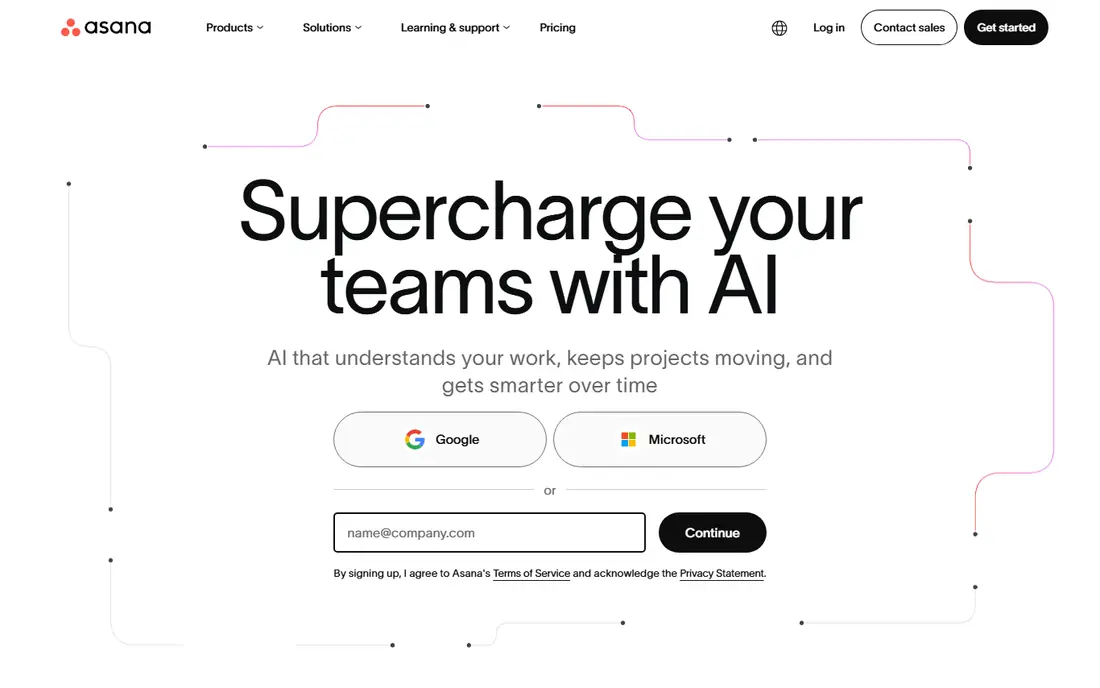
Asana works best for teams already using Asana that want a built-in Gantt timeline view. The Starter plan opens at $10.99 per user a month billed yearly, or $13.49 billed monthly, and brings the timeline Gantt view. More specifically, Asana is the natural alternative for teams already running their work in Asana, since Instagantt itself is built on Asana.
On top of that, Asana spans tasks, projects, portfolios, and reporting in one place, with one of the widest integration libraries. For everyday use, the free plan handles up to 2 users, which fits a pair of collaborators. The starting price for Asana: $10.99 per user per month billed annually for Starter, $13.49 billed monthly,. You can start on Asana without paying.
Points against: The Gantt timeline view opens at the Starter plan, so the free Personal plan cannot replace Instagantt.
- Timeline view is built in instead of bolted on
- Broad integration library
- Costs add up per user on bigger teams
Smartsheet
Ideal for: Bigger teams and regulated industries that require reporting
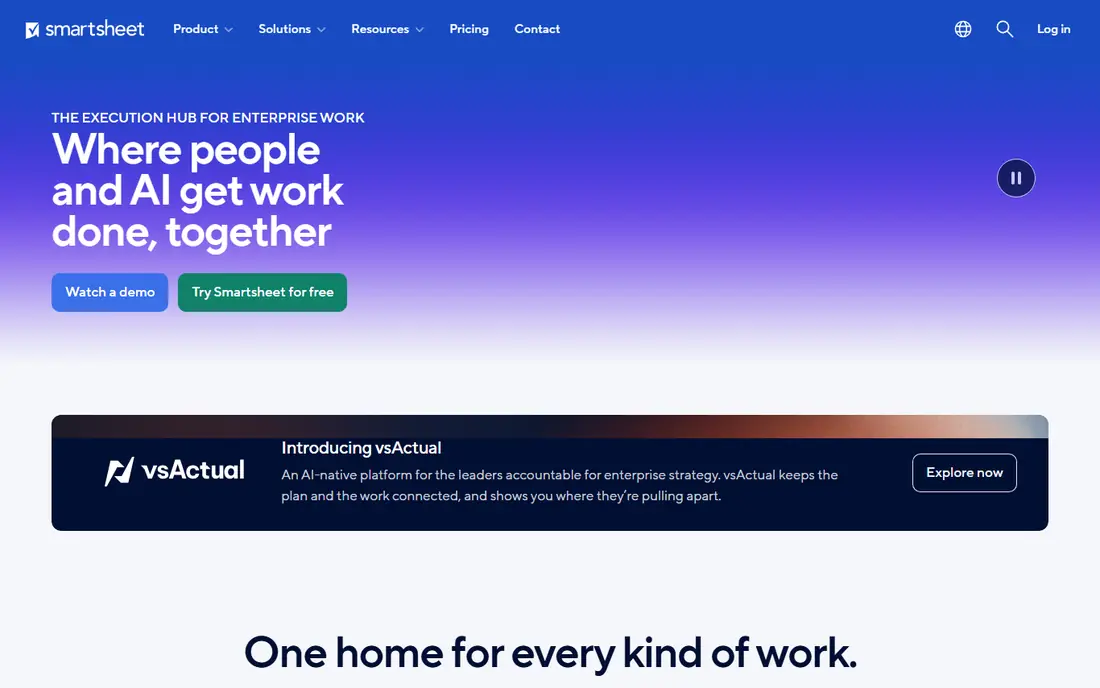
Pick Smartsheet if this describes you: bigger teams and regulated industries that require reporting, approvals, and admin controls. There is no free plan. More specifically, Smartsheet does well for construction, operations, and compliance-heavy teams that require approvals, audit trails, and portfolio views.
Its Gantt charts support dependencies, critical path, and baselines. More specifically, Pro begins at $9 per member a month billed yearly, or $12 billed monthly. The free plan closed to new signups on 28 August 2024, and new users get a 30-day free trial instead. Starting cost for Smartsheet: $9 per member per month billed annually for Pro, $12 billed monthly,. On free options: Free trial (30 days).
Watch-outs: the interface can feel dated next to newer tools like monday.com or ClickUp.
- Feature-rich reporting and dashboards
- Familiar spreadsheet-style grid
- No free plan, since the free plan closed to new signups on 28 August 2024
Wrike
Ideal for: Mid-sized and bigger teams that require workload views
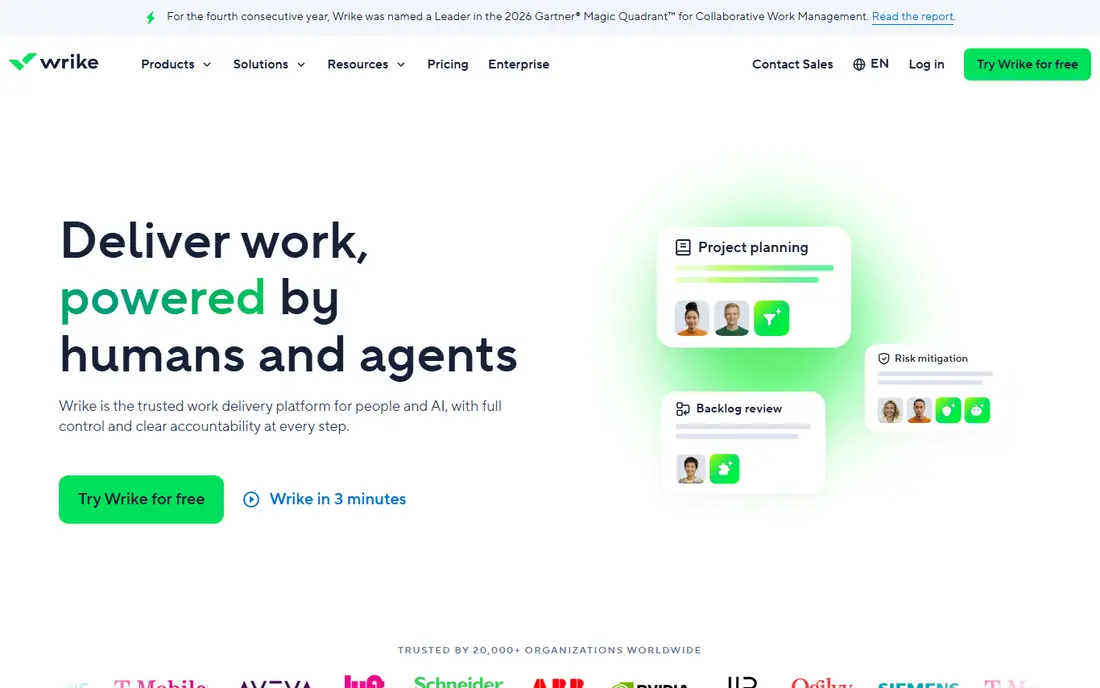
Pick Wrike if this describes you: mid-sized and bigger teams that require workload views, approvals, and cross-team projects. The trade-off is setup time. Wrike is a work management product geared toward mid-sized and bigger teams, and its Gantt charts sit alongside workload views, approvals, and reporting.
Downsides: setup takes more effort than simpler tools like TeamGantt.
For everyday use, the free plan lets unlimited users and 200 active tasks. But it has no Gantt view, so it cannot replace Instagantt on its own. Price to start with Wrike: $10 per user per month billed annually for Team, 2 to 15. You can start on Wrike without paying.
- Scales well across departments
- Solid workload and resource views
- The Gantt view begins at the Team plan, so the free plan cannot replace Instagantt
GanttPRO
Ideal for: Teams that want a dedicated standalone Gantt chart tool
GanttPRO is a good fit for teams that want a dedicated standalone Gantt chart tool with critical path and baselines. It is a dedicated Gantt chart tool, not an add-on to another system.
Limits to weigh: No free plan, so every user needs a premium seat or a trial.
The trade-off is scope, since GanttPRO is not a full work management product, so teams that want docs and chat may need a second system. GanttPRO cost at the entry level: $7 per user per month billed annually for Core, checked 17 November. On free options: Free trial (14 days).
- Critical path and baselines included on every plan
- Clean and focused Gantt interface
- The tool is aimed at planning rather than wide work management
monday.com
Ideal for: Teams that want a Gantt chart inside a wide work
Where monday.com fits: teams that want a Gantt chart inside a wide work management system. monday.com is a work management system first and a Gantt tool second. Its boards include projects, tasks, and CRM, and the Gantt view turns any board into a timeline with dependencies.
The main drawbacks: The Gantt view begins at the Standard plan at $12 per seat a month billed yearly, so the cheapest plan cannot replace Instagantt.
Beyond that, entry-level begins at $9 per seat a month billed yearly, or $12 billed monthly. The main limit is that the Gantt view opens at the Standard plan at $12 per seat a month billed yearly, so buyers who only need a timeline pay more. monday.com pricing: $9 per seat per month billed annually for Basic, $12 billed monthly,. A free plan is available with monday.com.
- Solid templates for plenty of team types
- Refined interface
- Costs rise quick as seats are added
ClickUp
Ideal for: Budget-conscious teams that want a free plan and a Gantt
Choose ClickUp for budget-conscious teams that want a free plan and a Gantt chart in one adaptable system. Unlimited opens at $7 per user a month billed yearly, or $10 billed monthly, and it comes with Gantt charts.
Where it falls short: Some new accounts see the same level renamed Core at $9 per user a month, with changes taking effect at renewal from January 2027, so confirm the level name and price at checkout.
One caveat is that some new accounts see the same tier renamed Core at $9 per user a month, with changes taking effect at renewal from January 2027, so confirm the level name and price at checkout. ClickUp spans tasks, docs, goals, time tracking, and automations, and the Gantt view supports dependencies and milestones. Starting cost for ClickUp: $7 per user per month billed annually for Unlimited, $10 billed monthly,. ClickUp offers a free plan.
- Gantt charts included on premium plans
- Huge range of views and features for the price
- The sheer number of features can overwhelm new users
How much to budget for Instagantt
Instagantt Individual costs $10 a month billed annually, or $12 billed monthly. Both plans contain critical path and baselines, which is ample. From a buyer's view, the free plan is the part buyers most frequently misunderstand.
It is only for Asana users, and it spans up to 3 Asana projects and 1 user. On top of that, standalone accounts do not get a free plan. They get a 7-day free trial with no card needed.
If your team runs on Asana and only needs a timeline for a handful of projects, the free plan may be enough. In daily use, if your team does not use Asana, budget for a premium plan or pick an alternative below with a real free level.
What to look for in Instagantt
A decent Gantt chart tool does more than draw bars on a timeline. If you cannot link tasks and see which ones drive the end date, the chart is only a picture, not a plan. GanttPRO and Instagantt include both on every plan, but multiple rivals reserve them for higher levels.
Next, check workload views. Then look at the price model. If you do not use Asana, a standalone planner saves you a second subscription.
Instagantt cost breakdown
The cheapest per-user plans start at $7 a month billed yearly, whereas flat-rate and enterprise plans run higher. Free plans also differ. Prices were checked 17 November 2026 and can change, so confirm the price at checkout before you buy.
How we chose
Pricing pages, product documentation and feature lists were the main sources, and every entry carries at least one honest drawback. Figures are shown as the vendors publish them. Billing terms, seat minimums and add-ons can change the real cost. We ordered the tools by general fit, then by how clearly pricing is shown, then by free access. A buyer with unusual needs may reorder them.
Things to verify first
- Prices are a starting point; GanttPRO shows $7 per user per month billed annually for Core, checked 17 November to start, so verify what your seat count would cost.
- Read the fine print on the free plans from Asana, Wrike, monday.com and ClickUp; seat, project and feature caps differ.
- Use real work to test the free trial from Smartsheet and GanttPRO, rather than a demo project.
- Read the limits listed for Asana first: the Gantt timeline view starts at the Starter plan, so the free Personal plan cannot replace Instagantt, and costs add up per user on bigger teams.
- A short pilot of ClickUp with your real workflow tells you more than a feature table.
- Check whether the features you need in monday.com sit on the entry plan or only on higher tiers.
Frequently asked questions
Which options for Instagantt have a free plan?
Asana, Wrike, monday.com and ClickUp offer a free plan in this list. Free plans usually cap users, projects or features, so check the limits on the vendor page. Several others offer a trial instead.
How are the tools for Instagantt ordered?
The order follows typical fit for Instagantt, with Asana first and ClickUp last, then price clarity and free access. It is editorial judgement, not a score, so another team could rank the tools differently.
Is Asana the right pick for everyone comparing Instagantt?
No single tool suits every team. Asana comes first because it fits teams already using Asana that want a built-in Gantt timeline view, while Smartsheet suits larger teams and regulated industries that need reporting, approvals, and admin controls and Wrike suits mid-size and larger teams that need workload views, approvals, and cross-team projects. Match the tool to your own size, budget and workflow before deciding.
Can I try these tools before paying?
Often, yes. Asana, Wrike, monday.com and ClickUp have a free plan and Smartsheet and GanttPRO offer a free trial. Use your own data and a real task during the test, and check what the free tier or trial limits before you rely on it.