Best Issuetrak Alternatives in 2026: 8 Options Compared

- 1
 Jira Service ManagementAtlassian service deskVisit
- 2
 ZendeskCustomer support suiteVisit
- 3
 FreshserviceIT service managementVisit
- 4
 ServiceNowEnterprise service platformVisit
- 5
 SpiceworksFree IT help deskVisit
- Jira Service Management suits teams already using Atlassian tools.
- Zendesk fits customer support teams that need a mature ticketing suite.
- Freshservice suits IT teams that want service management without enterprise weight.
- ServiceNow leads for large enterprises with complex service workflows.
Quick comparison
| Product | Ideal for | Price from | Free version | |
|---|---|---|---|---|
| Jira Service Management | Atlassian service desk | Free | Yes | Visit |
| Zendesk | Customer support suite | See website | Free trial | Visit |
| Freshservice | IT service management | Free | Yes | Visit |
| ServiceNow | Enterprise service platform | See website | No | Visit |
| Spiceworks | Free IT help desk | Free | Yes | Visit |
 ManageEngine ServiceDesk Plus | IT service desk plus assets | See website | Free trial | Visit |
 SolarWinds Service Desk | IT service desk with automation | See website | Free trial | Visit |
 SysAid | IT service management suite | See website | Free trial | Visit |
The best issuetrak alternatives
We worked through the options below in detail, comparing what each one does well, where it falls short, and who it suits best. Our pick for most people depends on your budget and your main job, so read the shortlist with your own use case in mind. The order below starts with the strongest all round options and then moves to more specialised picks.
Jira Service Management
Ideal for: Atlassian service desk
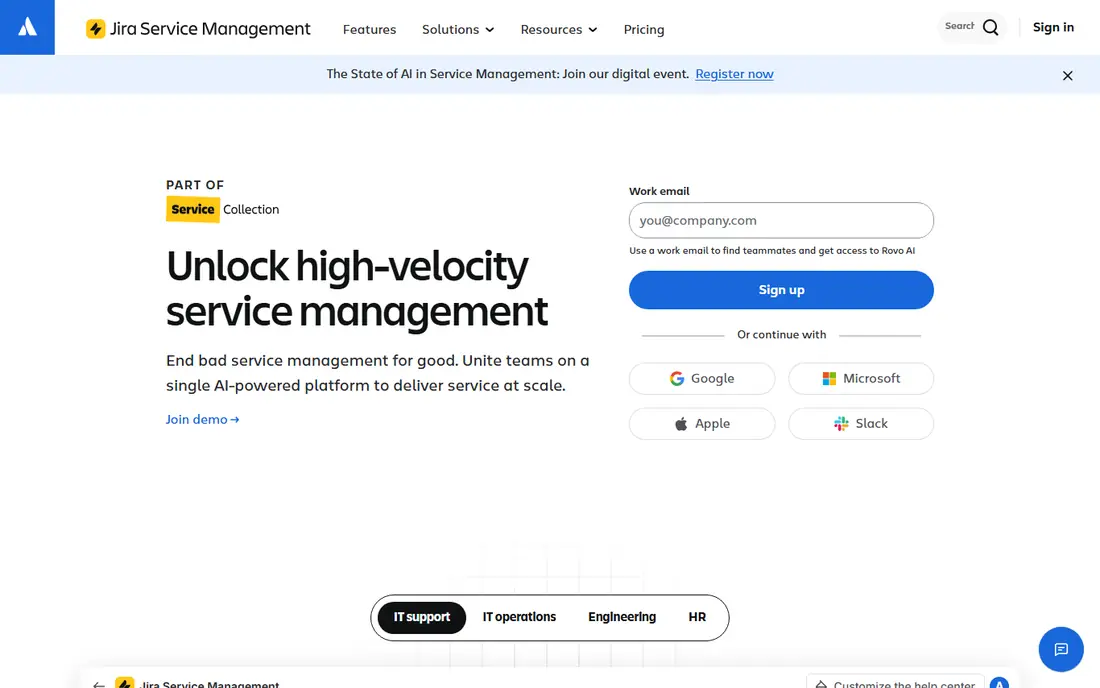
For teams already using Jira for development, Jira Service Management is a strong choice. Its Jira integration links support tickets to development work cleanly. When we compared official feature pages, the difference showed up in everyday use, not in marketing claims, since the tools that look similar on a homepage often behave very differently once you set them up for a real task.
Small teams wanting simple ticketing may prefer Zendesk or Freshdesk. Try it with a real task from your own work before committing, since a short trial reveals friction that no feature list can show. That trade off is worth weighing against your main job, since the best tool on paper is not always the best tool for your team or your budget.
- Ticketing plus asset and change management
- Jira integration
- Setup takes planning
- Interface feels heavy for simple use
Zendesk
Ideal for: Customer support suite
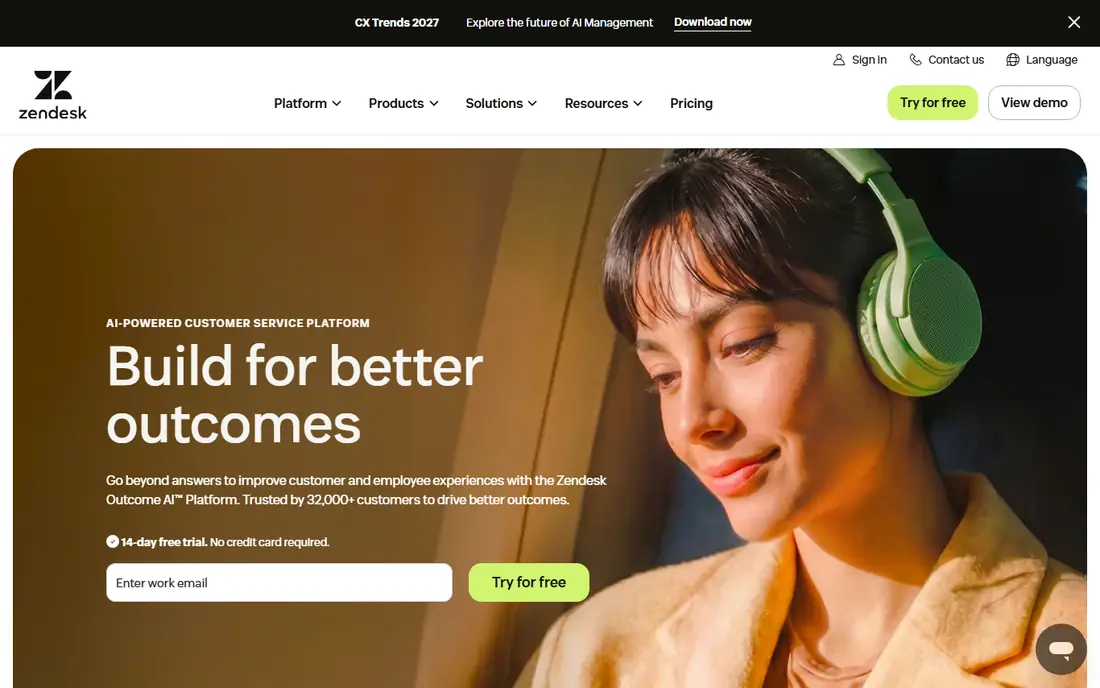
For customer support teams handling many channels, Zendesk is a strong choice. Its omnichannel ticketing keeps email, chat, and social in one queue. We also checked what each vendor says about its own limits, because a tool that is honest about its weak spots is easier to plan around than one that hides them behind a long feature list.
IT focused teams should compare Freshservice or Jira Service Management. Read the current pricing and terms on the vendor site before you buy, since plans and limits change, and the plan you read about last year may not be the plan on sale today. That trade off is worth weighing against your main job, since the best tool on paper is not always the best tool for your team or your budget.
- Mature ticketing
- Omnichannel support
- Analytics
- Pricing scales with agents
- Setup takes time
Freshservice
Ideal for: IT service management
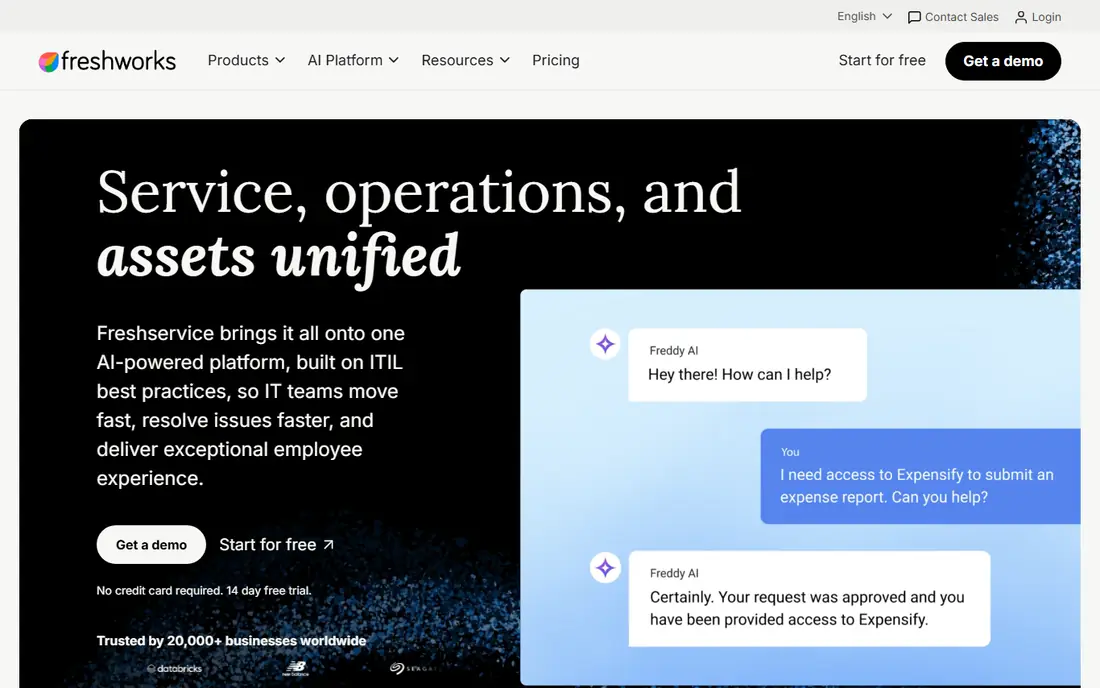
For IT teams that want service management without enterprise complexity, Freshservice is a strong choice. Its balance of features and price suits mid sized IT teams well. In practice, the deciding factor is often fit with tools you already use, so check integrations and export options before you fall for a feature you may rarely touch.
Very large enterprises may need ServiceNow depth. Ask the vendor a direct question during the trial, since the speed and clarity of the answer tell you a lot about the support you will get later. That trade off is worth weighing against your main job, since the best tool on paper is not always the best tool for your team or your budget.
- IT ticketing plus asset management
- Automations
- Fair pricing
- Advanced enterprise features are lighter than ServiceNow
- Pricing scales
ServiceNow
Ideal for: Enterprise service platform
For large enterprises with complex service needs, ServiceNow is a strong choice. Its workflow breadth covers service needs far beyond ticketing. Our comparison also weighed how easy each option is to learn, since a powerful tool that your team avoids is worth less than a simpler one that everyone actually uses every day.
Small teams will find it far heavier and costlier than needed. Check what happens to your data if you leave, since export options and data portability matter most at the moment you decide to switch. That trade off is worth weighing against your main job, since the best tool on paper is not always the best tool for your team or your budget.
- Broad service workflows
- Automation
- Enterprise scale
- Enterprise pricing
- Implementation takes months
Spiceworks
Ideal for: Free IT help desk
For small IT teams on a zero budget, Spiceworks is a strong choice. Its free price makes it an easy start for small IT teams. We paid attention to support and documentation too, because the moment something breaks is when you discover whether a vendor actually helps or just points you at a help page.
Teams needing advanced workflow or SLA tools should compare paid platforms. Talk to one or two existing users if you can, since their experience with support, reliability, and billing is often more useful than any review score. That trade off is worth weighing against your main job, since the best tool on paper is not always the best tool for your team or your budget.
- Free help desk
- Community
- Inventory tools
- Ads supported
- Feature range is narrower than paid tools
ManageEngine ServiceDesk Plus
Ideal for: IT service desk plus assets
For IT teams that want asset management with ticketing, ManageEngine ServiceDesk Plus is a strong choice. Its asset integration keeps device data beside tickets, which aids troubleshooting. Another factor we weighed is how the tool handles growth, since a choice that works for ten users or ten projects can strain badly at a hundred, and switching later costs far more time.
Teams wanting a polished modern console may prefer Freshservice. Start with the smallest plan that covers your needs, since upgrading later is easy, while paying for unused capacity from day one is money you will not get back. That trade off is worth weighing against your main job, since the best tool on paper is not always the best tool for your team or your budget.
- IT ticketing plus asset management
- Affordable editions
- Interface feels busy
- Some features need higher editions
SolarWinds Service Desk
Ideal for: IT service desk with automation
For IT teams that want automation with ticketing, SolarWinds Service Desk is a strong choice. Its automation reduces manual ticket handling for common requests. We also looked at how clearly each vendor explains its pricing, since hidden limits on users, volume, or features are a common source of surprise bills after the first month.
Customer support teams should compare Zendesk instead. If your team will use it daily, involve them in the trial, since a tool chosen by one person and imposed on everyone else rarely gets adopted well. That trade off is worth weighing against your main job, since the best tool on paper is not always the best tool for your team or your budget.
- Ticketing plus automation
- Asset discovery
- Reporting
- Pricing varies
- Setup takes planning
SysAid
Ideal for: IT service management suite
For IT teams that want ticketing plus patching together, SysAid is a strong choice. Its patching link helps IT teams fix device issues from tickets directly. Finally, we considered longevity, because a tool from a stable vendor with regular updates is a safer home for your work than a promising newcomer that may change direction.
Small teams wanting simple ticketing may prefer Freshdesk or Spiceworks. Keep a note of the renewal date and the cancellation steps when you subscribe, since that small habit prevents unwanted renewals and surprise charges. That trade off is worth weighing against your main job, since the best tool on paper is not always the best tool for your team or your budget.
- Ticketing plus asset and patch management
- Automations
- Interface takes learning
- Pricing varies
How we picked these
We compared official feature pages, pricing pages, app store listings, privacy policies, and public reviews for each option, and we only listed products that exist and work in October 2026 and truly fit the topic. Where we could not verify a current price from the vendor, we wrote See website rather than guessing. We did not claim hands-on testing we did not do, and we weighed honest weaknesses alongside strengths, since a roundup that only praises its picks does not help anyone decide. We also checked that each product homepage loads and belongs to the product named, and we dropped or replaced any product whose homepage failed that check. Prices and free tiers were taken from vendor pages where we could verify them, and marked See website where we could not, so readers should confirm current pricing before buying.
How to choose a help desk platform
Start with the audience: customers, staff, or both, since customer support and IT service tools differ. Next, check channels, because email only teams need less than omnichannel teams. Test ticket workflow with real tickets, including escalation and SLA rules, and confirm reporting answers the questions managers actually ask. Finally, compare pricing per agent at your real team size, since agent pricing grows quickly.
Frequently asked questions
What is the closest alternative to Issuetrak?
Freshservice and Jira Service Management are closest for IT focused teams, while Zendesk suits customer support. Large enterprises should compare ServiceNow.
What is the difference between a help desk and ITSM?
A help desk handles tickets, while ITSM adds asset, change, and problem management around ticketing. IT teams usually need ITSM, while customer support teams need a help desk.
How long does help desk setup take?
Simple cloud tools can go live in days, while enterprise platforms take weeks or months. The timeline depends on workflow complexity and data migration.
Can I migrate tickets from Issuetrak?
Most platforms support ticket import from CSV or API, so export your ticket history first. Confirm the import format with the new vendor during a trial.